



How to activate
- Install Steam and sign in to your account (a free account is enough).
- In the top menu choose Games → Activate a Product on Steam…
- Enter your key exactly as shown in your order (with dashes) and confirm. The game appears in your library.
About
Renovate your Zoo!
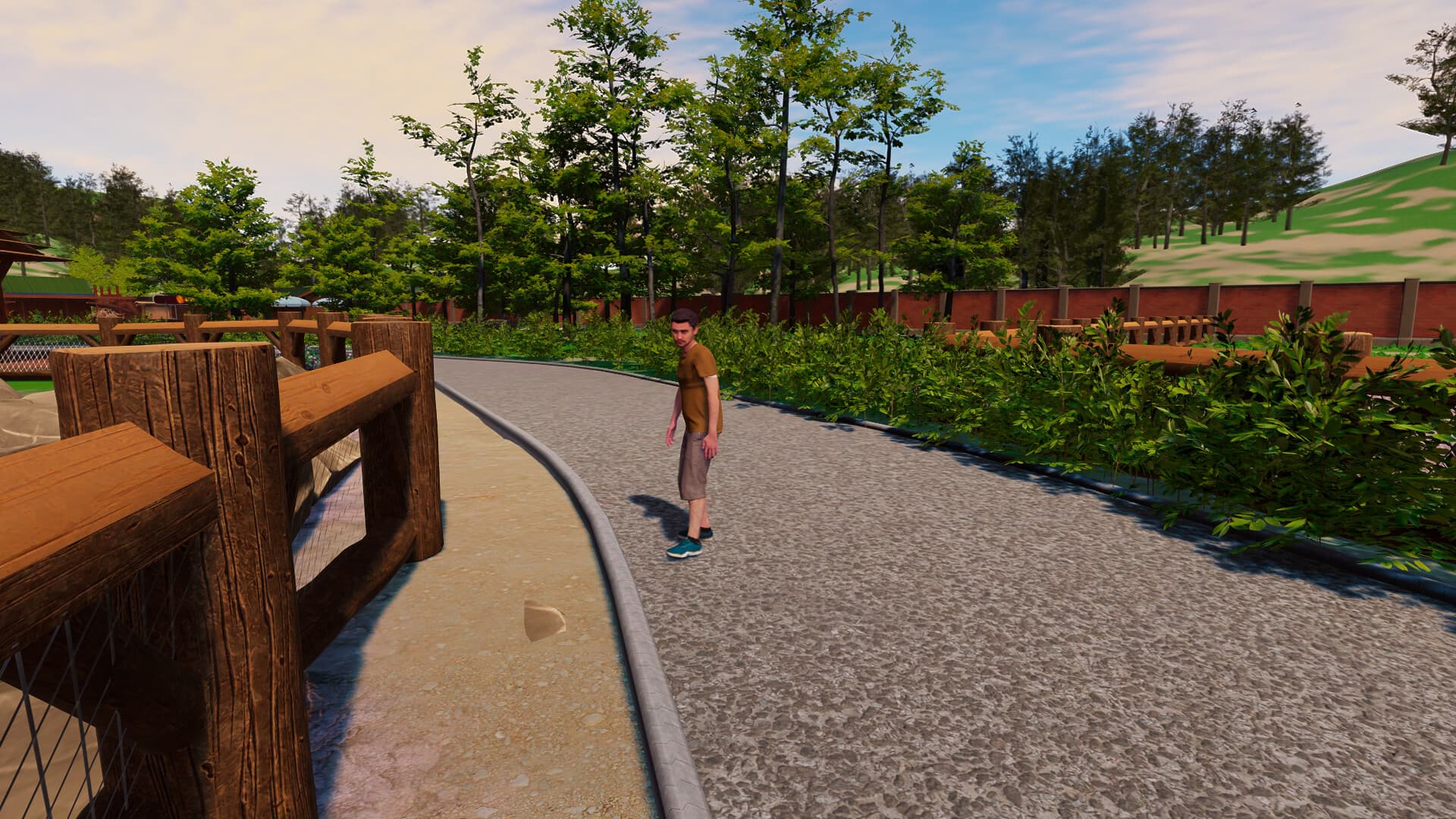
In Zoo Simulator, one of your first tasks will be to restore the zoo. You will have to put a lot of effort into cleaning neglected alleys and damaged places for your future animals. To do this, you will be using a lot of tools such as welders and water washers. Remember - hard work can result in a crowd of delighted visitors!
Various species of animals ...
System Requirements
Minimum
- OS
- Windows 10 64 Bit
- Processor
- Intel Core i3 3.0 GHz
- Memory
- 12 GB RAM
- Graphics
- Nvidia GeForce GTX 1060 6GB
- DirectX
- Version 11
- Storage
- 8 GB available space
Recommended
- OS
- Windows 10 64 Bit
- Processor
- Intel Core i5 3.4 GHz
- Memory
- 16 GB RAM
- Graphics
- NVidia GeForce GTX 1060 6GB
- DirectX
- Version 11
- Storage
- 12 GB available space