




How to activate
- Install Steam and sign in to your account (a free account is enough).
- In the top menu choose Games → Activate a Product on Steam…
- Enter your key exactly as shown in your order (with dashes) and confirm. The game appears in your library.
About
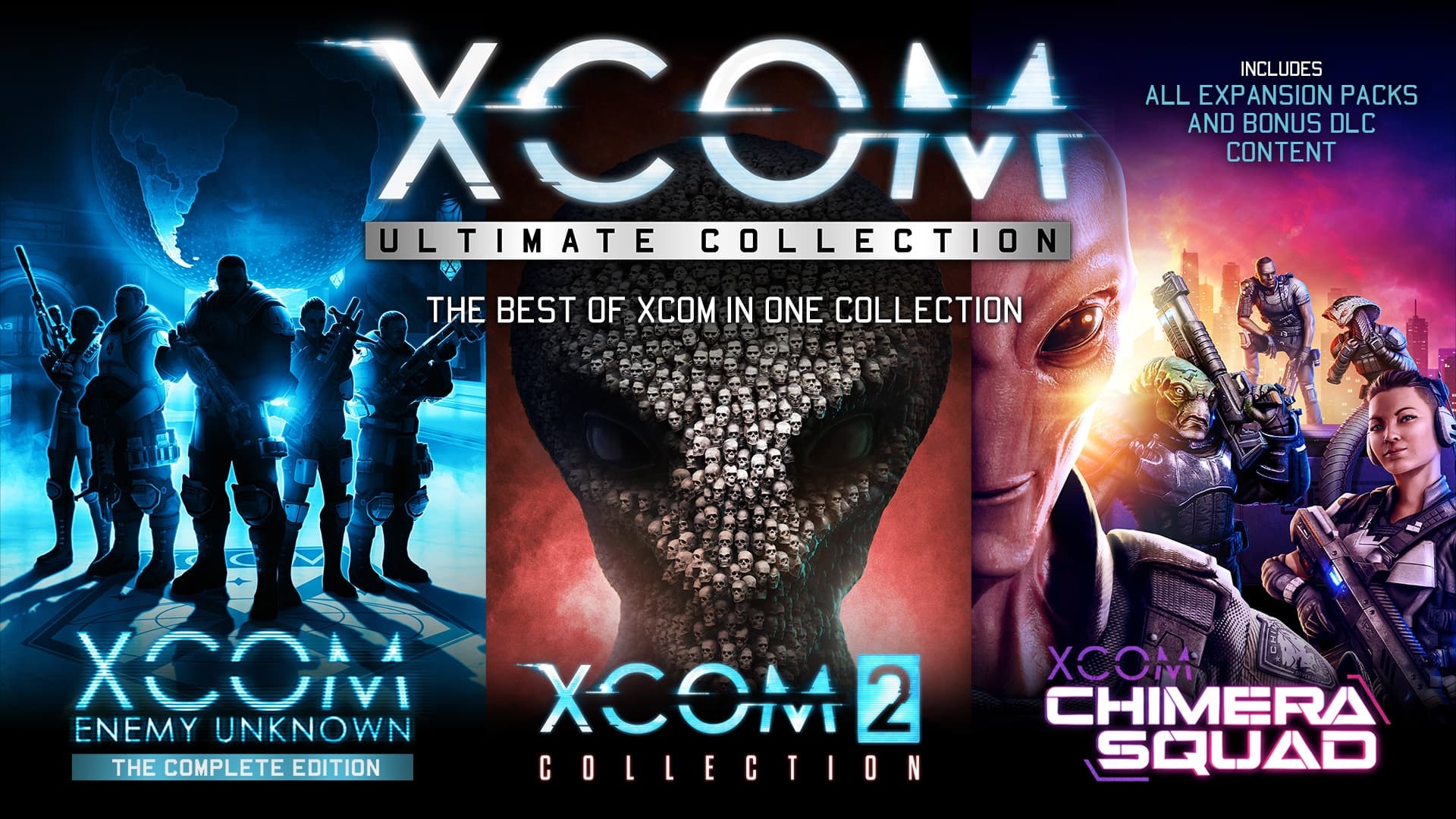
XCOM: Ultimate Collection provides the best introduction to one of the most critically acclaimed strategy game series in all of gaming! Now you can play XCOM: Enemy Unknown, XCOM 2, all the expansions, all DLC packs, and the recently released XCOM: Chimera Squad in one collection.
System Requirements
Minimum
- OS
- Windows® 7, 64bit
- Processor
- 2.4 GHz Quad Core
- Memory
- 4 GB RAM
- Graphics
- 1 GB AMD Radeon HD 7770, NVIDIA GeForce 650 or better
- DirectX Version
- Version 11
- Storage
- 18 GB available space
- Sound Card
- DirectX compatible sound card
- Additional Notes
- Initial installation requires one-time Internet connection for Steam authentication; software installations required (included with the game) include Steam Client, Microsoft Visual C 2012 and 2015 Runtime Libraries, and Microsoft DirectX. Internet connection and acceptance of Steam™ Subscriber Agreement required for activation. See www.steampowered.com/agreement for details.
Recommended
- OS
- Windows® 7 64bit / 8.1 64bit / 10 64bit
- Processor
- 3 GHz Quad Core
- Memory
- 4 GB RAM
- Graphics
- 2 GB AMD Radeon HD R9 290, NVIDIA GeForce GTX 980 or better
- DirectX
- Version 11
- Storage
- 18 GB or more available space
- Sound Card
- DirectX compatible sound card
Legal information
©2021 Take-Two Interactive Software, Inc. XCOM, XCOM 2, 2K, Firaxis Games, and their respective logos are all trademarks of Take-Two Interactive Software, Inc. All rights reserved. Use of this product requires agreement to the following third party end user license agreement: http://www.take2games.com/eula/