





How to activate
- Install Steam and sign in to your account (a free account is enough).
- In the top menu choose Games → Activate a Product on Steam…
- Enter your key exactly as shown in your order (with dashes) and confirm. The game appears in your library.
About
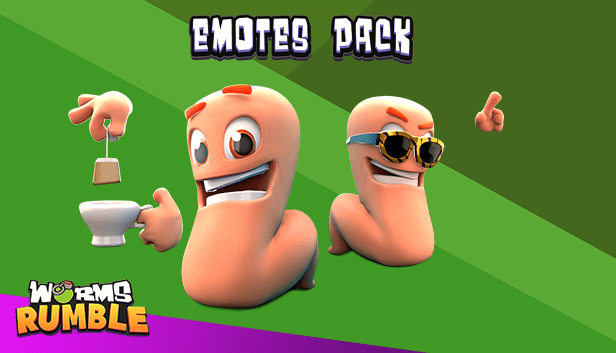
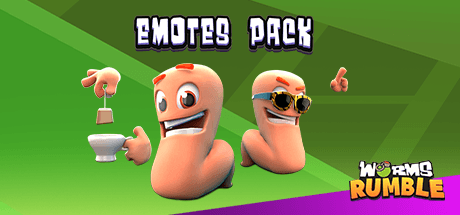
Flex on your friends and foes alike with the Worms Rumble: Emote Pack!
This pack includes:
- Tea Bag Emote
- Disco Emote
- Juggling Emote
- Make It Rain Emote
- Kick Ups Emote
- Selfie Emote
- Violin Emote
- Goodbye! Emote
System Requirements
Minimum
- Requires a 64-bit processor and operating system
- OS
- Windows 10 64-bit
- Processor
- Intel Core i5-2300 or FX-4350
- Memory
- 4 GB RAM
- Graphics
- 2GB NVIDIA GeForce or 2GB AMD Radeon
Recommended
- Requires a 64-bit processor and operating system
- OS
- Windows 10 64-bit
- Processor
- Intel Core i5-6600 or AMD Ryzen 5 1600
- Memory
- 8 GB RAM
- Graphics
- 4GB NVIDIA GeForce or 4GB AMD Radeon
Legal information
Worms® Rumble Developed by Team17 Digital Ltd. © 2020. Team17® and Worms® are registered trademarks of Team17 Digital Limited. Original concept Andy Davidson. All other trademarks, copyrights and logos are property of their respective owners. Developed and published by Team17 Digital Limited.