



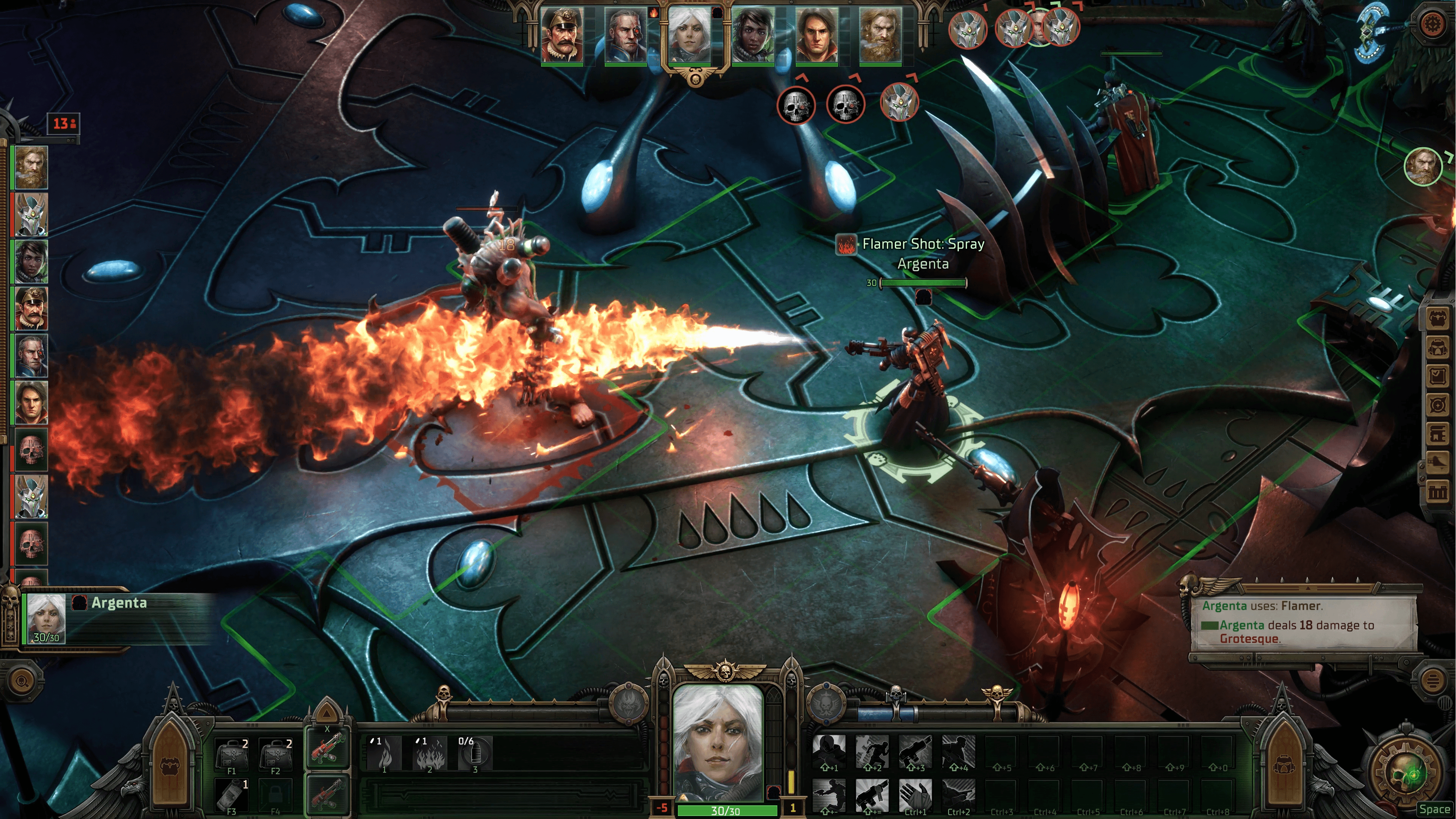

How to activate
- Install Steam and sign in to your account (a free account is enough).
- In the top menu choose Games → Activate a Product on Steam…
- Enter your key exactly as shown in your order (with dashes) and confirm. The game appears in your library.
About
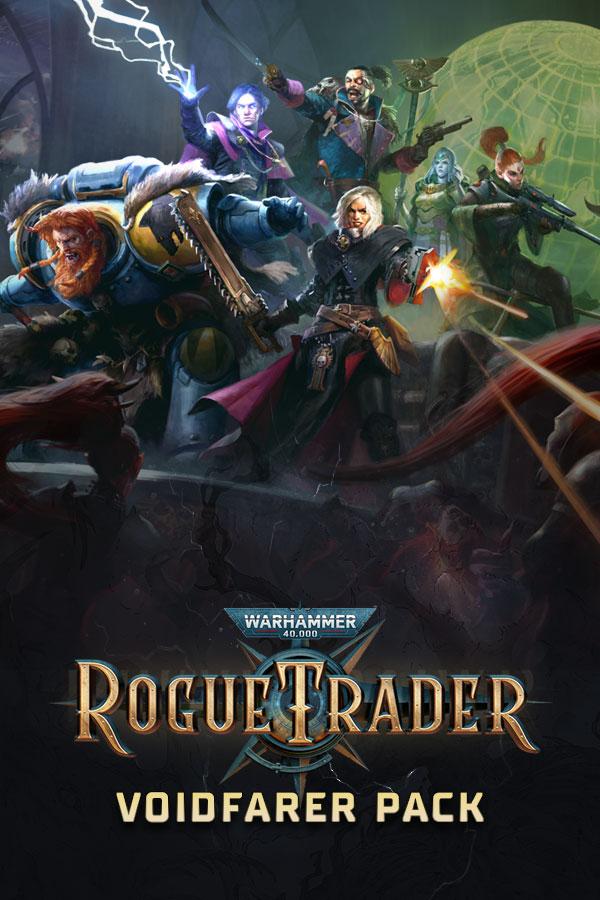
Explore the Void with these additional in-game items:
- In-Game Item - Unique Rogue Trader Throne
Change the appearance of the throne on your voidship’s bridge to something even more illustrious and befitting of your status as Rogue Trader.
- In-Game Item - Cherub Pet
Allows you to change the appearance of your trusty companion from the regular Servoskull to the Cherub!
System Requirements
- Steam account is required for game activation and installation.
- This content requires the base game Warhammer 40,000: Rogue Trader on Steam in order to play.
- Windows Requirements
- OS
- Win10
- Processor
- Intel(R) Core(TM) i5-4590T CPU @ 2.00GHz
- Memory
- 8 GB RAM
- Graphics
- AMD Radeon RX Vega 6 / Intel HD Graphics 630
- DirectX
- Version 11
- Storage
- 100 GB available space
- OS
- Win10
- Processor
- Intel(R) Core(TM) i5-6400 CPU @ 2.70GHz
- Memory
- 16 GB RAM
- Graphics
- AMD Radeon RX 570 / NVIDIA GeForce GTX 1050 Ti
- DirectX
- Version 11
- Storage
- 100 GB available space
Legal information
Warhammer 40,000: Rogue Trader © Copyright Games Workshop Limited 2022. Rogue Trader, the Rogue Trader logo, GW, Games Workshop, Space Marine, 40K, Warhammer, Warhammer 40,000, the ‘Aquila’ Double-headed Eagle logo, and all associated logos, illustrations, images, names, creatures, races, vehicles, locations, weapons, characters, and the distinctive likeness thereof, are either ® or TM, and/or © Games Workshop Limited, variably registered around the world, and used under license. All rights reserved to their respective owners.
You may also like
- Warhammer 40,000: Rogue Trader - Void Shadows
- Warhammer 40,000: Rogue Trader – Deluxe Pack
- Pathfinder: Wrath of the Righteous - Season Pass
- Warhammer 40,000: Rogue Trader
- Warhammer 40,000: Rogue Trader – Season Pass
- God of War

- UNCHARTED™: Legacy of Thieves Collection

- Dying Light: Definitive 10th Anniversary Edition
