

How to activate
- Install Steam and sign in to your account (a free account is enough).
- In the top menu choose Games → Activate a Product on Steam…
- Enter your key exactly as shown in your order (with dashes) and confirm. The game appears in your library.
About
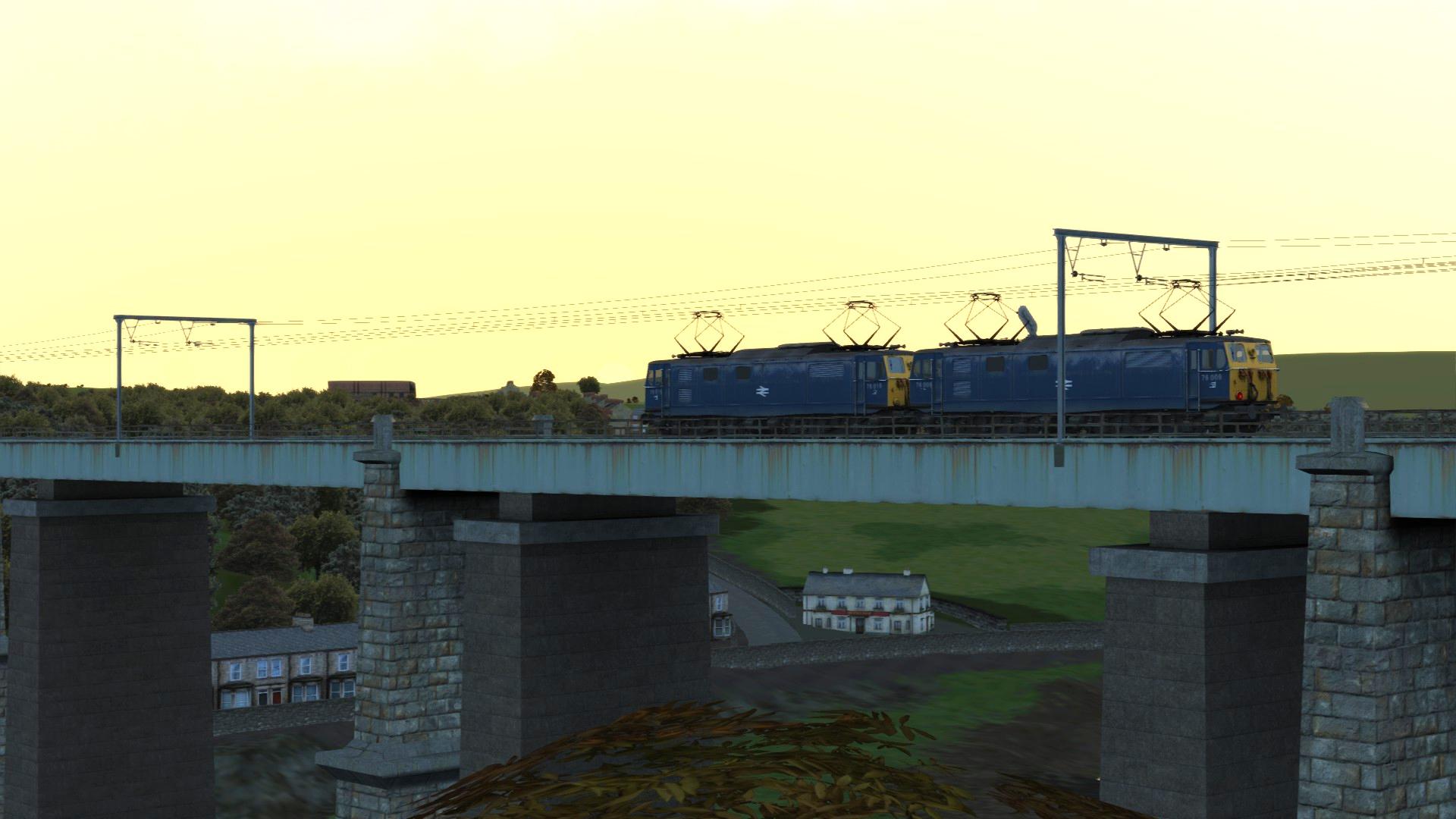
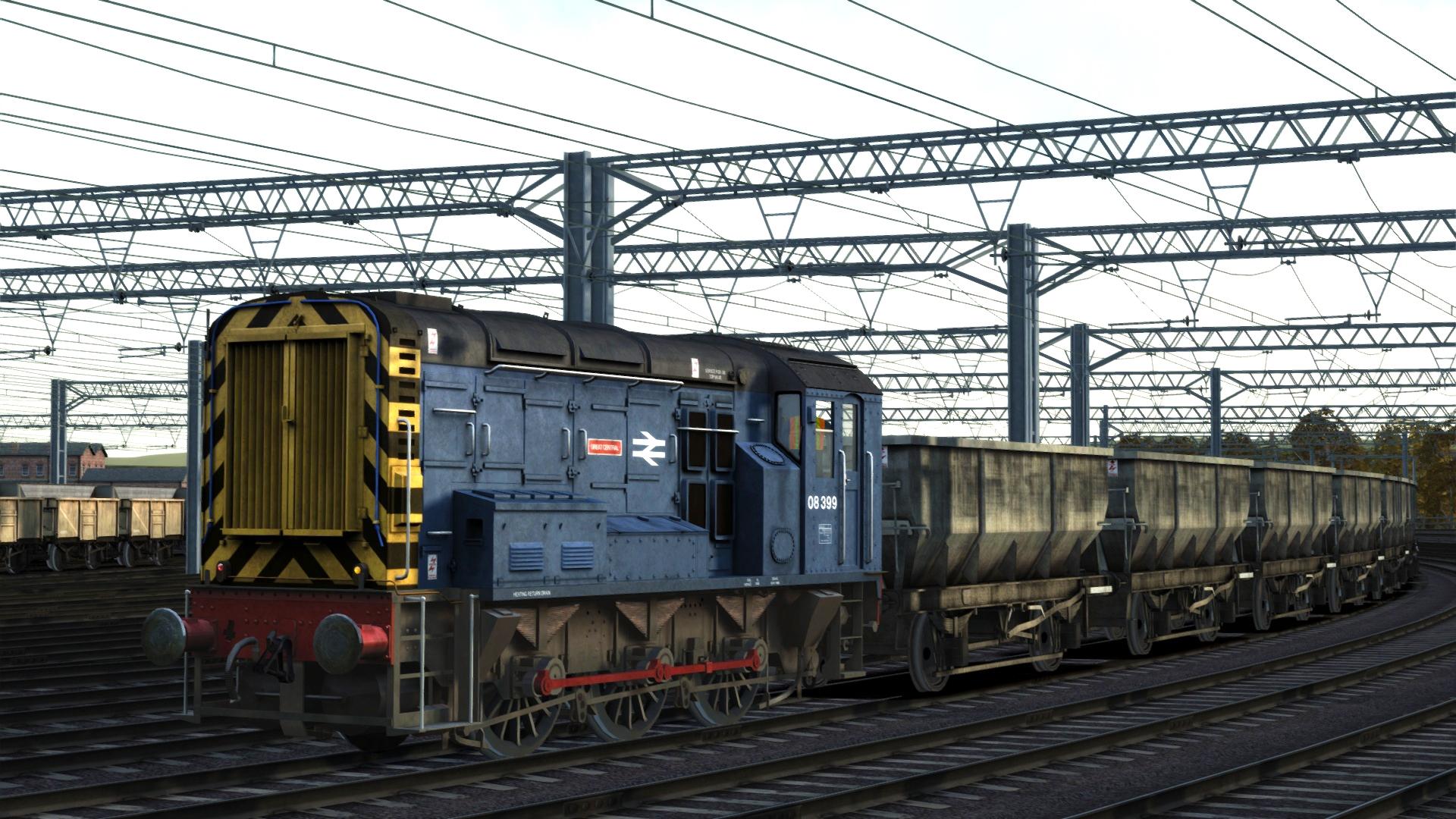
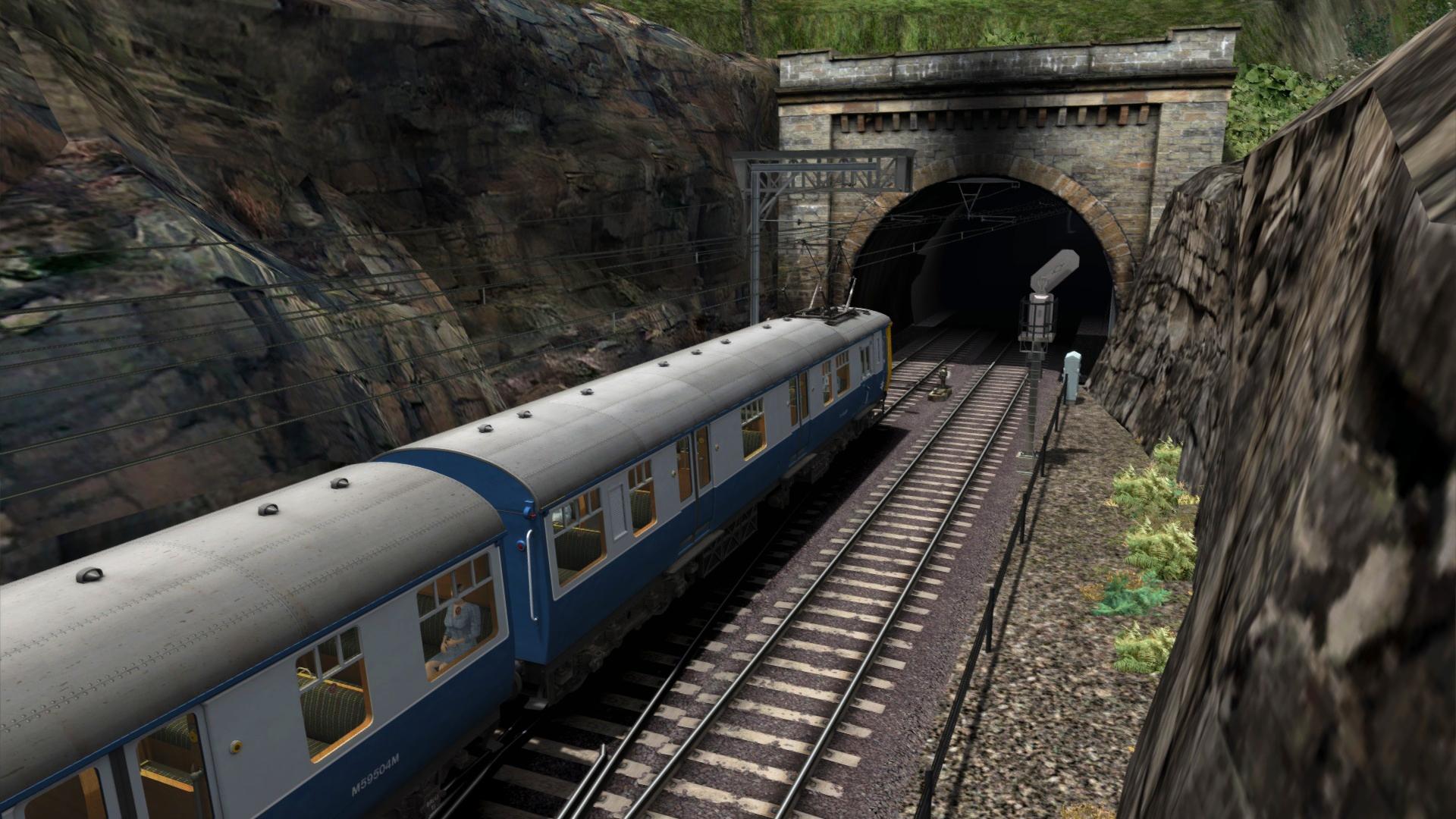
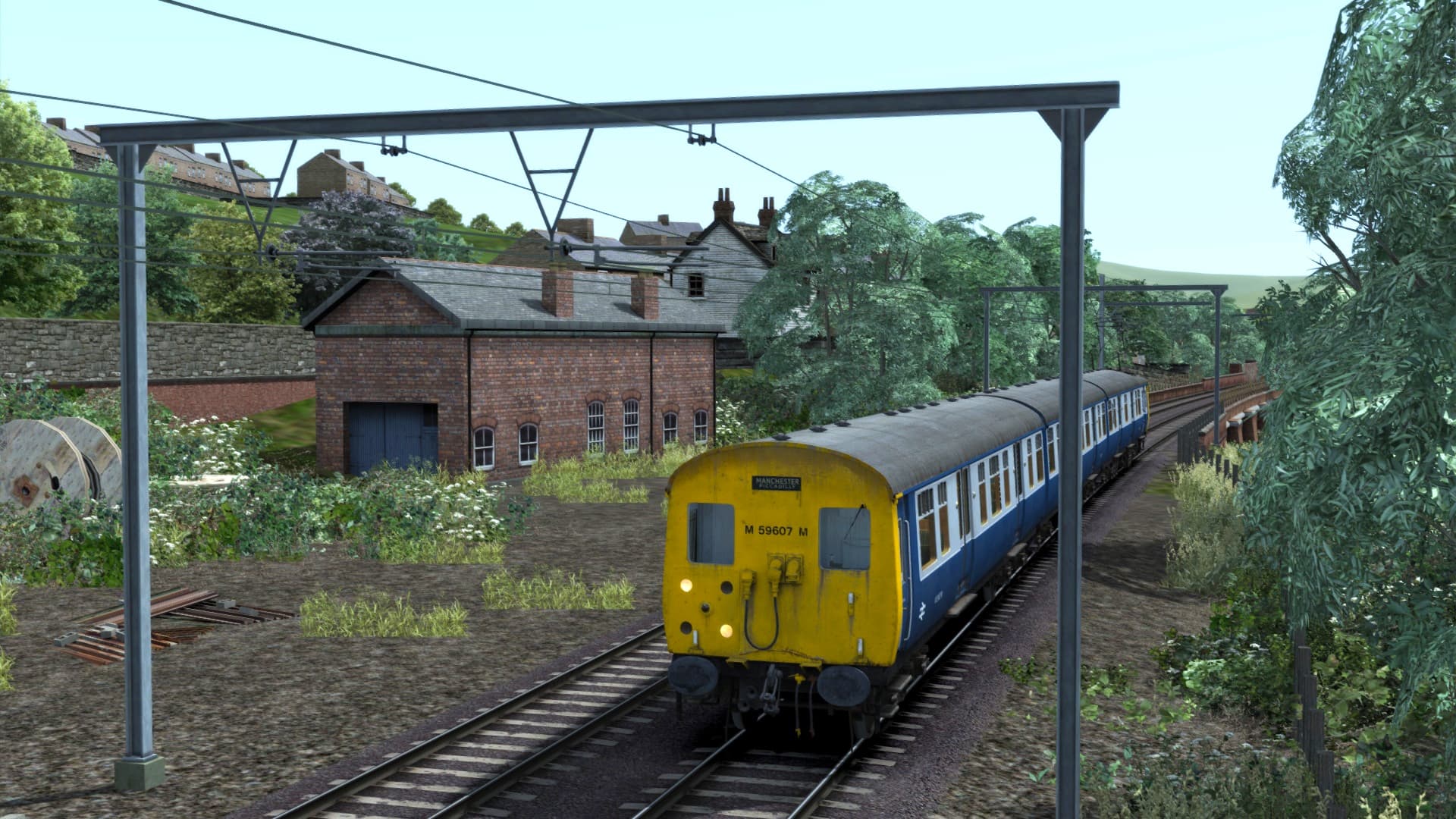
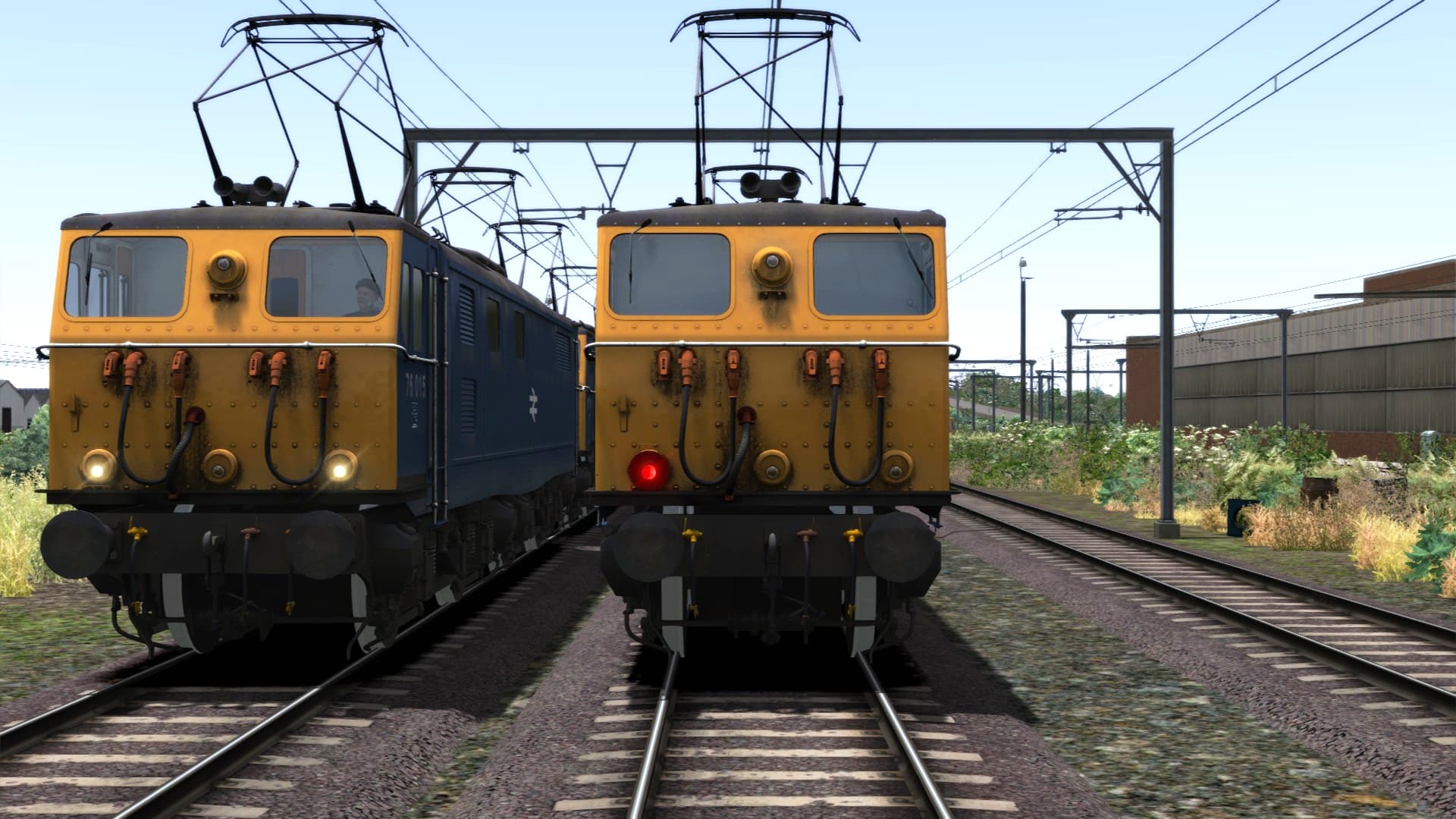
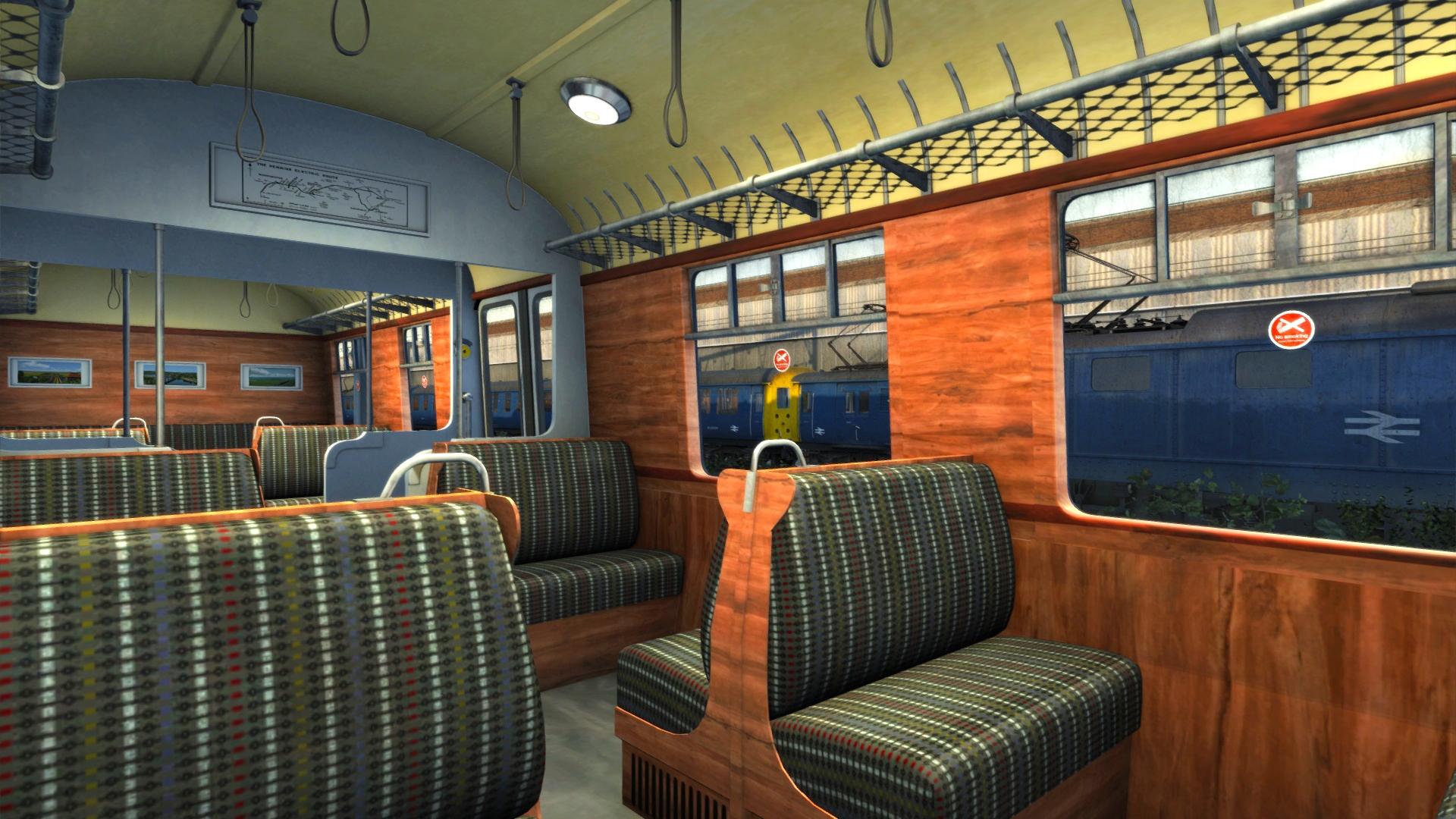
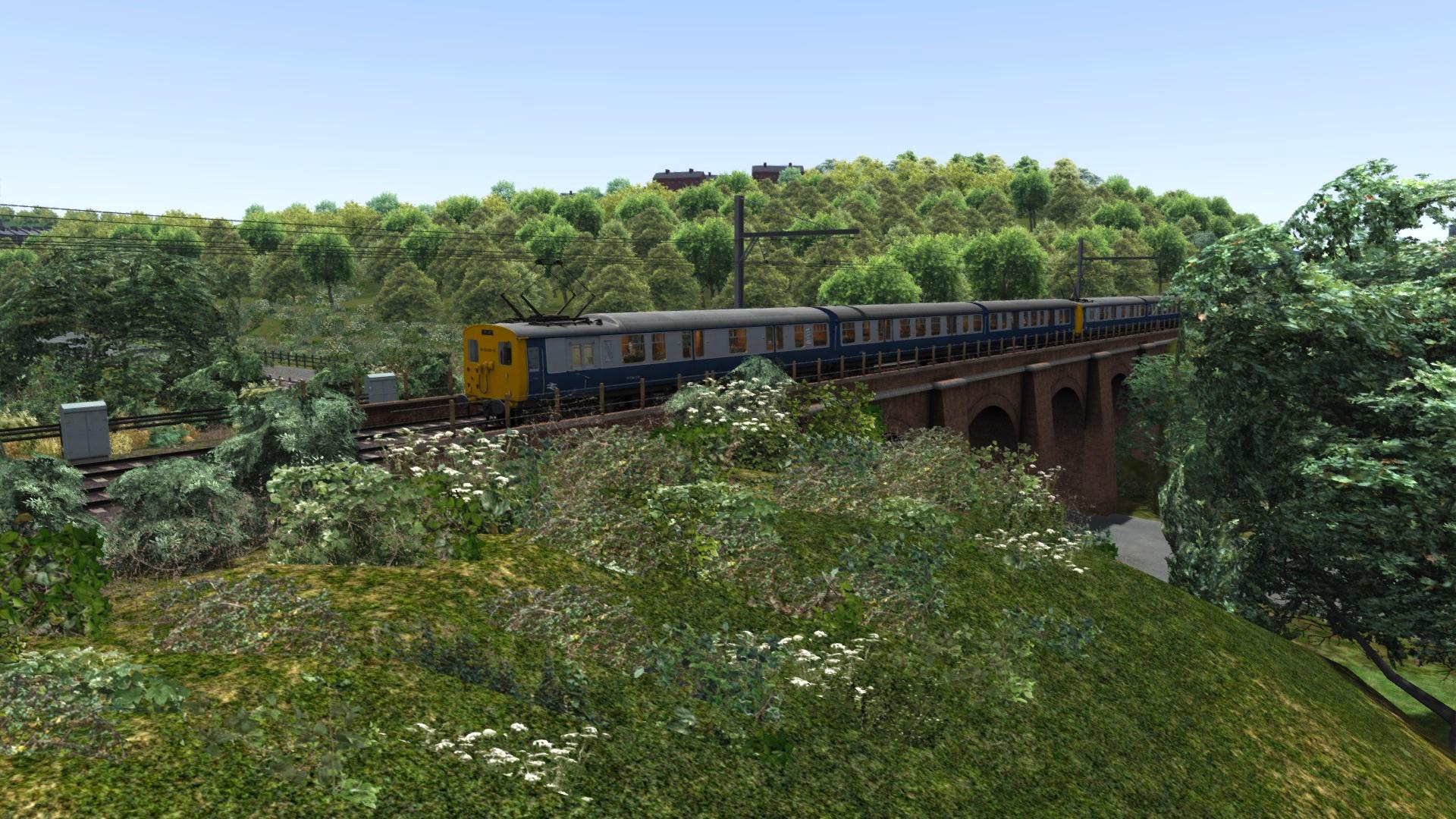
A rich history of modernisation and refinement awaits you on the Woodhead Electric Railway – see for yourself how advances in power and route design gave new life to a struggling operation. From the first days of this route steep and unforgiving gradients combined with heavy coal trains to make it a challenge for steam trains, so even as far back as the GCR days, discussions of electrification were taking place… ...
System Requirements
- OS
- Windows® 7 / 8.1
- Processor
- 2.8 GHz Core 2 Duo (3.2 GHz Core 2 Duo recommended), AMD Athlon MP (multiprocessor variant or comparable processors)
- Memory
- 4 GB RAM
- Graphics
- 512 MB - 1GB with Pixel Shader 3.0 (AGP PCIe only)
- DirectX
- 9.0c
- Storage
- 40 GB HD space
- Sound Card
- Direct X 9.0c compatible
- Other Requirements
- Broadband Internet connection
- Additional
- Quicktime Player is required for playing the videos
Legal information
© 2018 Dovetail Games (“DTG”), a trading name of RailSimulator.com Limited. "Dovetail Games" is a trademark or registered trademark of Dovetail Games Limited. “RailSimulator.com” and the “Dovetail Games Train Simulator” logo are trademarks of DTG. All other copyrights or trademarks are the property of their respective owners. All rights reserved.
You may also like
- Train Sim World® 2: Hauptstrecke München - Augsburg Route Add-On
- Train Simulator Classic 2024
- Train Sim World® 2: Hauptstrecke Rhein-Ruhr: Duisburg - Bochum Route Add-On

- Train Sim World®: Rapid Transit
- Fishing Sim World: Pro Tour

- Train Simulator: LGV Rhône-Alpes & Méditerranée Route Extension Add-On
- Train Sim World 2: Southeastern High Speed: London St Pancras - Faversham Route Add-On
- Train Simulator 2021