
How to activate
- Install Steam and sign in to your account (a free account is enough).
- In the top menu choose Games → Activate a Product on Steam…
- Enter your key exactly as shown in your order (with dashes) and confirm. The game appears in your library.
About
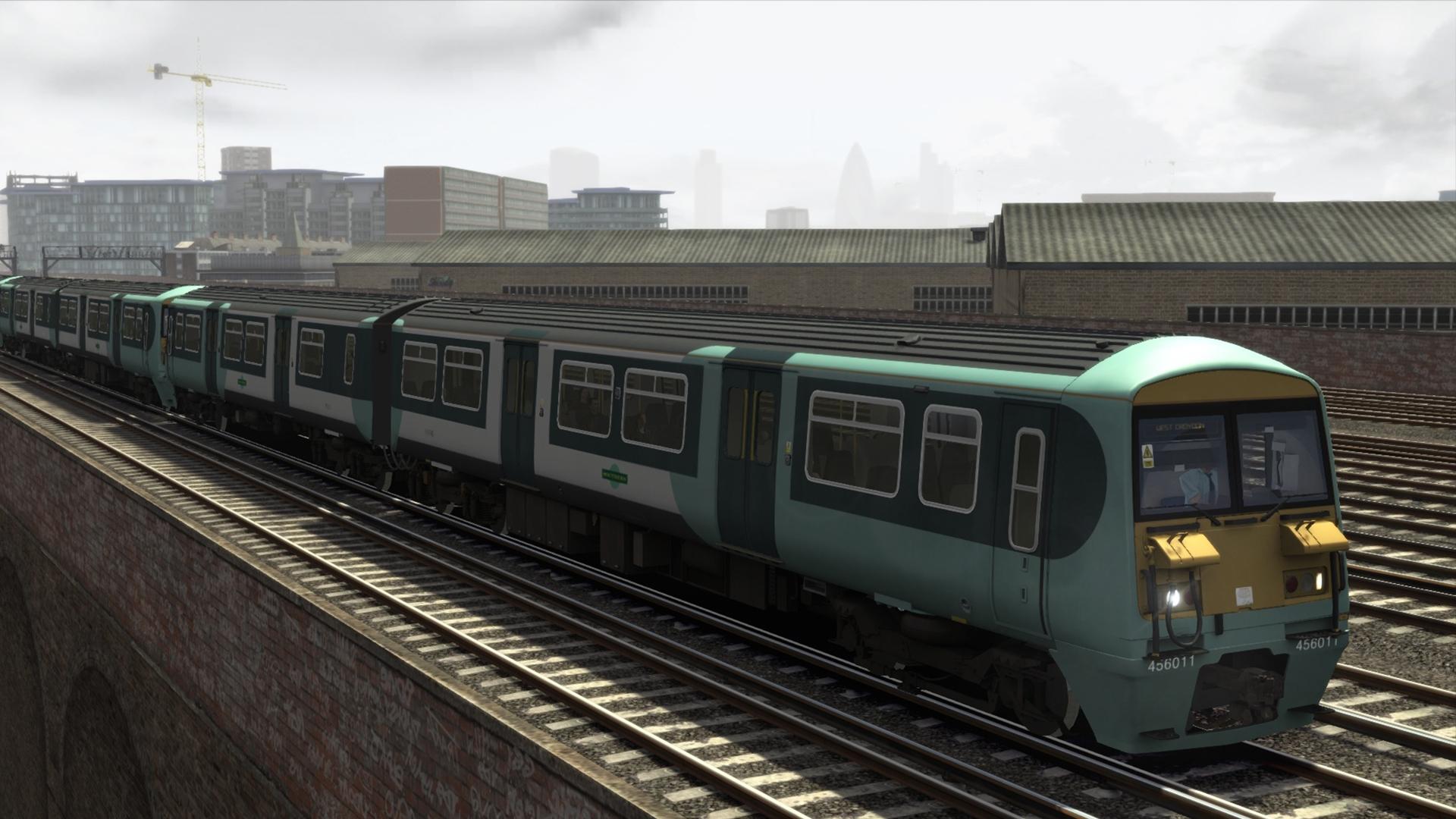
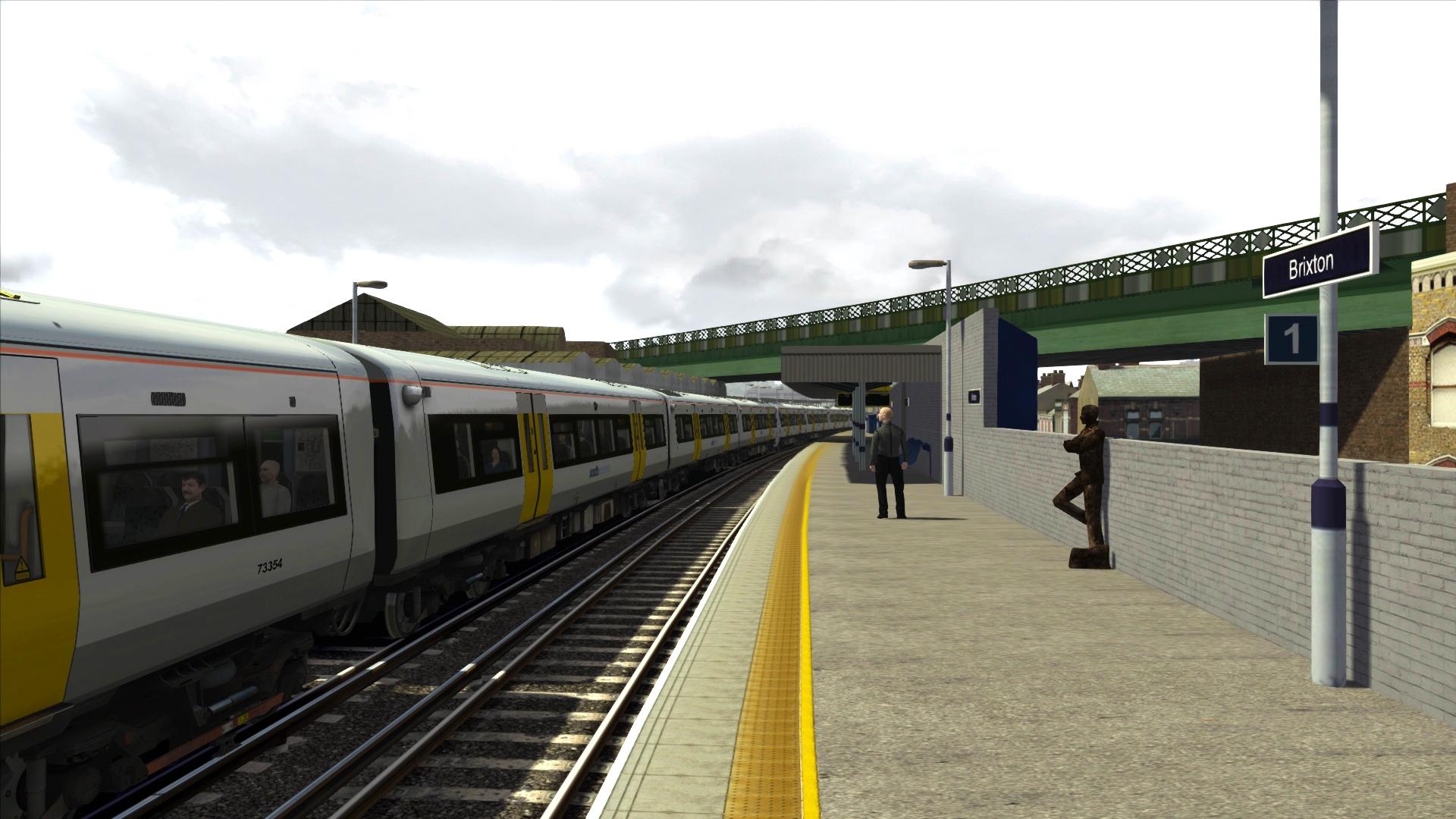
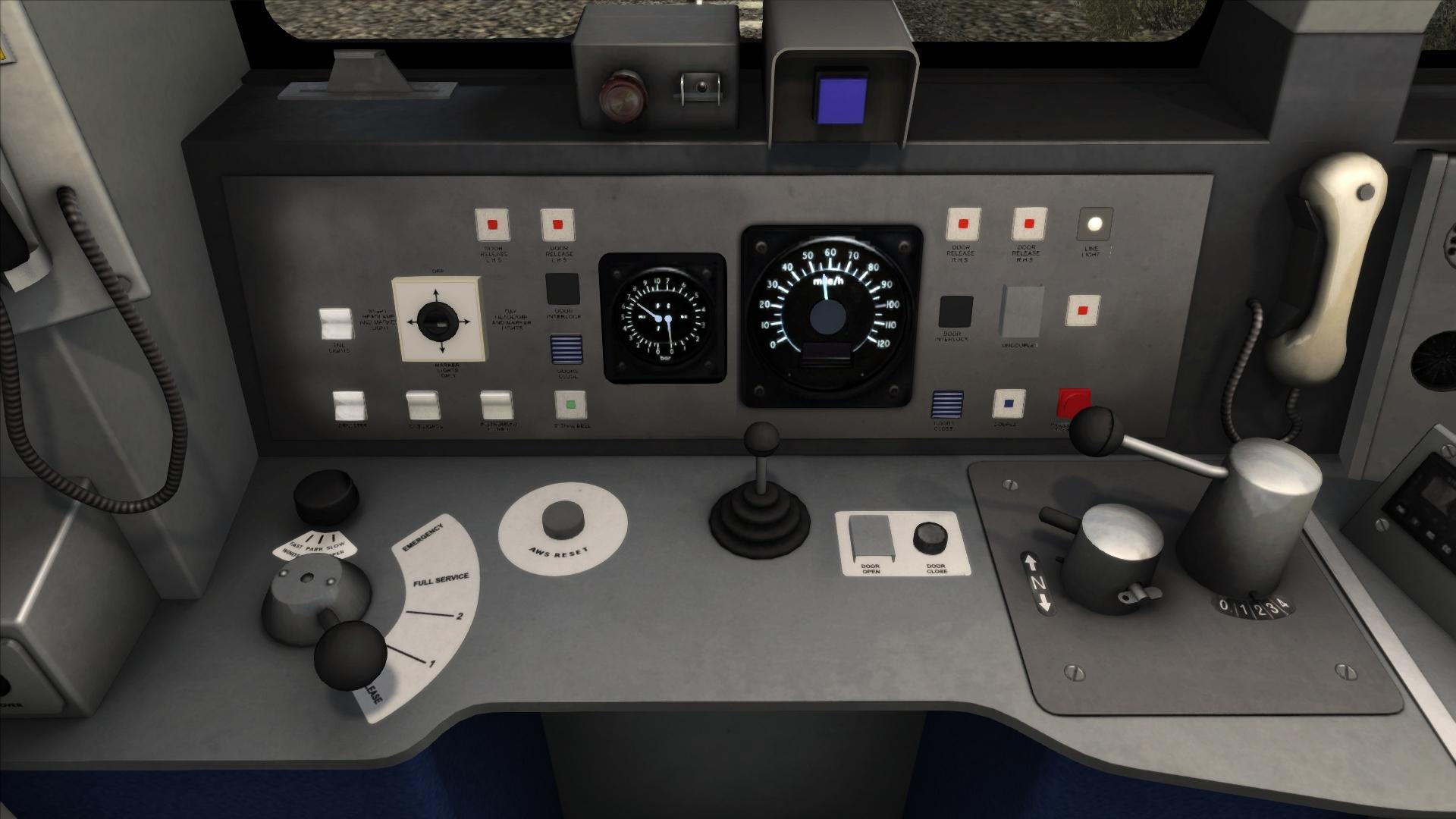
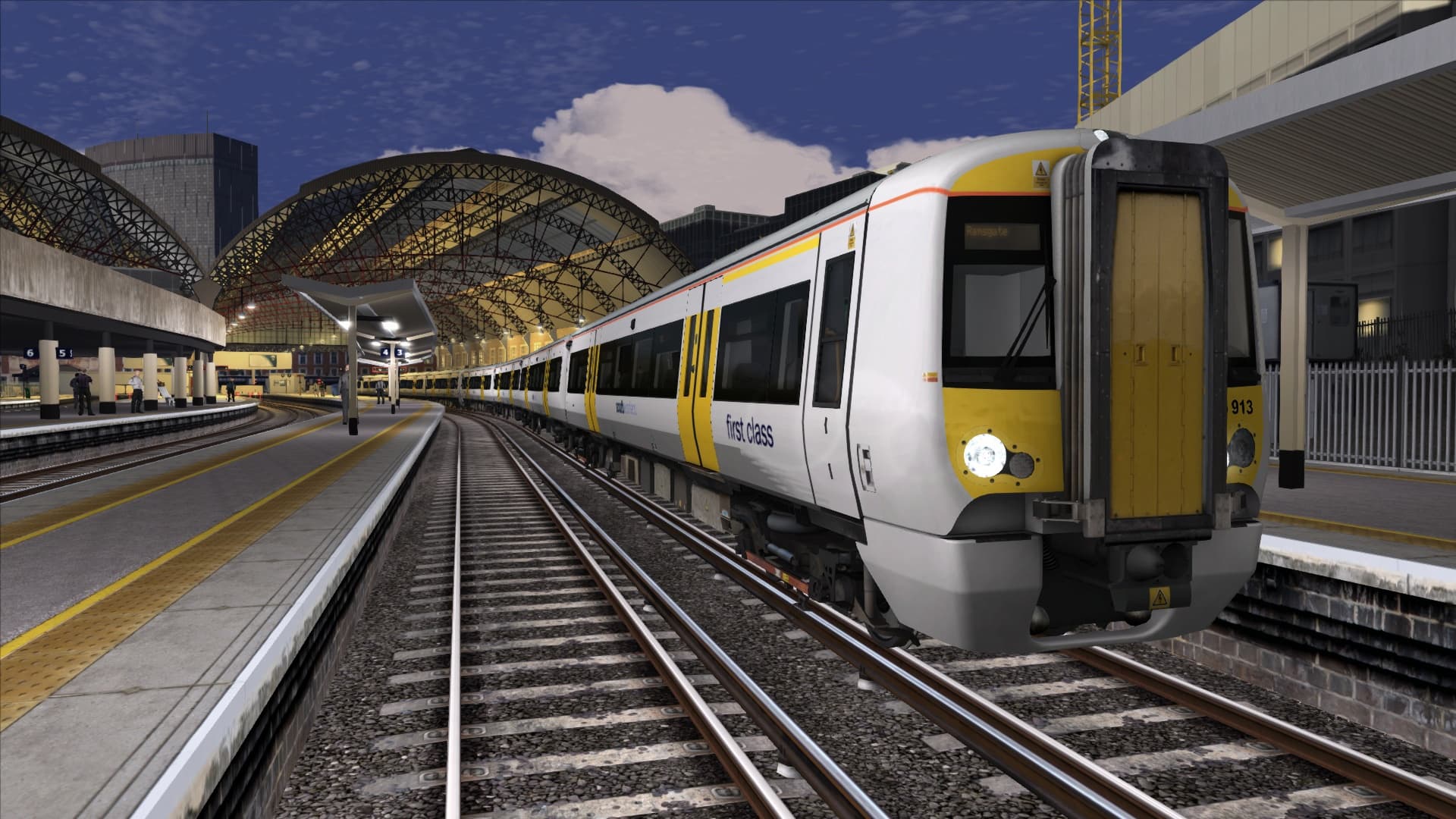
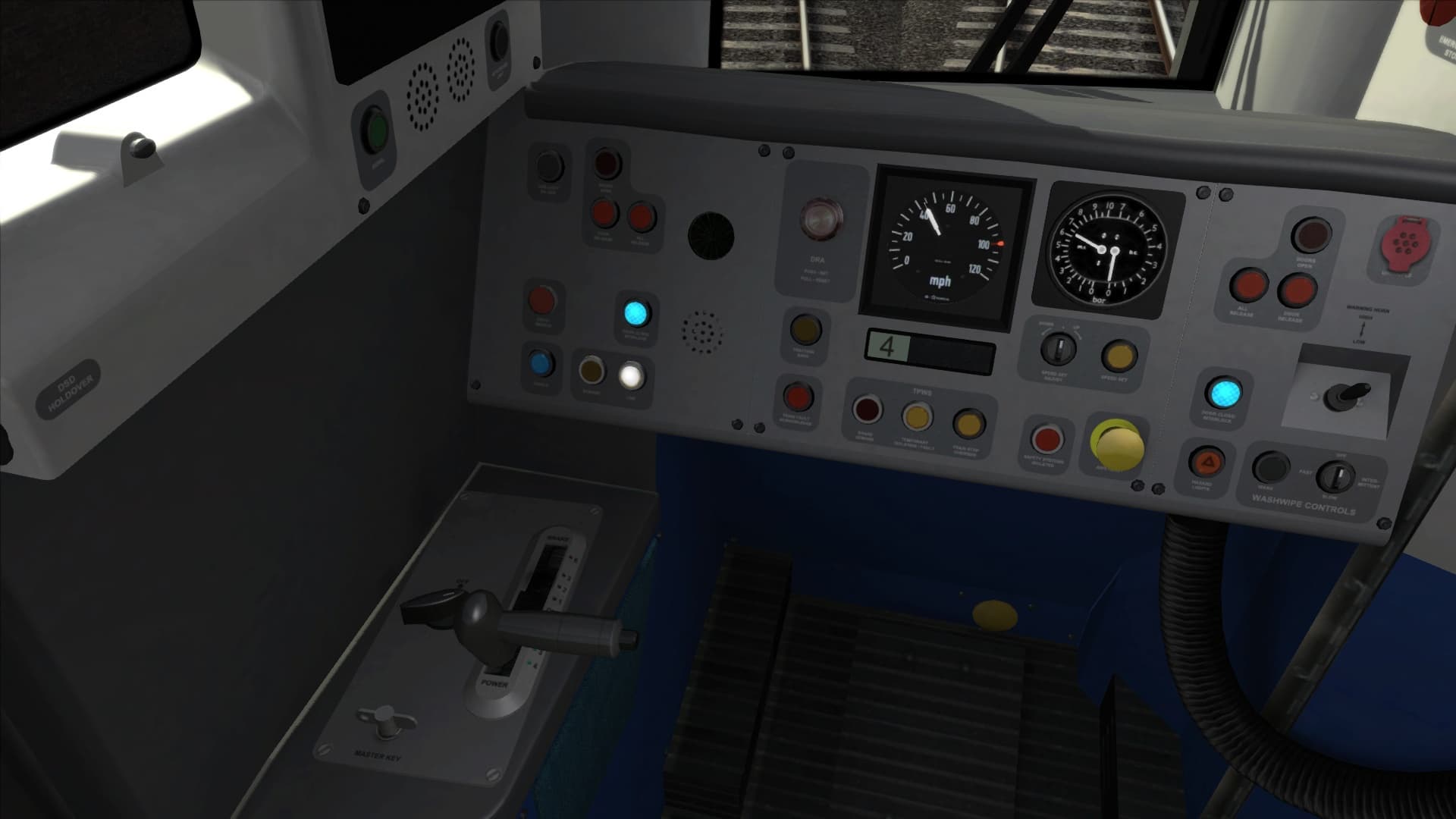
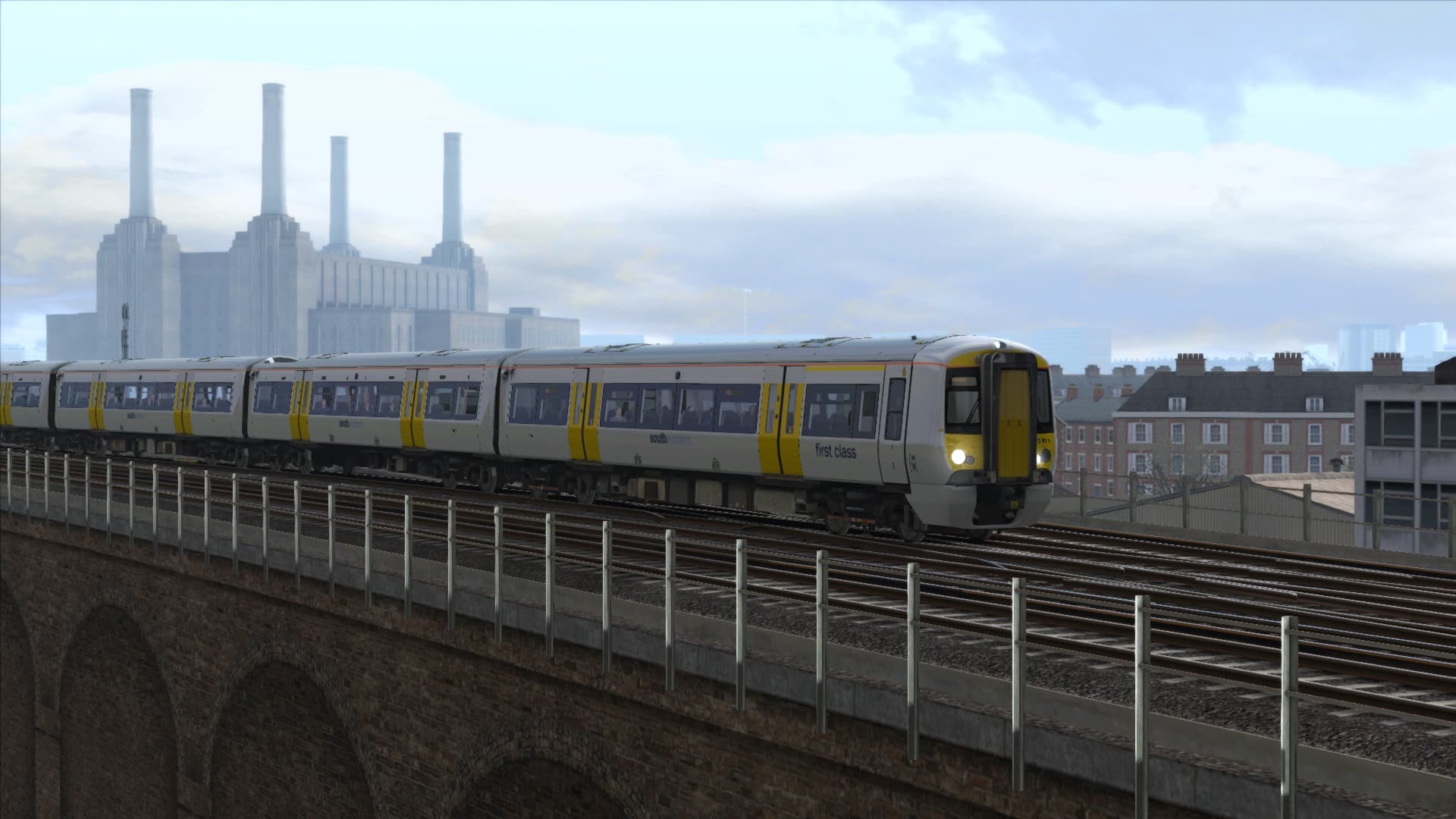
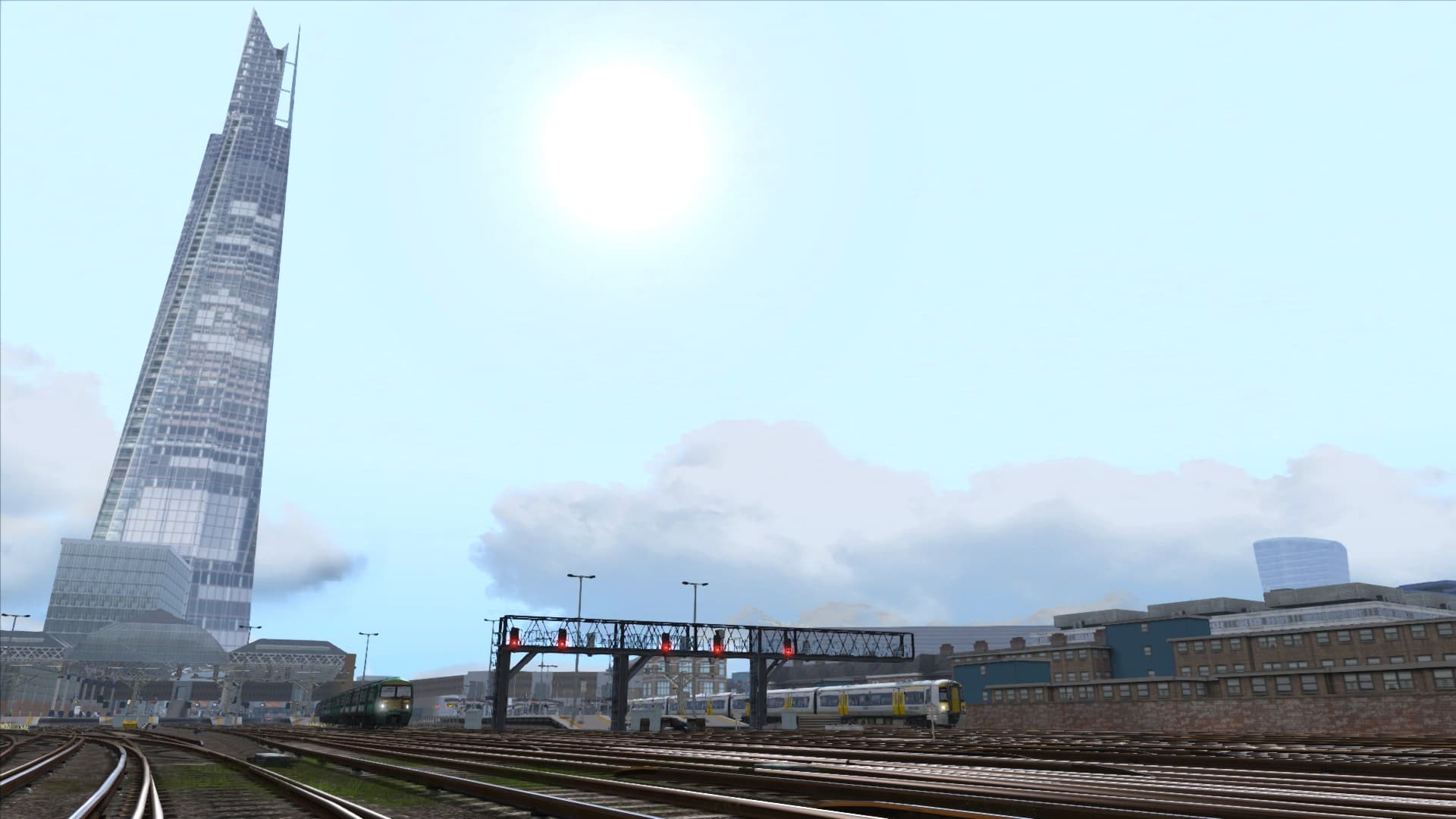
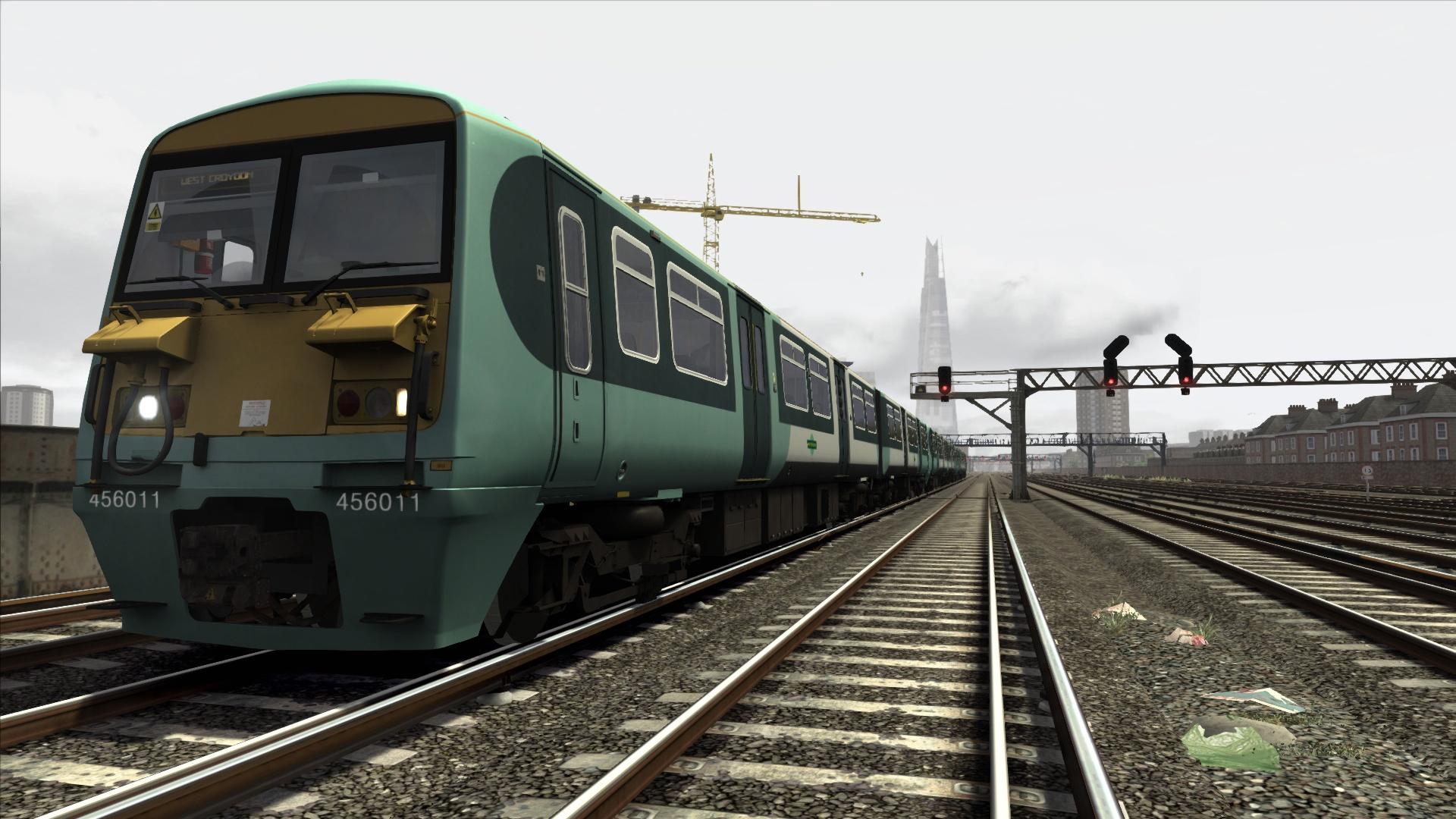
Some of London’s busiest railway routes serving two of the City’s busiest termini are featured in this stunning new South London Network route for Train Simulator.
The myriad of intersecting and crossing lines that today form the Greater London railway network features two of the capital’s most well-known and busiest termini – London Victoria and London Bridge. ...
System Requirements
Minimum
- OS
- Windows® 7 / 8.1
- Processor
- Processor: 2.8 GHz Core 2 Duo (3.2 GHz Core 2 Duo recommended), AMD Athlon MP (multiprocessor variant or comparable processors)
- Memory
- 4 GB RAM
- Graphics
- 512 MB - 1GB with Pixel Shader 3.0 (AGP PCIe only)
- DirectX
- 9.0c
- Storage
- 40 GB HD space
- Sound Card
- Direct X 9.0c compatible
Recommended
You may also like
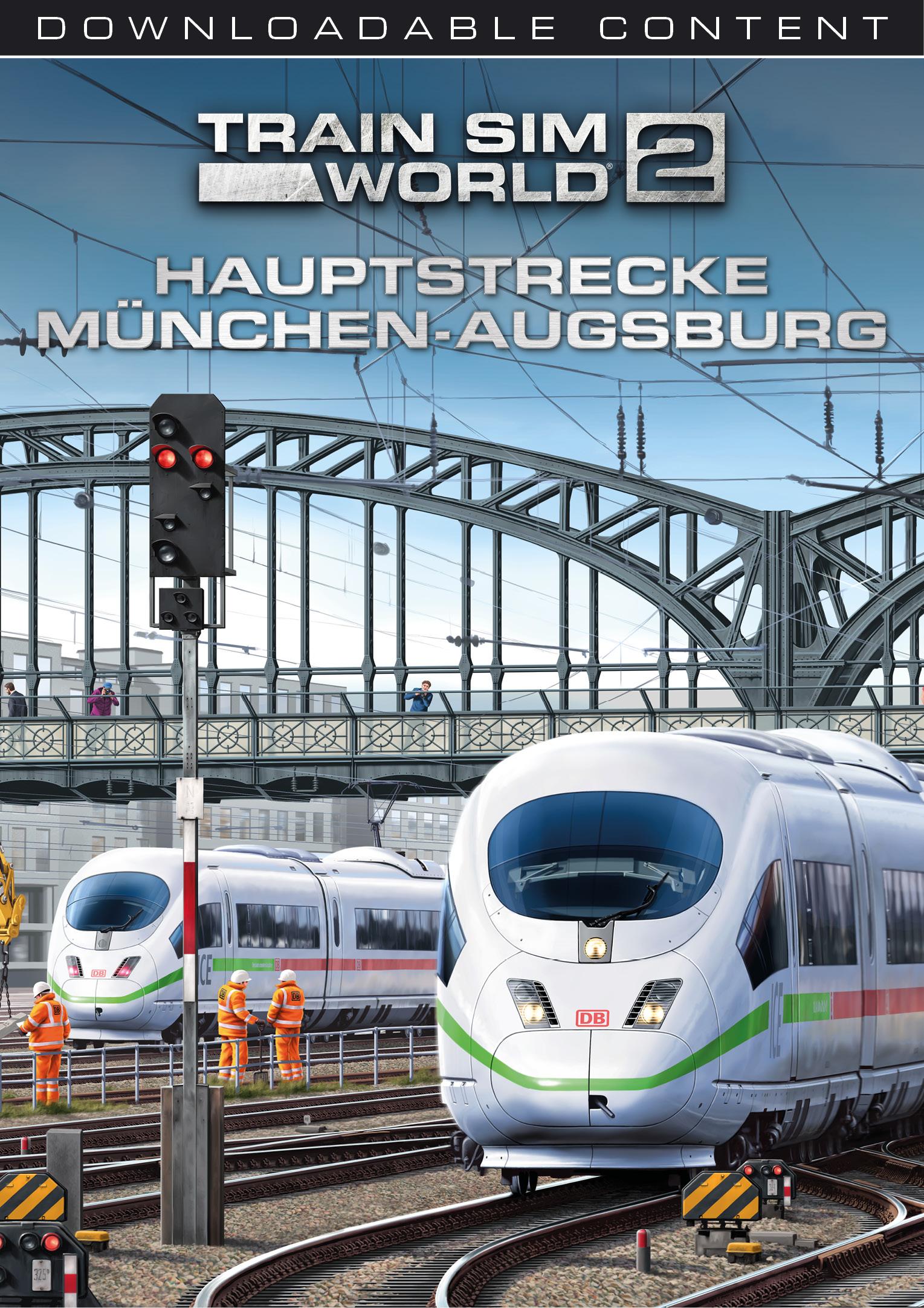
- Train Sim World® 2: Hauptstrecke München - Augsburg Route Add-On
- Train Simulator Classic 2024
- Train Sim World® 2: Hauptstrecke Rhein-Ruhr: Duisburg - Bochum Route Add-On

- Train Sim World®: Rapid Transit
- Fishing Sim World: Pro Tour

- Train Simulator: LGV Rhône-Alpes & Méditerranée Route Extension Add-On
- Train Sim World 2: Southeastern High Speed: London St Pancras - Faversham Route Add-On
- Train Simulator 2021