
How to activate
- Install Steam and sign in to your account (a free account is enough).
- In the top menu choose Games → Activate a Product on Steam…
- Enter your key exactly as shown in your order (with dashes) and confirm. The game appears in your library.
About
Route Extension
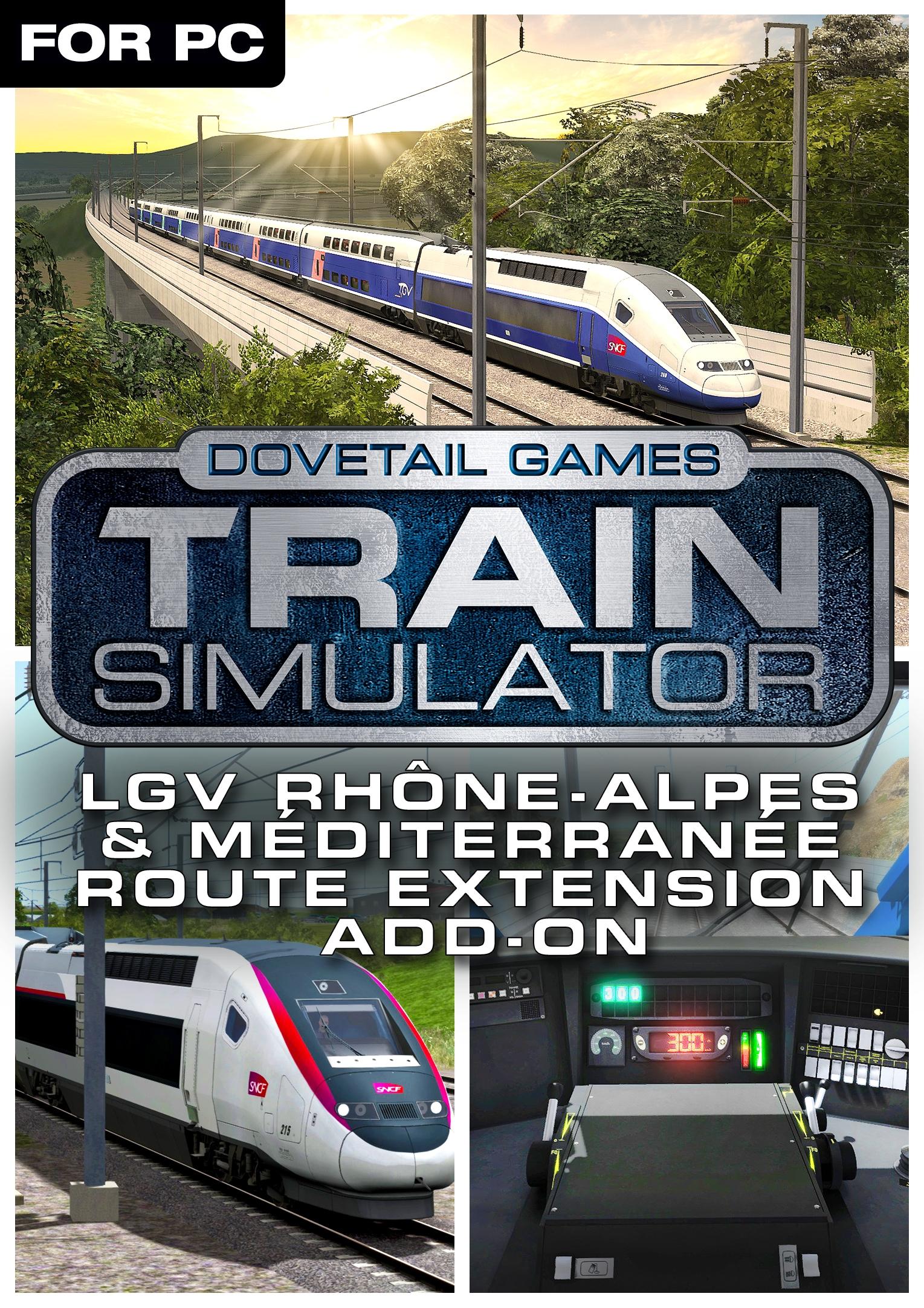
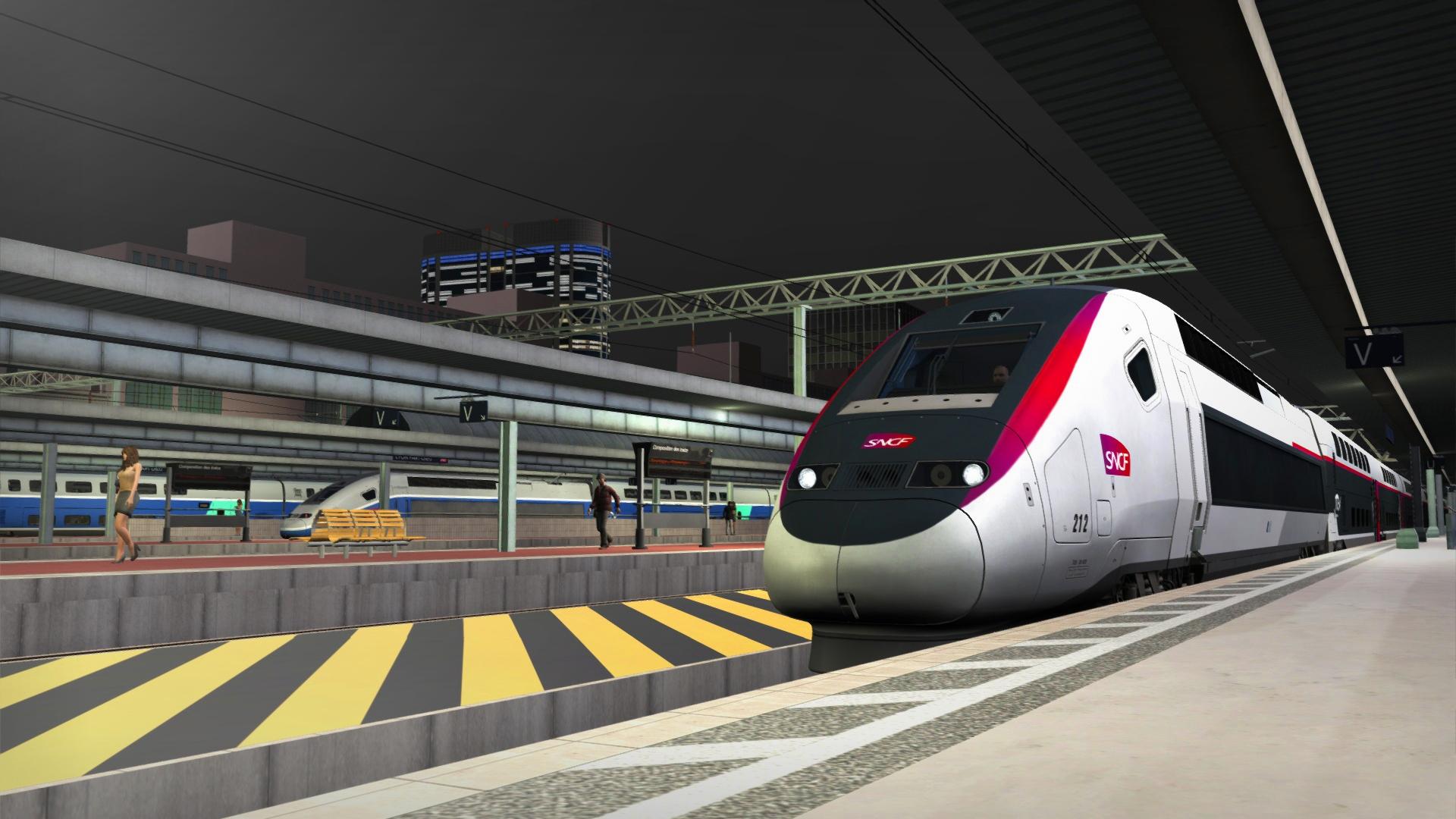
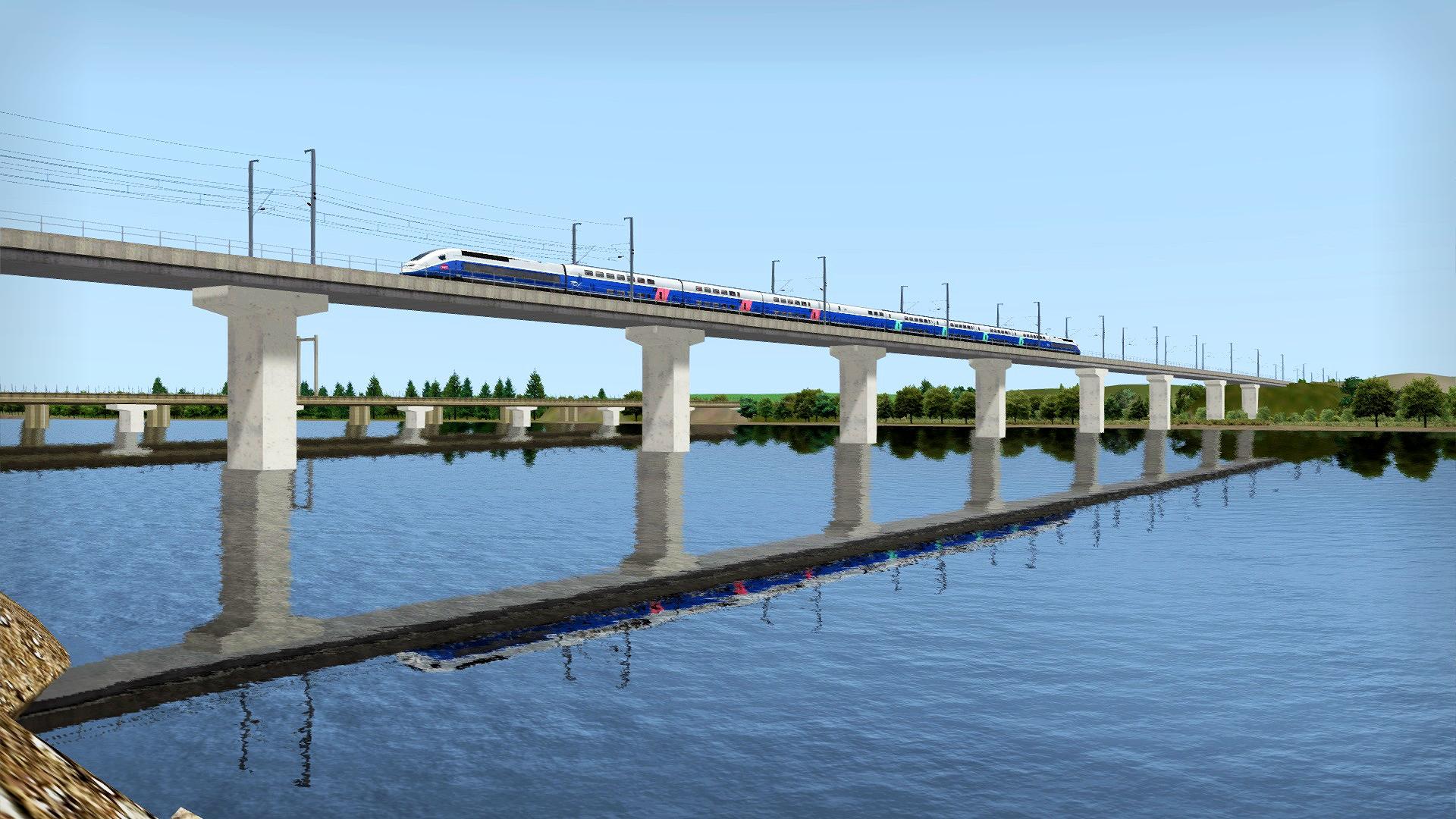
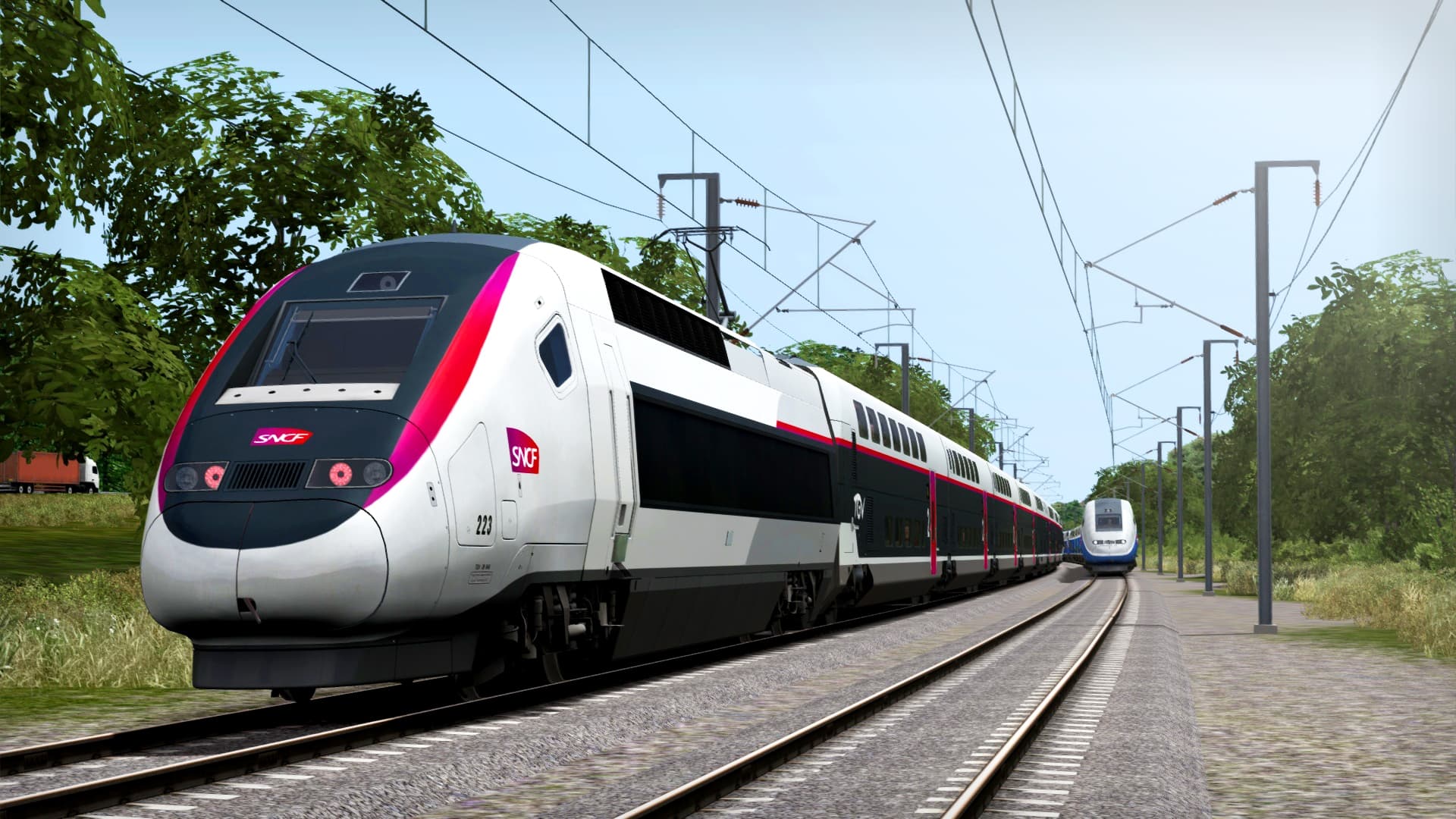
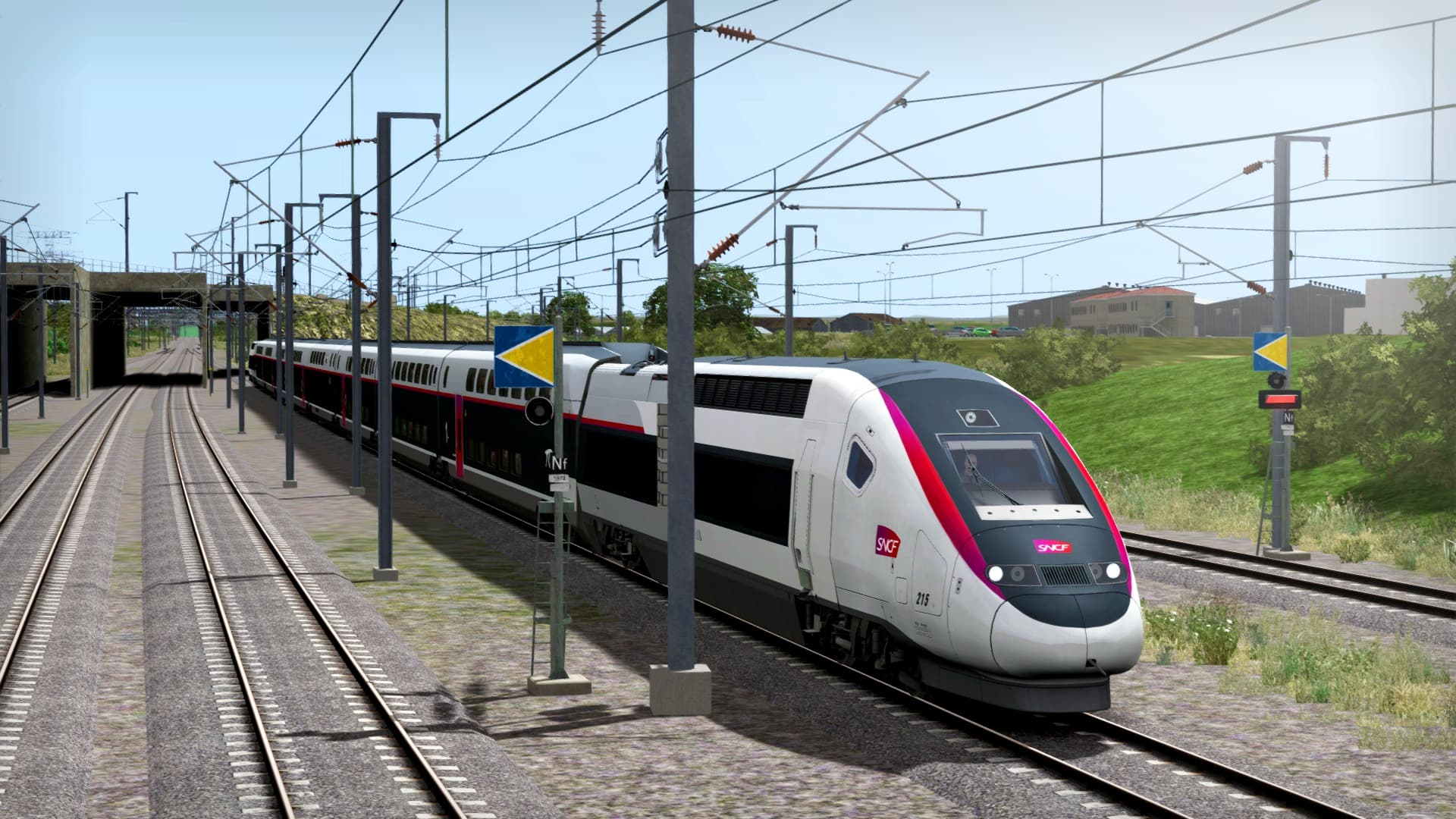
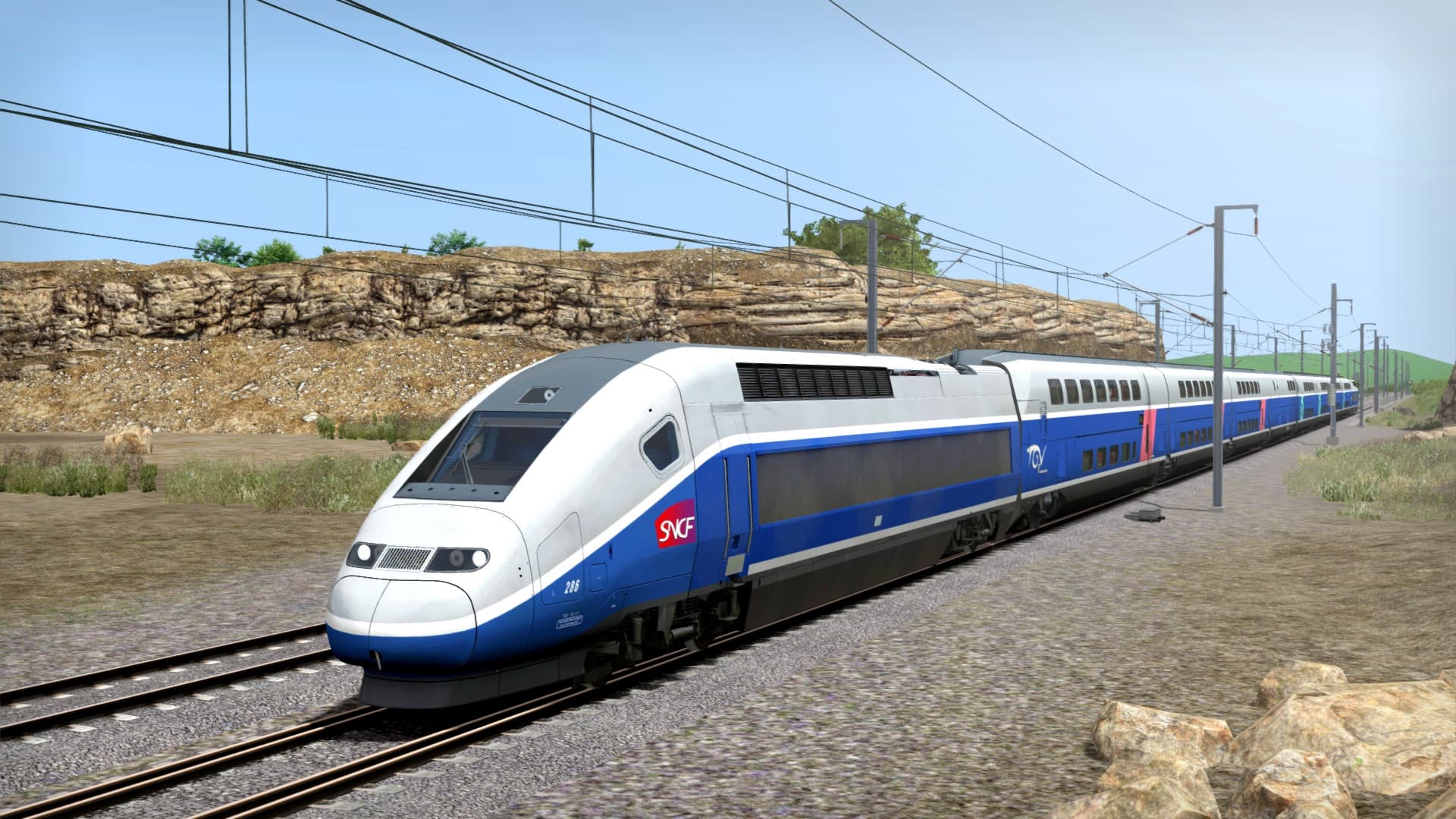
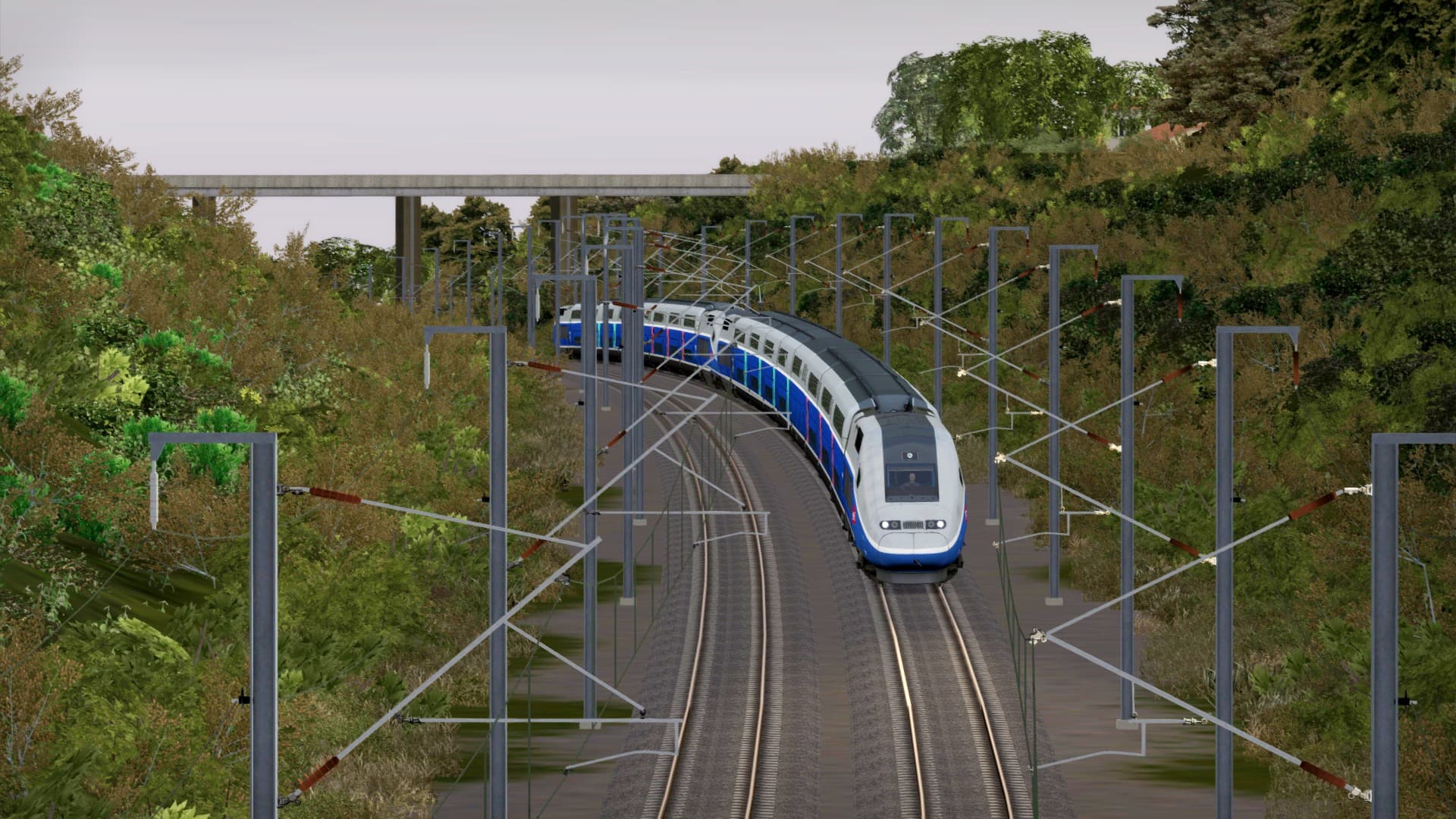
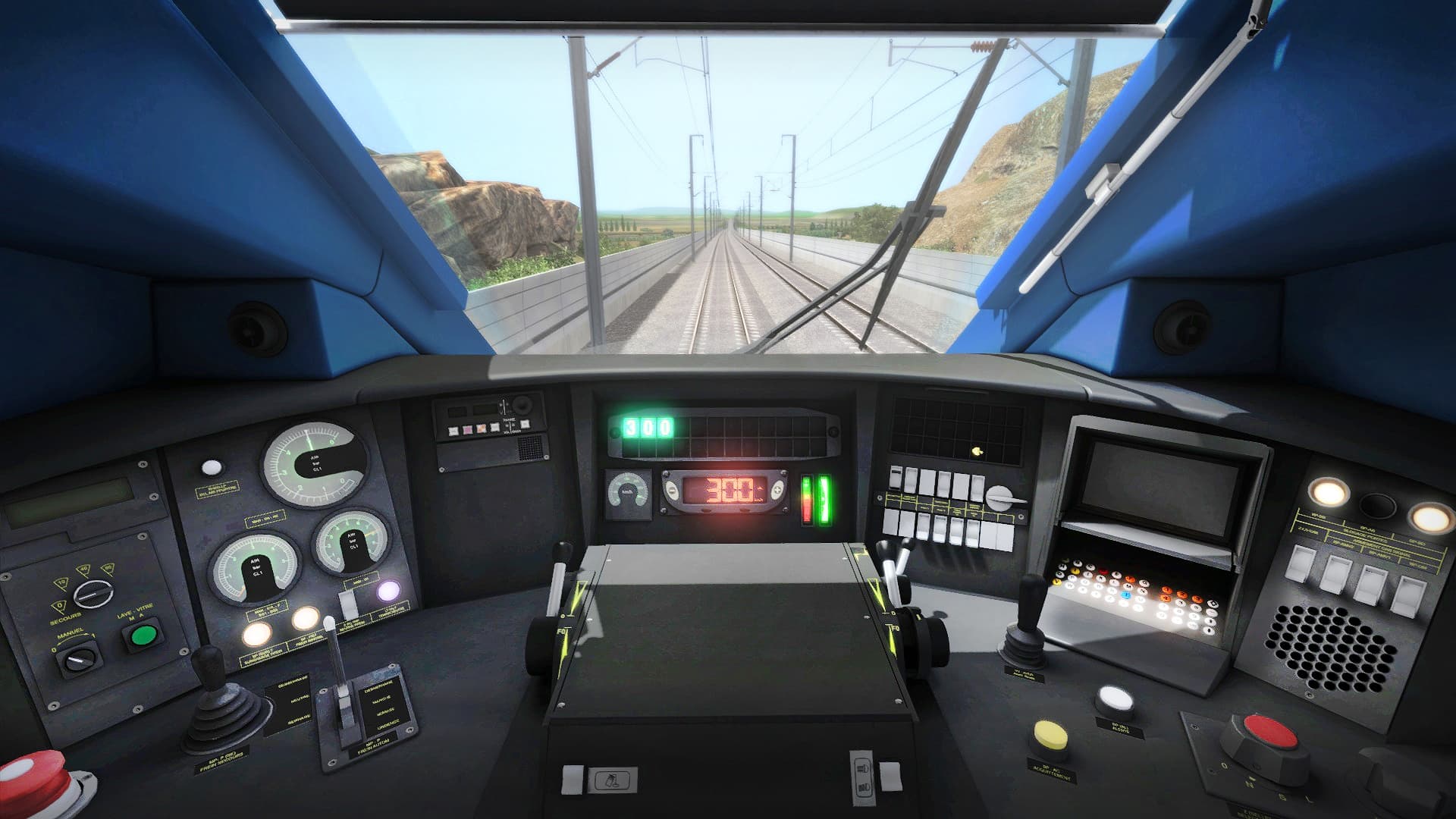
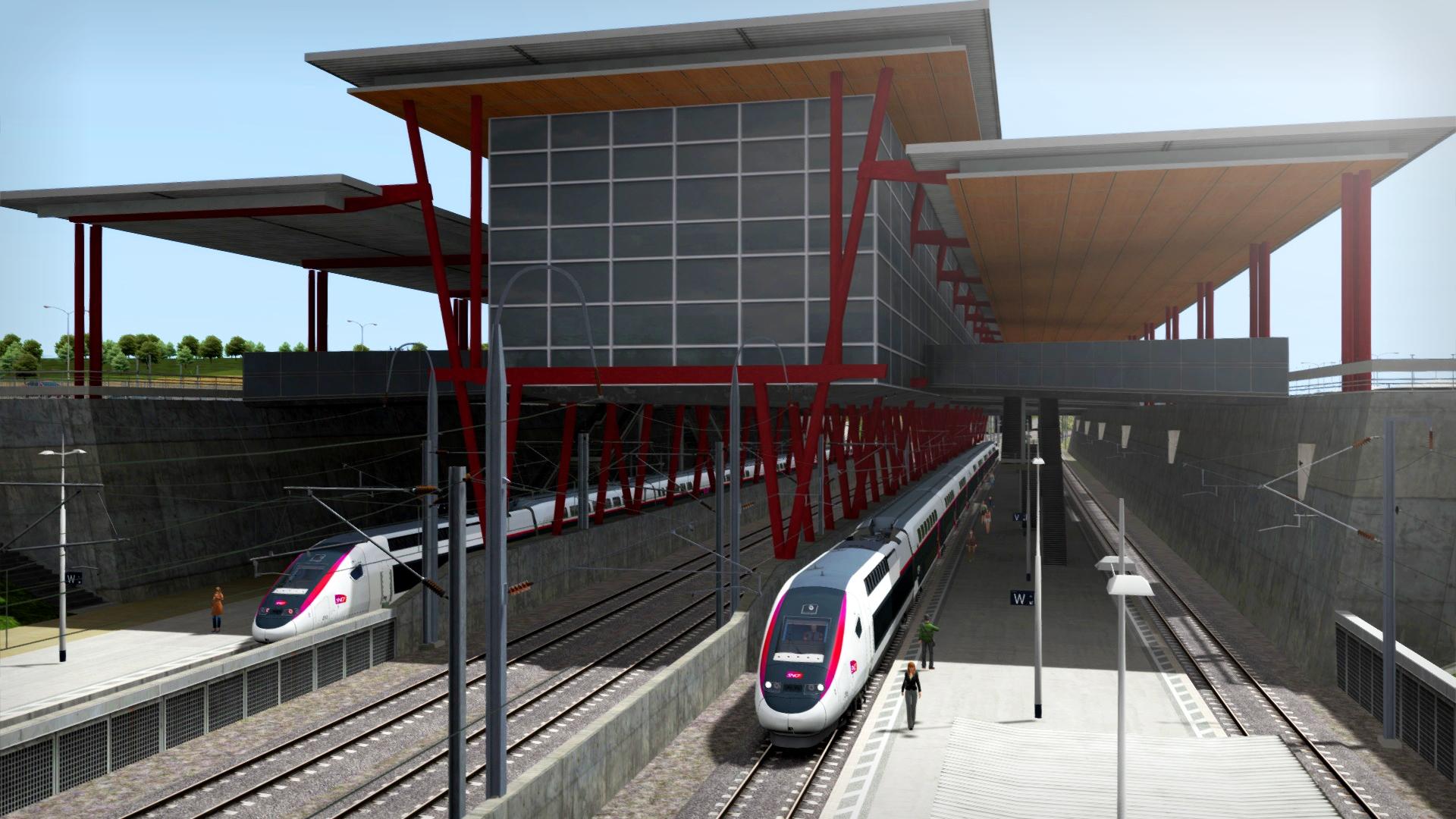
The LGV Rhône-Alpes and LGV Méditerranée Route Extension Add-on brings over 200 km of additional track to the highly popular LGV: Marseille - Avignon Route Add-On, making over 300 km of the French high-speed railway between Lyon and Marseille. You must own the LGV: Marseille - Avignon Route Add-On, which is a separate purchase, in order to play the content featured in this Route Extension.
About this content ...
System Requirements
- OS
- 32- or 64-bit Windows 7 Service Pack 1, 8.1 or 10 required
- Processor
- Intel Core-i3 4330 3.50 GHz Dual Core or AMD A8 6600K 3.90 GHz Quad Core or better
- Memory
- 4 GB RAM
- Graphics
- NVIDIA GeForce GTX 750 Ti or AMD Radeon R9 Graphics with 1 GB Dedicated VRAM or better
- DirectX
- Version 9.0c
- Network
- Broadband Internet connection
- Storage
- 40 GB available space
- Sound Card
- DirectX Compatible
- Additional Notes
- Requires mouse and keyboard or Xbox Controller
Legal information
© 2018 Dovetail Games (“DTG”), a trading name of RailSimulator.com Limited. "Dovetail Games", “RailSimulator.com” and the “Dovetail Games Train Simulator” logo are trade marks or registered trade marks of DTG. SNCF and TGV are registered trademarks of SNCF. TGV ® is the property of SNCF Mobilités. All rights of reproduction reserved. All other copyrights or trade marks are the property of their respective owners. All rights reserved.
You may also like
- Train Sim World® 2: Hauptstrecke München - Augsburg Route Add-On
- Train Simulator Classic 2024
- Train Sim World® 2: Hauptstrecke Rhein-Ruhr: Duisburg - Bochum Route Add-On

- Train Sim World®: Rapid Transit

- Fishing Sim World: Pro Tour

- Train Sim World 2: Southeastern High Speed: London St Pancras - Faversham Route Add-On
- Train Simulator 2021
- Train Sim World®: Main Spessart Bahn: Aschaffenburg - Gemünden