



How to activate
- Install Steam and sign in to your account (a free account is enough).
- In the top menu choose Games → Activate a Product on Steam…
- Enter your key exactly as shown in your order (with dashes) and confirm. The game appears in your library.
About
Repair toys
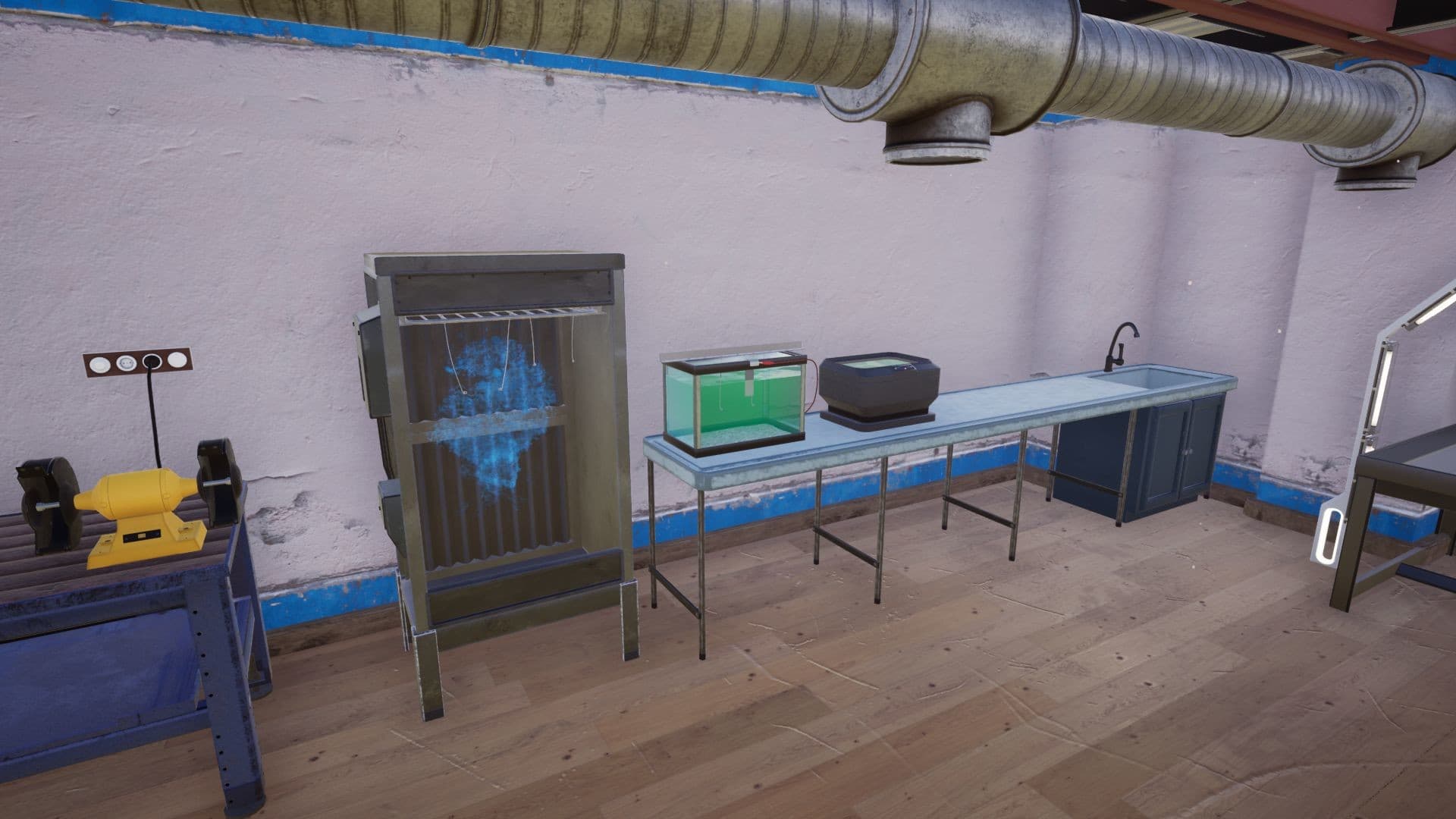
- Disassemble/assemble toy parts and go through the repair processes like cleaning, painting, sandblasting, coating, sanding, sewing, filling/stuffing etc
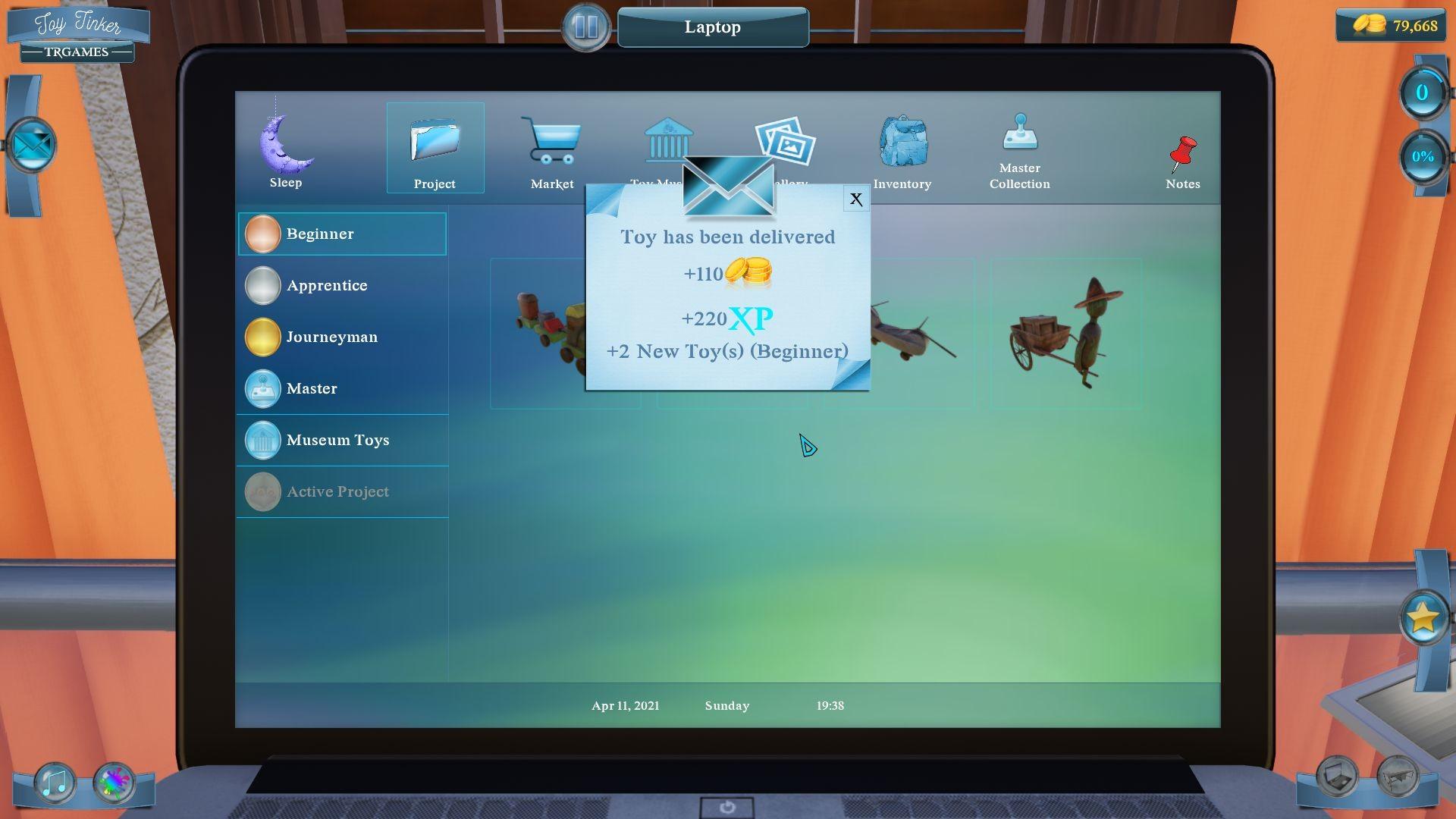
- Repair as many toys as possible to earn more money and experience
- Take before/after photos to see the progress
Design your office and workshop
- Buy furniture, carpets, paintings, plants, flowers, etc and design your office
- Buy new tools and equipment to increase your portfolio
Start your toy-museums
- Buy and repair unique toys
- Buy new buildings and design your toy-museums
Play with master-toys ...
System Requirements
Minimum
- Requires a 64-bit processor and operating system
- OS
- Windows 7 64-bit | Windows 8 64-bit | Windows 10 64-bit
- Processor
- Intel Core i3-6100T | AMD FX-6100
- Memory
- 4 GB RAM
- Graphics
- NVIDIA GeForce GTX 650 | AMD Radeon R7-250X
- Storage
- 10 GB available space
Recommended
- Requires a 64-bit processor and operating system
- OS
- Windows 7 64-bit | Windows 8 64-bit | Windows 10 64-bit
- Processor
- Intel Core i5-4460 | AMD FX-6350
- Memory
- 8 GB RAM
- Graphics
- NVIDIA GeForce GTX 750 | AMD Radeon R7-265X
- Storage
- 10 GB available space