

How to activate
- Install Steam and sign in to your account (a free account is enough).
- In the top menu choose Games → Activate a Product on Steam…
- Enter your key exactly as shown in your order (with dashes) and confirm. The game appears in your library.
About
A devilishly addictive retro arcade video game that goes into 3D and beyond. TimberMan VR is a simple game whose charm lies in its lack of storyline, while the advantage - is in your skill set.
EASY TO LEARN HARD TO MASTER
The game offers a simple and straightforward concept but with increasing difficulty. It is easy to learn but tough to master, providing a challenging and rewarding experience for players. 4 maps (autumn, winter, spring & halloween) 15 levels campaign arcade mode
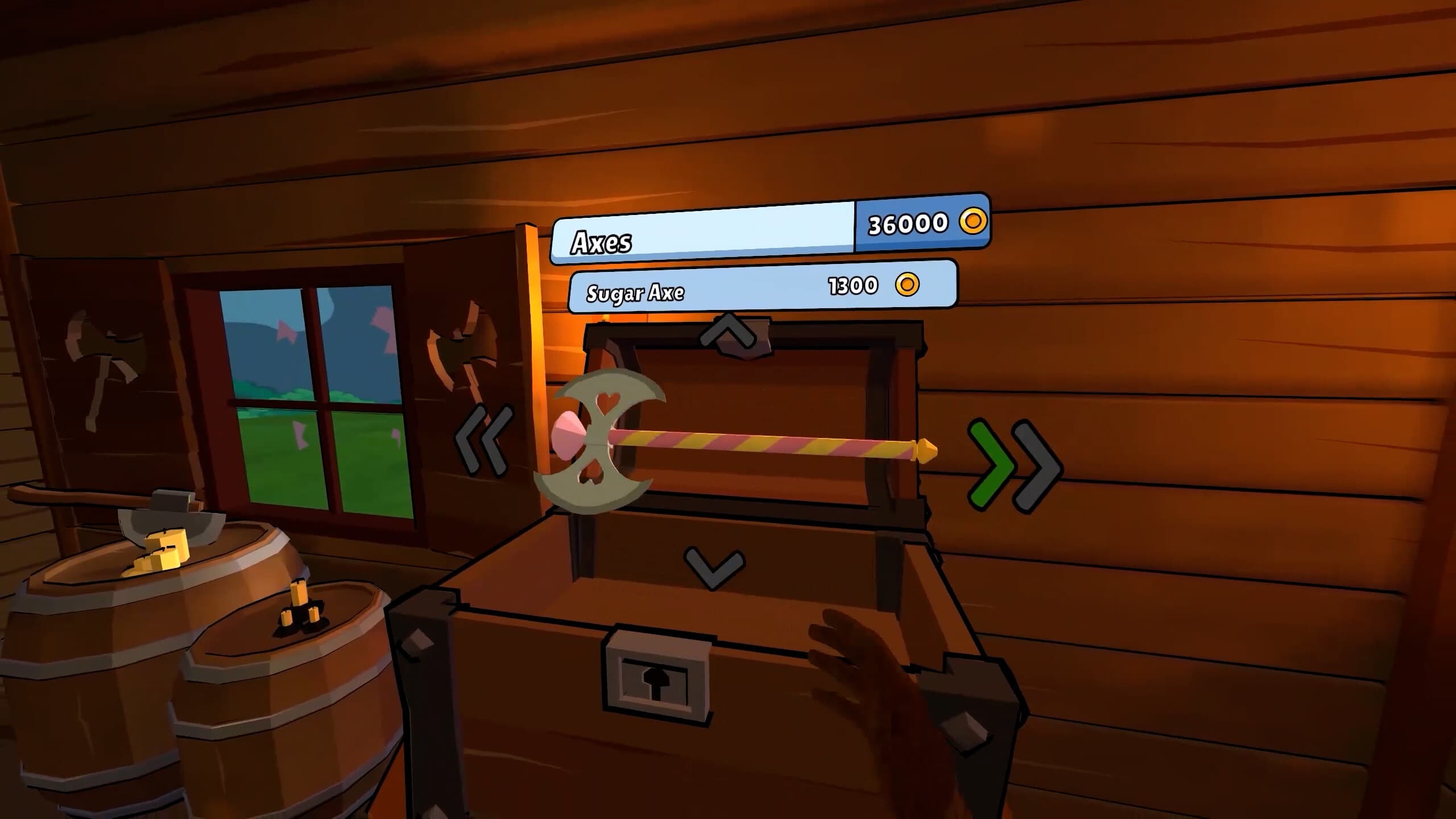
SHOP FOR A UNIQUE ITEMS ...
System Requirements
Minimum
- Windows
- OS
- Windows(64-bit) 7 or Newer
- Processor
- Intel i5-7300 equivalent or greater
- Memory
- 8 GB RAM
- Graphics
- NVIDIA GeForce GTX 1060 / AMD RX 580
- DirectX
- Version 11
- Storage
- 1 GB available space
- Sound Card
- DirectX Compatible Sound Device
- VR Support
- SteamVR or Oculus PC
Recommended