





How to activate
- Install Steam and sign in to your account (a free account is enough).
- In the top menu choose Games → Activate a Product on Steam…
- Enter your key exactly as shown in your order (with dashes) and confirm. The game appears in your library.
About
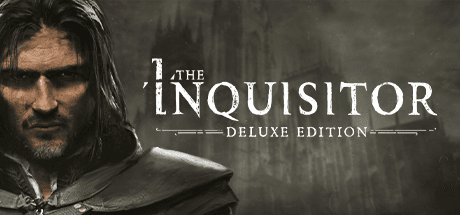
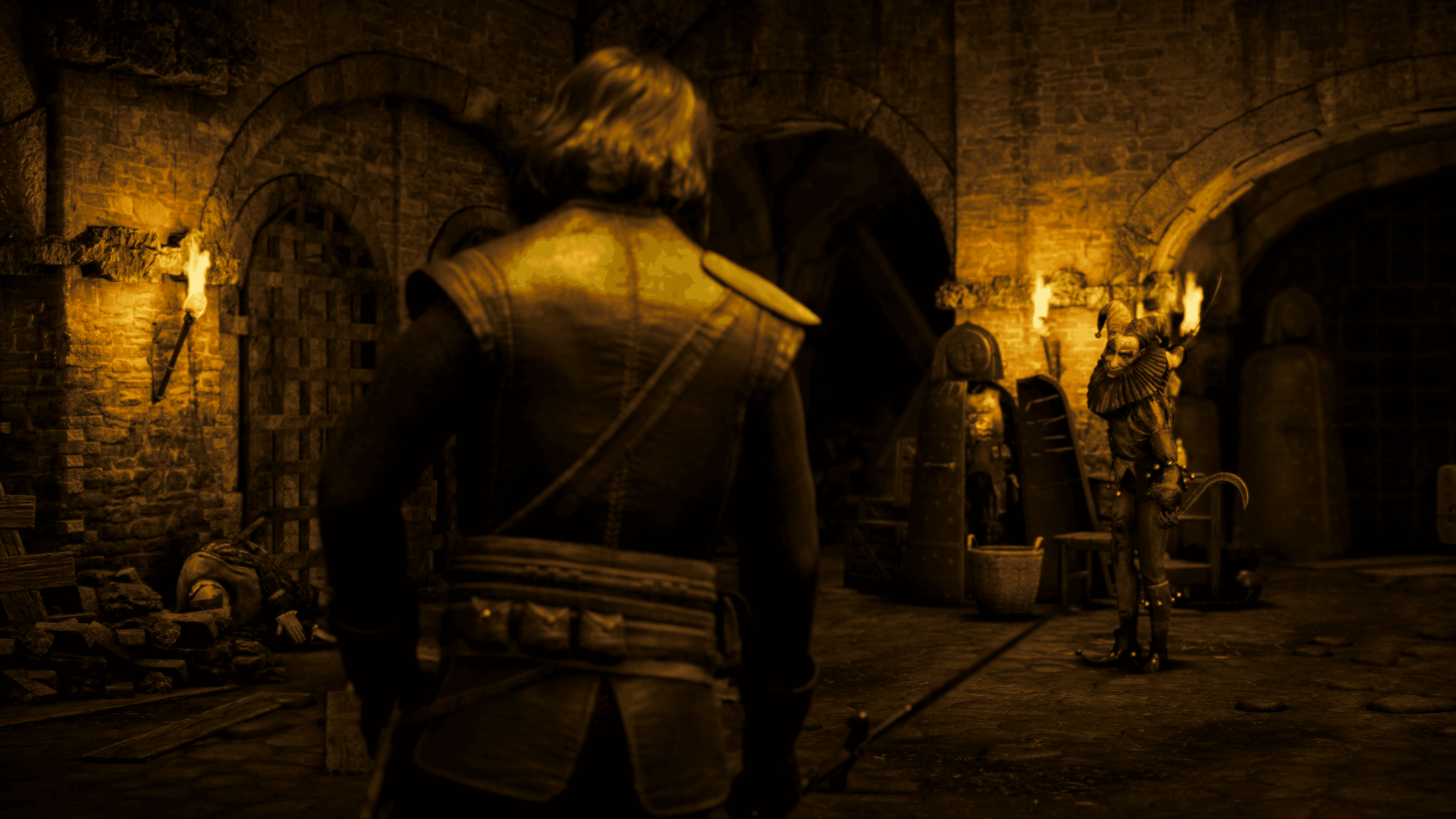
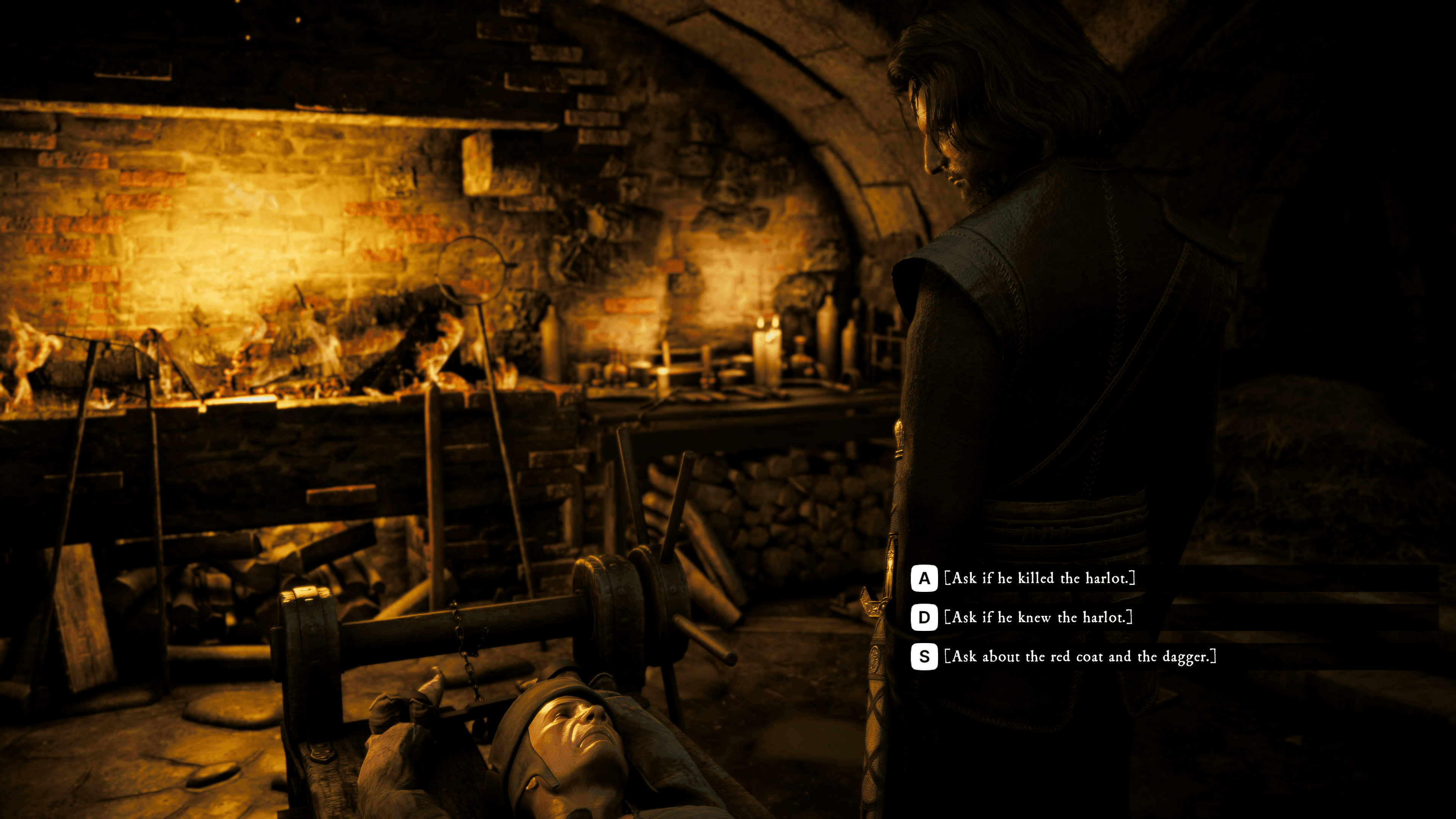
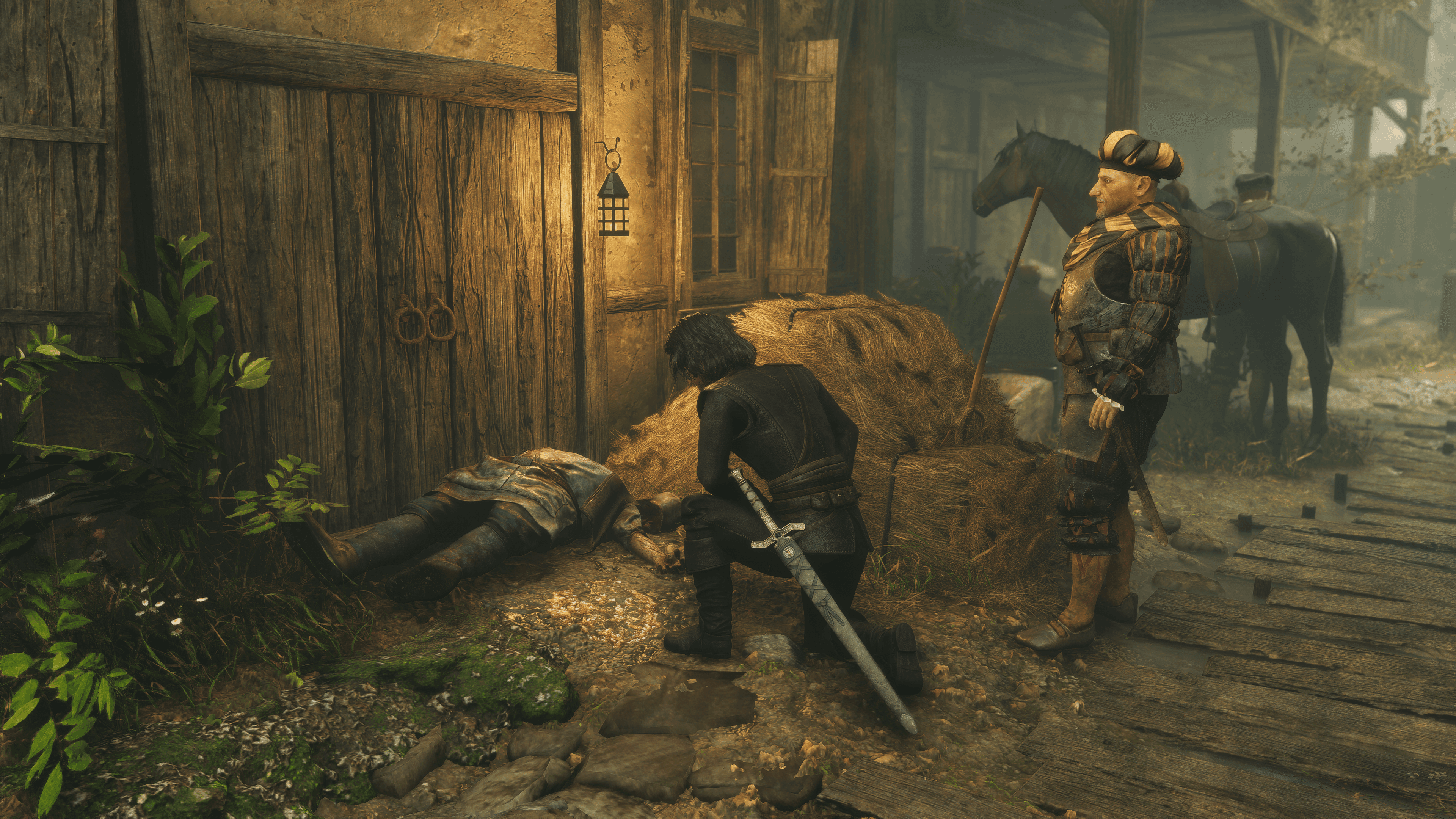
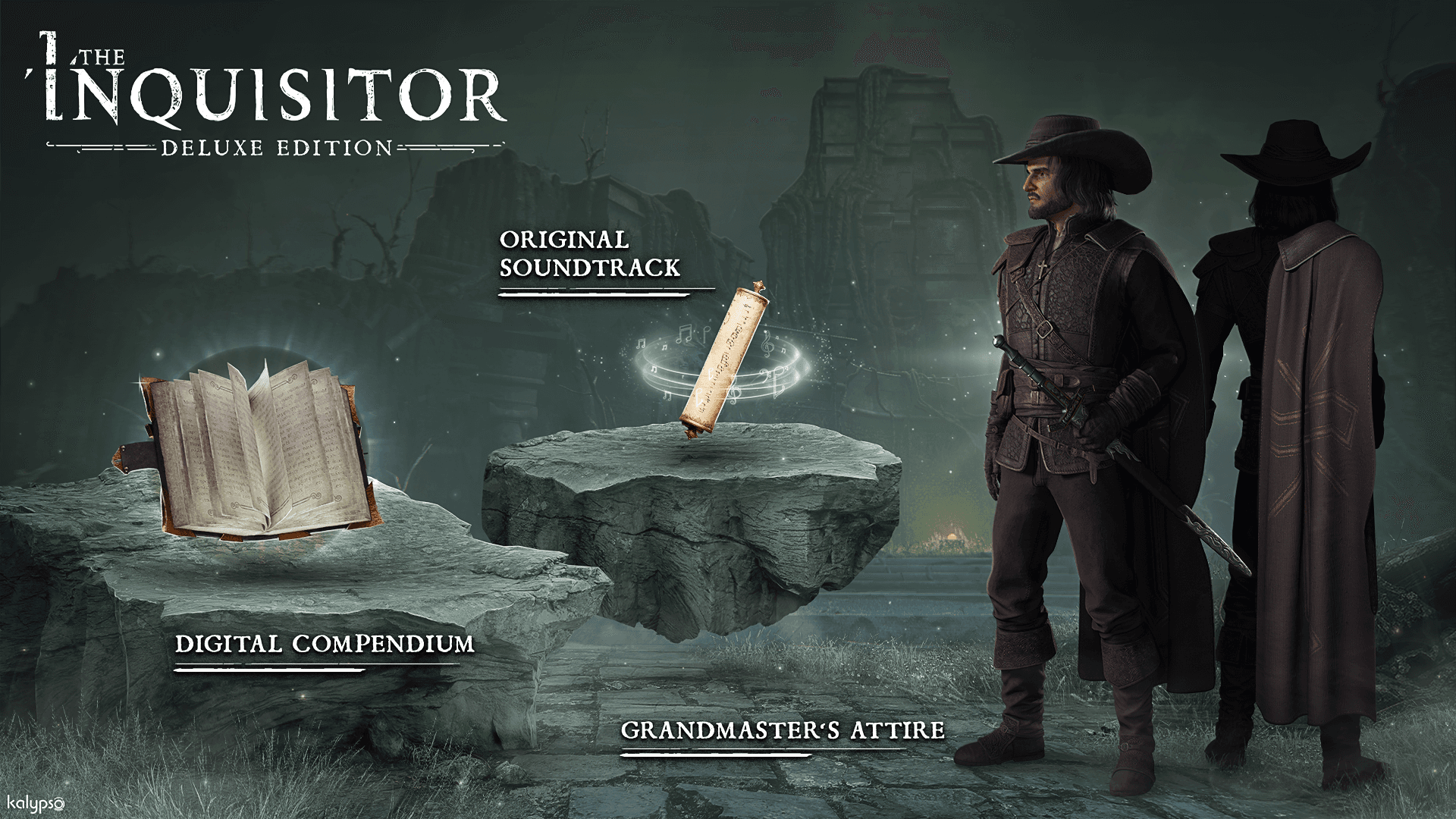
Prepare to fulfill your inquisitorial duties to the Holy Office with The Inquisitor - Deluxe Edition. Strike fear into the hearts of all sinners within Koenigstein’s borders using the awe-inspiring Grandmaster's Attire. And feast your eyes and ears on the digital compendium and original soundtrack.
Deluxe Edition Content:
- Original Soundtrack
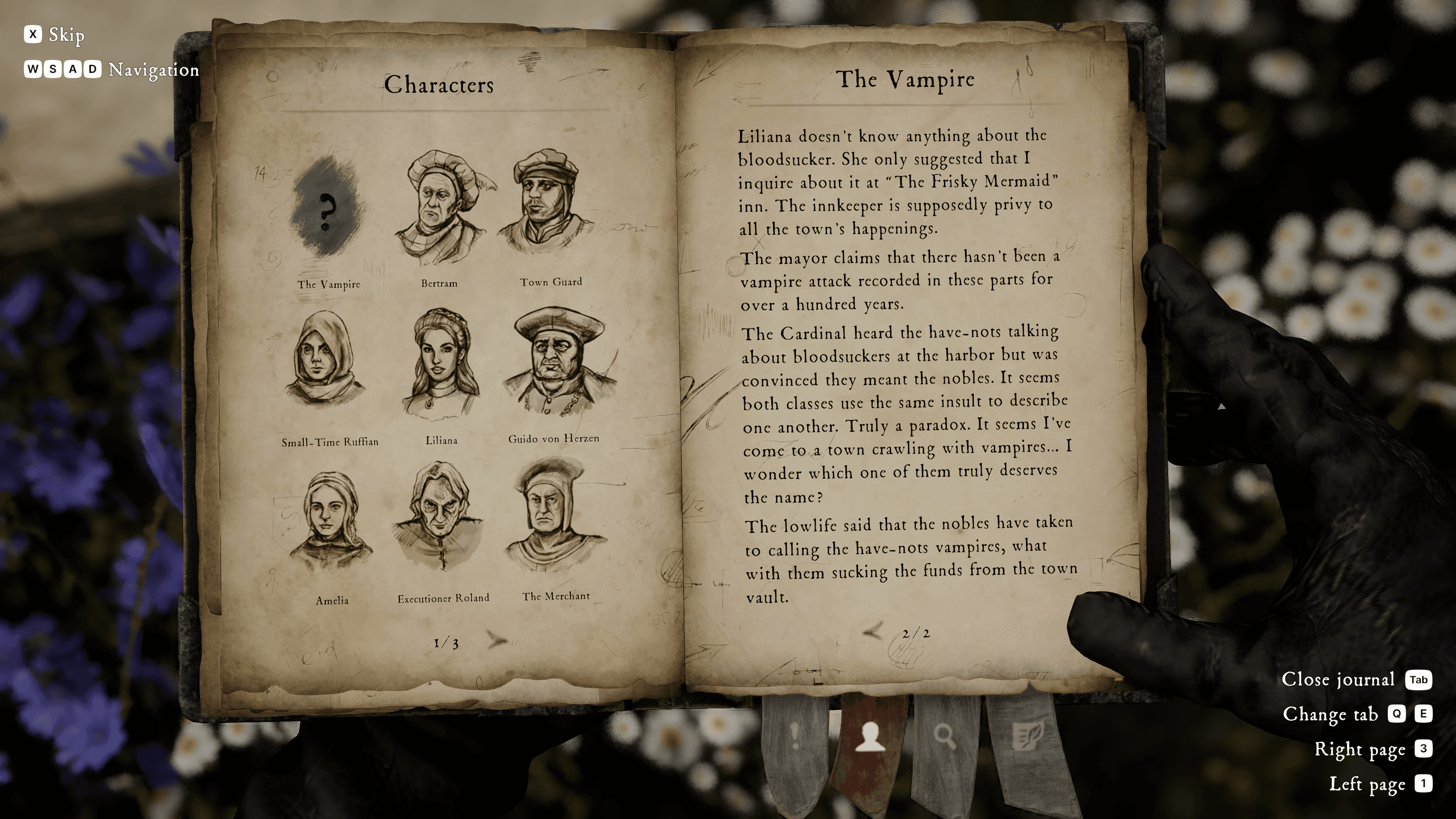
- Digital Compendium
- Grandmaster's Attire ...
System Requirements
Minimum
- Steam account is required for game activation and installation.
- Windows Requirements
- Requires a 64-bit processor and operating system
- OS
- Windows 10 (64 Bit)
- Processor
- Intel Core i5-8400 / Ryzen 5 2600
- Memory
- 16 GB RAM
- Graphics
- GeForce GTX 1060 6GB / AMD RX 590
- DirectX
- Version 11
- Storage
- 23 GB available space
- Sound Card
- Integrated or dedicated compatible soundcard
- Additional Notes
- SSD recommended / Upscaling via FSR recommended
Recommended
- Requires a 64-bit processor and operating system
- OS
- Windows 10 (64 Bit)
- Processor
- Intel Core i7-7700K / Ryzen 7 2700
- Memory
- 16 GB RAM
- Graphics
- GeForce RTX 2070 / AMD RX 5700
- DirectX
- Version 11
- Storage
- 23 GB available space
- Sound Card
- Integrated or dedicated compatible soundcard
- Additional Notes
- SSD recommended / Upscaling via DLSS or FSR recommended
Legal information
The Inquisitor © 2024 Kalypso Media Group GmbH. I, the Inquisitor, and the The Dust logo are registered or unregistered trademarks of The Dust S.A. in the U.S. and/or other countries. Published by Kalypso Media Group GmbH. Developed by The Dust S.A. All other logos, copyrights and trademarks are property of their respective owners. All rights reserved.