
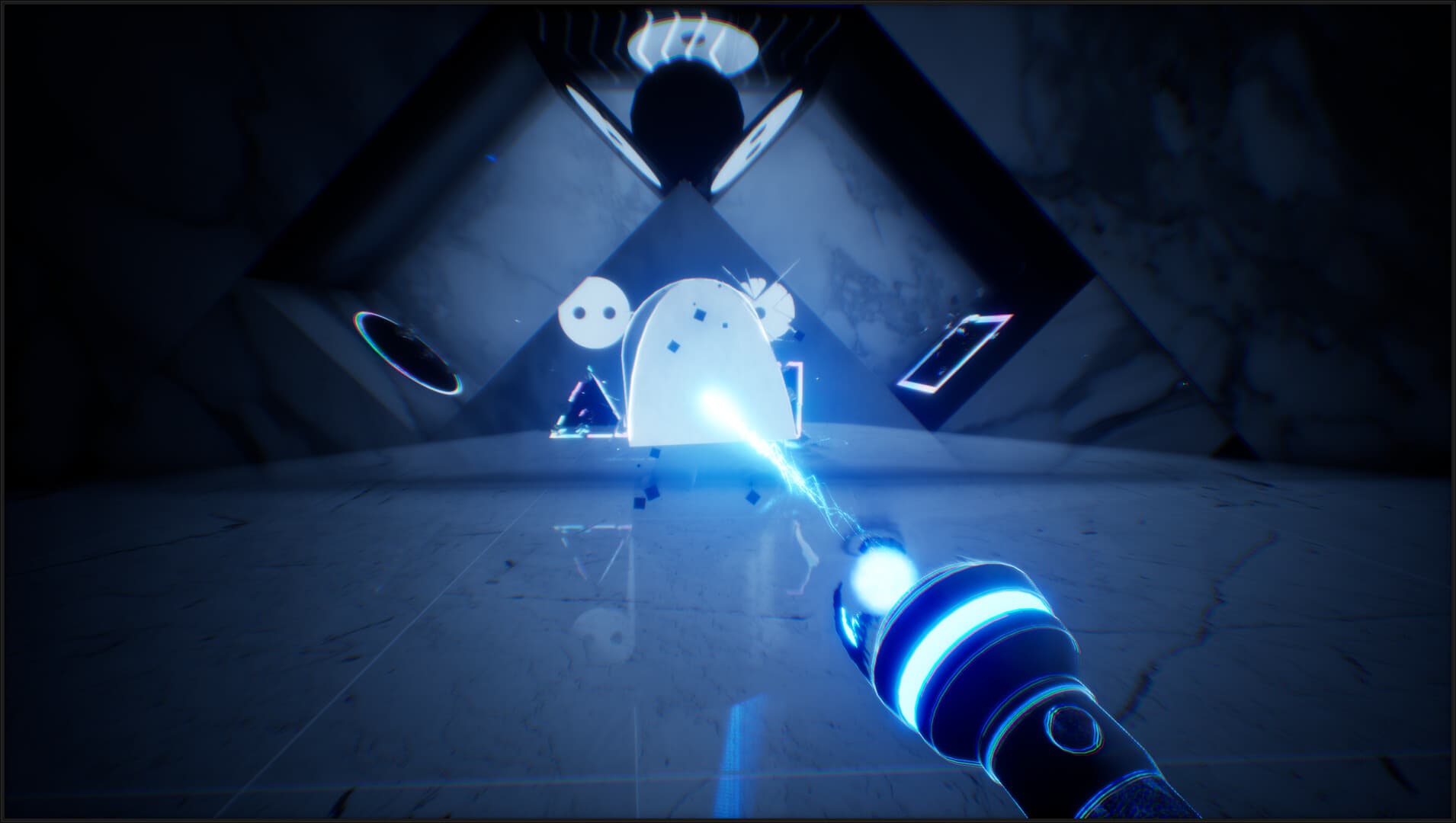

THANKS, LIGHT.






How to activate
- Install Steam and sign in to your account (a free account is enough).
- In the top menu choose Games → Activate a Product on Steam…
- Enter your key exactly as shown in your order (with dashes) and confirm. The game appears in your library.
About
Flat in shadow. Tall in light.
Shine to raise. Absorb to flatten.
A first-person puzzler for the people who still keep a portal gun, a camera, and a perspective shift bookmarked in their library.
Shine light to give shadow weight.
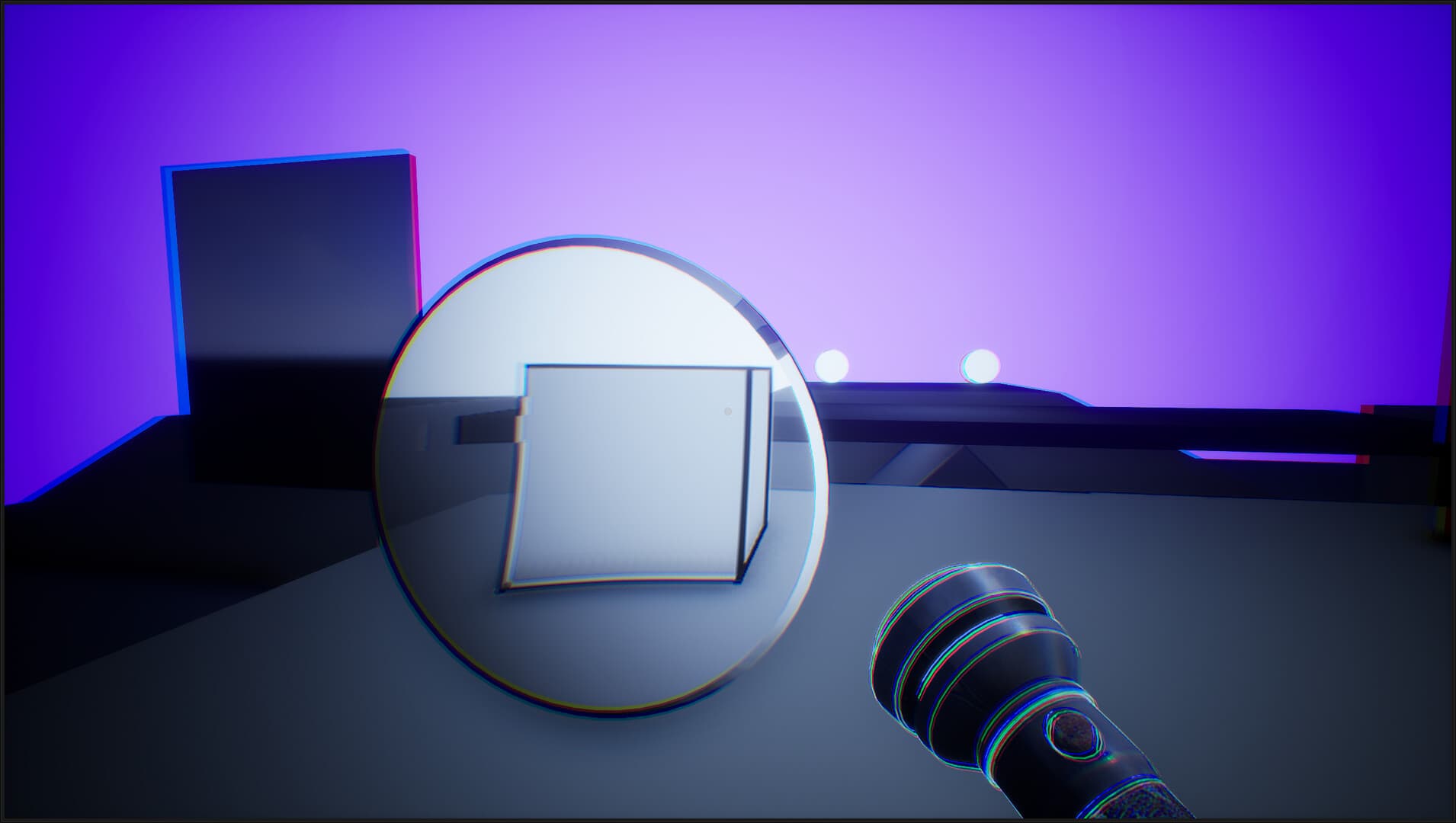
A flat square unfolds into a staircase. A fragile outline turns into a towering pillar. Light grants mass, collision, gravity — and once it's solid, you climb it, push it, drop it.
Absorb light to switch Physics off.
A rolling ball lies still. A wall becomes a doorway. Mass vanishes — and what blocked you now lets you through. ...
System Requirements
Minimum
- Windows
- Requires a 64-bit processor and operating system
- OS
- Windows 10
- Processor
- Intel: 9400 / AMD: 3500
- Memory
- 8 GB RAM
- Graphics
- RTX 1660
- Storage
- 3 GB available space
Recommended
- Windows
- Requires a 64-bit processor and operating system
- OS
- Windows 10
- Processor
- Intel: 10600 / AMD: 3600
- Memory
- 16 GB RAM
- Graphics
- RTX 2060
- Storage
- 3 GB available space