




How to activate
- Install Steam and sign in to your account (a free account is enough).
- In the top menu choose Games → Activate a Product on Steam…
- Enter your key exactly as shown in your order (with dashes) and confirm. The game appears in your library.
About
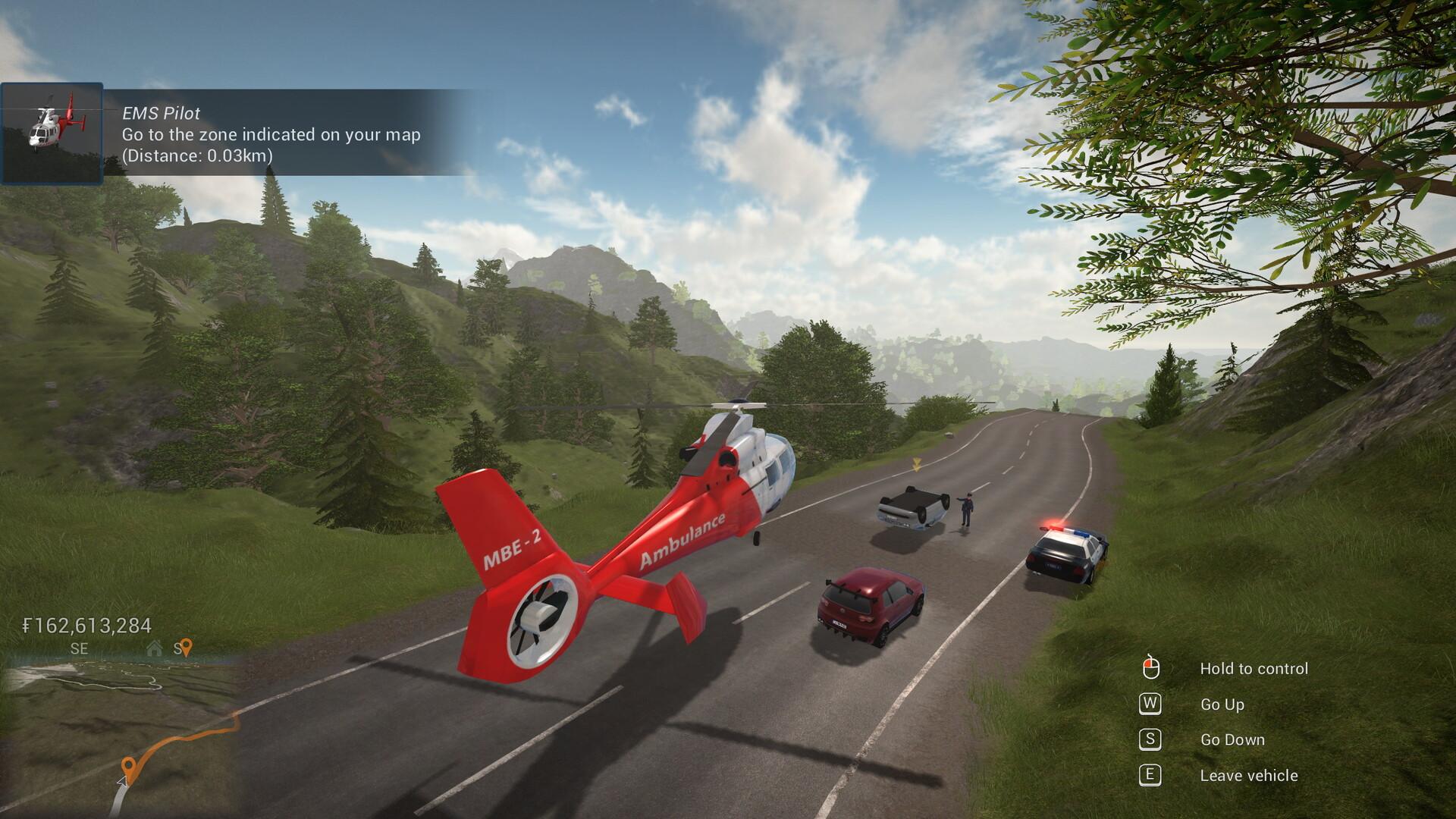
Technicity is a first-person city building game where you can also design your own construction blocks and items to create really unique buildings. Use cranes to speed up construction, terraform the open world, build roads and use vehicles to travel to different cities that you or your friends create in solo or coop mode.
Use a crane or a cement mixer to quickly build houses, shops, factories and any other building you can think of. The design is yours: with a large variety of building blocks of different shapes and materials, you can really create whatever you want. ...
System Requirements
Minimum
- Windows
- OS
- Windows 7/8/10
- Processor
- 3 GHz
- Memory
- 8 GB RAM
- Graphics
- OpenGL 3 compatible card with 2 GB of memory, nVidia® 7XX+/AMD® 7XXX+
- Storage
- 2 GB available space
Recommended
- Windows
- OS
- Windows 7/8/10
- Processor
- Intel core i5 or better / AMD ryzen 5 or better
- Memory
- 8 GB RAM
- Graphics
- nVidia® GTX 1050 or better / AMD® RX 560 or better
- Network
- Broadband Internet connection
- Storage
- 2 GB available space


