
How to activate
- Install Steam and sign in to your account (a free account is enough).
- In the top menu choose Games → Activate a Product on Steam…
- Enter your key exactly as shown in your order (with dashes) and confirm. The game appears in your library.
About
Notice: Requires a virtual reality headset. See system requirements for more information.
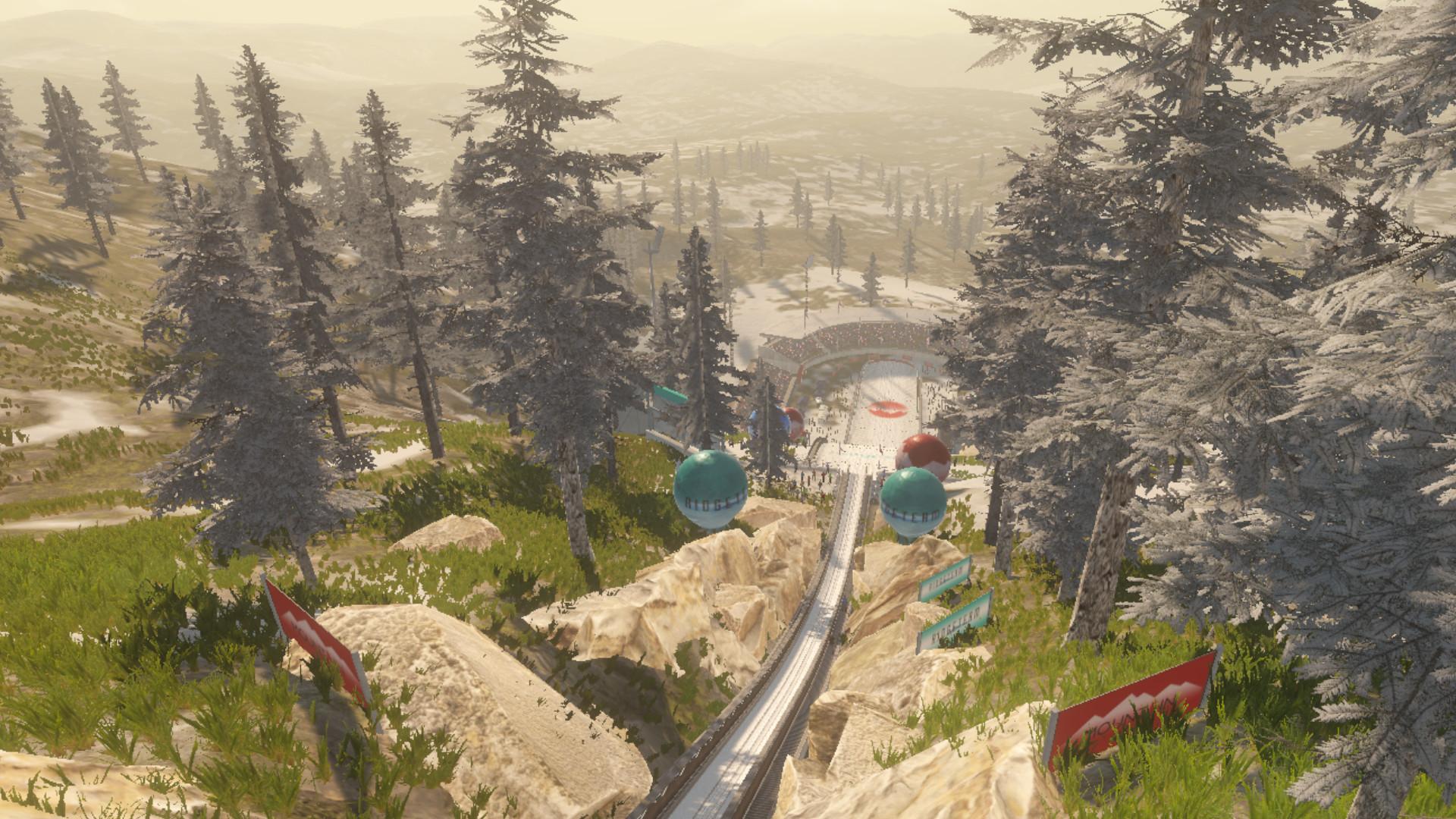
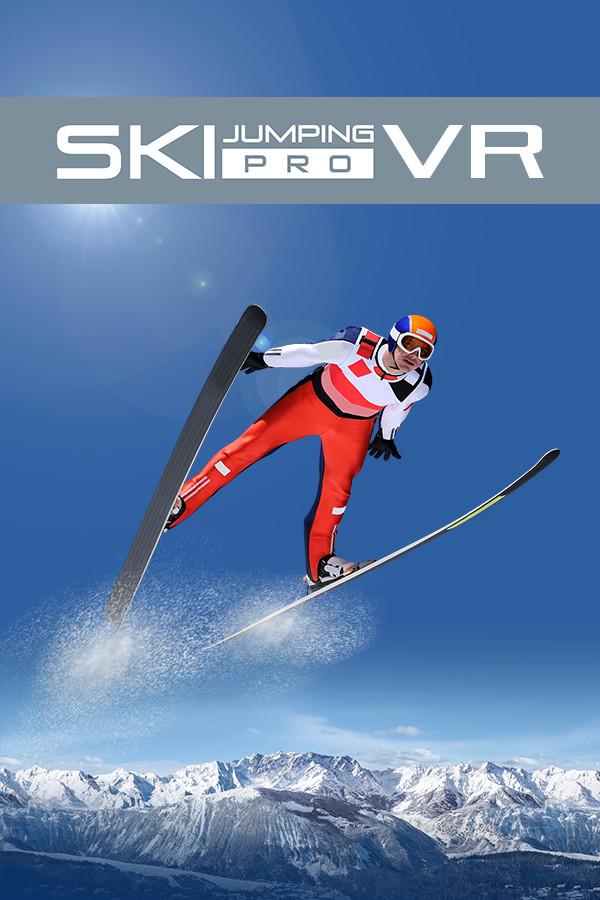
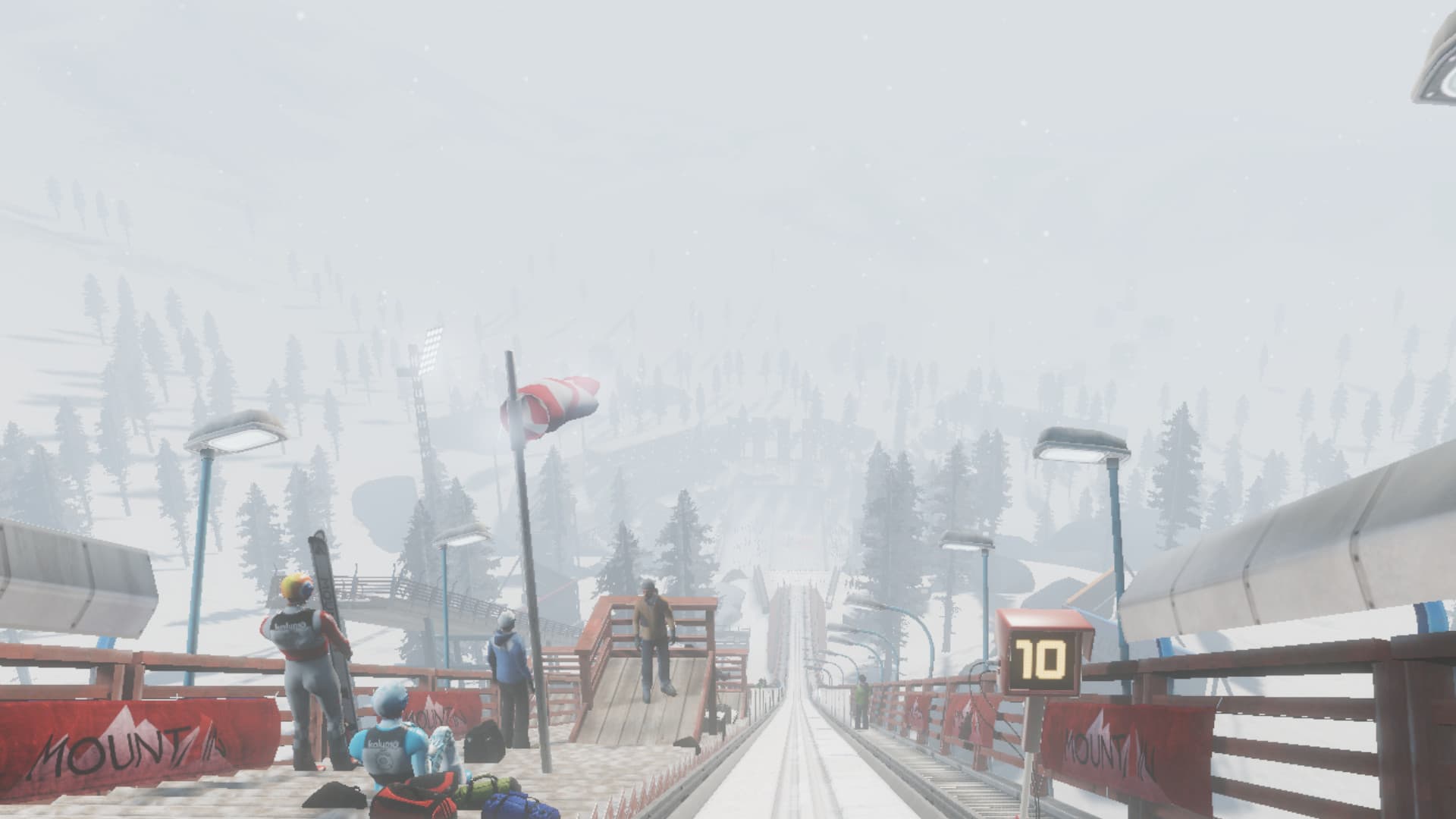
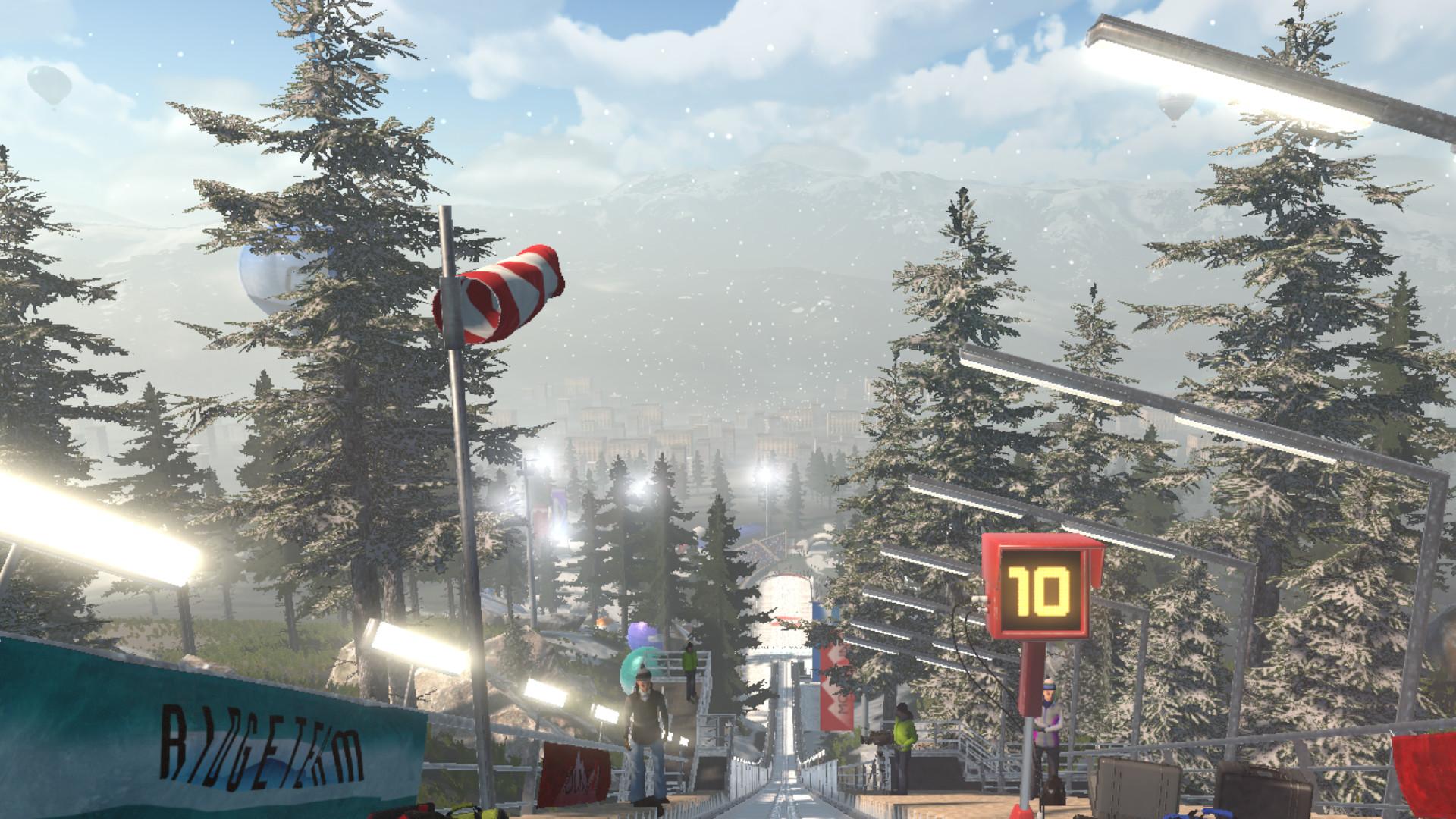
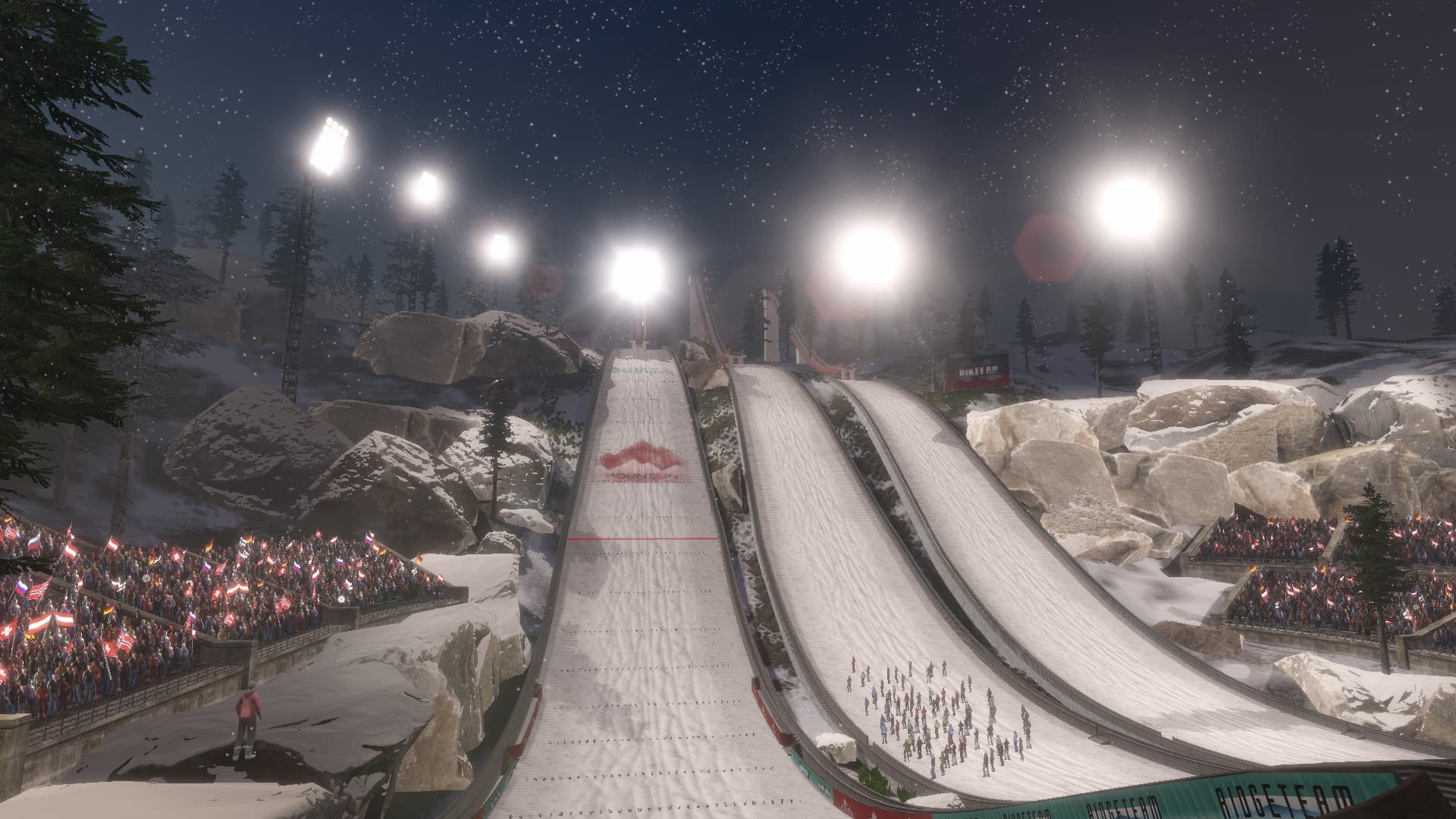
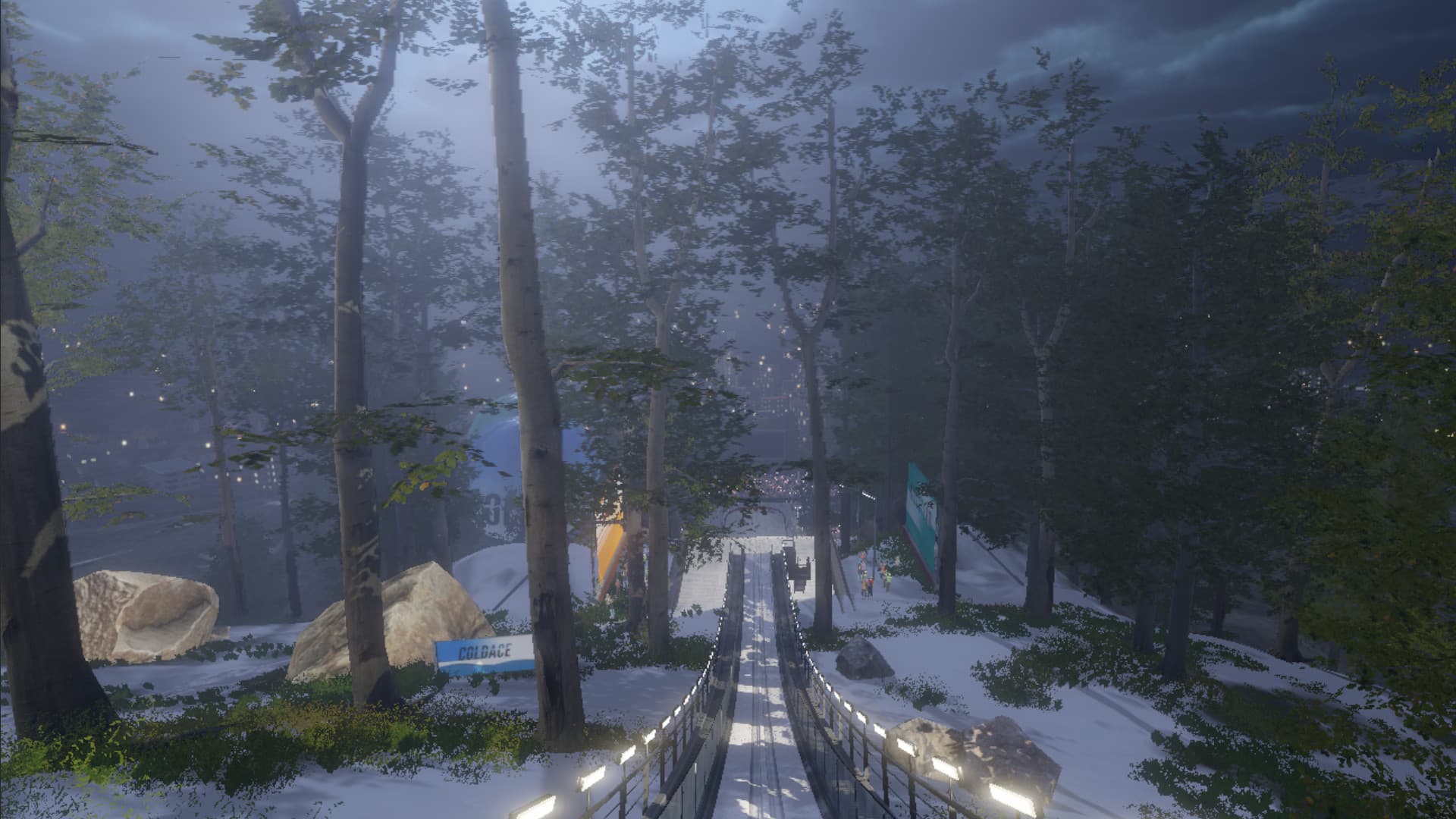
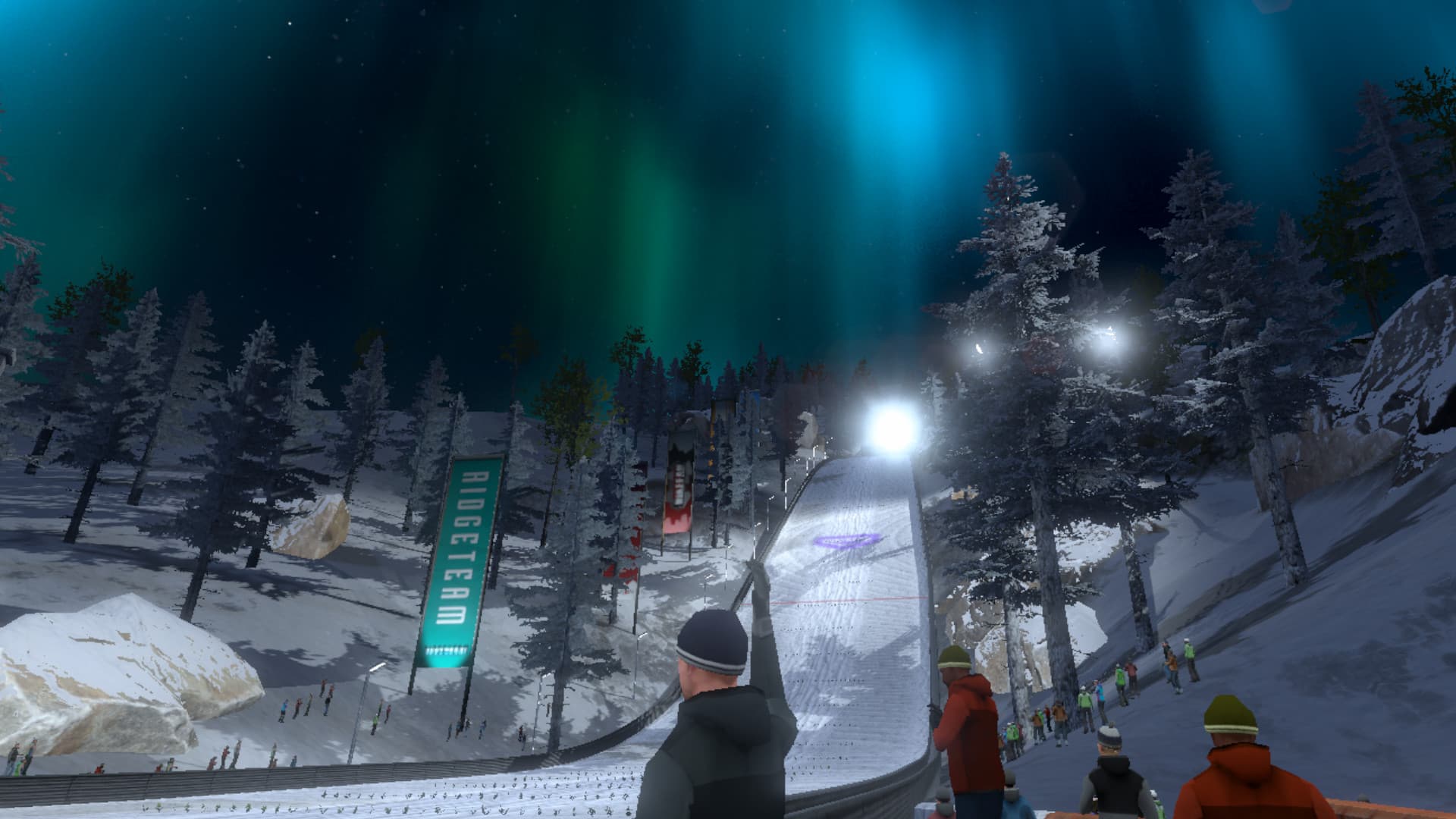
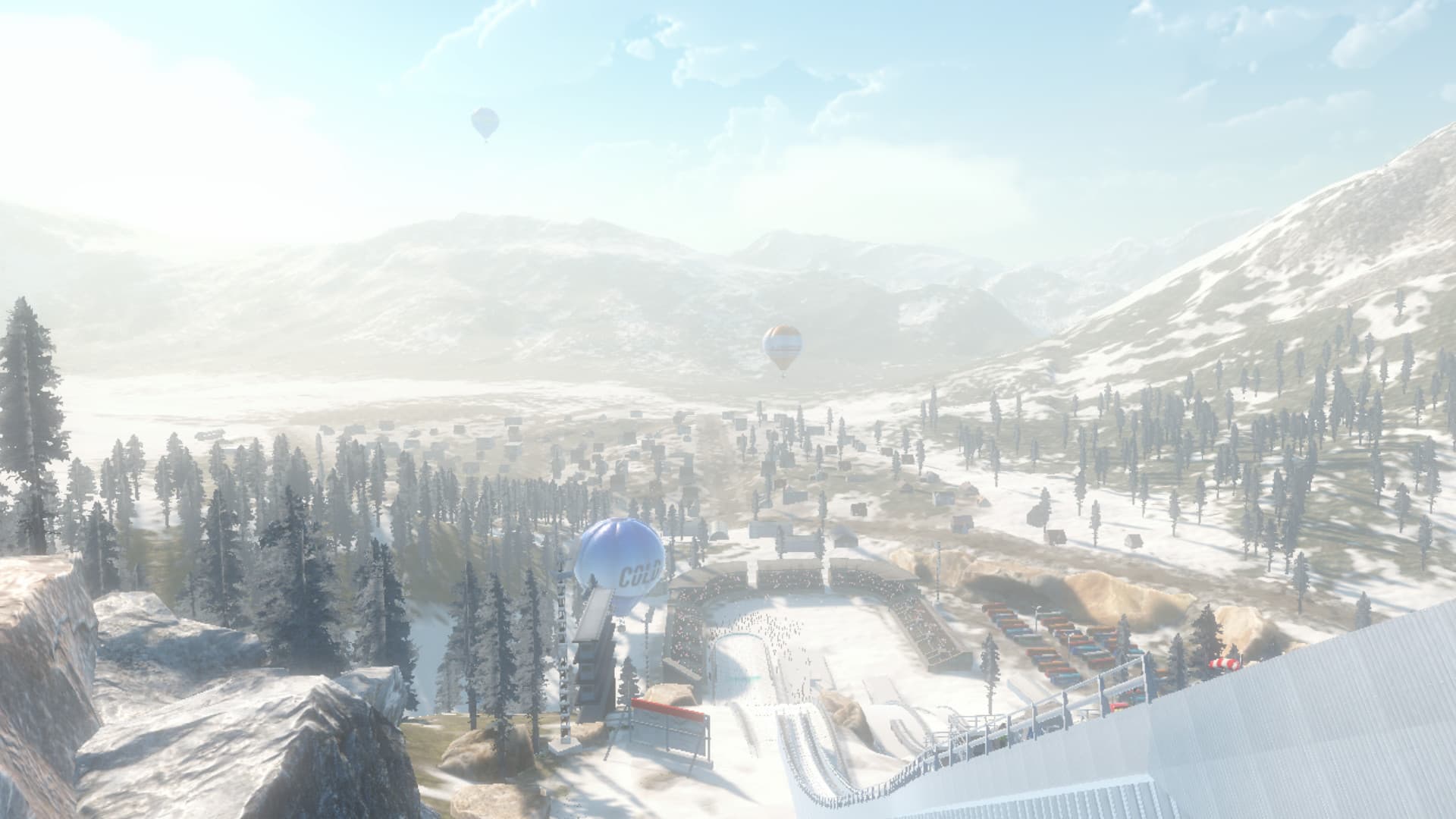
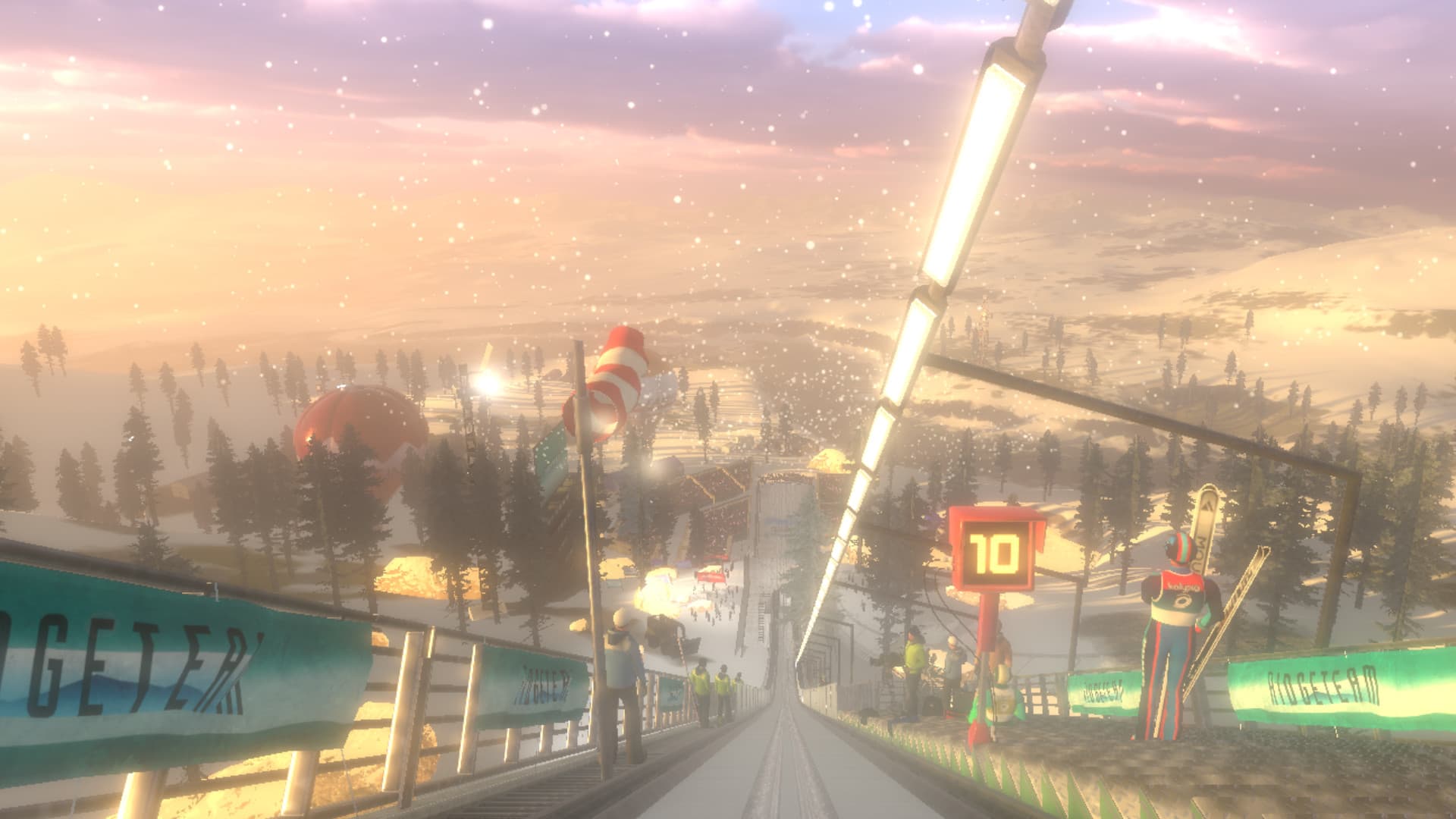
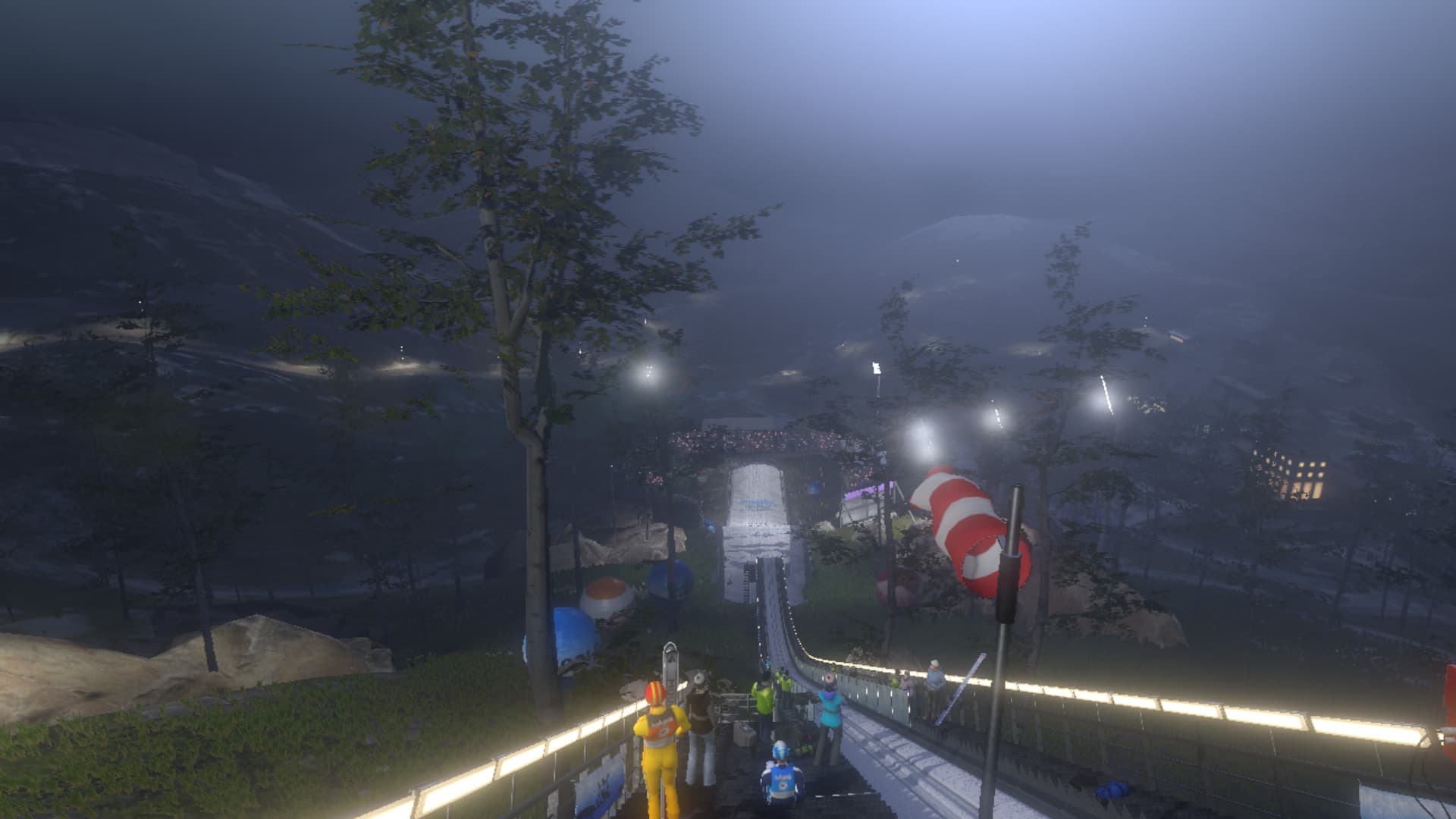
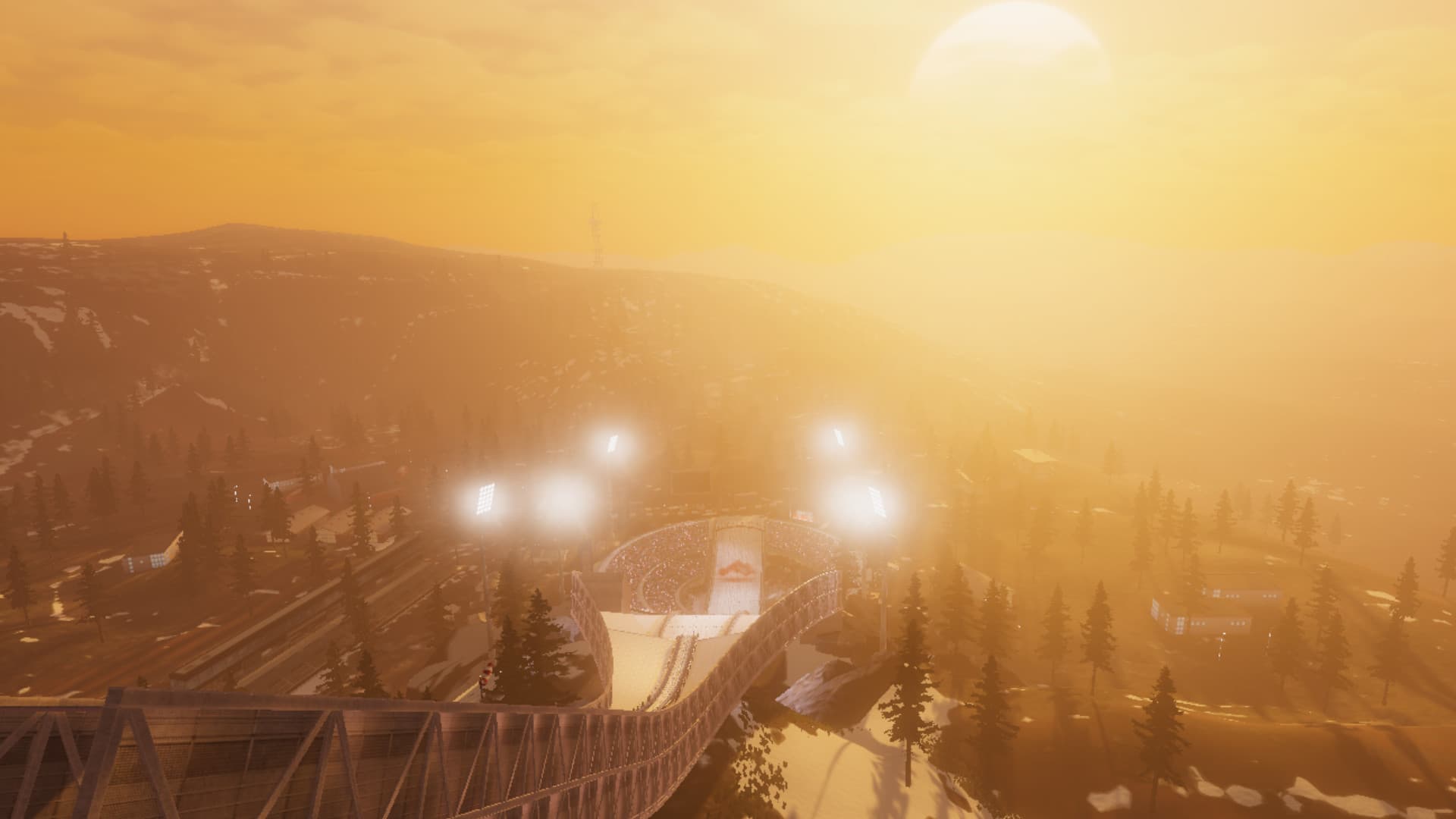
Ski Jumping Pro VR delivers the thrills of hurtling down a snow-packed ski ramp like no other game. Enjoy an ultra-realistic VR experience with the sensation of incomparable height and speed.
Keep your balance and land like a Pro to become the most successful Ski Jumper. A full single-player career mode and multiple tournaments make Ski Jumping Pro VR the ultimate winter sports simulation.
-
STUNNING VR EXPERIENCE ...
System Requirements
Minimum
- Steam account is required for game activation and installation.
- Windows Requirements
- Minimum
- OS
- Windows 10 64-bit
- Processor
- Intel Core i5-4590 (AMD FX 8350) or better
- Memory
- 8 GB RAM
- Graphics
- GeForce GTX 1080 or better
- DirectX
- Version 11
- Storage
- 10 GB available space
- VR Support
- SteamVR or Oculus PC
Recommended