











How to activate
- Install Steam and sign in to your account (a free account is enough).
- In the top menu choose Games → Activate a Product on Steam…
- Enter your key exactly as shown in your order (with dashes) and confirm. The game appears in your library.
About
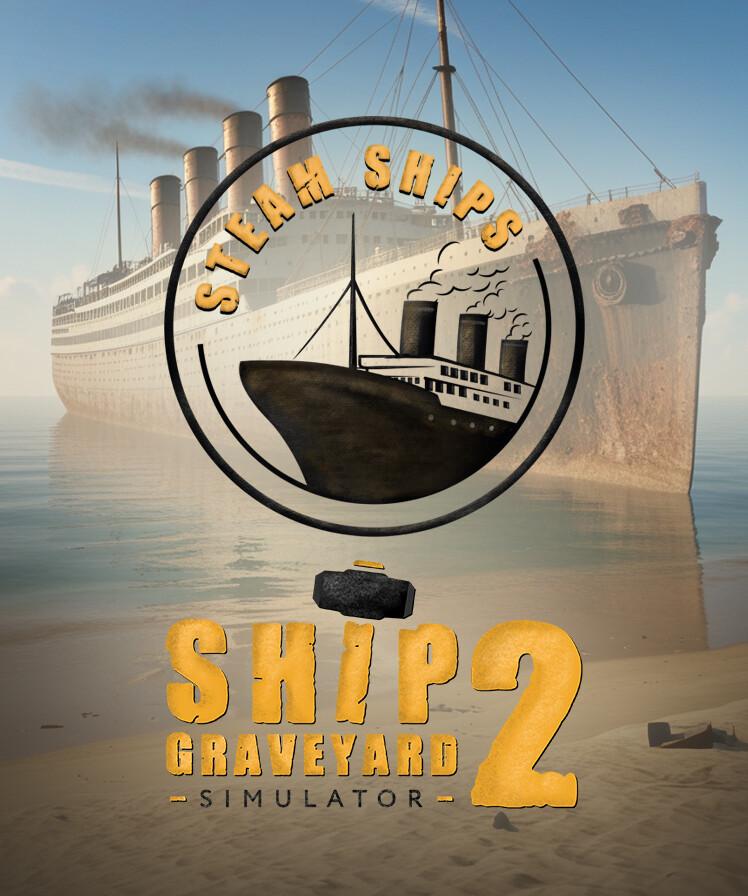
Ship Graveyard Simulator 2: Steam Ships DLC – New challenges, new secrets of steamships!
Three unique steamships:
Take on the dismantling of a ship that once saved human lives, discover the secrets of a one-of-a-kind steam-powered aircraft carrier and face a wreck whose history still stirs emotions around the world. Each ship brings new challenges and hidden treasures to discover
Lingering coal – a new challenge on your path ...
System Requirements
Minimum
- Windows
- OS
- Windows 10 64 Bit
- Processor
- Intel Core i3 3.0 GHz
- Memory
- 12 GB RAM
- Graphics
- Intel Arc 380, Nvidia GeForce GTX 960
- DirectX
- Version 11
- Storage
- 8 GB available space
- Additional Notes
- Recommend installation on an SSD drive
Recommended
- Windows
- OS
- Windows 10 64 Bit
- Processor
- Intel Core i5 3.4 GHz
- Memory
- 12 GB RAM
- Graphics
- Intel Arc 580, GTX 1660 Ti
- DirectX
- Version 11
- Storage
- 12 GB available space
- Additional Notes
- Recommend installation on an SSD drive