
How to activate
- Install Steam and sign in to your account (a free account is enough).
- In the top menu choose Games → Activate a Product on Steam…
- Enter your key exactly as shown in your order (with dashes) and confirm. The game appears in your library.
About
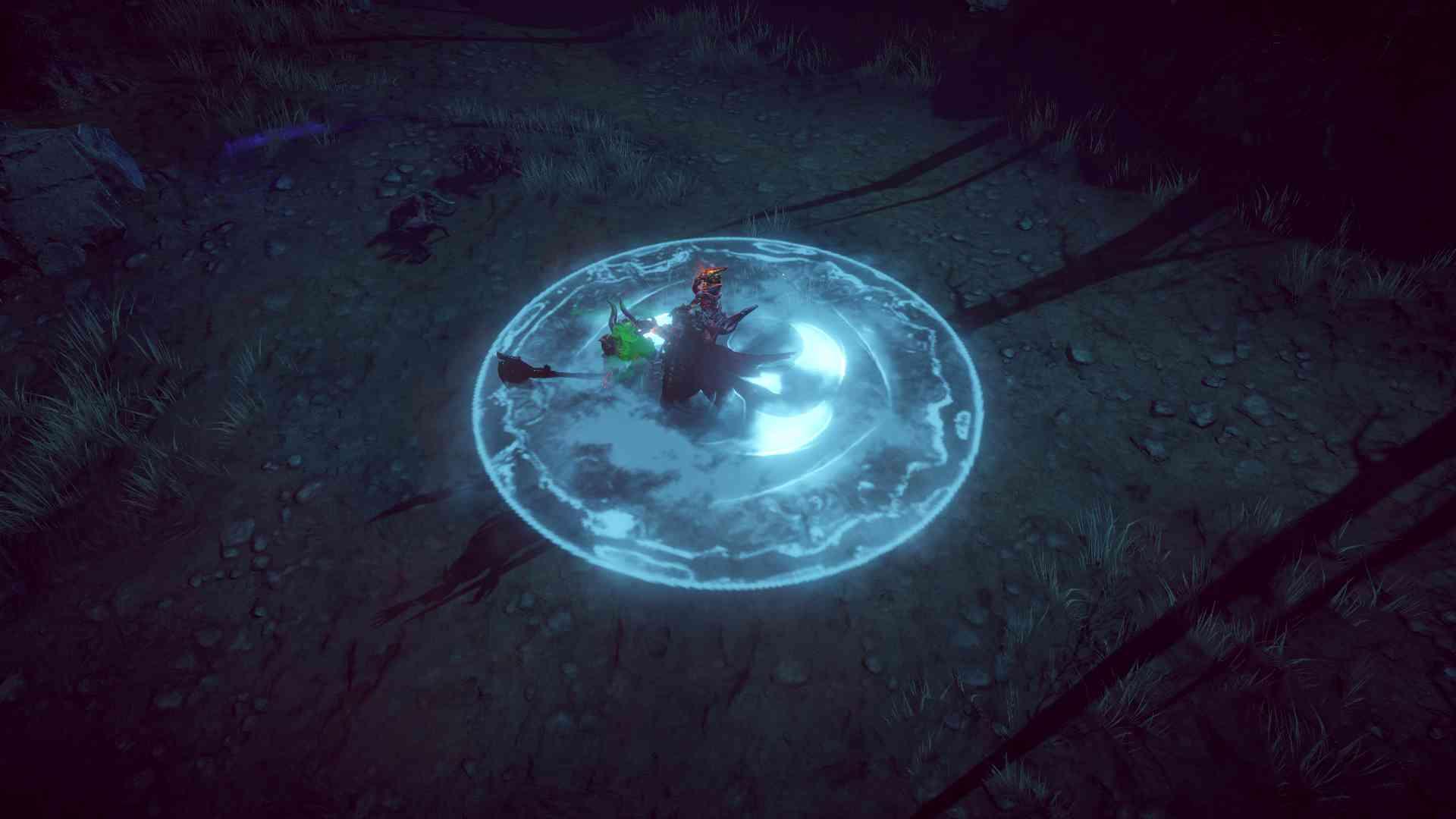
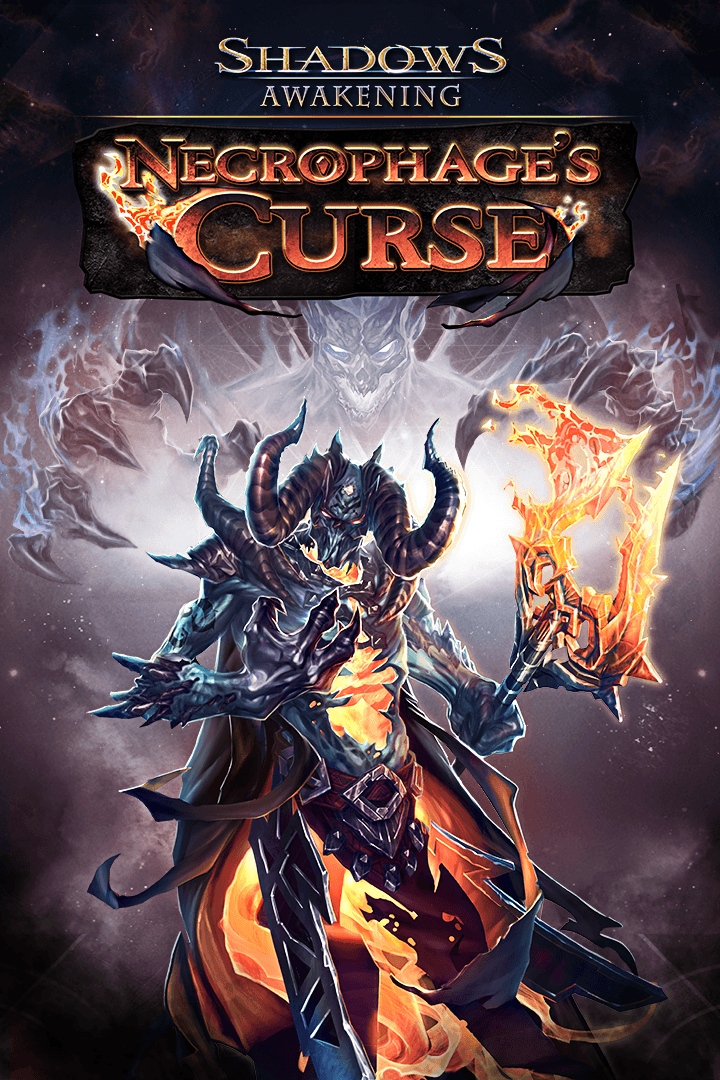
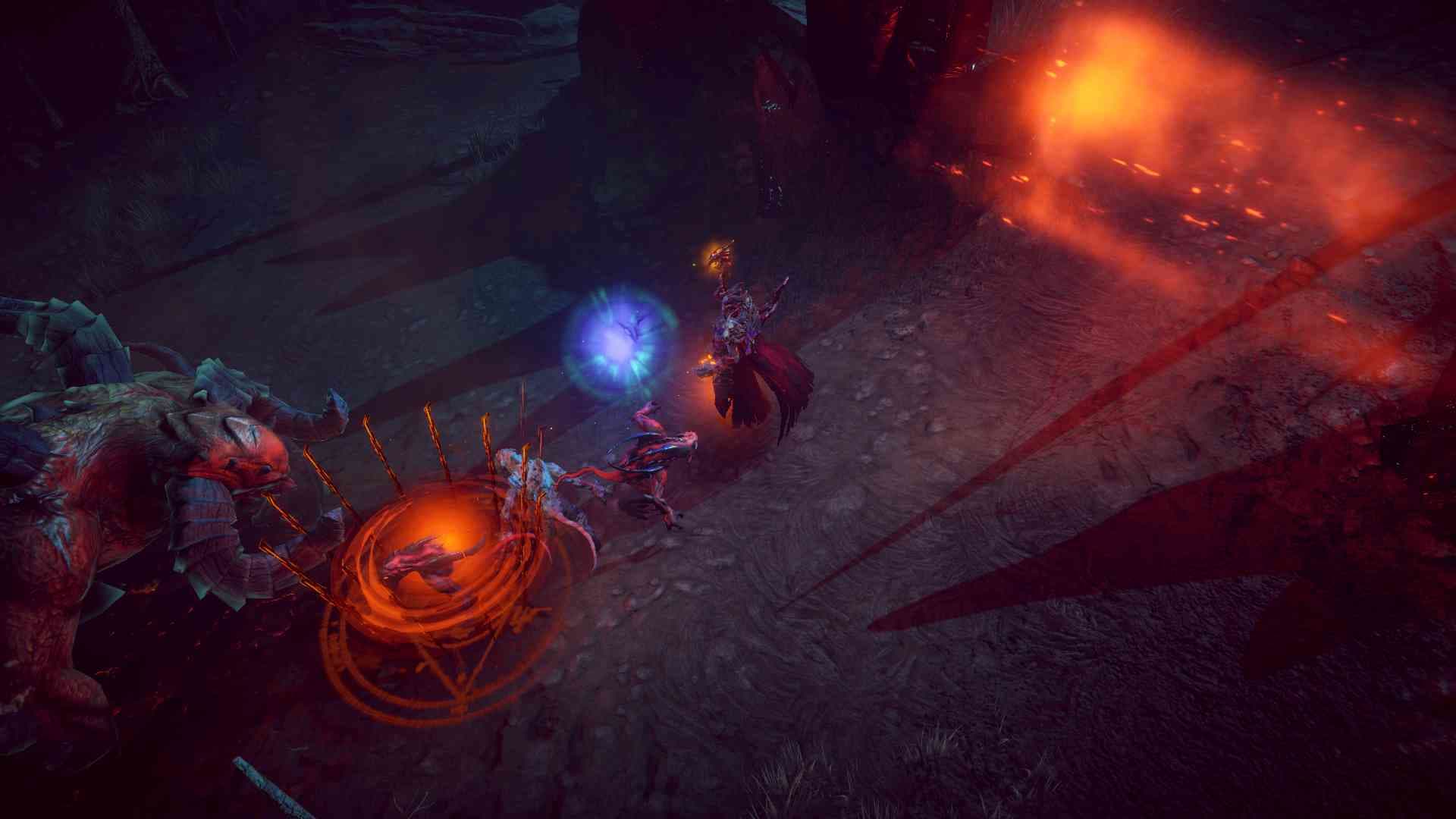
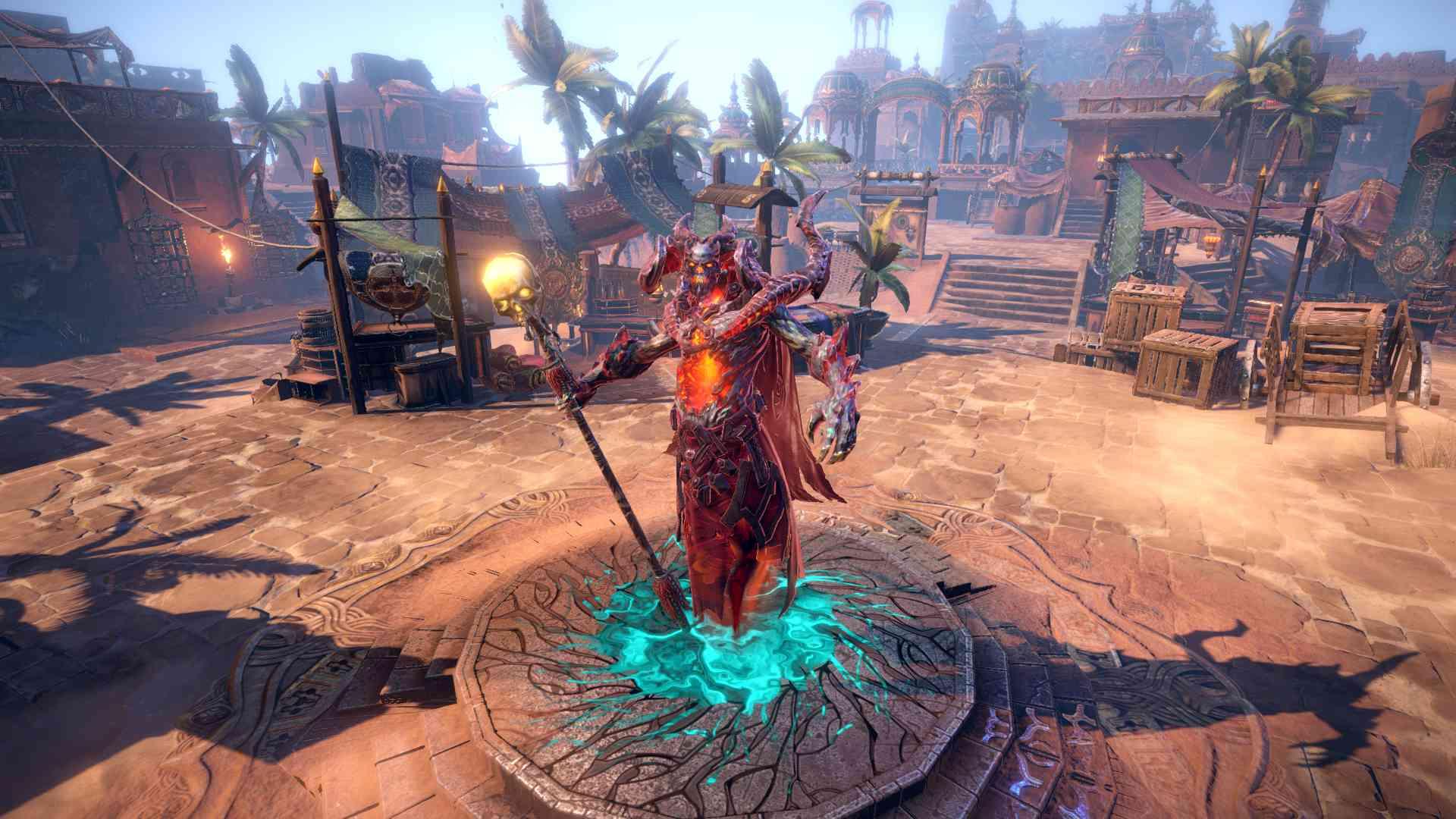
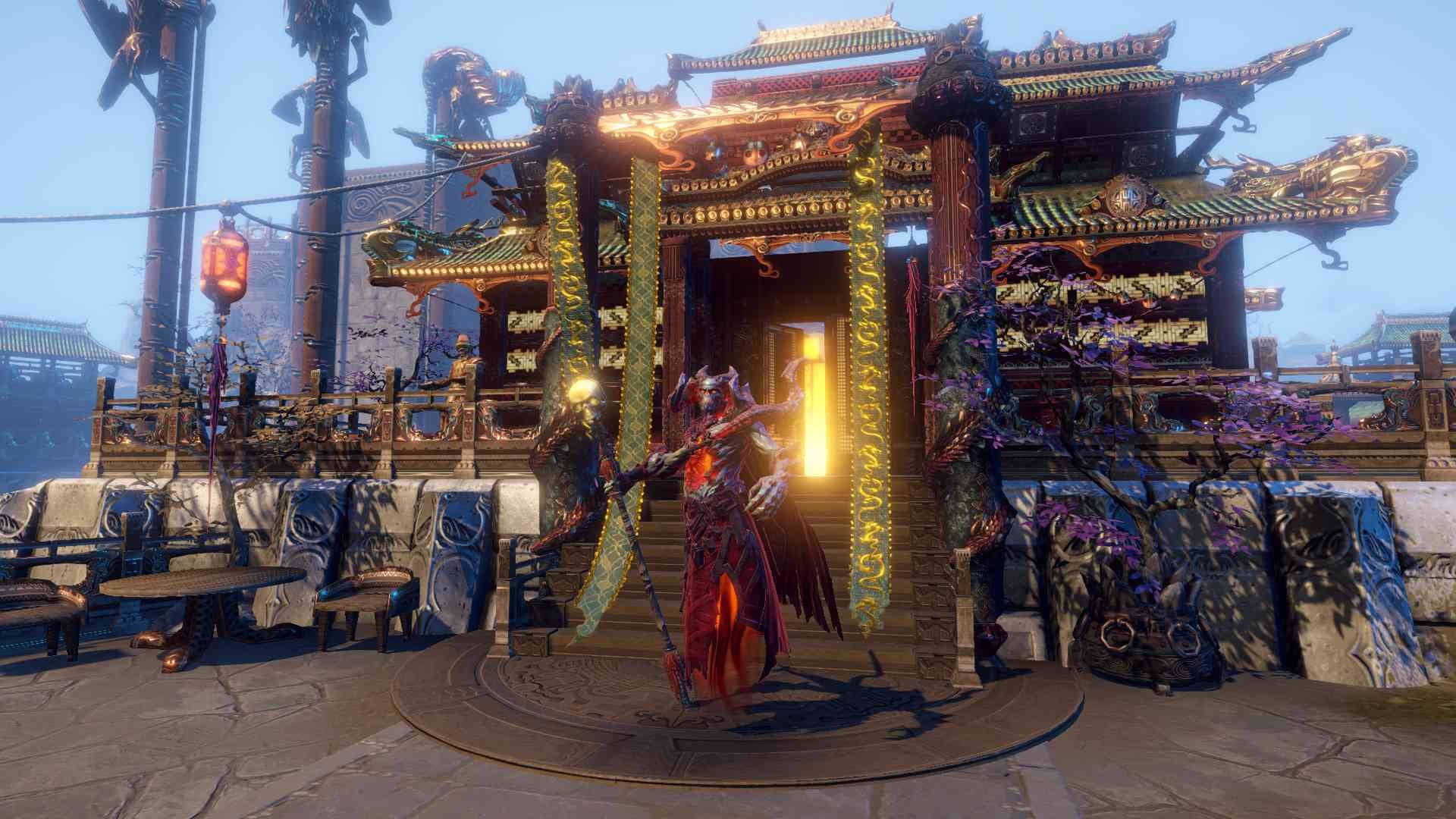
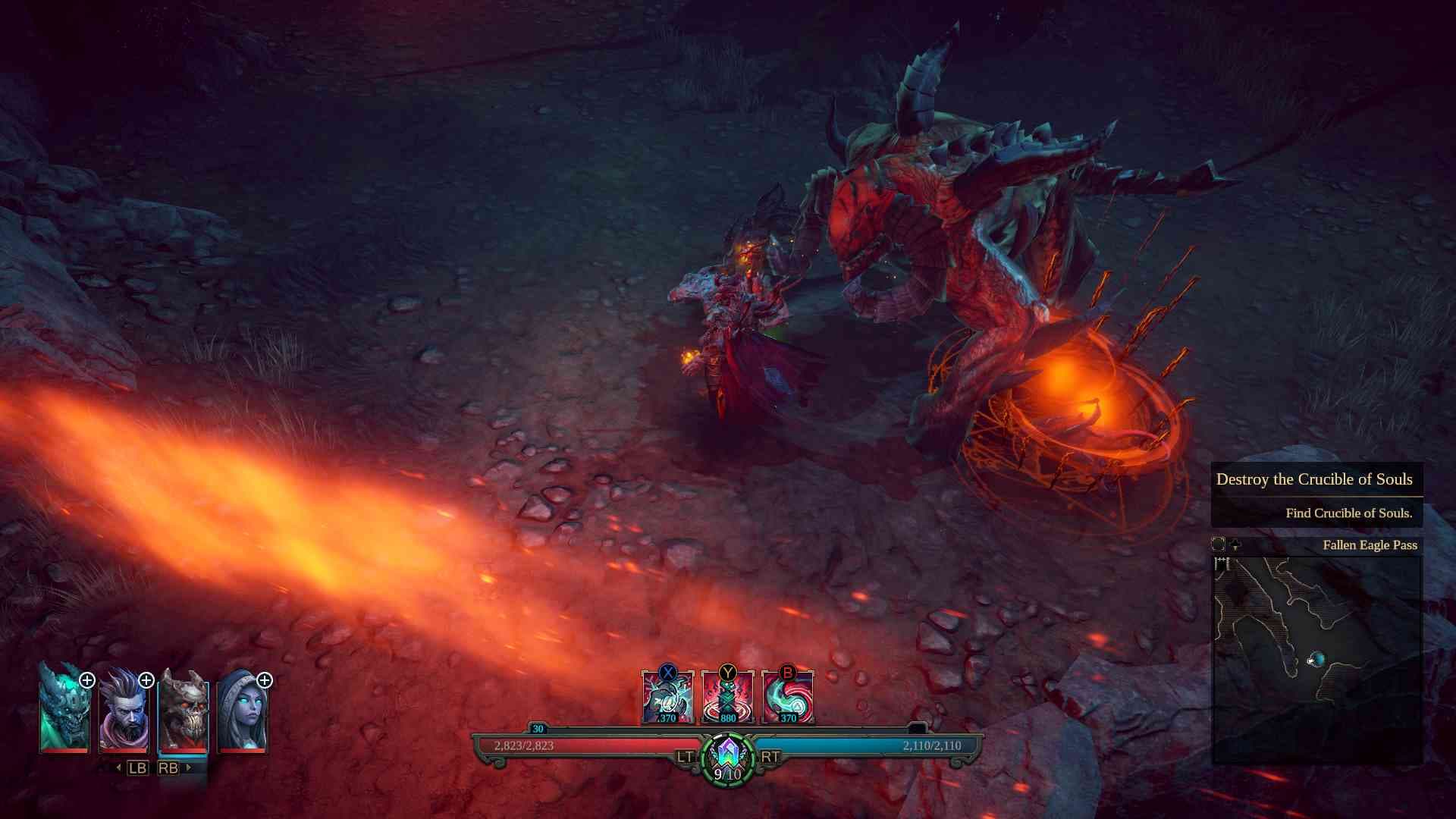
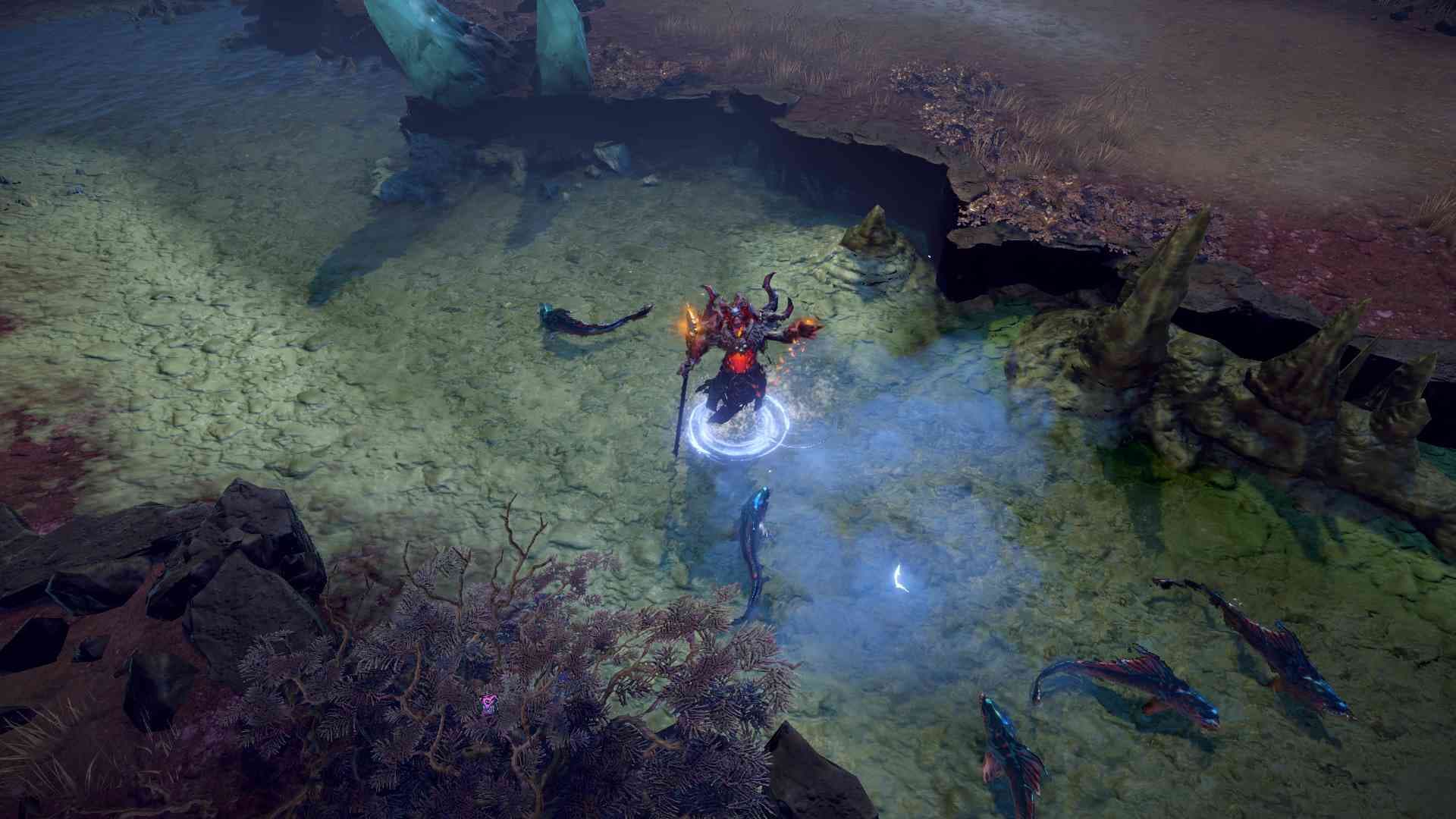
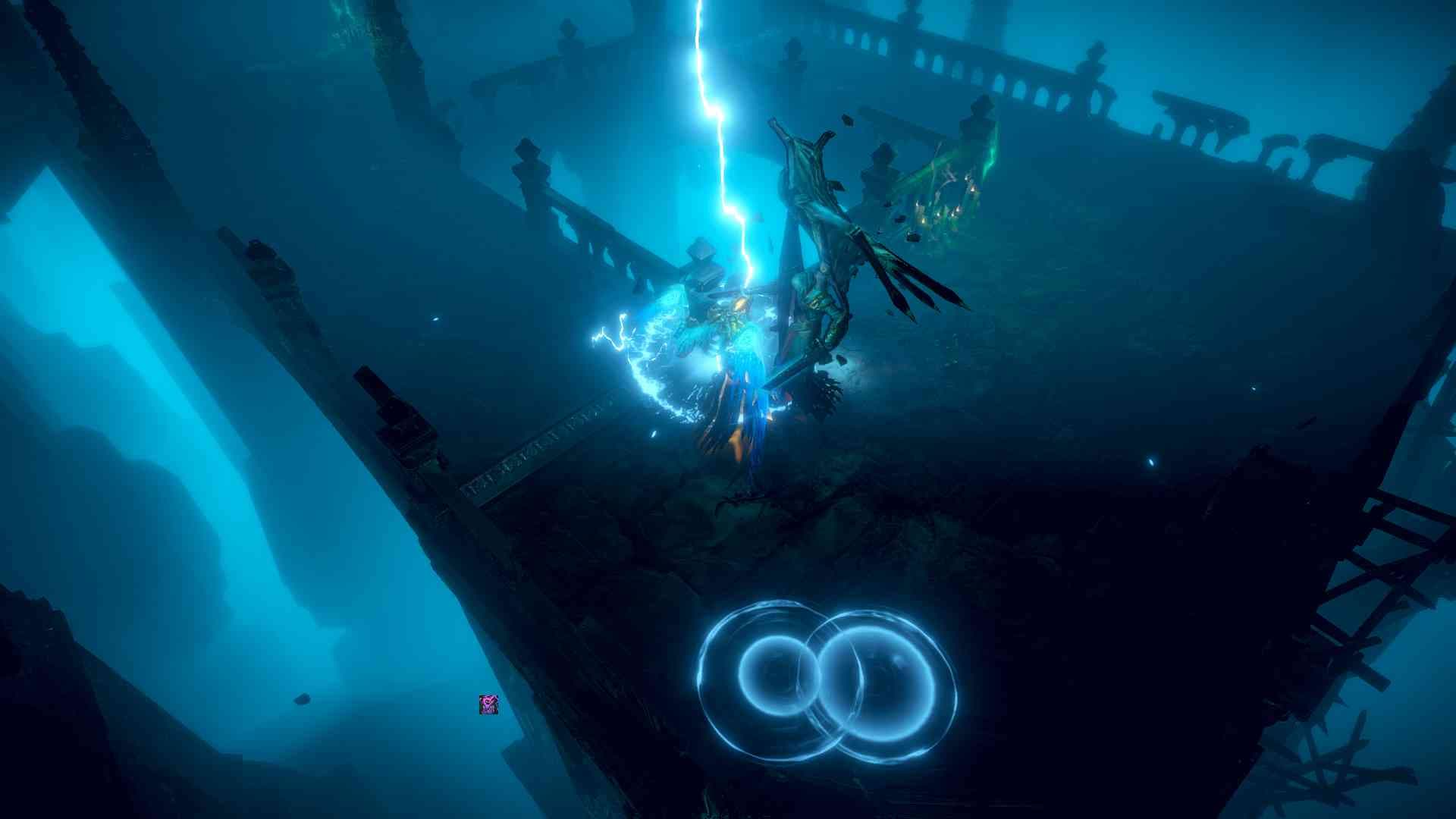
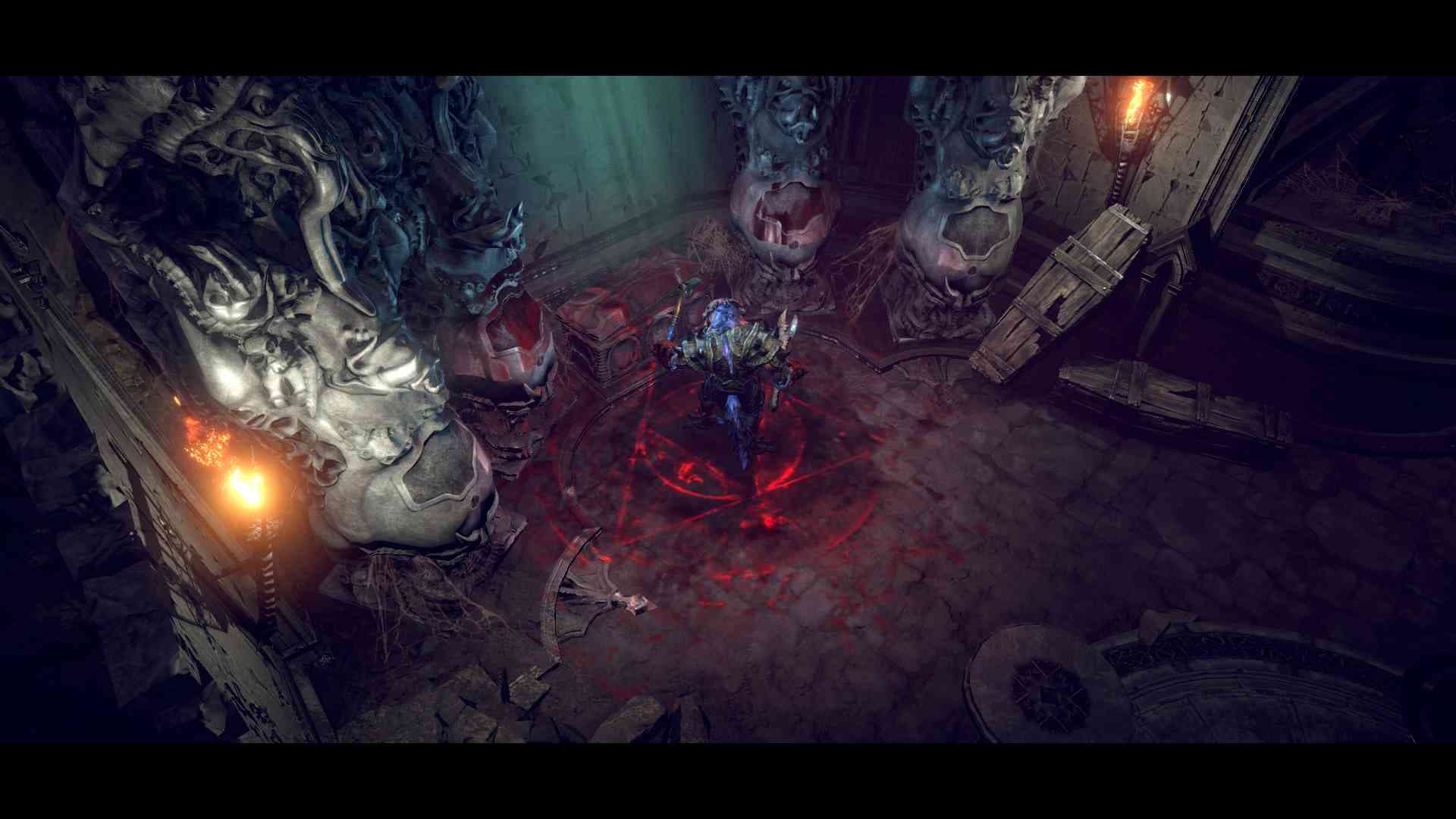
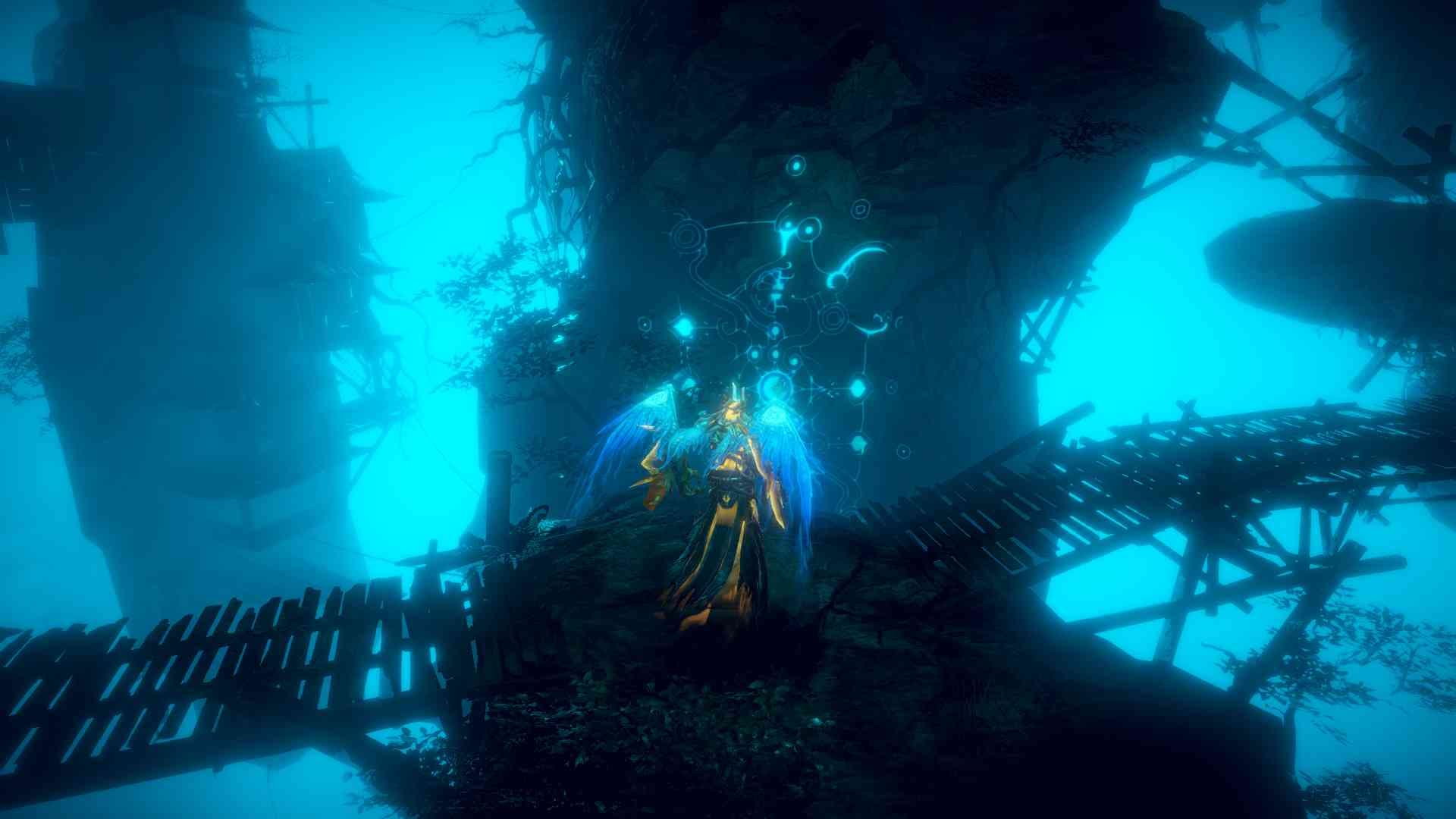
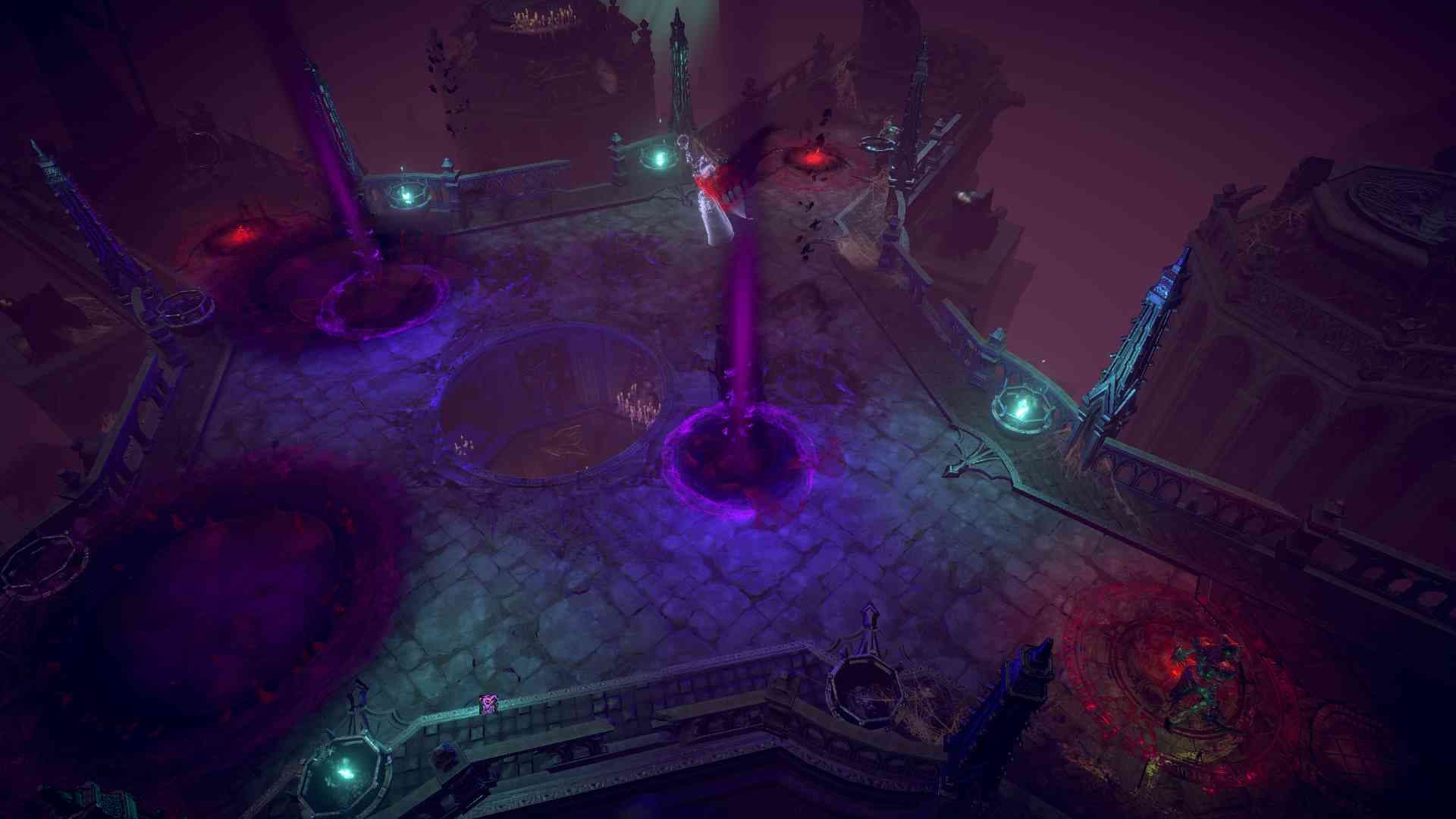
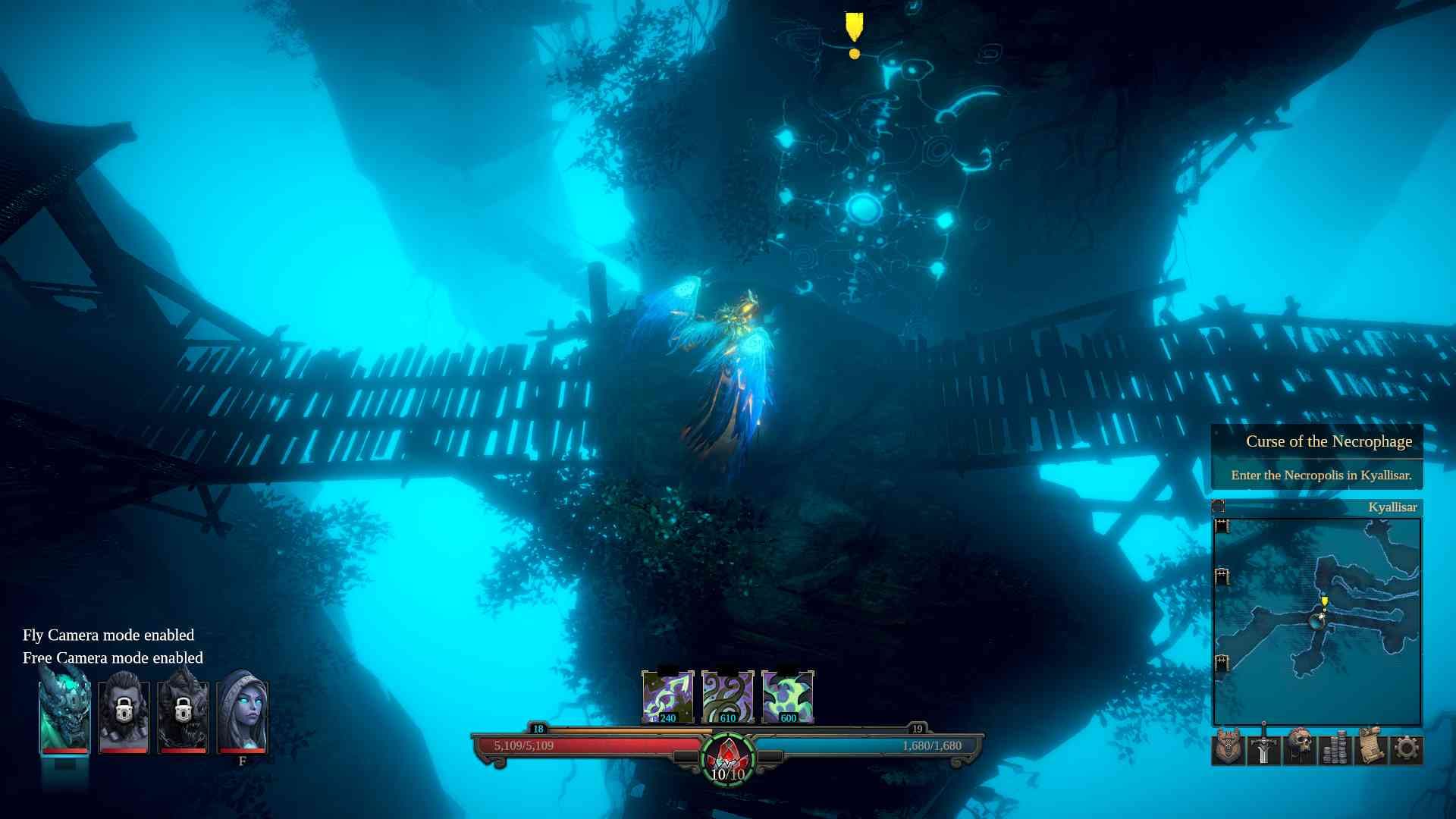
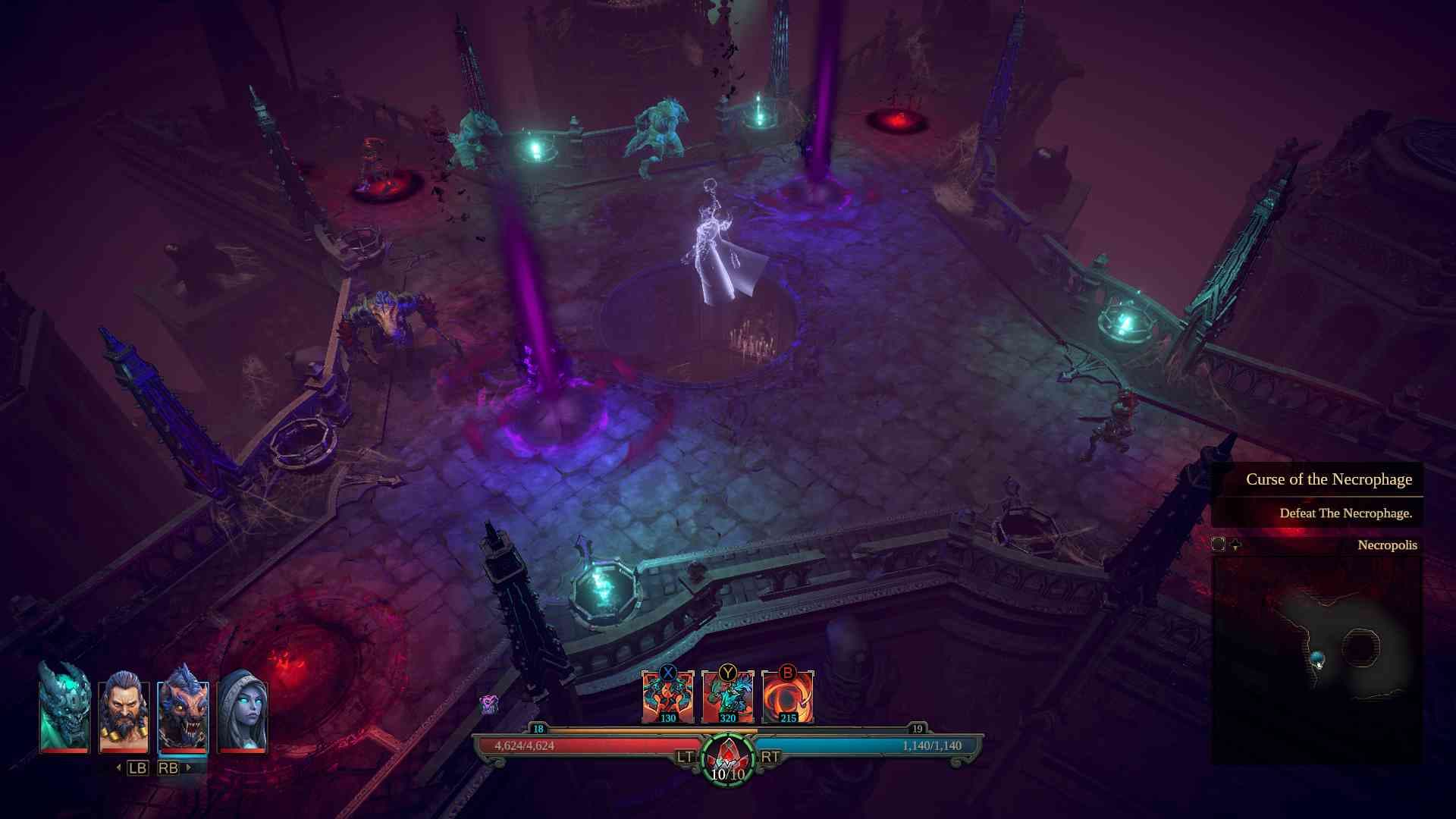
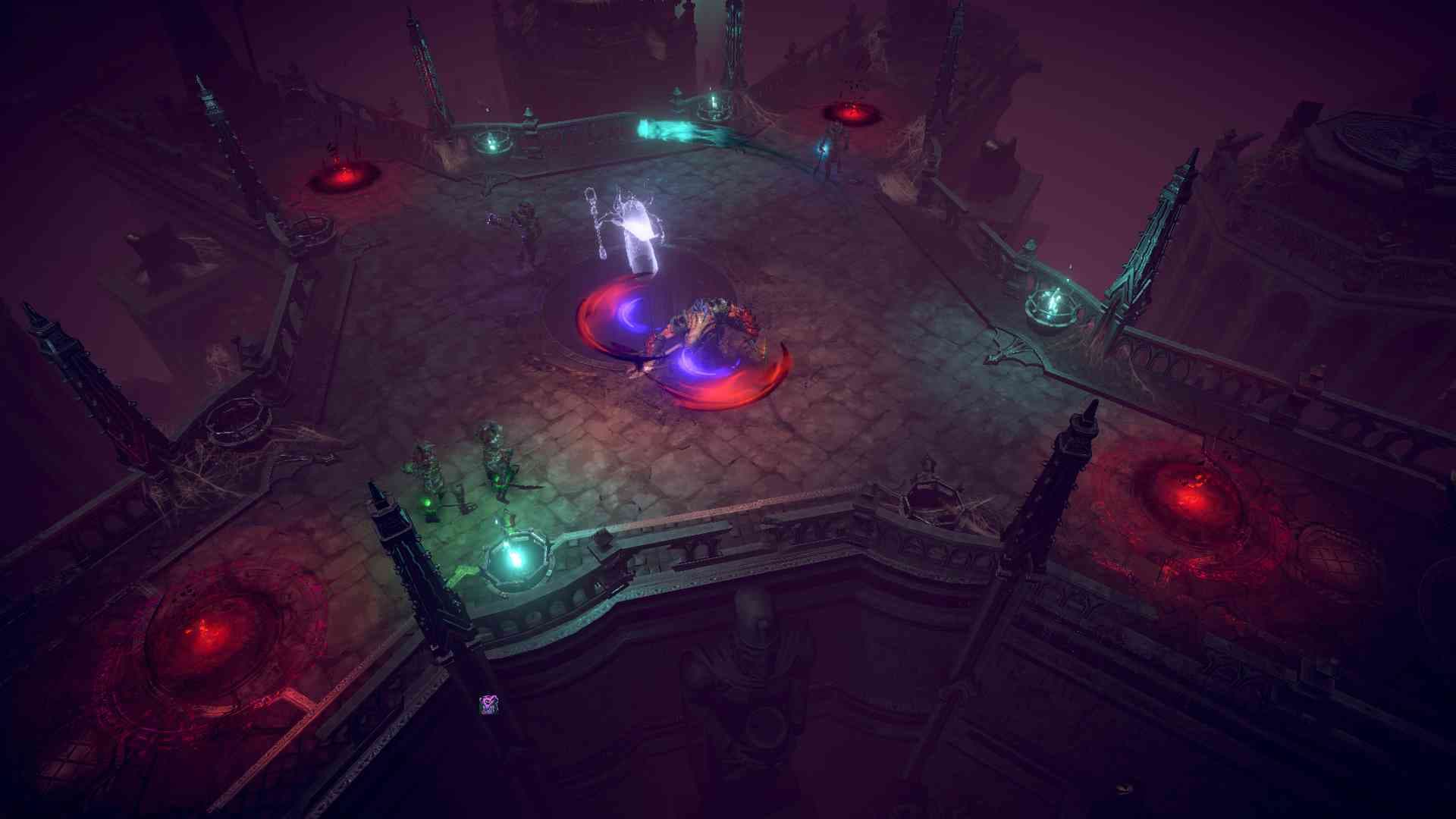
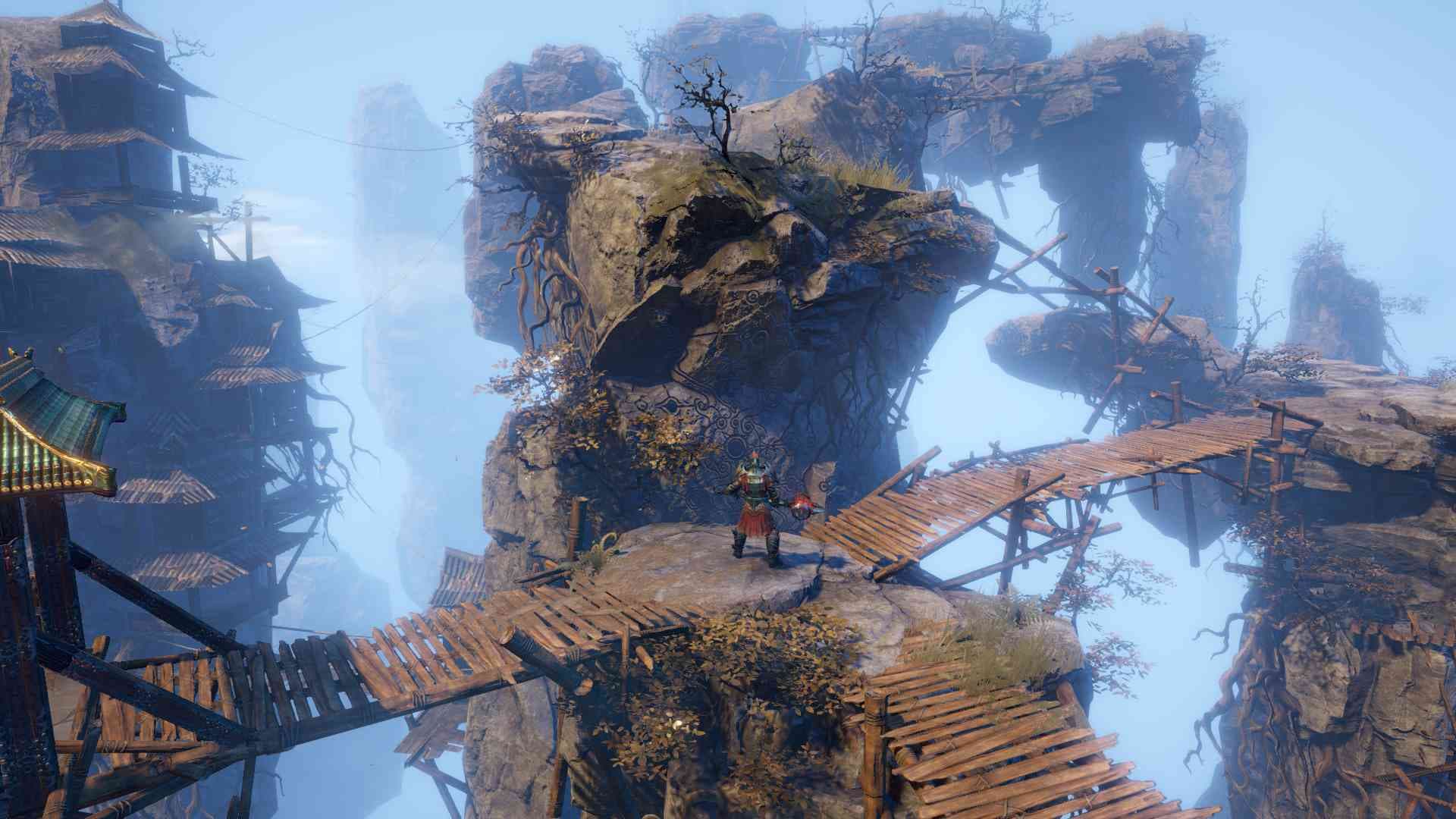
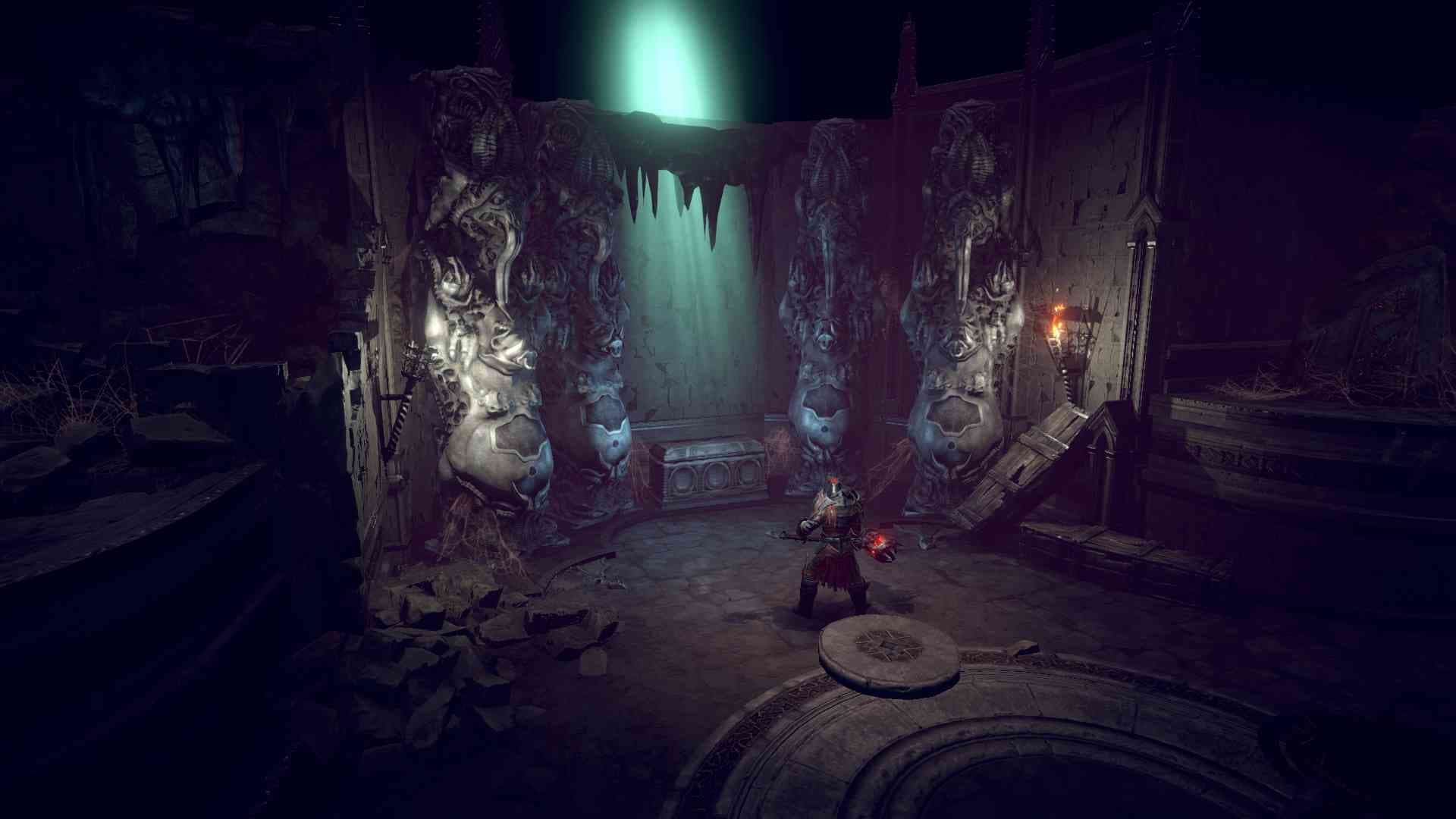
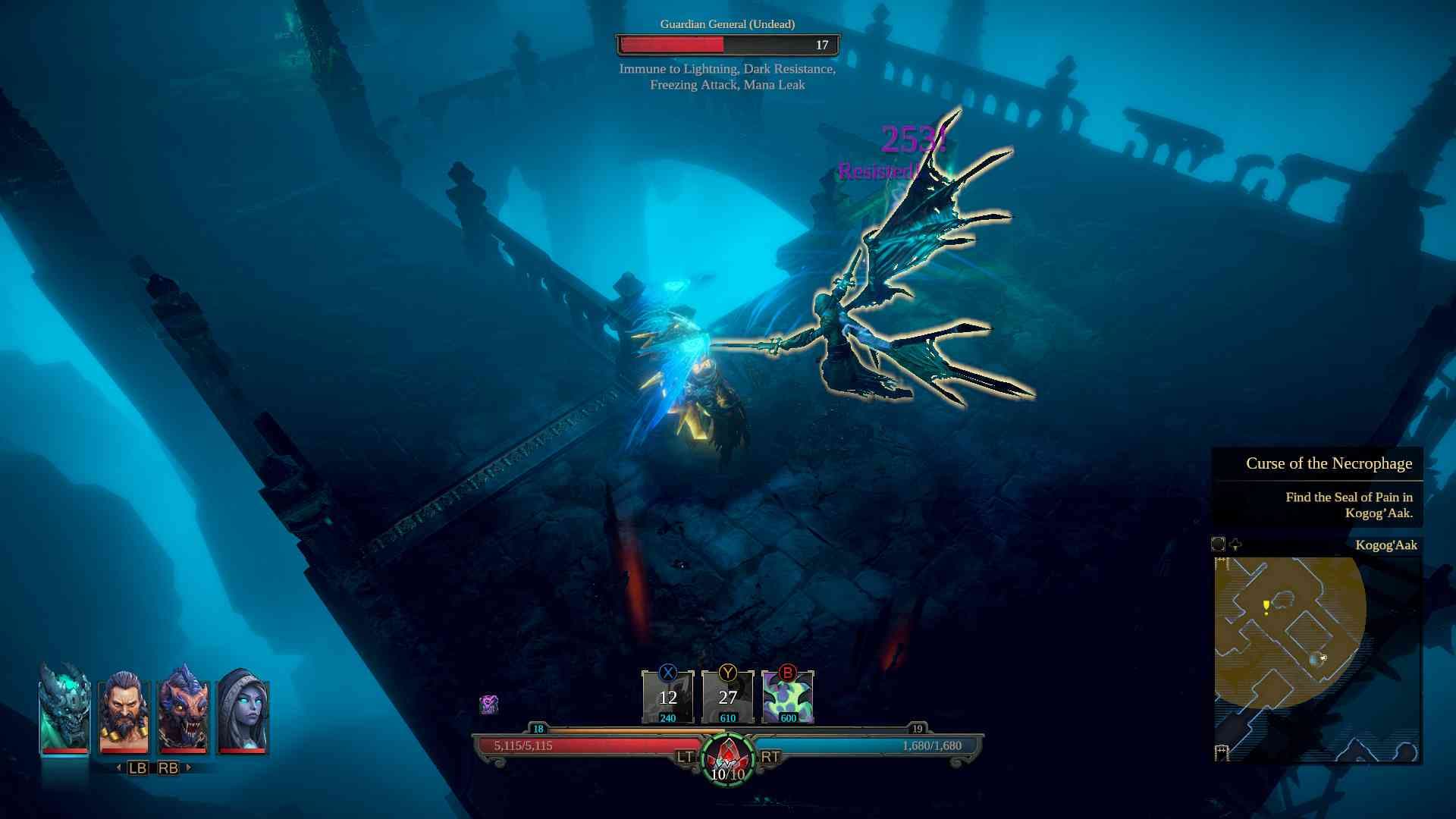
Gear up, pull yourself together and set off to confront the Necrophage – the Eater of the Dead – before it’s too late. In Shadows: Awakening – Necrophage’s Curse, a hex is placed on anyone who dares attempt to reveal the secrets of the eerie Necropolis, a cursed place situated at the foot of Lych Crag known to bring nothing but death and decay. That is, unless a grim hero can challenge the deadly menace that lingers behind the Necropolis’ doors. Investigate the pillars of doom and place them under a magical seal before the lethal curse wipes every living entity from the face of the world. ...
System Requirements
Minimum
- Steam account required for game activation and installation
- This content requires the base game Shadows: Awakening on Steam in order to play
- PC System Requirements
- Minimum
- Requires a 64-bit processor and operating system
- OS
- Windows 7/8/10 64Bit Versions
- Processor
- Intel Compatible 2.1 GHz Dual Core
- Memory
- 4 GB RAM
- Graphics
- GTX460 2GB or compatible
- Recommended
- Requires a 64-bit processor and operating system
- OS
- Windows 7/8/10 64Bit Versions
- Processor
- Intel Core i7 or better
- Memory
- 8 GB RAM
- Graphics
- NVIDIA GeForce GTX 970 or better
Recommended