
How to activate
- Install Steam and sign in to your account (a free account is enough).
- In the top menu choose Games → Activate a Product on Steam…
- Enter your key exactly as shown in your order (with dashes) and confirm. The game appears in your library.
About
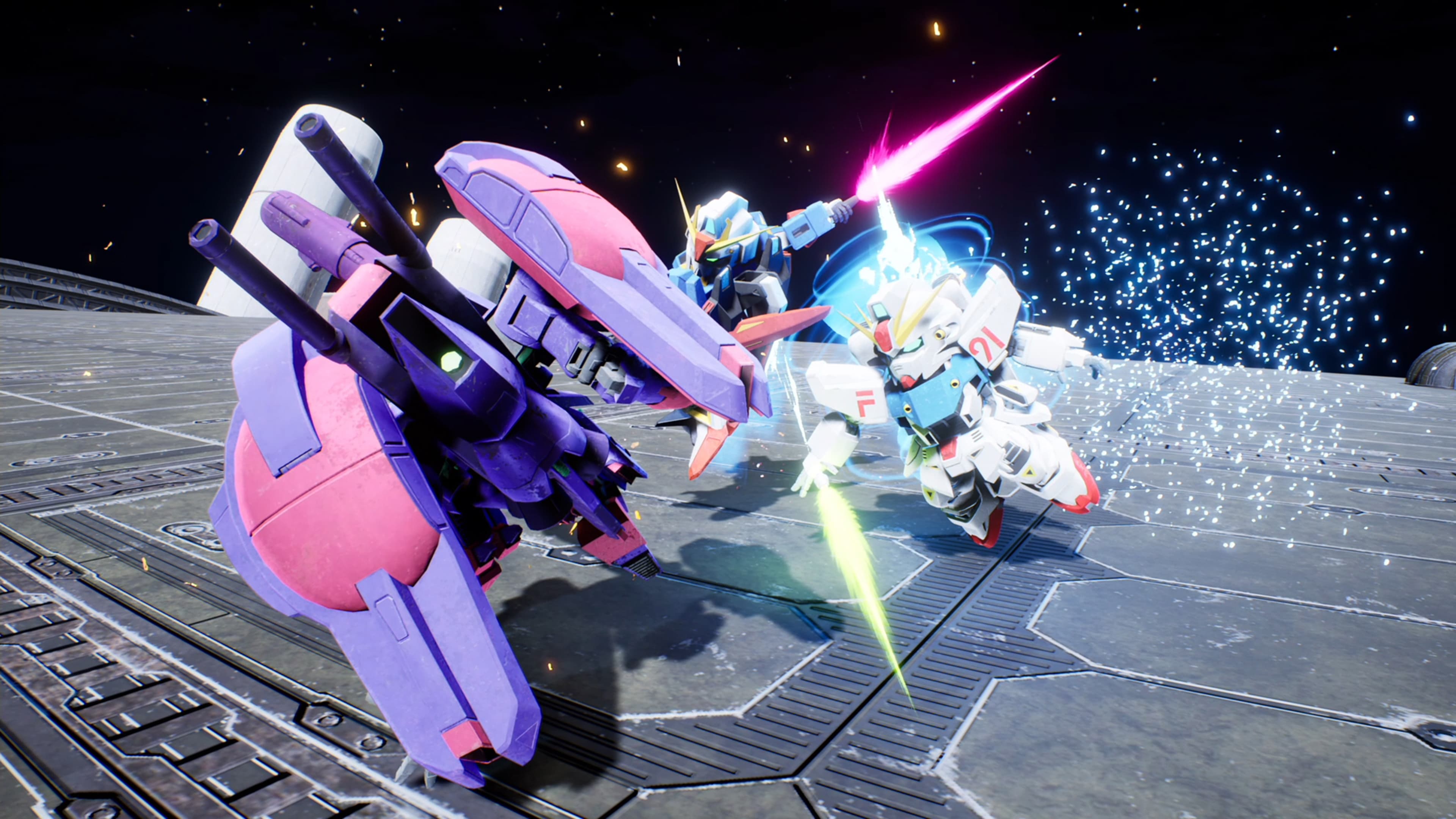
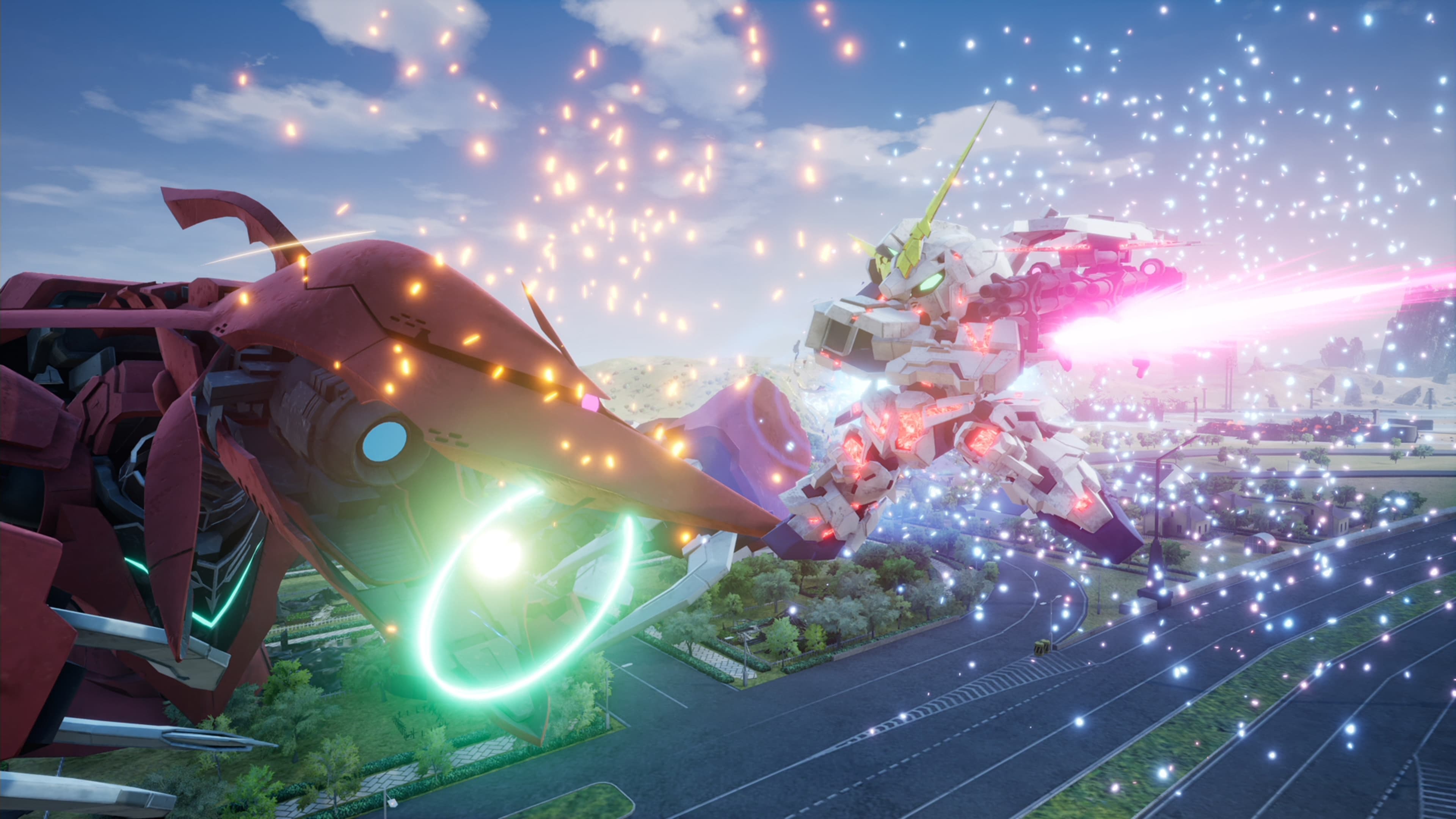
In SD Gundam Battle Alliance, Mobile Suits and characters from across Mobile Suit Gundam history take center stage in this all-new action RPG.
- A Battle Alliance to Correct a False World
The story takes place in G: Universe, a world where Gundam canon twists and turns in ways no one can predict.
To correct this world's distorted history, the player leads a 3-unit squadron consisting of Mobile Suits and pilots from across Gundam history - a true Battle Alliance.
What Awaits Beyond False History...
- Combo action with stunning visuals and dynamic animation ...
System Requirements
Minimum
- Requires a 64-bit processor and operating system
- OS
- Windows 10
- Processor
- Intel Core i3-6300 or AMD Ryzen 3 1200
- Memory
- 8 GB RAM
- Graphics
- GeForce GTX 1060 or Radeon RX 480
- DirectX
- Version 11
- Storage
- 25 GB available space
Recommended
- Requires a 64-bit processor and operating system
- OS
- Windows 10
- Processor
- Intel Core i5-10600K
- Memory
- 16 GB RAM
- Graphics
- GeForce RTX 2080, 8 GB
- DirectX
- Version 11
- Storage
- 25 GB available space