



How to activate
- Install Steam and sign in to your account (a free account is enough).
- In the top menu choose Games → Activate a Product on Steam…
- Enter your key exactly as shown in your order (with dashes) and confirm. The game appears in your library.
About
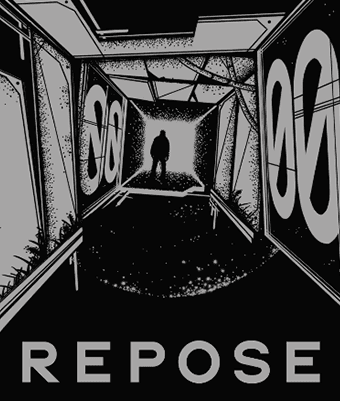
Are you sleeping on the job again?
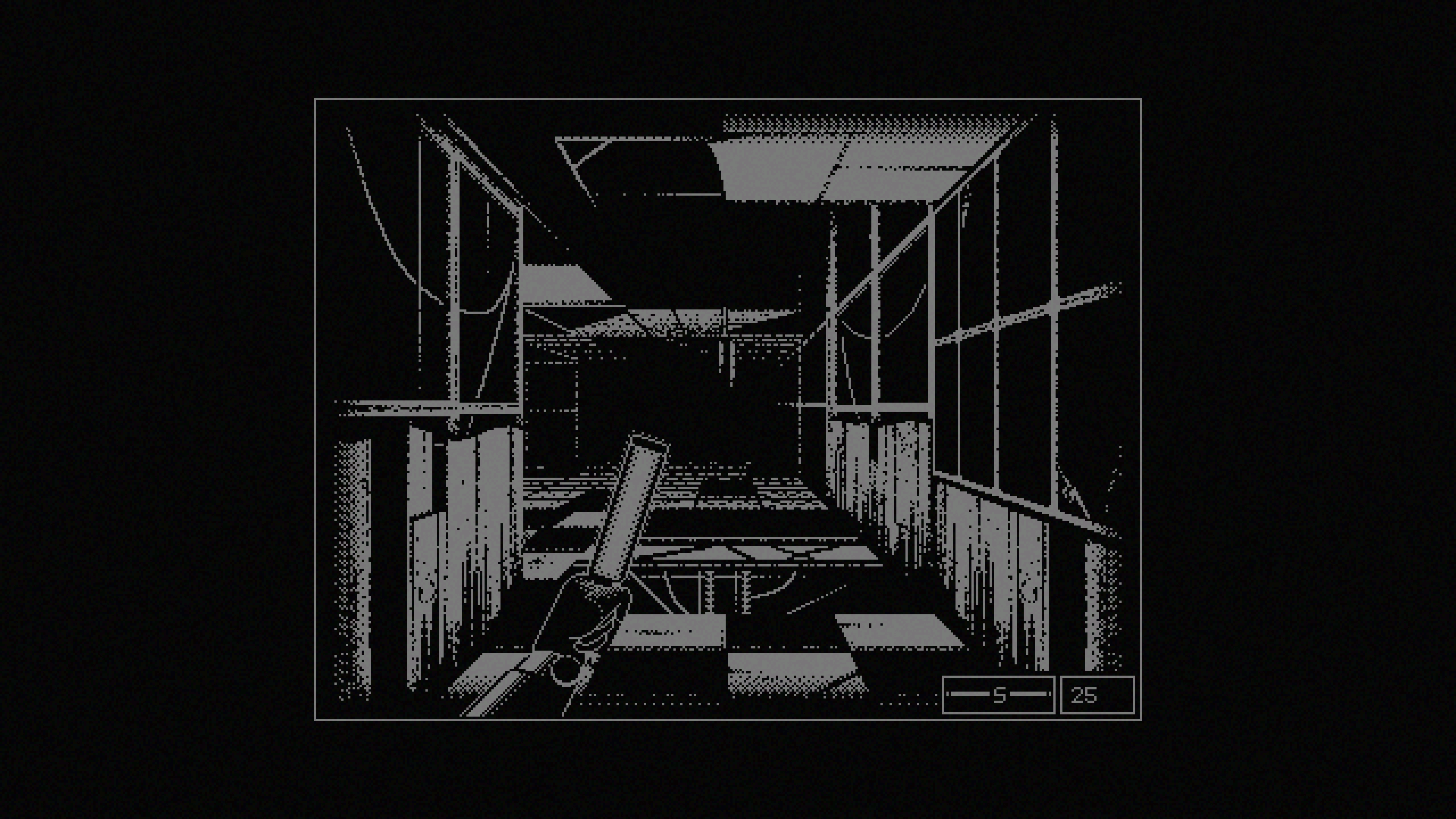
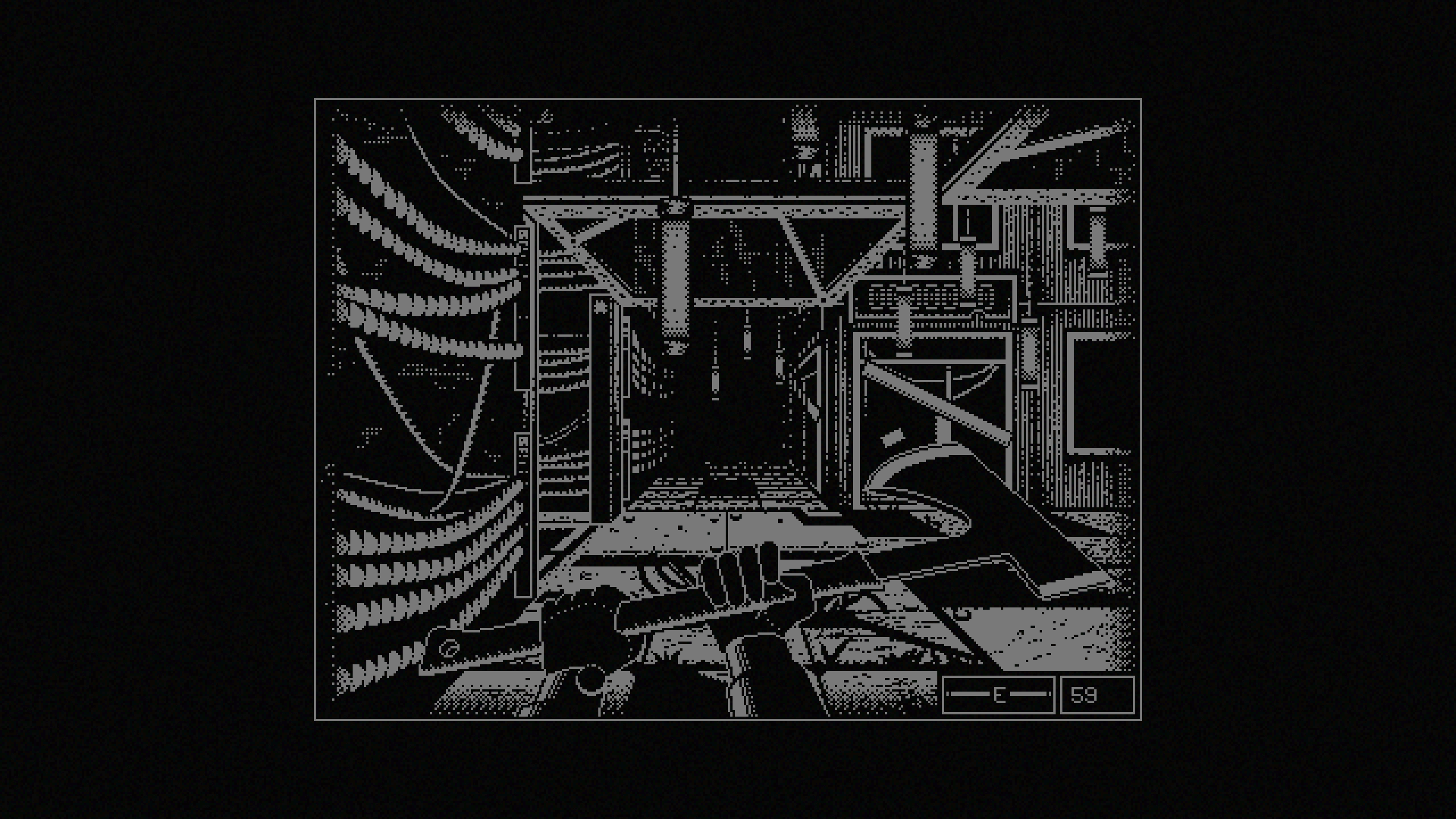
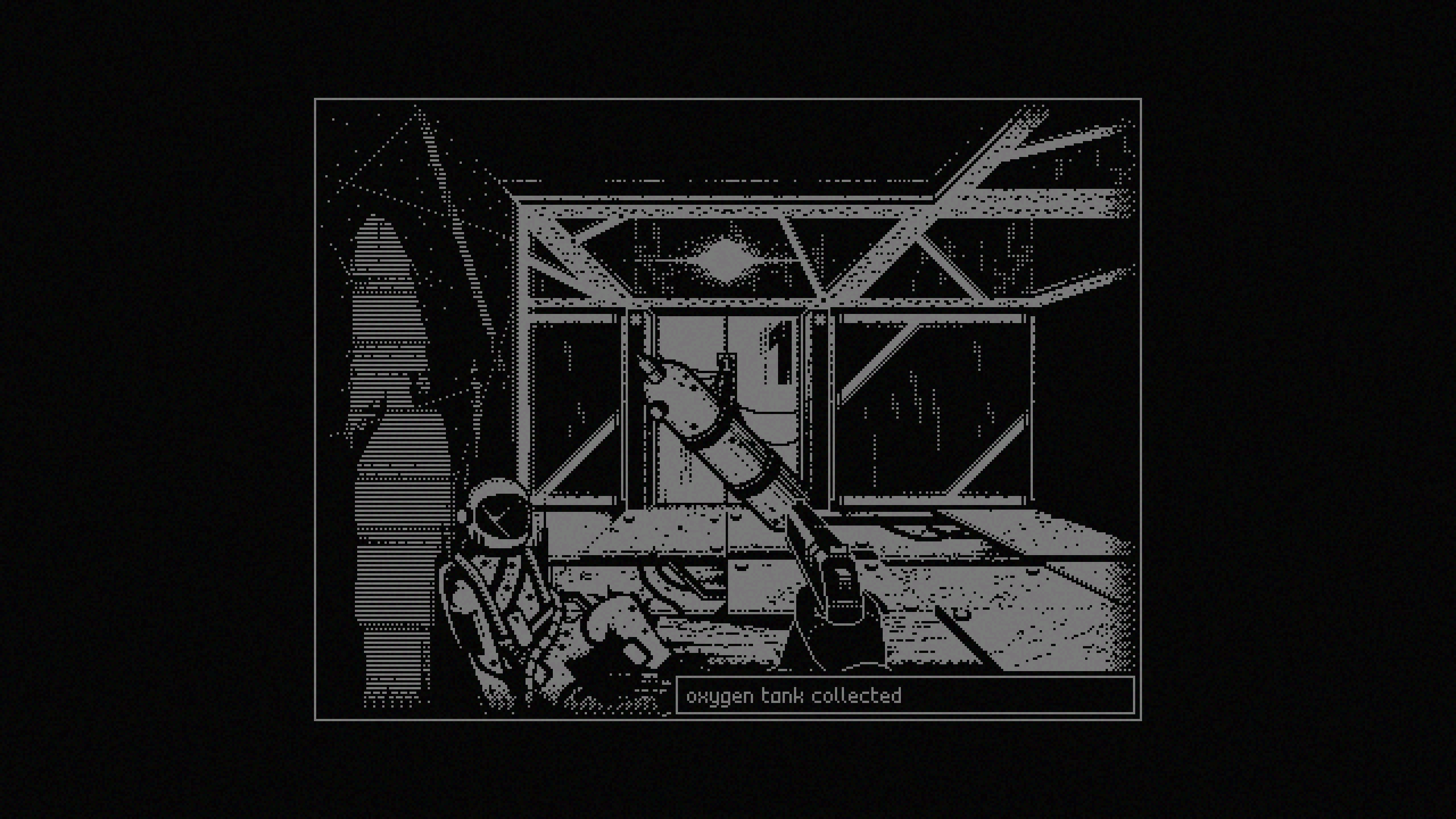
It's your first day at [the company.] You've been tasked with recovering damaged oxygen tanks scattered throughout the facility. Don't ask what they're for. Don't ask where they came from. Aaron used to do the same job. Don't ask about Aaron. Focus on Cynthia: She's kind to you, isn't she? Doesn't she care?
Is anything on the dead internet worth saving? ...
System Requirements
Minimum
- Windows
- Requires a 64-bit processor and operating system
- OS
- Windows 10 or later
- Memory
- 1 GB RAM
- Storage
- 100 MB available space
- Additional Notes
- more detailed system requirements will be added soon
Recommended
- Windows
- Requires a 64-bit processor and operating system