


How to activate
- Install Steam and sign in to your account (a free account is enough).
- In the top menu choose Games → Activate a Product on Steam…
- Enter your key exactly as shown in your order (with dashes) and confirm. The game appears in your library.
About
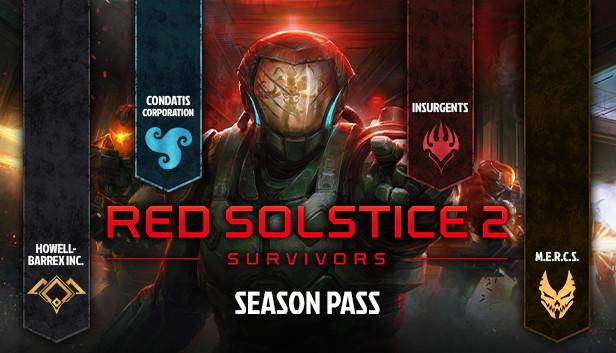
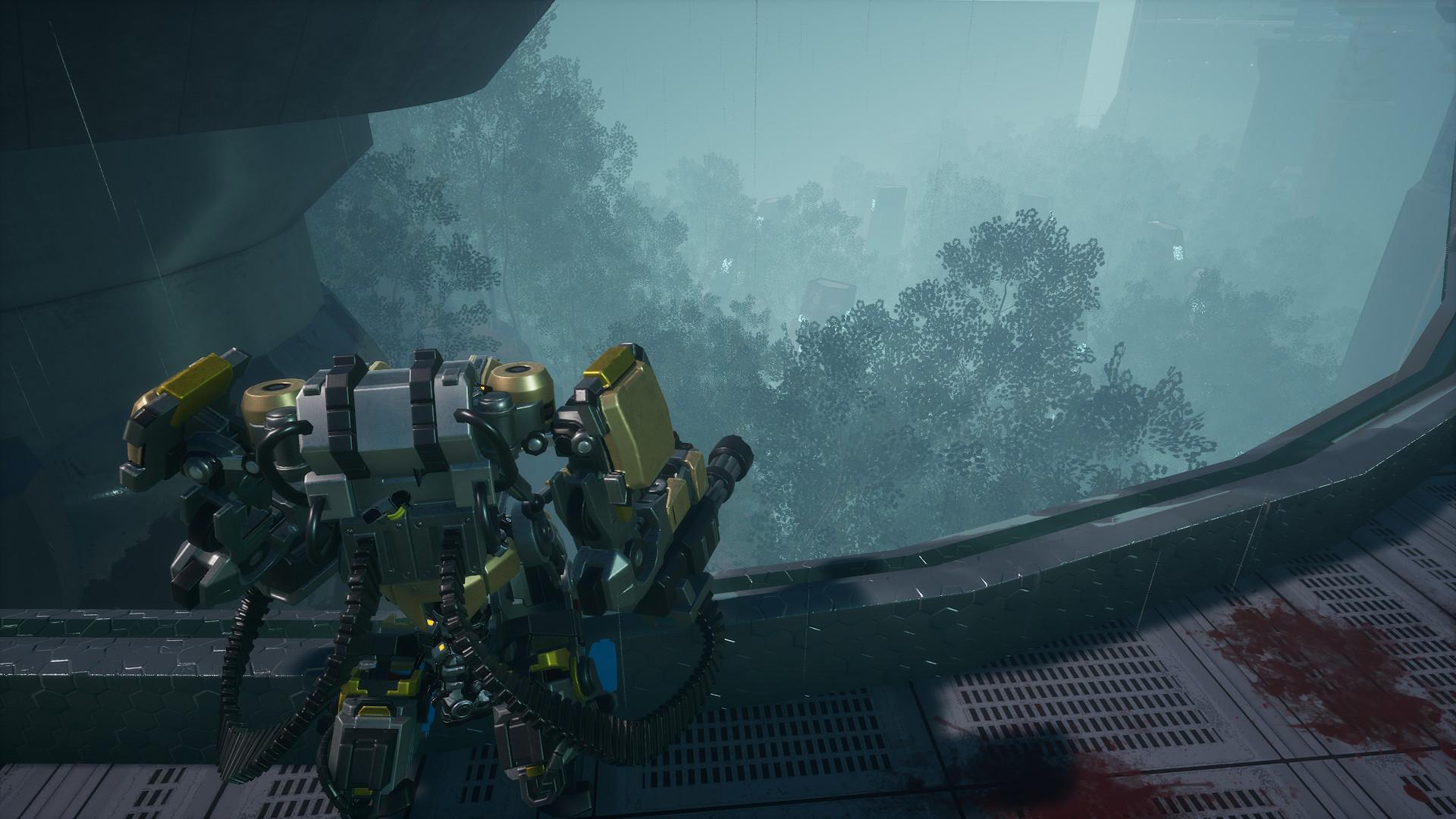
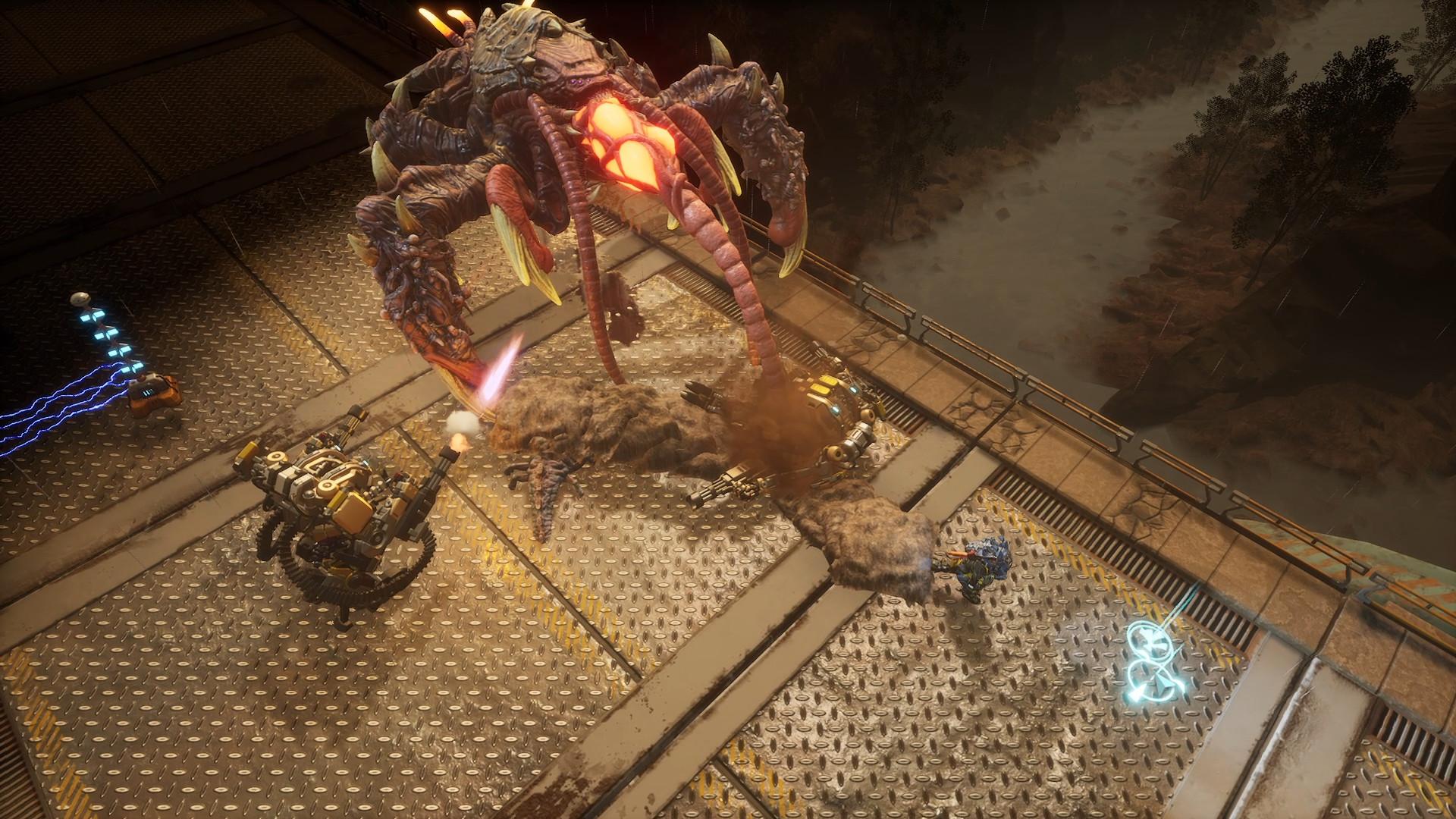
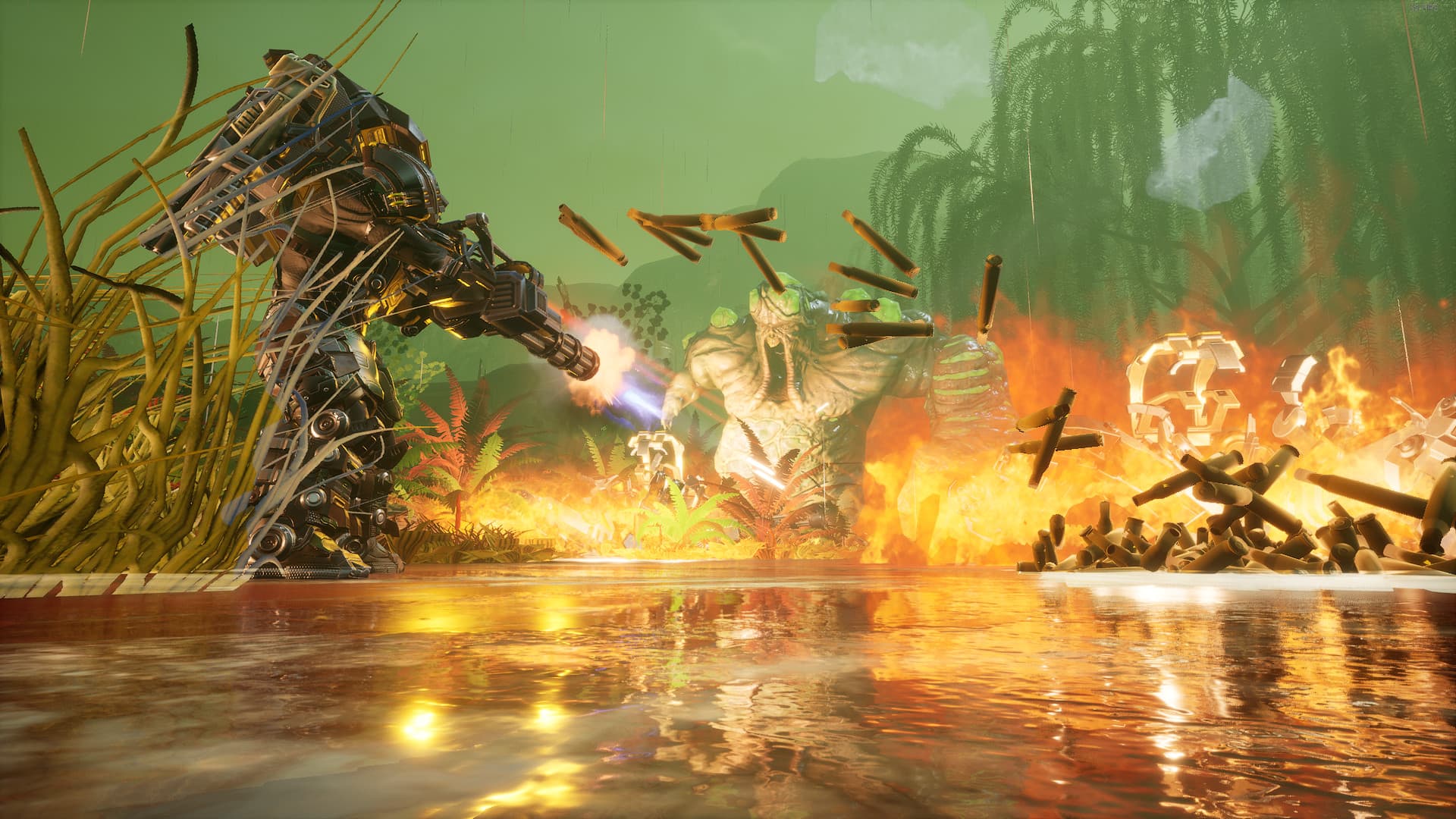
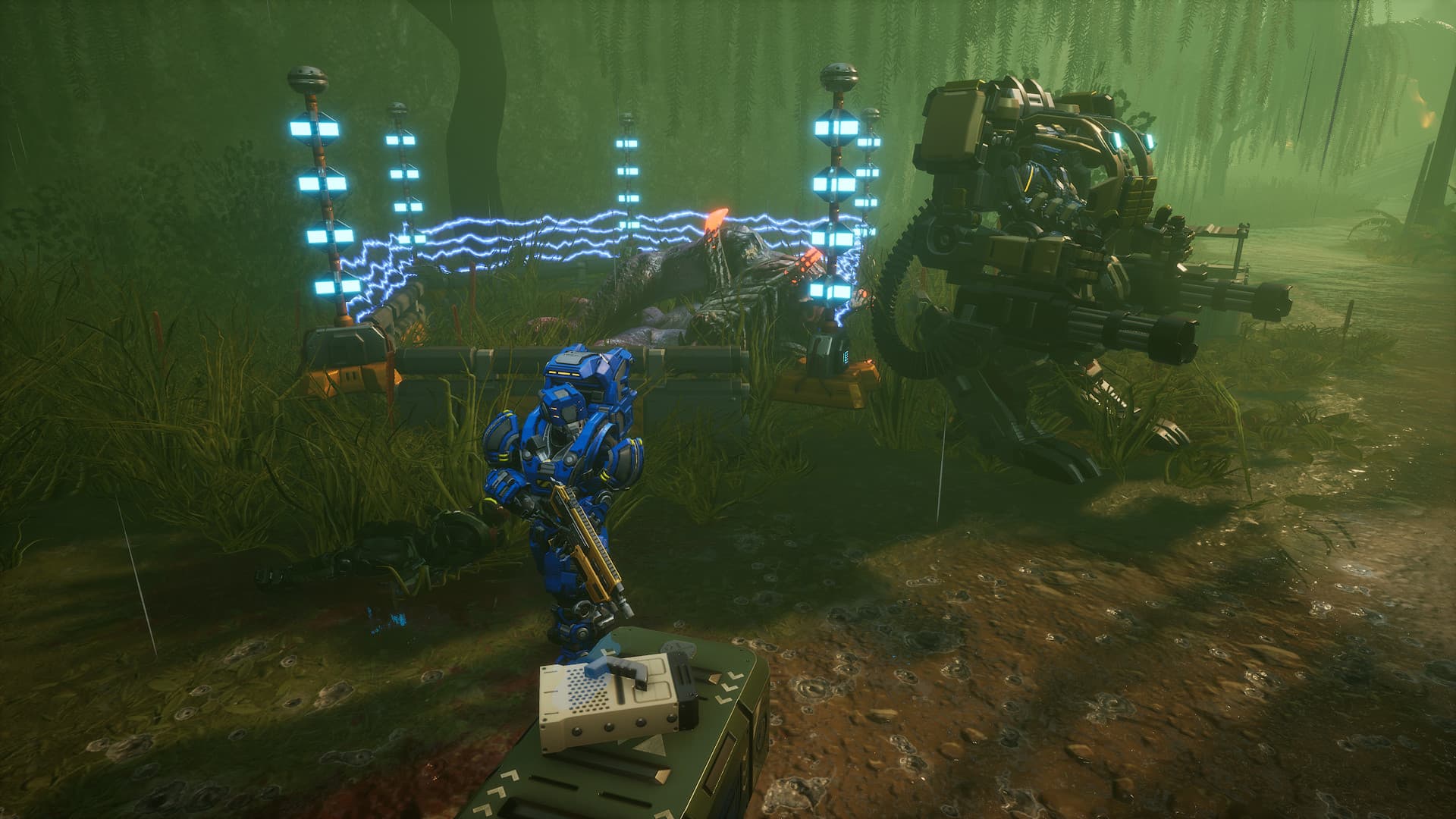
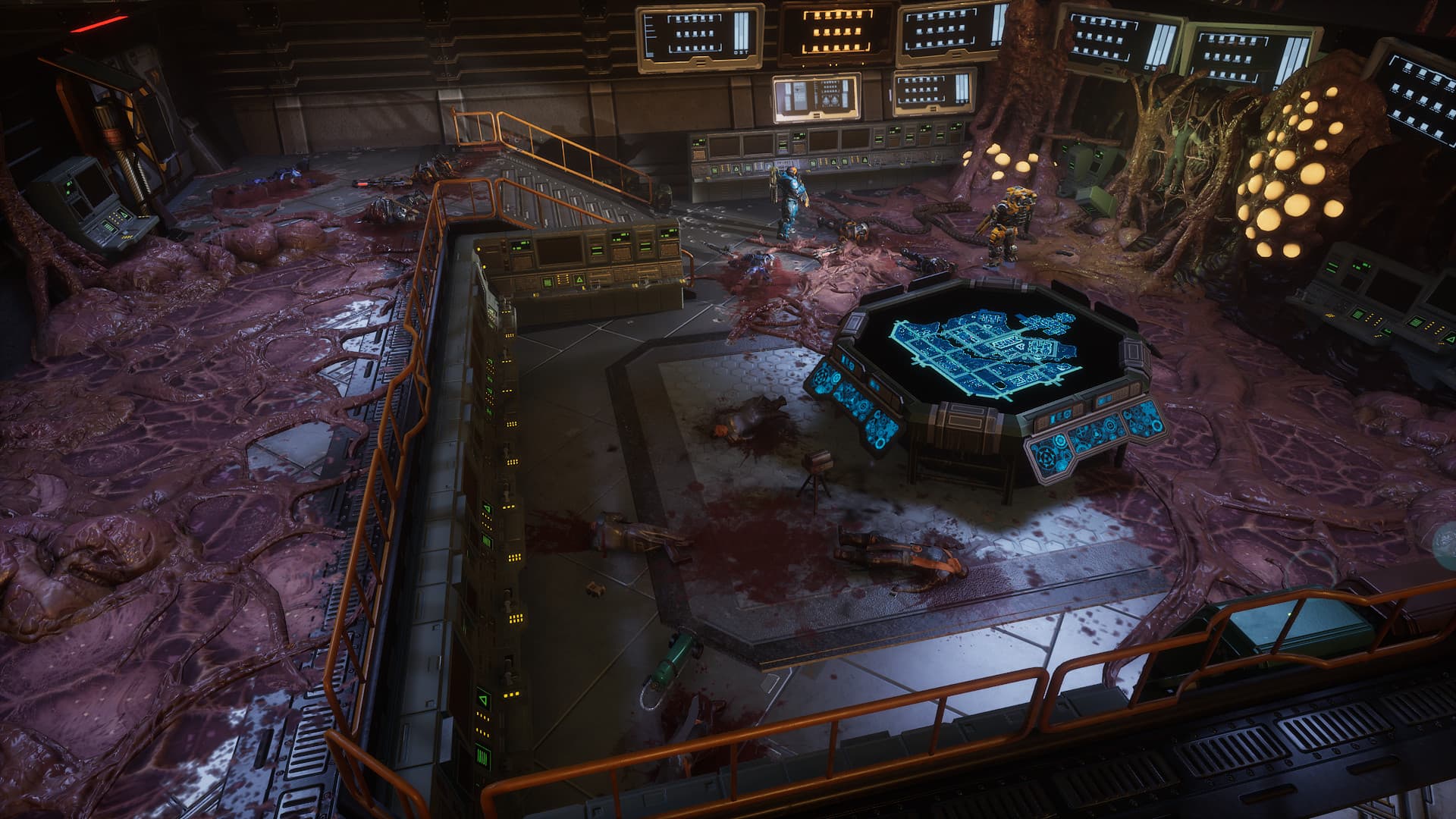
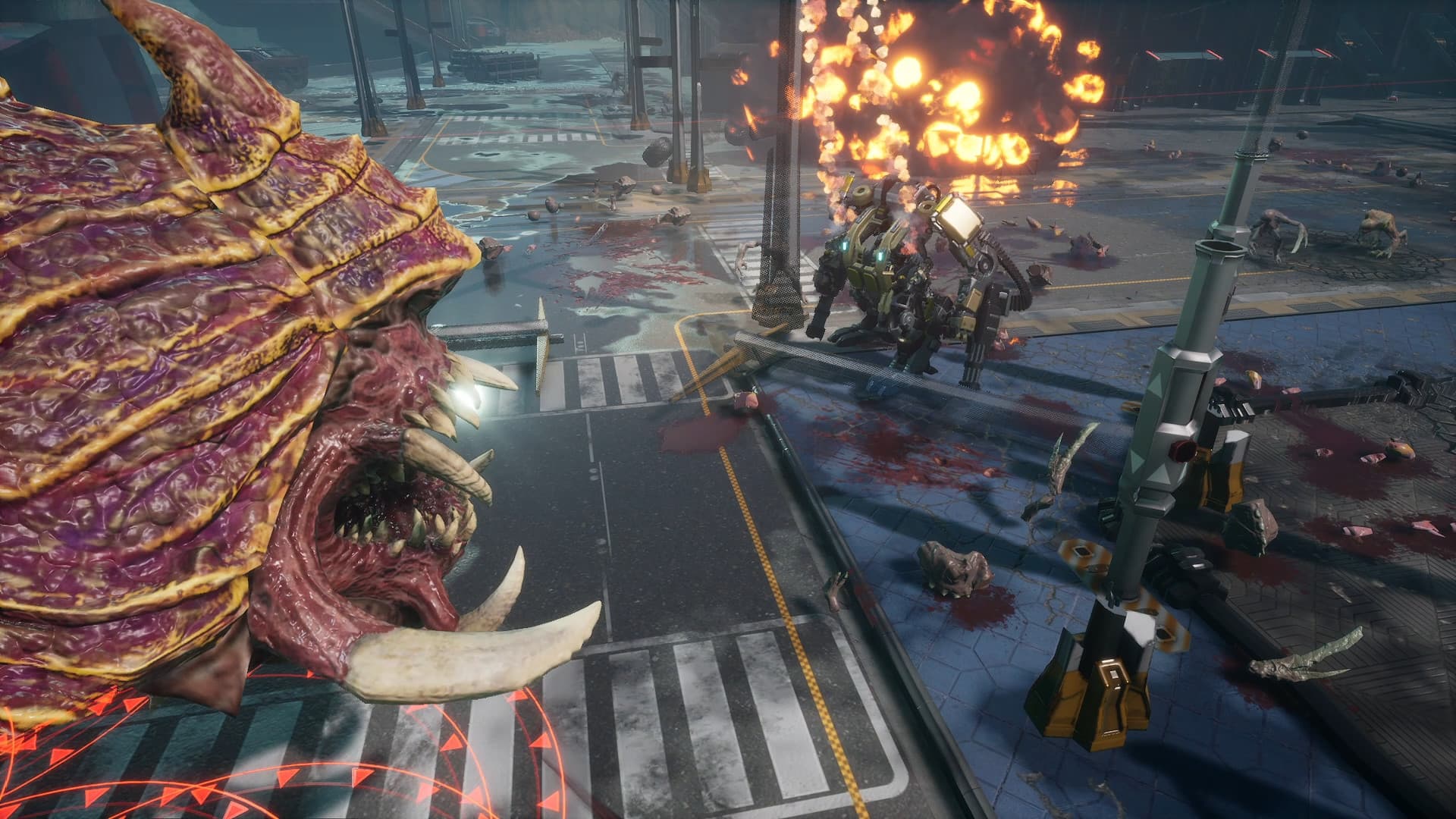
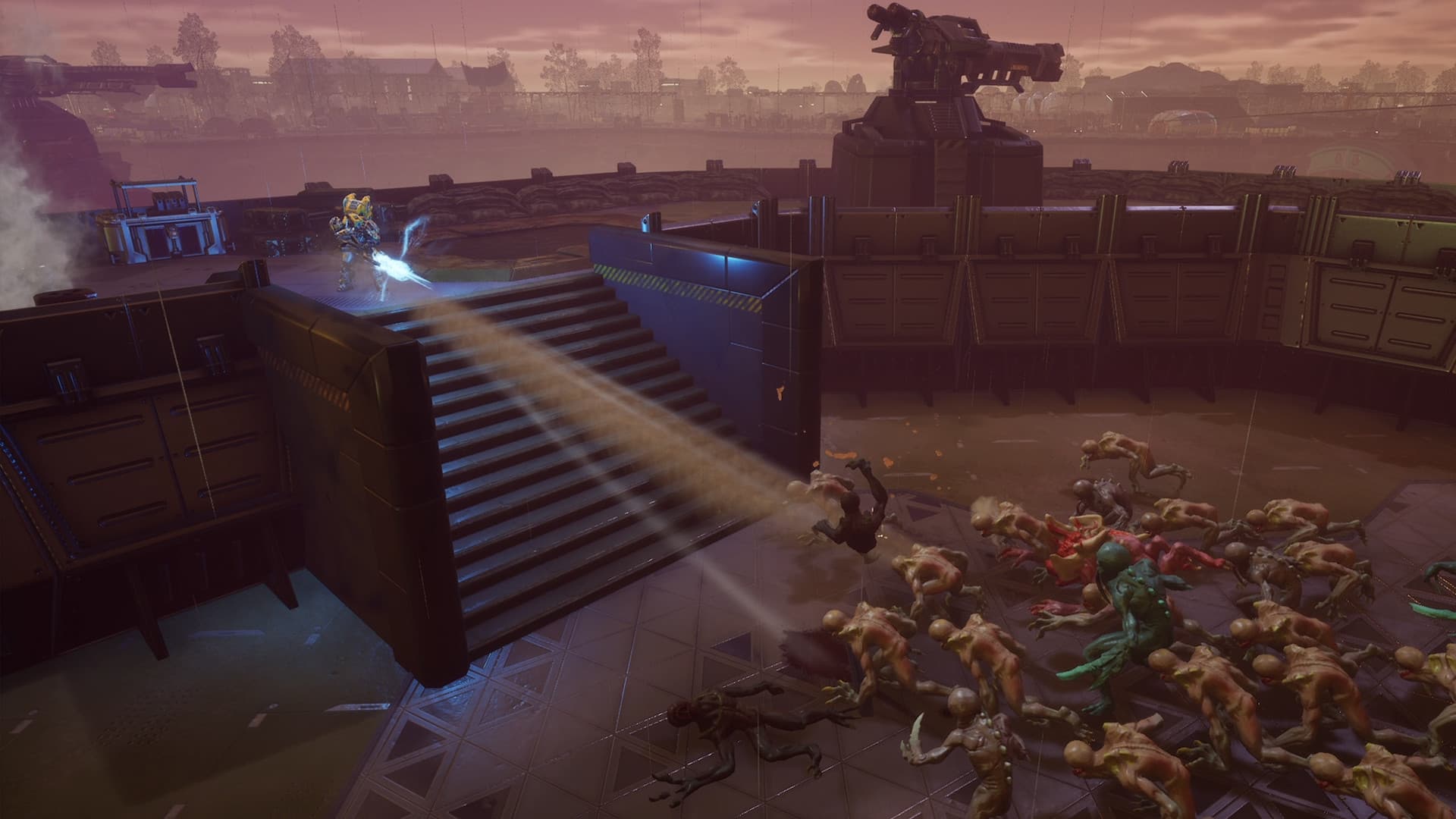
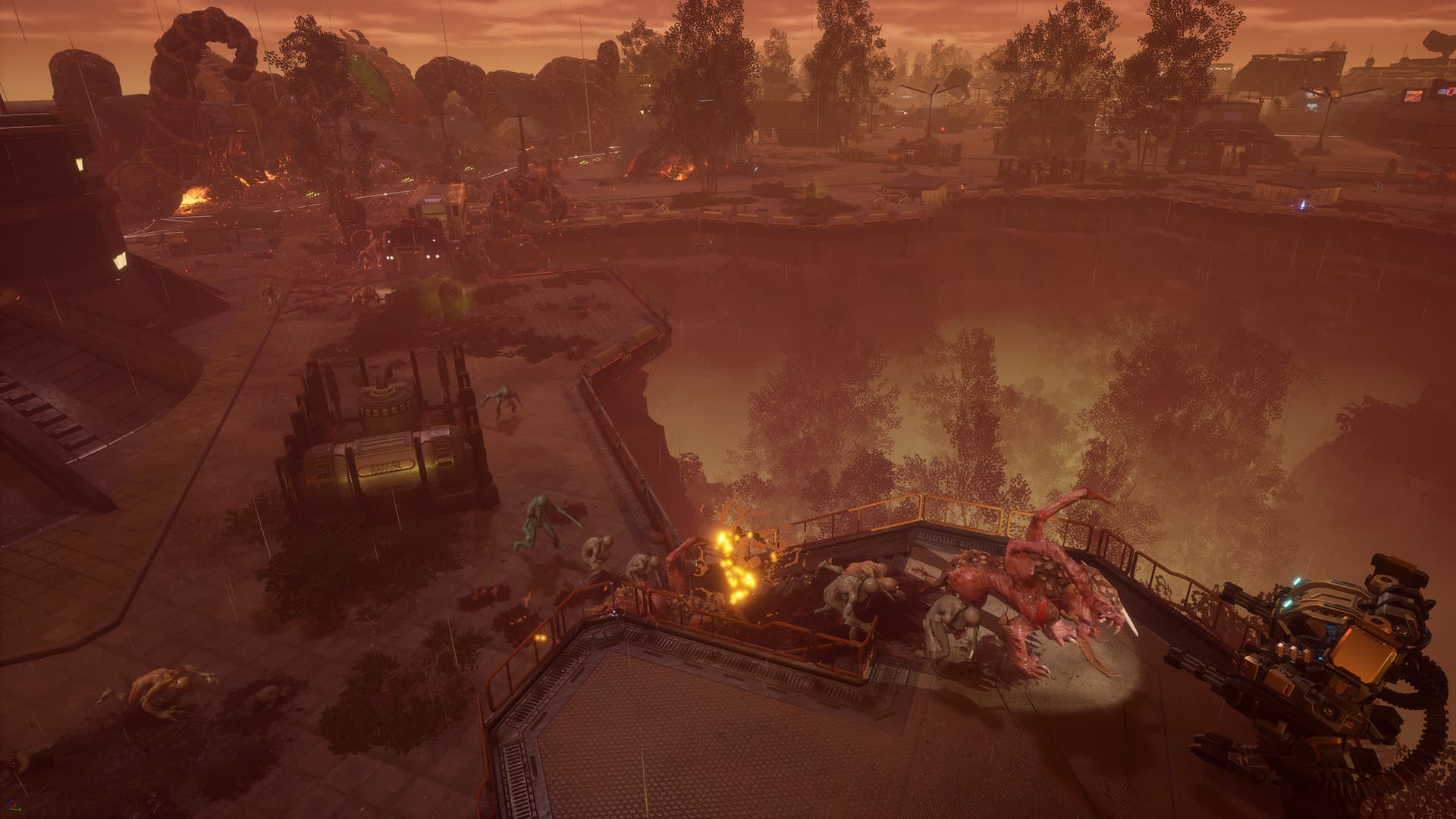
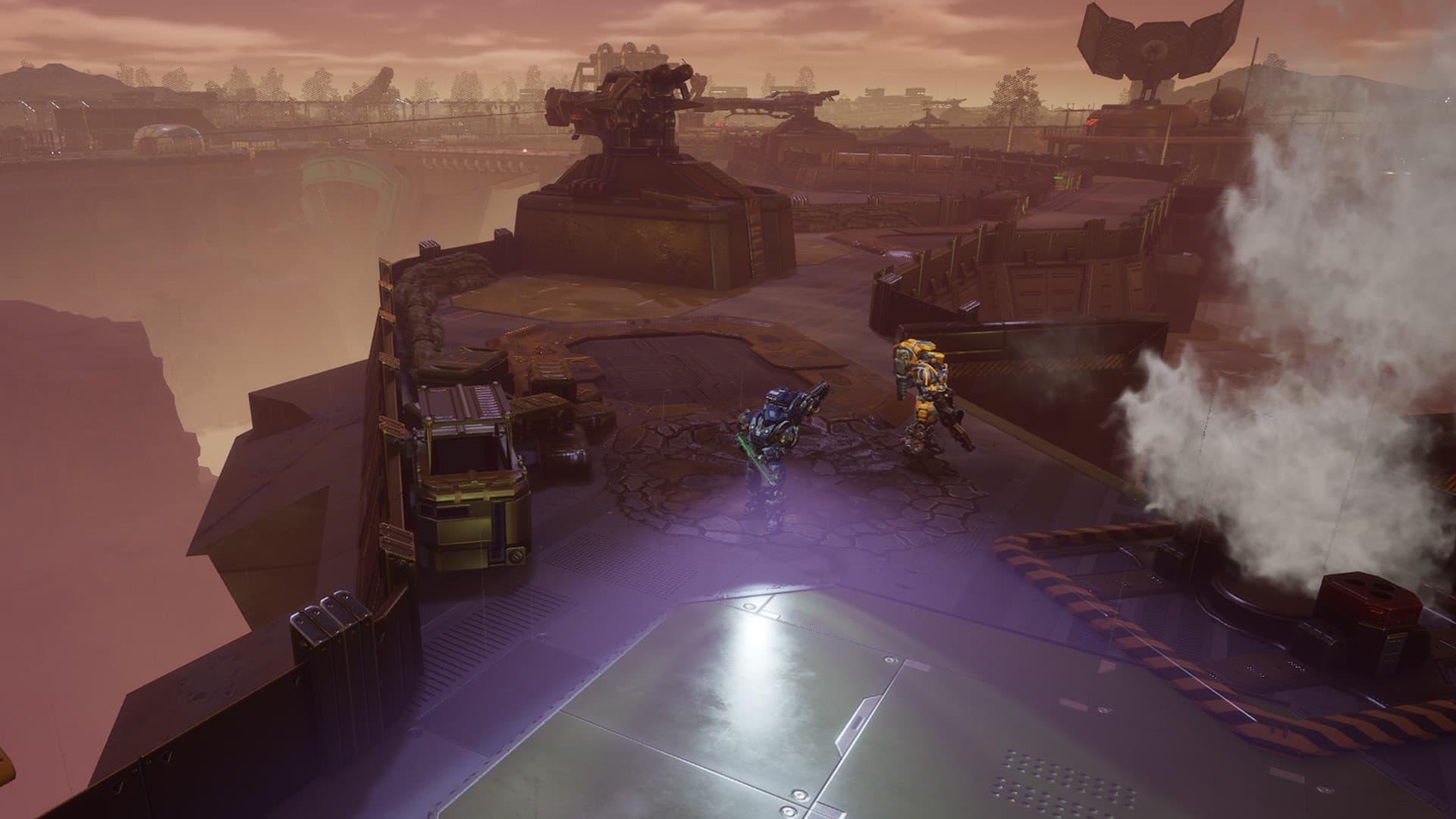
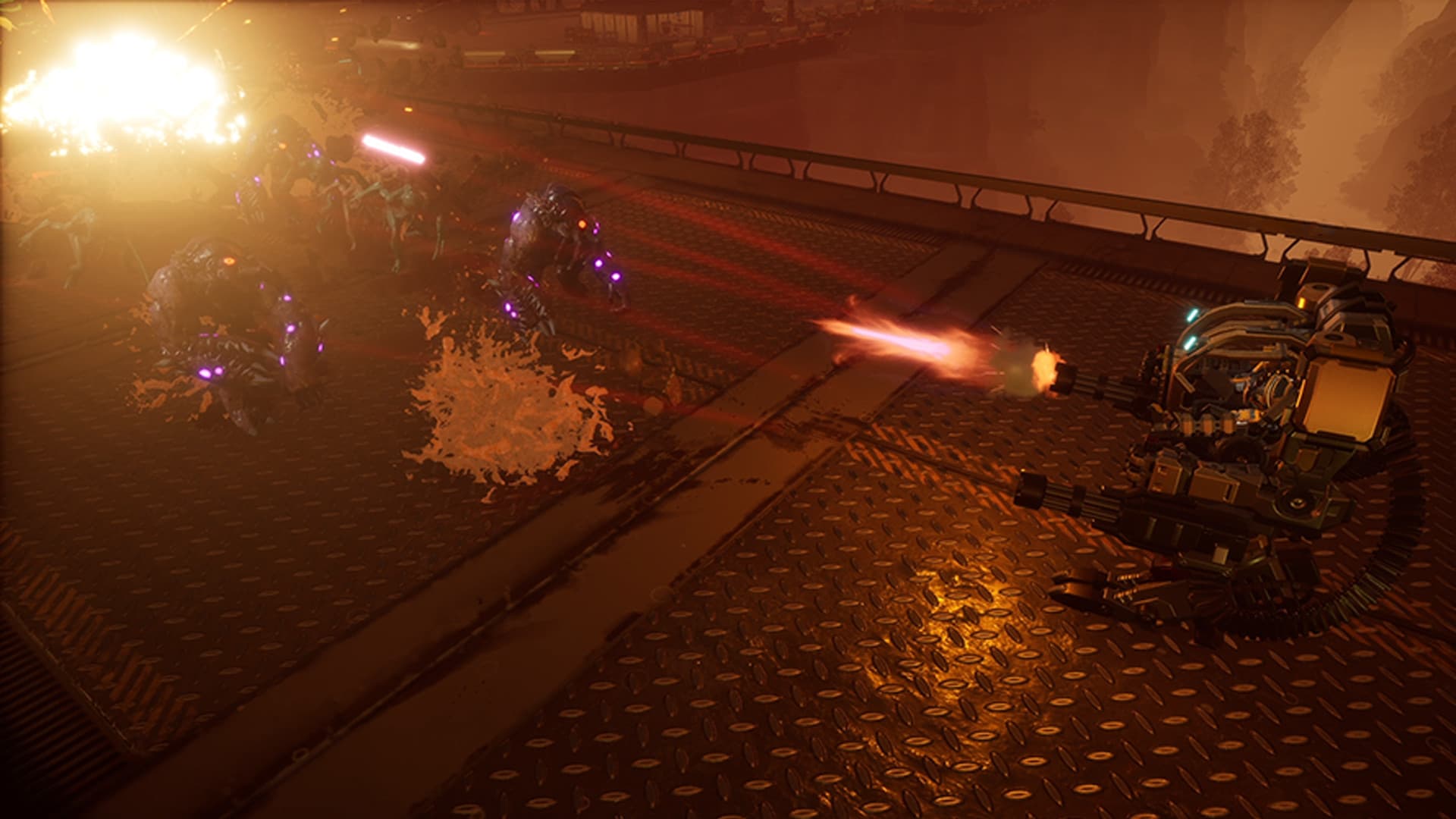
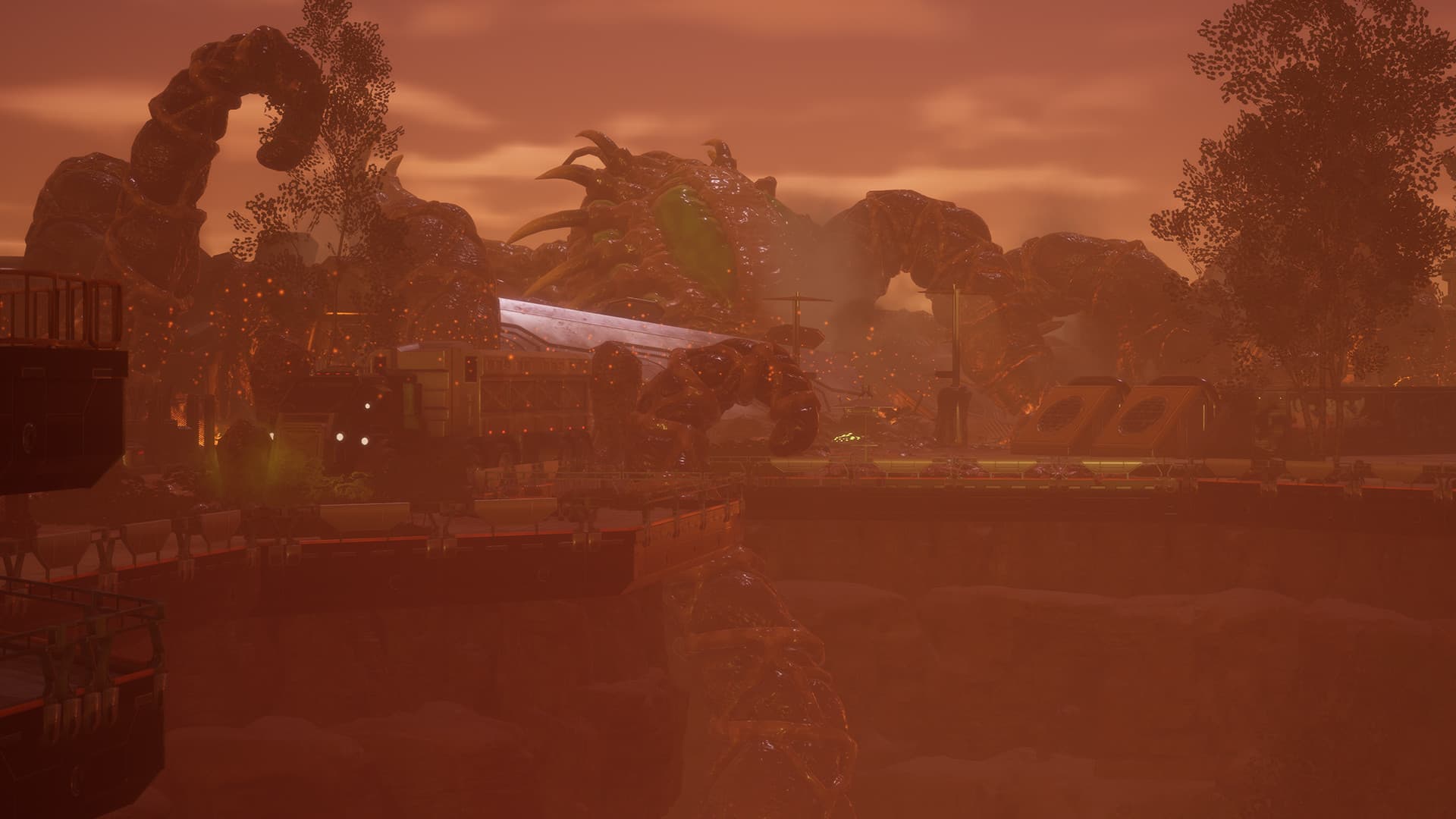
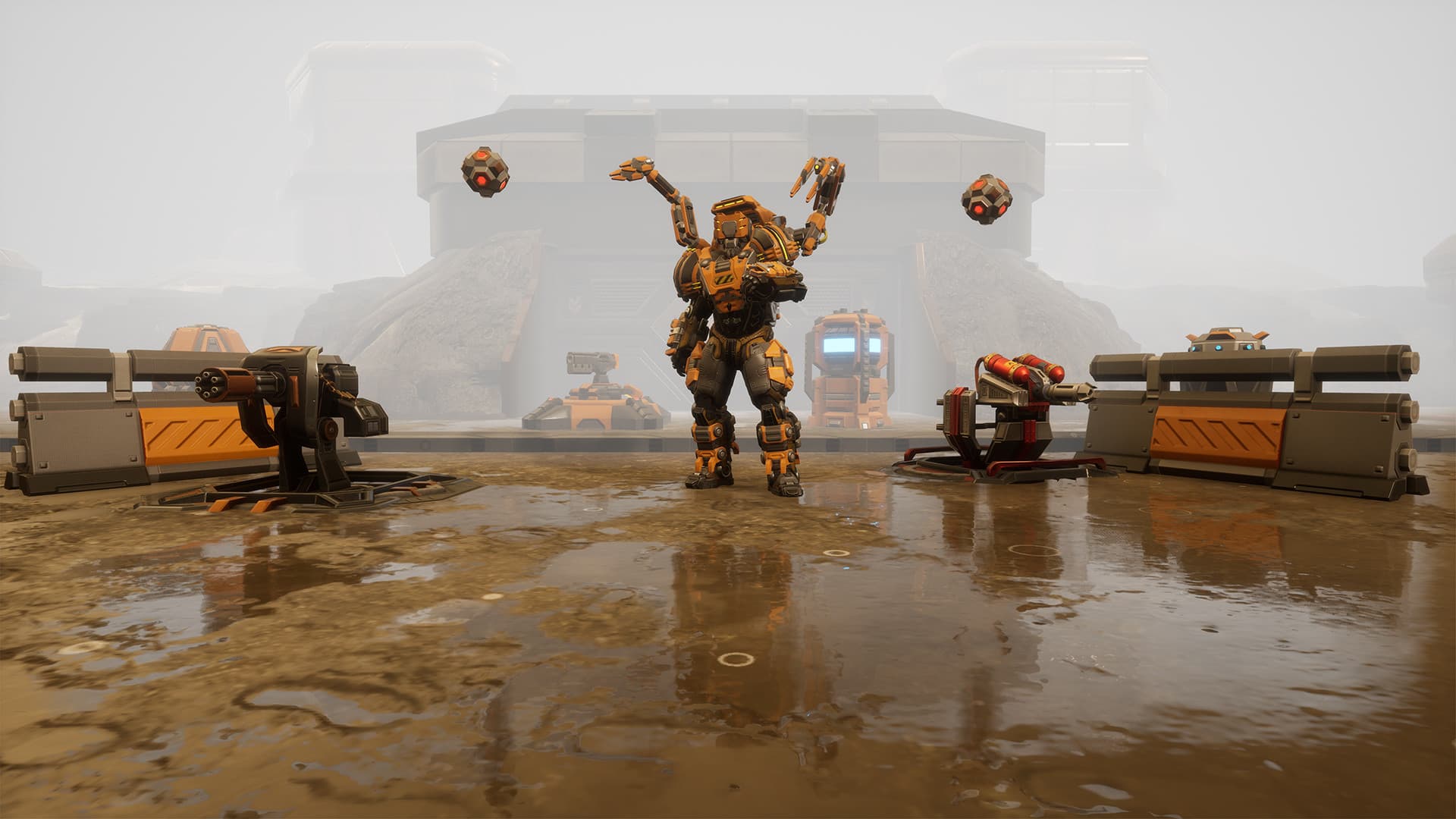
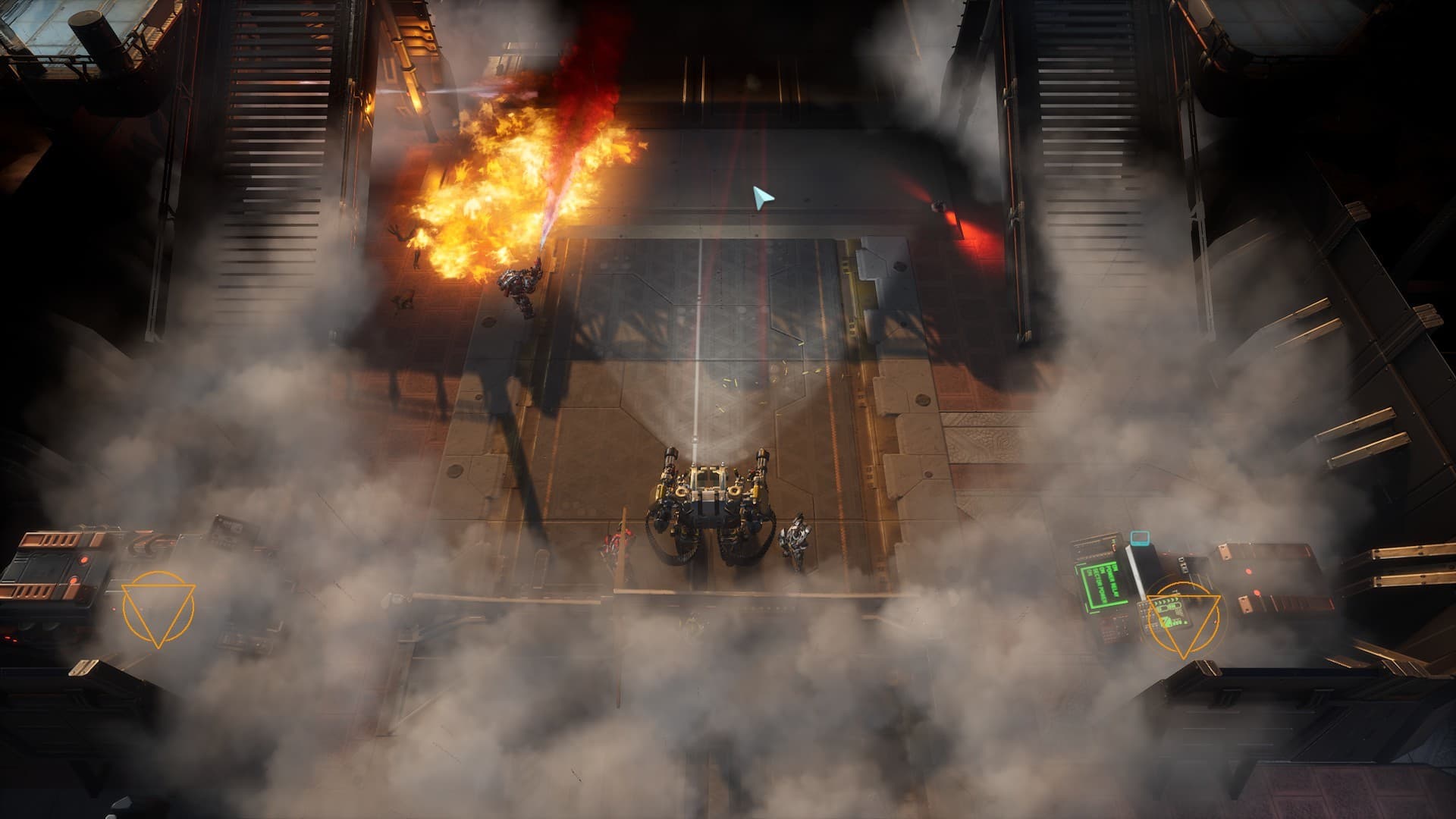
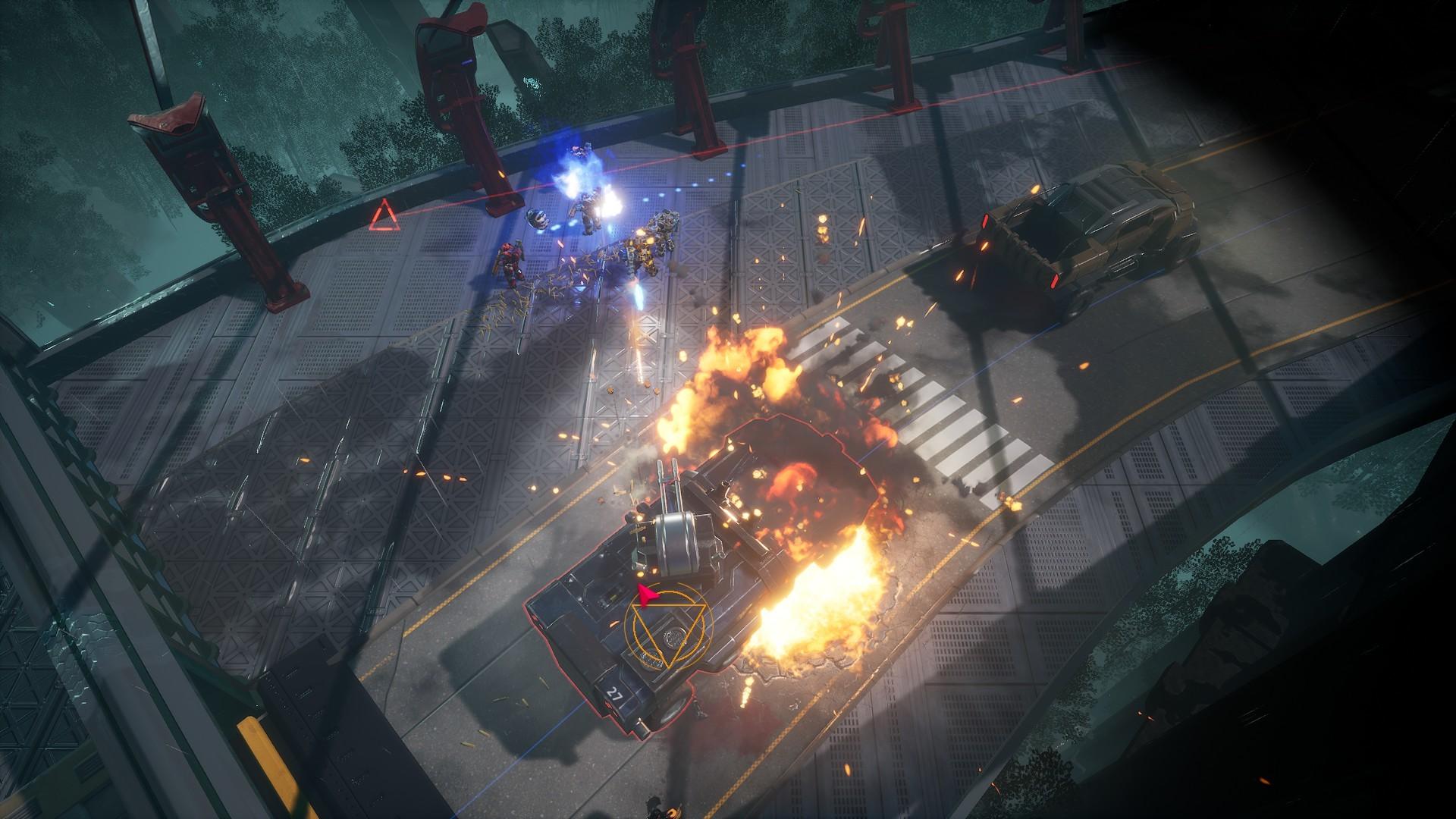
Continue your mission on Mars with the Red Solstice 2: Survivors Season Pass!
Get access to all released and upcoming DLCs and experience new story lines, new classes, new maps and much more!
(Does not include the full game Red Solstice 2: Survivors)
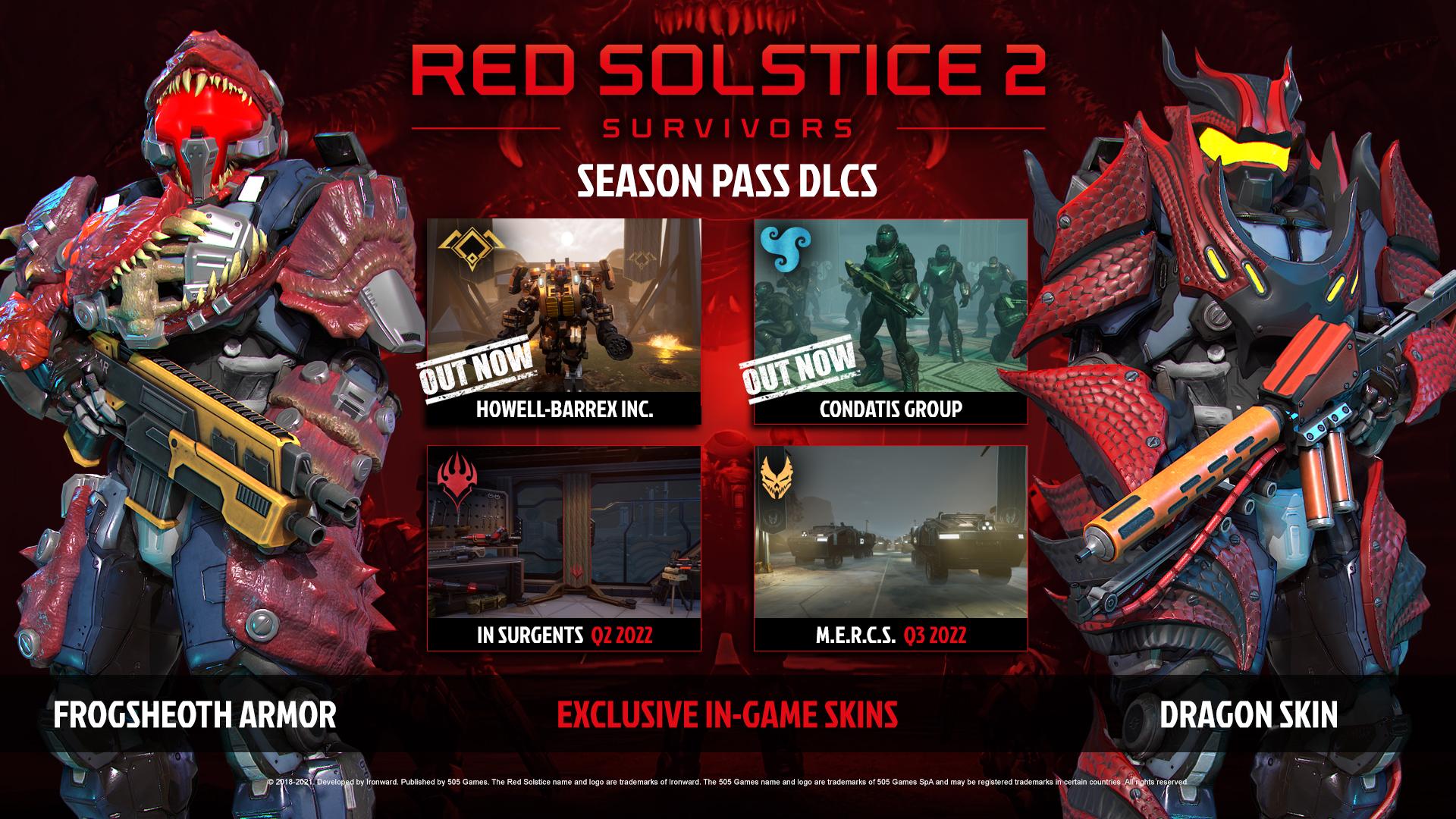
Includes the following DLCs:
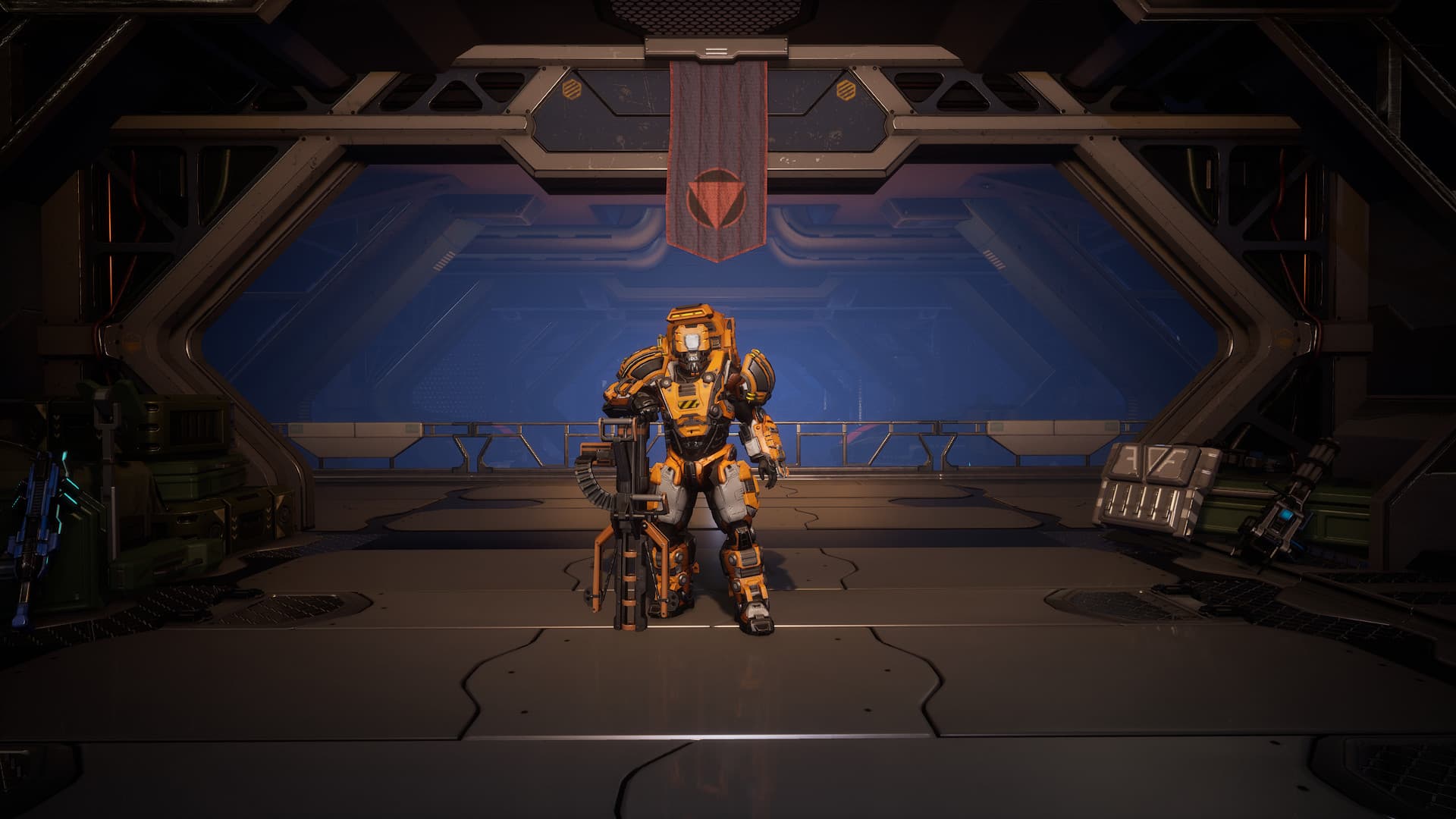
EXCLUSIVE IN-GAME SKINS
The Red Solstice 2: Survivors Season Pass will include the two exclusive in-game skins: Frogsheoth Armor & Dragon Skin.
(These items are in-game cosmetics only and are only playable with a purchase of Red Solstice 2: Survivors (sold separately) on Steam) ...
System Requirements
- Steam account is required for game activation and installation.
- This content requires the base game Red Solstice 2: Survivors on Steam in order to play.
- Windows Requirements
- Requires a 64-bit processor and operating system
- OS
- Windows 7
- Processor
- Intel Core i5-2300 or AMD FX-4350
- Graphics
- NVIDIA GeForce GTS 450, 1 GB or AMD Radeon HD 5750, 1 GB
- Network
- Broadband Internet connection
- Storage
- 10 GB available space
- Sound Card
- Any
- Requires a 64-bit processor and operating system
- OS
- Windows 10
- Processor
- Intel Core i5-4690K or Ryzen 3 1300X
- Graphics
- NVIDIA GeForce GTX 780, 3 GB or AMD Radeon R9 290X, 4 GB
- Network
- Broadband Internet connection
- Storage
- 10 GB available space
- Sound Card
- Any
Legal information
© 2018-2021. Developed by Ironward. Published by 505 Games. The Red Solstice 2 name and logo are trademarks of Ironward. The 505 Games name and logo are trademarks of 505 Games SpA and may be registered trademarks in certain countries. All rights reserved.