
How to activate
- Install Steam and sign in to your account (a free account is enough).
- In the top menu choose Games → Activate a Product on Steam…
- Enter your key exactly as shown in your order (with dashes) and confirm. The game appears in your library.
About
Let Professor Rubik's Brain Fitness color your brain!
Stimulate your brain!
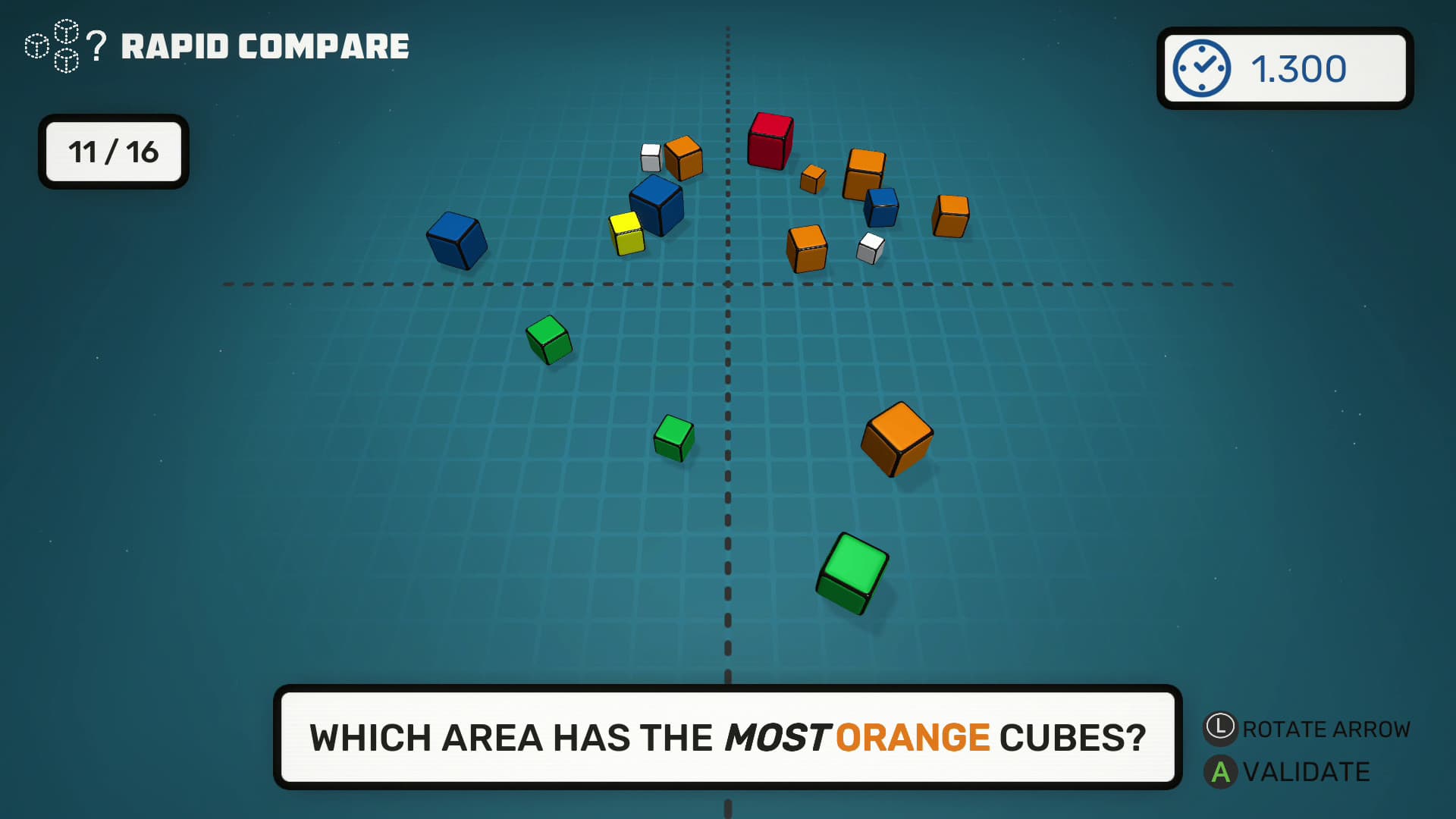
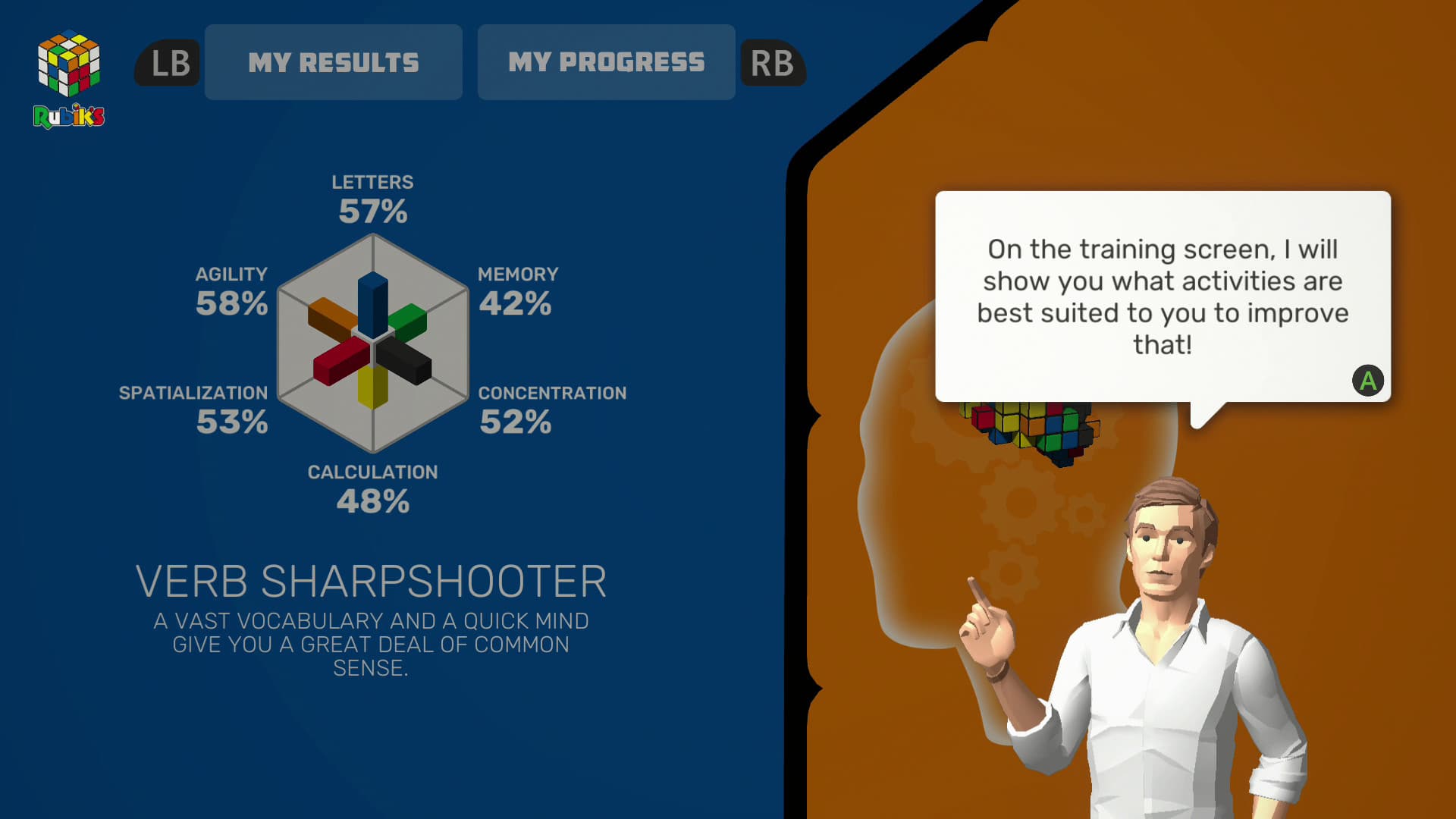
Train the different areas of your brain such as your memory, concentration or your 3D visualization with colorful challenges. Play with a wide range of mini-games, with four different play modes, alone or with your friends! Also rediscover famous games in a Rubik’s version with 2048, Tetrubik and more!
Your own brain coach. ...
System Requirements
Minimum
- Windows
- OS
- Windows 7/8/10 (64-bit OS required)
- Processor
- Intel Core 2 Quad Q6600 @ 2.4 GHz, AMD FX 8120 @ 3.1 GHz
- Memory
- 2 GB RAM
- Graphics
- NVIDIA GT 630 / 650M, AMD Radeon HD6570 or equivalent
- DirectX
- Version 9.0c
- Storage
- 175 MB available space
- Sound Card
- 100% DirectX 9.0c compatible sound card
- macOS
- OS
- Mac OS X 10.8+
- Processor
- Intel Core i5 dualcore 7th gen @2,3 GHz
- Memory
- 2 GB RAM
- Graphics
- Intel Iris Plus Graphics 640
- Storage
- 175 MB available space
Recommended
- Windows
- OS
- Windows 8/10 (64-bit OS required)
- Processor
- Intel i7 920 @ 2.7 GHz, AMD Phenom II 945 @ 3.0 GHz
- Memory
- 4 GB RAM
- Graphics
- NVIDIA GTX 660, Radeon R9-270
- DirectX
- Version 11
- Storage
- 175 MB available space
- Sound Card
- 100% DirectX 9.0c compatible sound card
- macOS
- OS
- Mac OS X 10.8+
- Processor
- Intel Core i3 quadcore 8th gen @3,6 GHz
- Memory
- 2 GB RAM
- Graphics
- Radeon Pro 555X with 2 Go GDDR5
- Storage
- 175 MB available space
Legal information
(c) 2020 Microids SA. All rights reserved. Developed by Magic Pockets. Published by Microids SA. All rights reserved. © 1974 Rubik’s® Used under license Rubik’s Brand Ltd. All rights reserved.