








How to activate
- Install Steam and sign in to your account (a free account is enough).
- In the top menu choose Games → Activate a Product on Steam…
- Enter your key exactly as shown in your order (with dashes) and confirm. The game appears in your library.
About
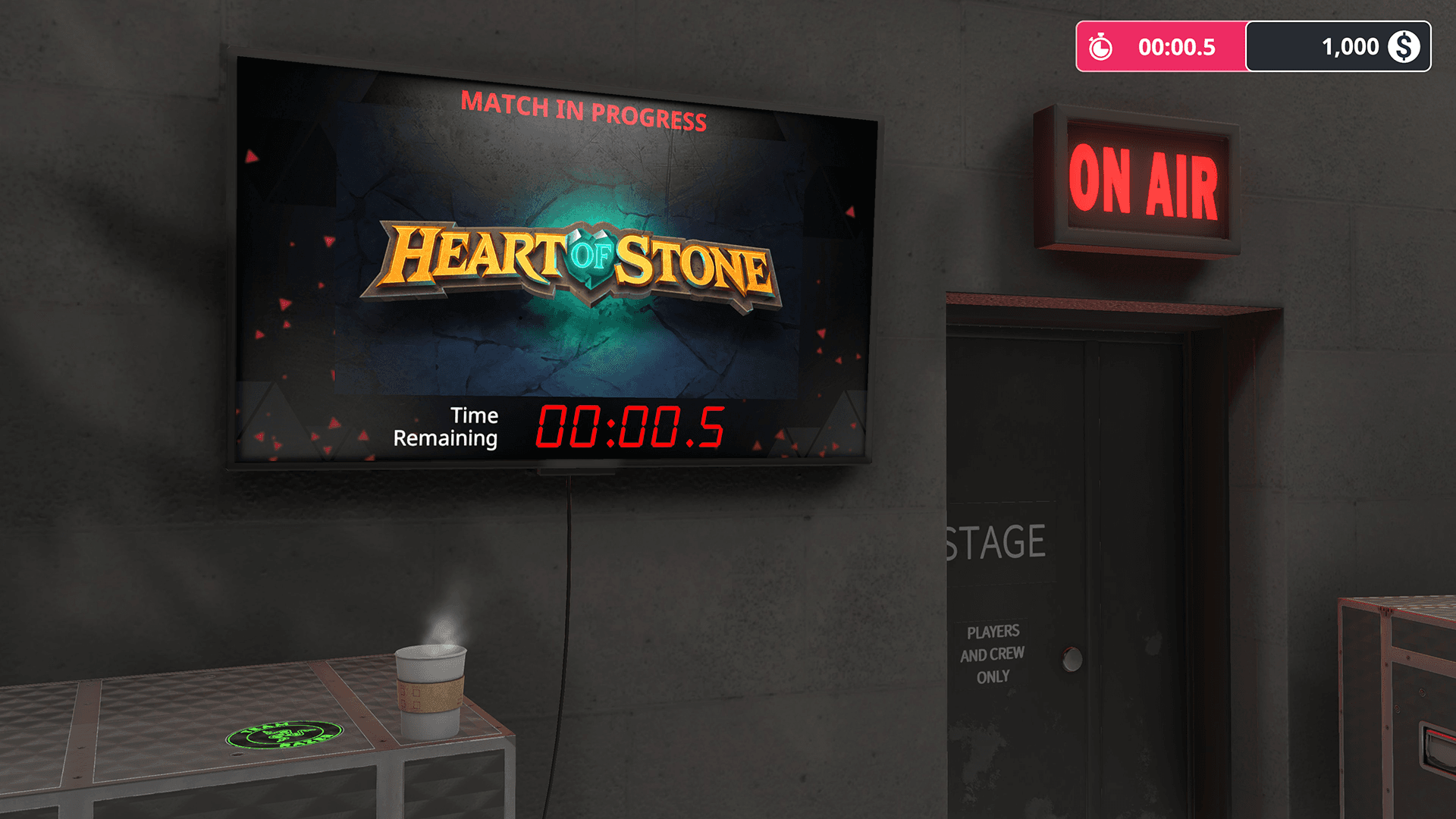
Be the unsung hero of every Esports team – the tech support! Start with a humble team, and rise up the ranks as you juggle demands from players, sponsors and the team manager. Manage the team’s tech budget, put the right sponsor parts in your builds, and try to remain calm when something crucial fails on match day!
The Workshop ...
System Requirements
Minimum
- OS
- Windows 7 or higher
- Processor
- Intel Core i5-2500K or AMD Athlon X4 740 (or equivalent)
- Memory
- 8 GB RAM
- Graphics
- GeForce GTX 660 (2048 MB) or Radeon R9 285 (2048 MB) - Integrated GPUs may work but are not supported.
- DirectX
- Version 9.0
- Storage
- 1 GB available space
- Sound Card
- DirectX compatible
Recommended
You may also like
- Going Medieval - Early Access

- PC Building Simulator

- PC Building Simulator - EVGA Workshop
- PC Building Simulator - AORUS Workshop
- PC Building Simulator: Overclocked Edition Content
- PC Building Simulator: Razer Workshop
- PC Building Simulator - NZXT Workshop
- PC Building Simulator - Republic of Gamers Workshop
