







How to activate
- Install Steam and sign in to your account (a free account is enough).
- In the top menu choose Games → Activate a Product on Steam…
- Enter your key exactly as shown in your order (with dashes) and confirm. The game appears in your library.
About
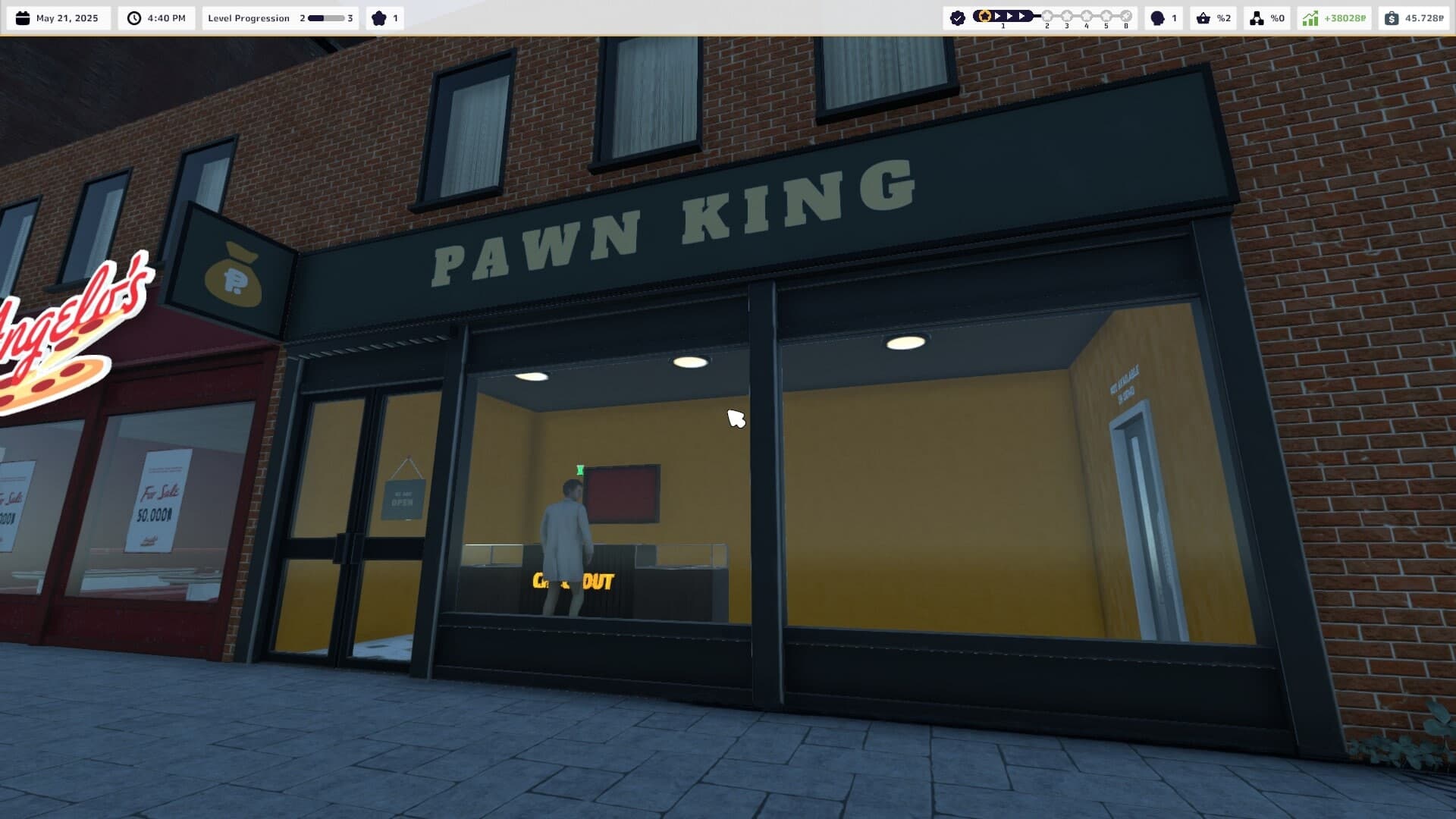
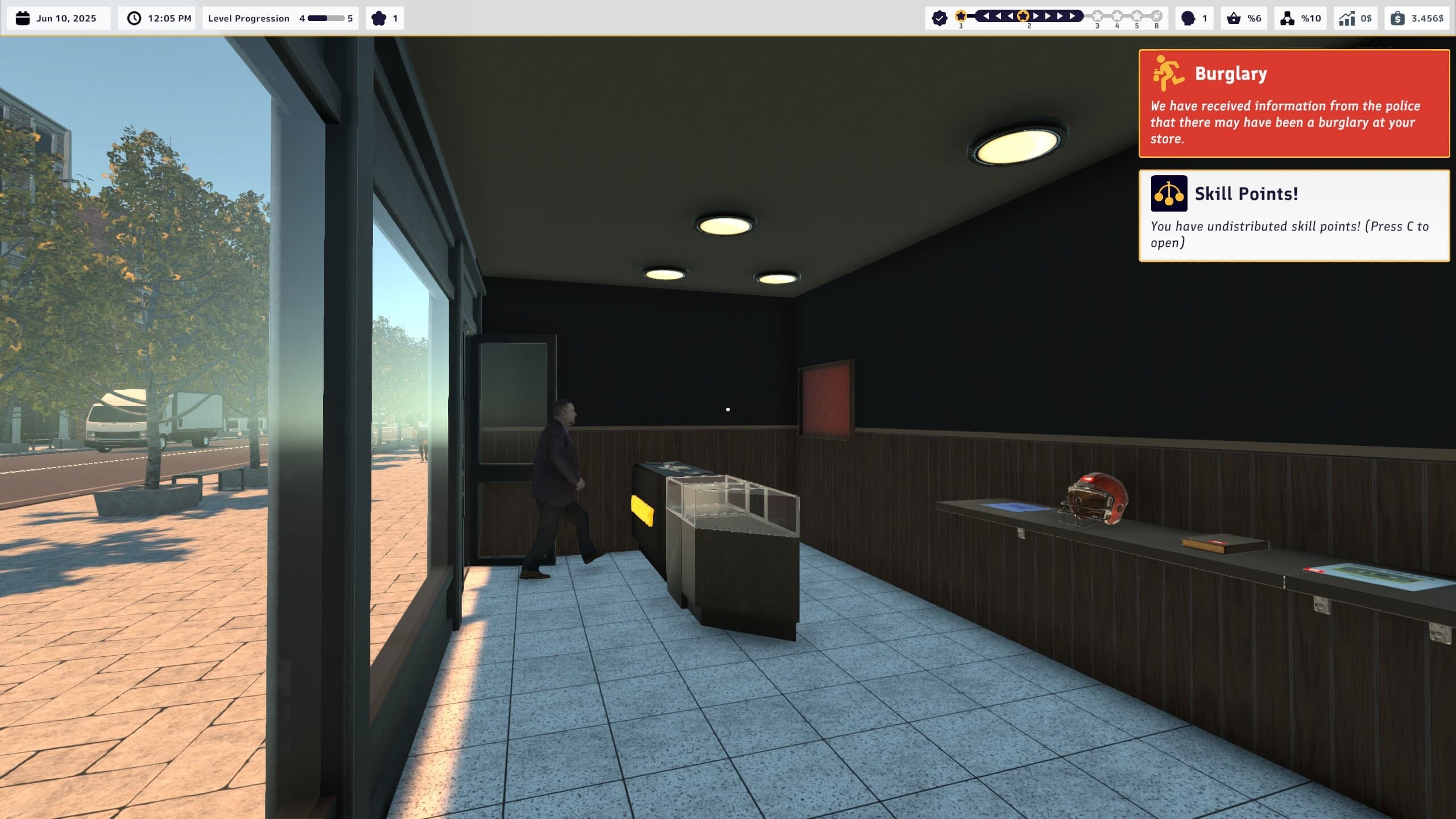
RUN A PAWN SHOP
-
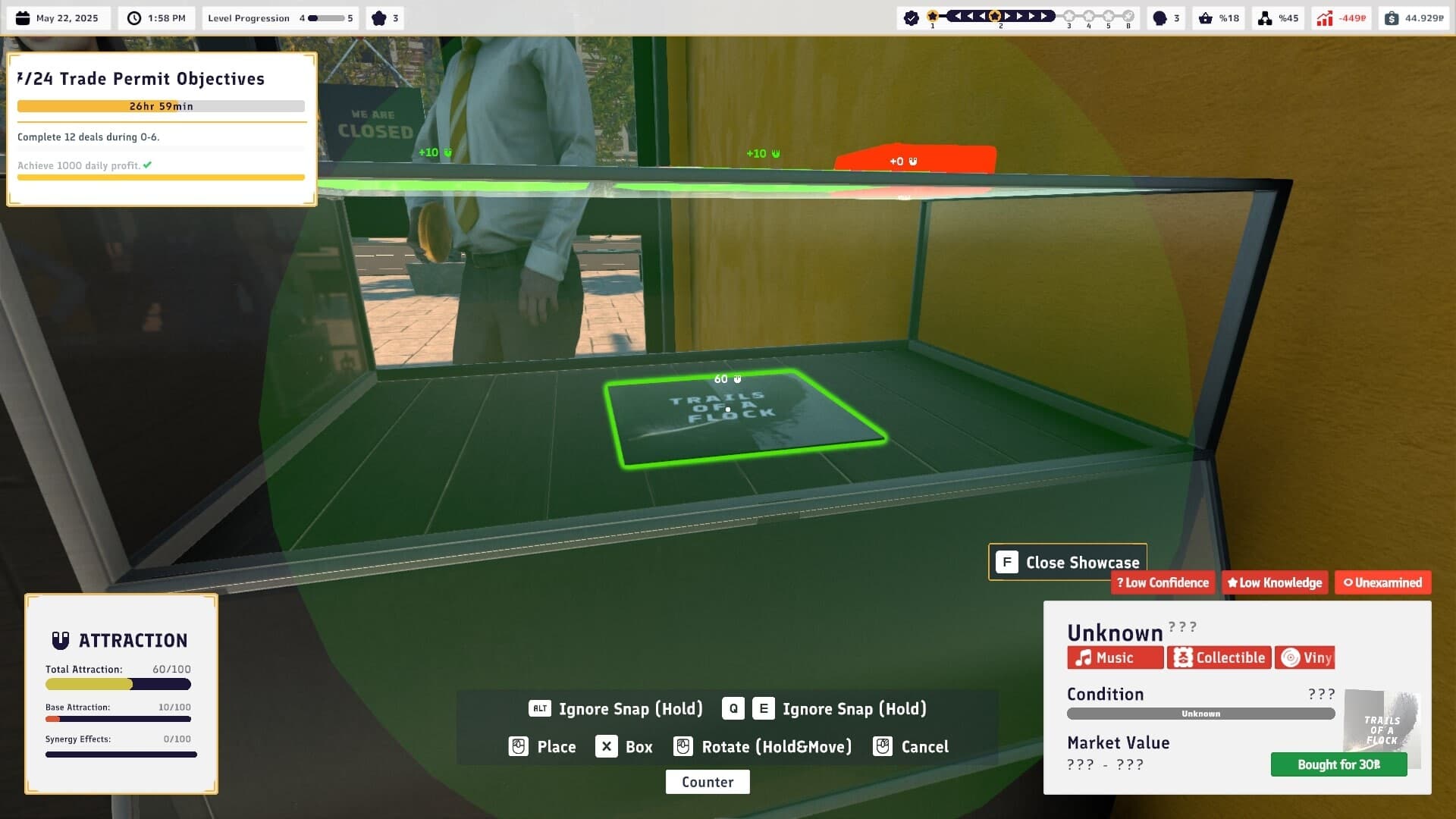
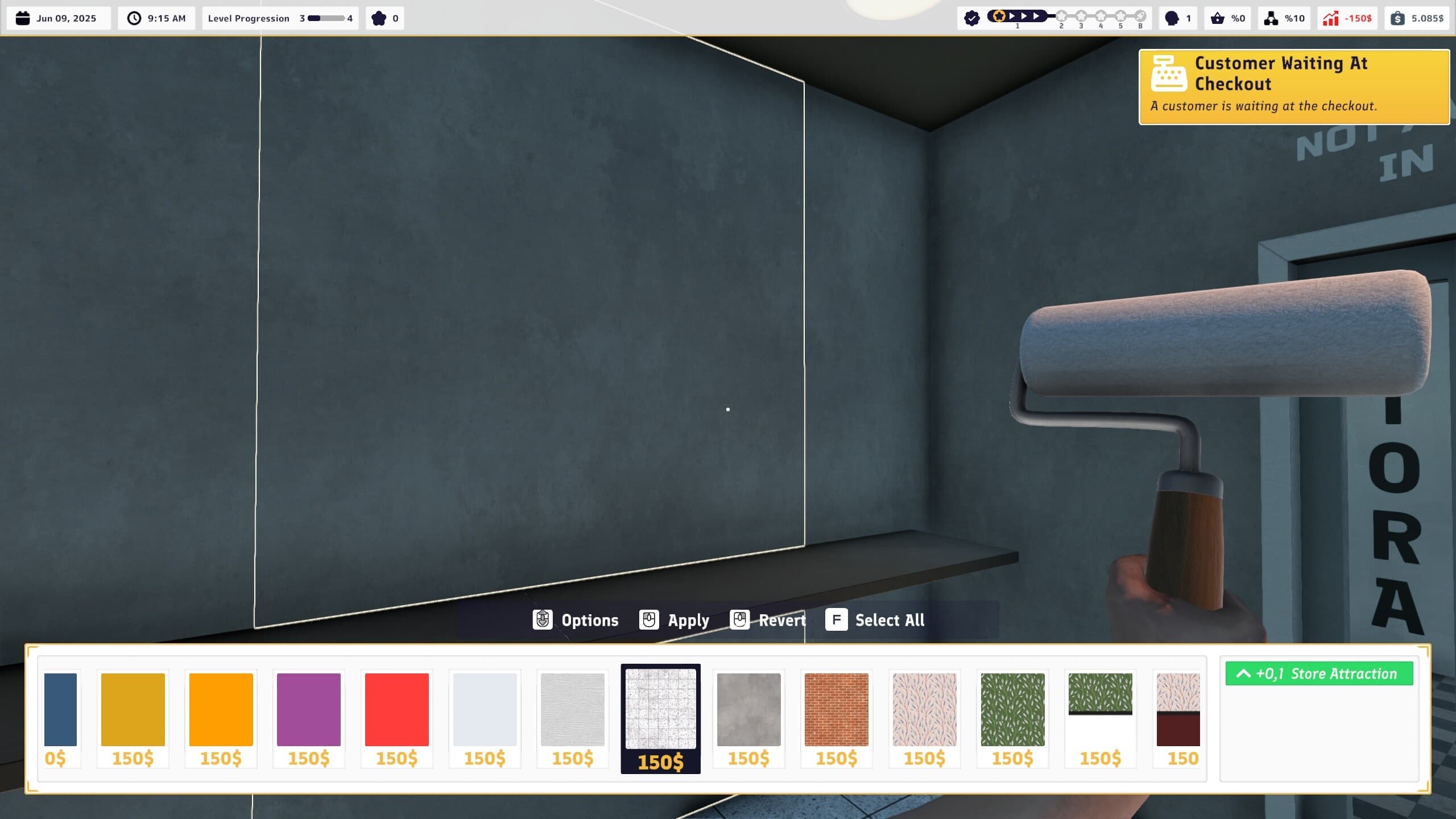
Build, expand, and customize your store! 🛠️
-
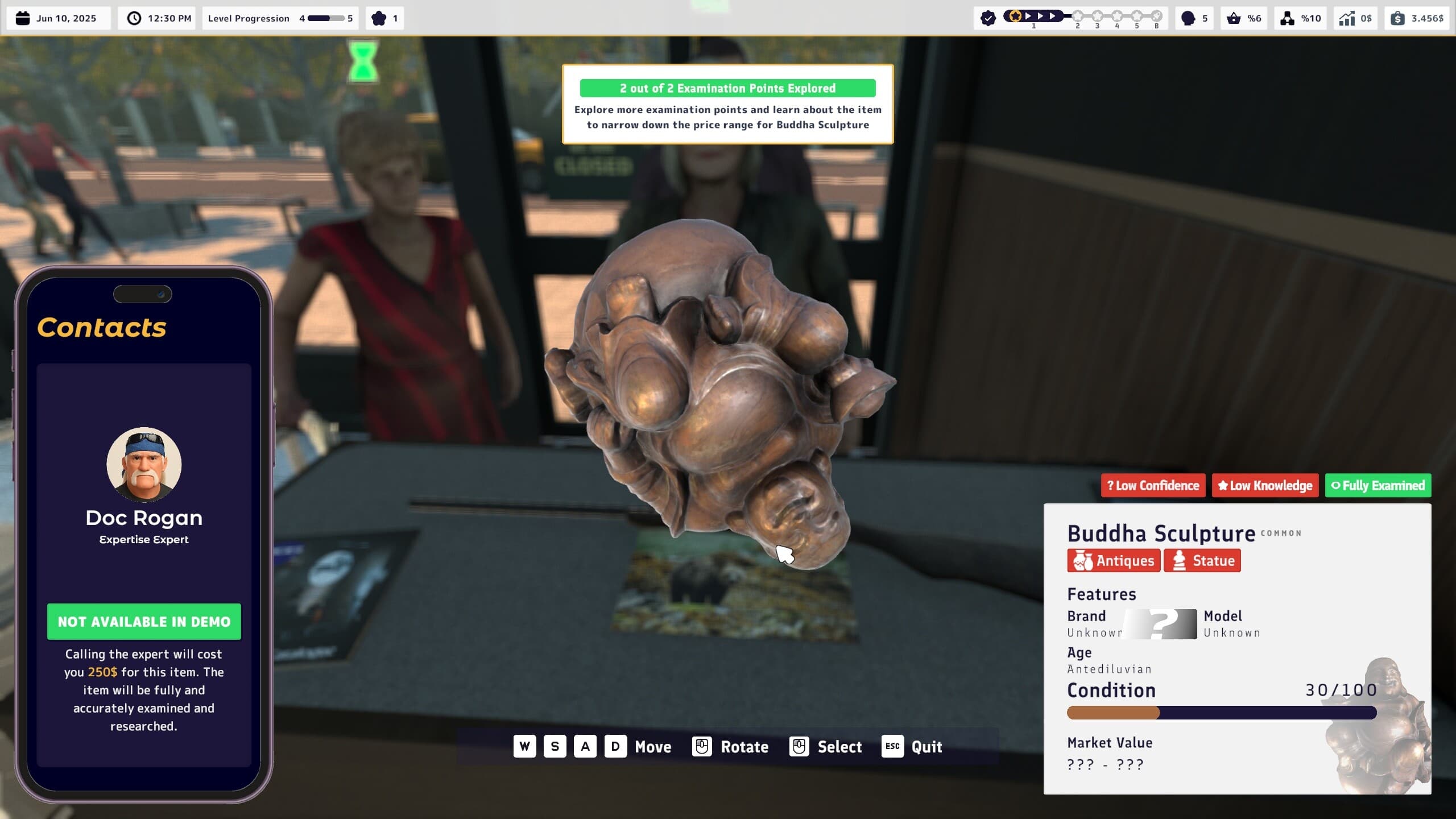
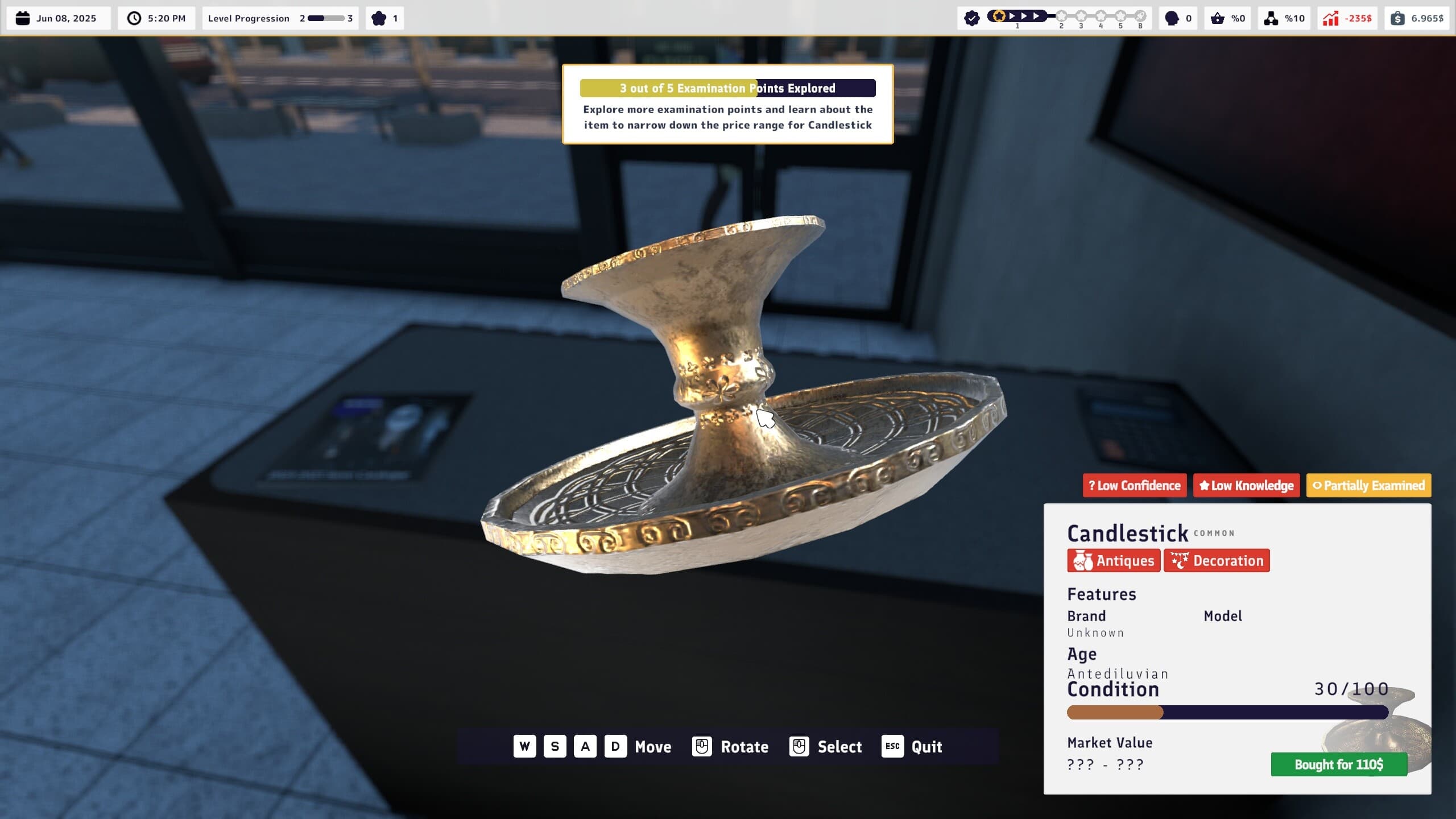
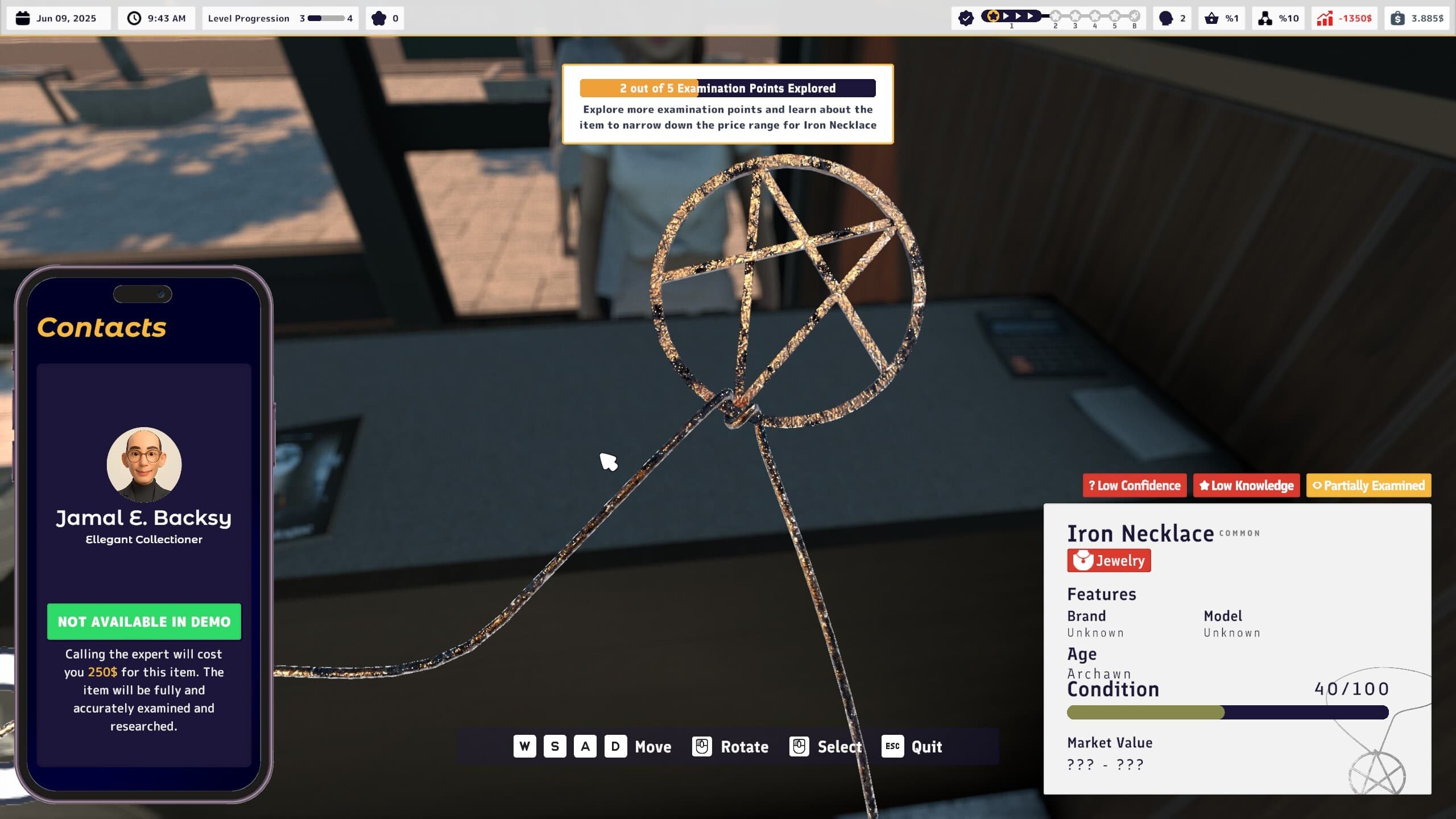
Appraise and buy second-hand items! 🔎
-
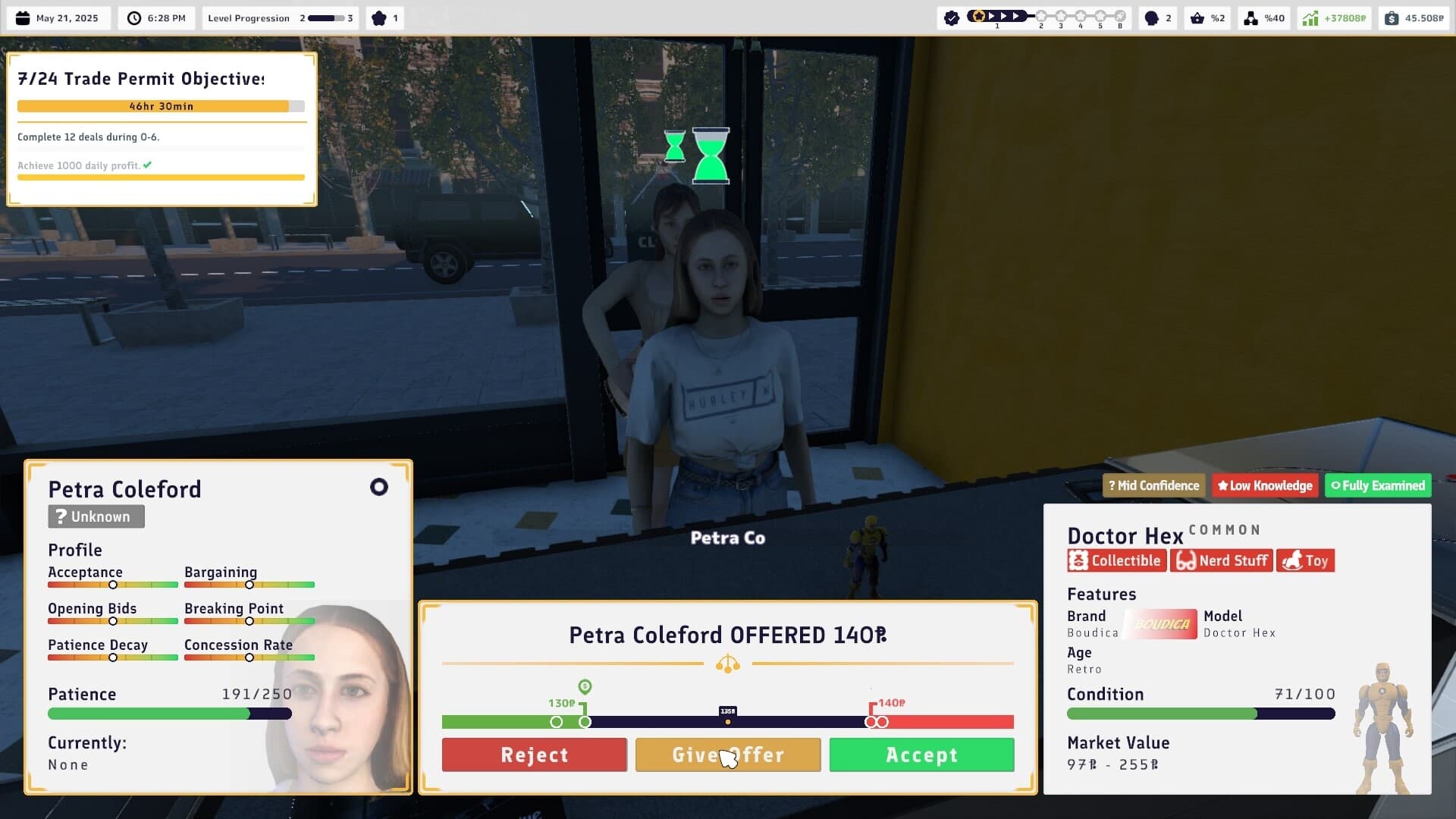
Buy cheaper than you could sell to profit! 🤑
-
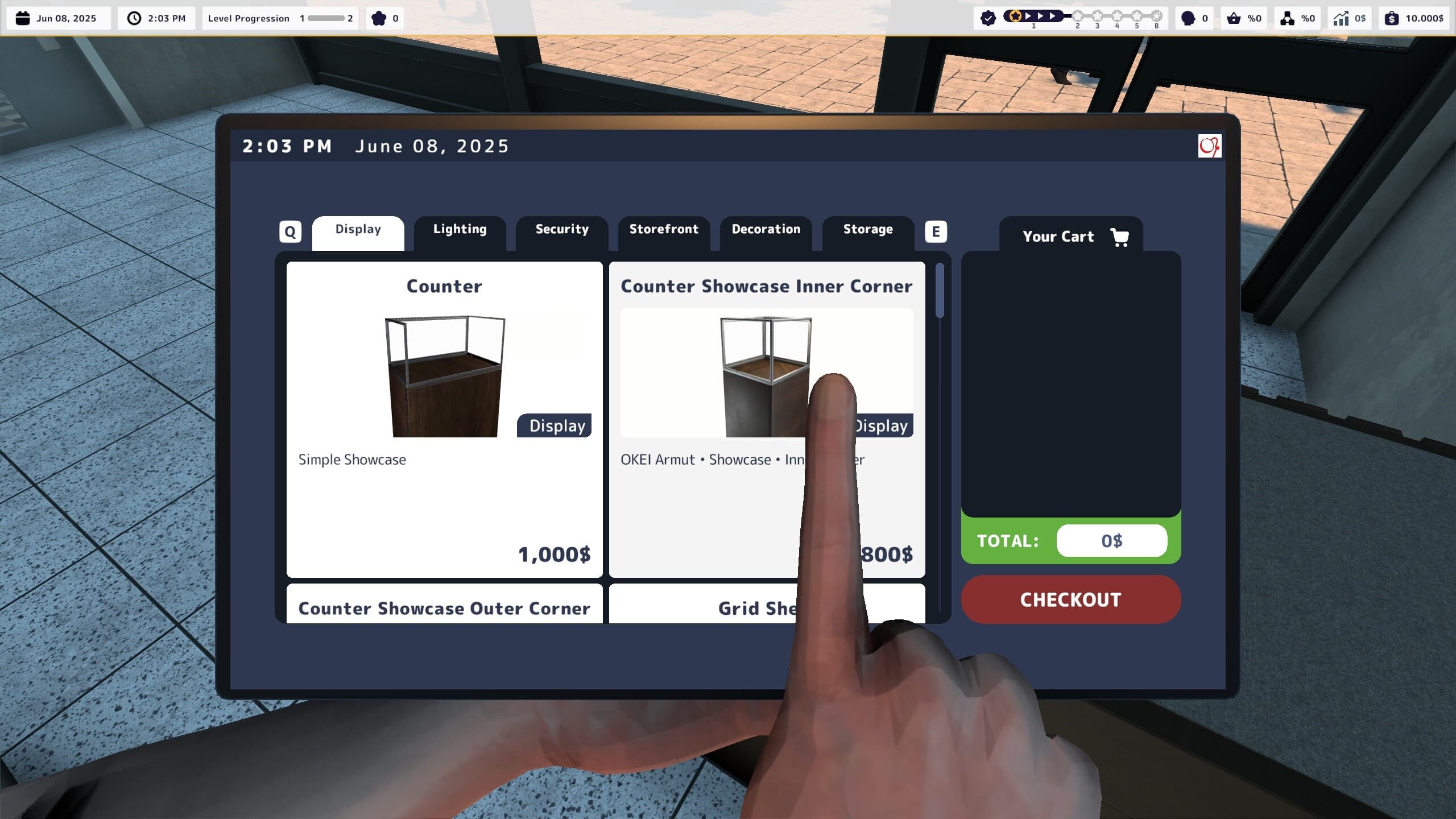
Buy new displays, lighting, and decor from your tablet! 🛋️
-
Pay your utility bills and rent! 📨
-
Increase your reputation to unlock new content. 🌟
PERSONALITY
-
Customers will come and go to your shop, browsing the items displayed.🛍️
-
Every customer's shopping and haggling behaviours will be different. 🤠
-
Their emotions tend to swing a little bit daily to reflect real life and to eliminate monotony. ...
System Requirements
Minimum
- Requires a 64-bit processor and operating system
- OS
- Windows 10 64-bit
- Processor
- Intel Core i5-9400F / AMD Ryzen 5 1600
- Memory
- 8 GB RAM
- Graphics
- NVIDIA GeForce GTX 960 / AMD Radeon RX 560
- DirectX
- Version 9.0c
- Storage
- 16 GB available space
- Sound Card
- DirectX Compatible
Recommended
- Requires a 64-bit processor and operating system
- OS
- Windows 11 64-bit
- Processor
- Intel i9 9900k or equivalent
- Memory
- 16 GB RAM
- Graphics
- Nvidia GTX 1660 or equivalent
- DirectX
- Version 11
- Storage
- 16 GB available space
- Sound Card
- DirectX Compatible