How to activate
- Install Steam and sign in to your account (a free account is enough).
- In the top menu choose Games → Activate a Product on Steam…
- Enter your key exactly as shown in your order (with dashes) and confirm. The game appears in your library.
About
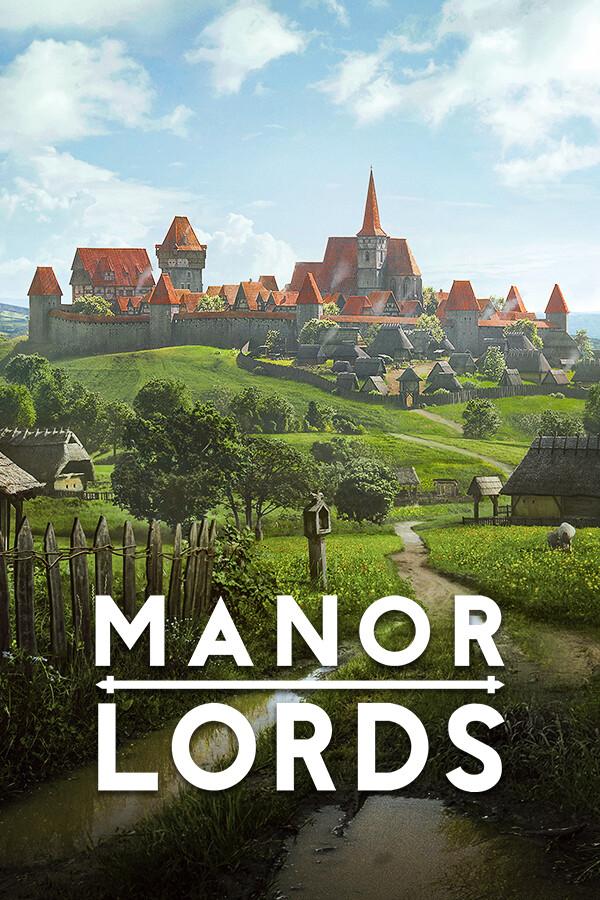
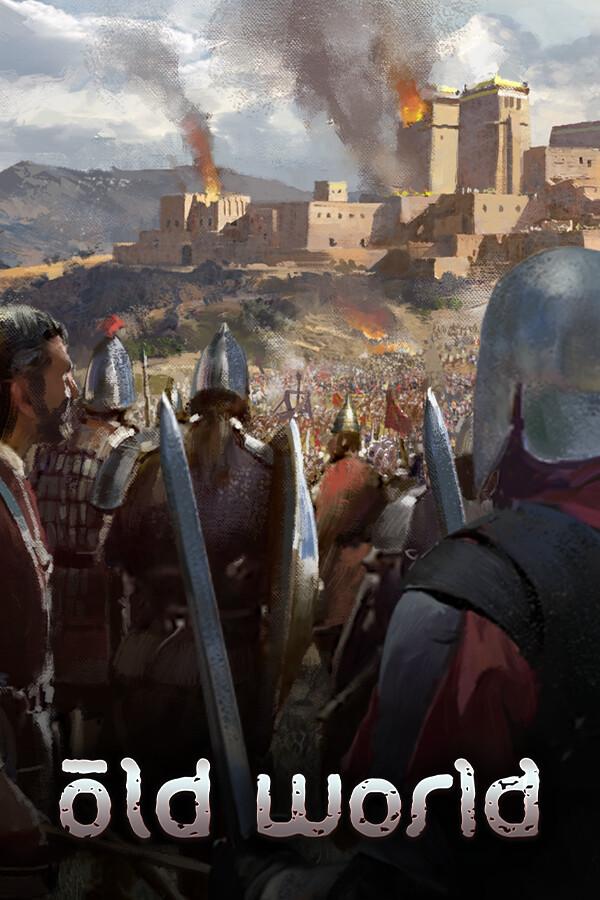
The Empire has fallen, leaving in its place multiple successor kingdoms. The lords and ladies of these petty kingdoms squabble for control and influence – whether with cloak and dagger or sword and shield, families feud amongst themselves and against each other as greater threats cast a shadow across the land. Famines wreak havoc on the lives of the peasantry, warfare and disunity threaten the social order, noble families fall to decadence and hedonism, and beyond the borders of the old Empire, great armies of pillage and destruction form under the banners of invader-kings. ...
System Requirements
Minimum
- Requires a 64-bit processor and operating system
- OS
- Windows® 10 (64-bit)
- Processor
- Intel® Core™ i5-4570T (dual-core) / AMD® FX-Series™ FX-9590 (quad-core)
- Memory
- 4 GB RAM
- Graphics
- NVIDIA® GeForce® GTX 550 Ti (1 GB) / AMD® Radeon™ R9 270X (2 GB)
- DirectX
- Version 10
- Storage
- 1 GB available space"
Recommended
- Requires a 64-bit processor and operating system
- OS
- Windows® 10 (64-bit)
- Processor
- Intel® Core™ i5-4670 (quad-core) / AMD® Ryzen™ 3 2200G (quad-core)
- Memory
- 8 GB RAM
- Graphics
- NVIDIA® GeForce® GTX 550 Ti (1 GB) / AMD® Radeon™ R9 270X (2 GB)
- DirectX
- Version 12
- Storage
- 1 GB available space"
Legal information
Trademarks, tradenames, and copyrights are property of their respective owners, Long Jaunt (2024) and Hooded Horse Inc.™ (2024). All Rights Reserved.