

How to activate
- Install Steam and sign in to your account (a free account is enough).
- In the top menu choose Games → Activate a Product on Steam…
- Enter your key exactly as shown in your order (with dashes) and confirm. The game appears in your library.
About
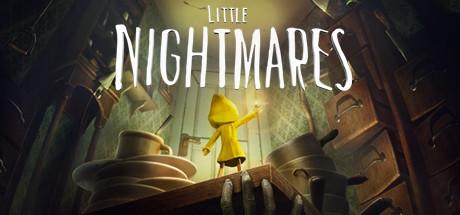
Can't get enough of Little Nightmares? Unveil all the secrets of The Maw in a parallel escape story where you play as the Runaway Kid, another prisoner looking for a way out of this place of misfortune. On his journey, The Kid will explore The Depths, The Hideway and another hidden part of The Maw offering a different perspective on Six’s adventures as well as new challenges to overcome. Get Little Nightmares™ Secrets of The Maw and enjoy these additional stories as they become available to download. If you purchase Little Nightmares™ Secrets of The Maw, all future content that is part of this ...
System Requirements
Minimum
- OS
- Windows 7, 64-bit
- Processor
- Intel CPU Core i3
- Memory
- 4 GB RAM
- Graphics
- Nvidia GTX 460
- DirectX
- Version 11
- Network
- Broadband Internet connection
- Storage
- 10 GB available space
Recommended
- OS
- Windows 7, 64-bit
- Processor
- Intel CPU Core i7
- Memory
- 8 GB RAM
- Graphics
- Nvidia GPU GeForce GTX 660
- DirectX
- Version 11
- Network
- Broadband Internet connection
- Storage
- 10 GB available space