



How to activate
- Install Steam and sign in to your account (a free account is enough).
- In the top menu choose Games → Activate a Product on Steam…
- Enter your key exactly as shown in your order (with dashes) and confirm. The game appears in your library.
About
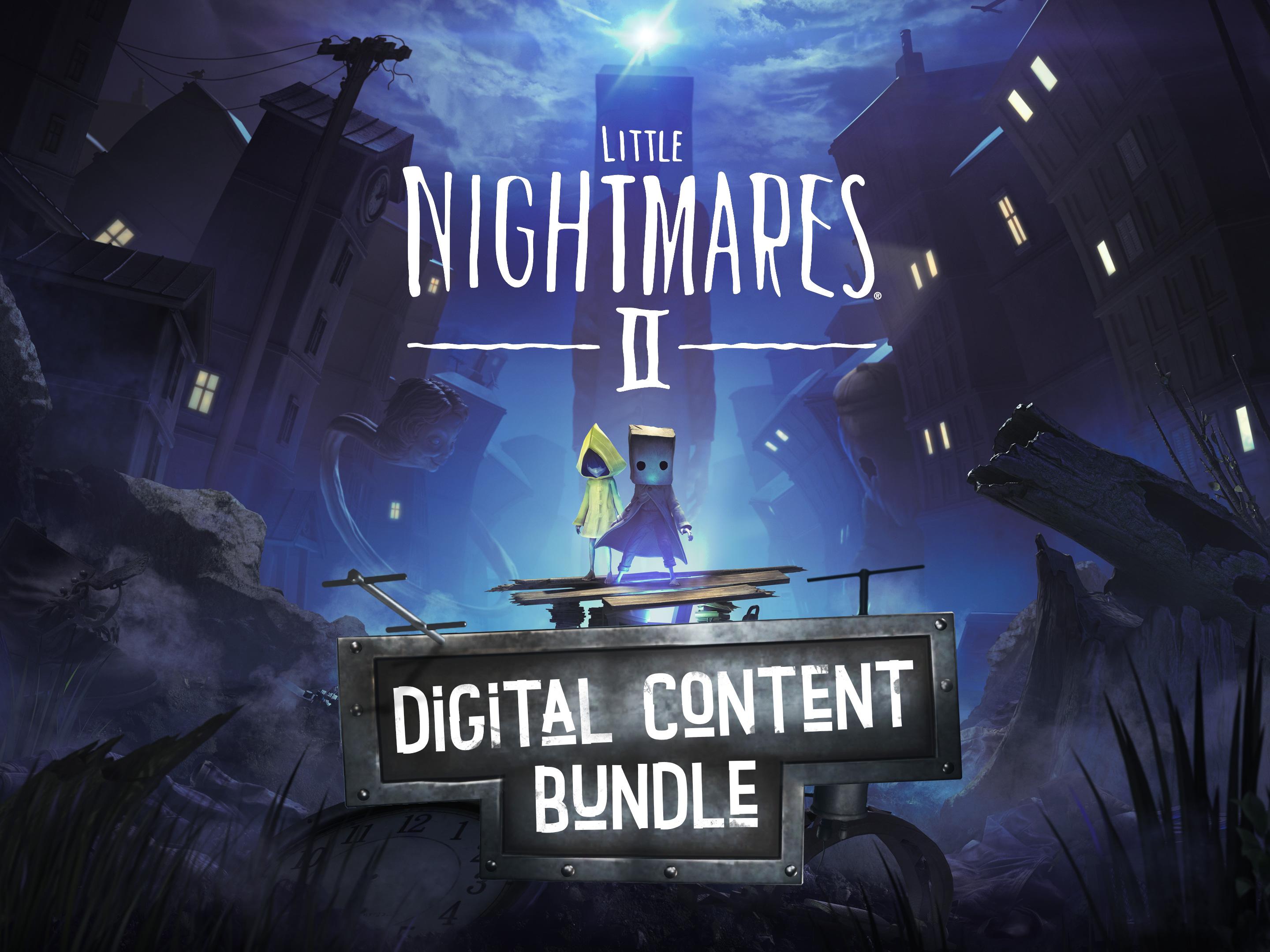
Purchase the Digital Content Bundle and receive the following digital content:
- The Nome's Attic DLC
Follow the Nomes to find this special in-game puzzle and unlock the Nomes’ hat as a reward upon completion.
- Full Digital Soundtrack
Enjoy the full Little Nightmares II soundtrack, composed by Tobias Lilja from Tarsier Studios.
- “The Art of Little Nightmares II” Digital Artbook
Dive into the making of Little Nightmares II with this 56-page artbook full of sketches, artwork and design decisions by the Tarsier Studios art team.
- A Wallpaper Set
- Mono & Six avatars
System Requirements
Minimum
- Requires a 64-bit processor and operating system
- OS
- Windows 10
- Processor
- Intel Core i5-2300 | AMD FX-4350
- Memory
- 4 GB RAM
- Graphics
- Nvidia GeForce GTX 570, 1 GB | AMD Radeon HD 7850, 2 GB
- DirectX
- Version 11
Recommended
- Requires a 64-bit processor and operating system
- OS
- Windows 10
- Processor
- Intel Core i7-3770 | AMD FX-8350
- Memory
- 4 GB RAM
- Graphics
- Nvidia GeForce GTX 760, 2 GB | AMD Radeon HD 7870, 2 GB
- DirectX
- Version 11
Legal information
Little Nightmares ® II & © 2021 BANDAI NAMCO Entertainment Europe. All rights reserved.