

How to activate
- Install Steam and sign in to your account (a free account is enough).
- In the top menu choose Games → Activate a Product on Steam…
- Enter your key exactly as shown in your order (with dashes) and confirm. The game appears in your library.
About
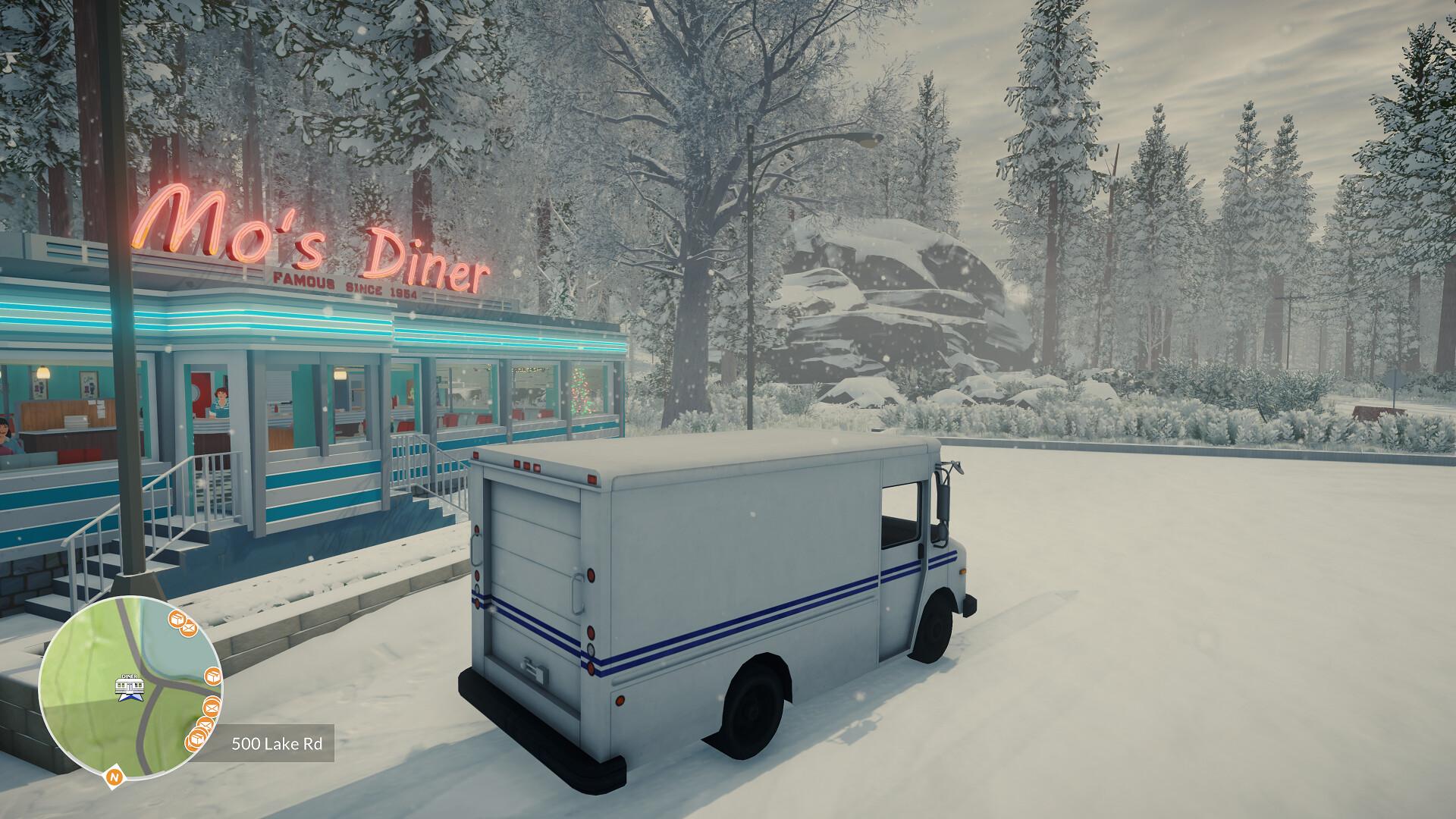
Grab your snow boots and a cup of hot cocoa for Lake’s holiday-themed prequel: Season’s Greetings!
It's Christmas time, 1985. You take on the role of Meredith's dad, Thomas Weiss, and will be treated to a warm reunion with Providence Oaks and its inhabitants. Get answers to questions that were teased in Lake, meet five completely new characters, and find out which role an almost retired postal worker can play in delivering the Christmas spirit to Providence Oaks.
Jolly storylines, cozily-lit drives around the snowy town, and a heart-warming gaming experience await you!
System Requirements
Minimum
- OS
- Windows 10 (64 bit)
- Processor
- Intel Core i5-4570 / AMD FX-8350
- Memory
- 8 MB RAM
- DirectX
- Version 11
- Storage
- 2 GB available space
- Additional Notes
- Based on Low graphics settings. Dedicated GPU required.
Recommended
- OS
- Windows 10 64 bit
- Processor
- Intel Core i5-7600 / Ryzen 5 1600
- Memory
- 16 GB RAM
- Graphics
- Nvidia GTX 970 / Radeon R9 390 (4GB VRAM)
- DirectX
- Version 11
- Storage
- 2 MB available space
- Additional Notes
- Based on High/Ultra graphics settings. Dedicated GPU required, SSD recommended.