




How to activate
- Install Steam and sign in to your account (a free account is enough).
- In the top menu choose Games → Activate a Product on Steam…
- Enter your key exactly as shown in your order (with dashes) and confirm. The game appears in your library.
About
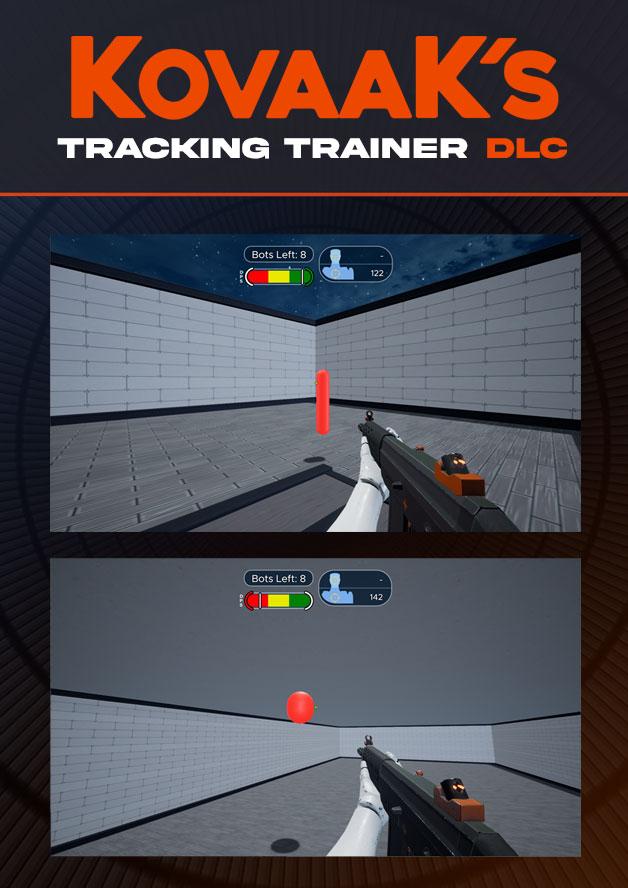
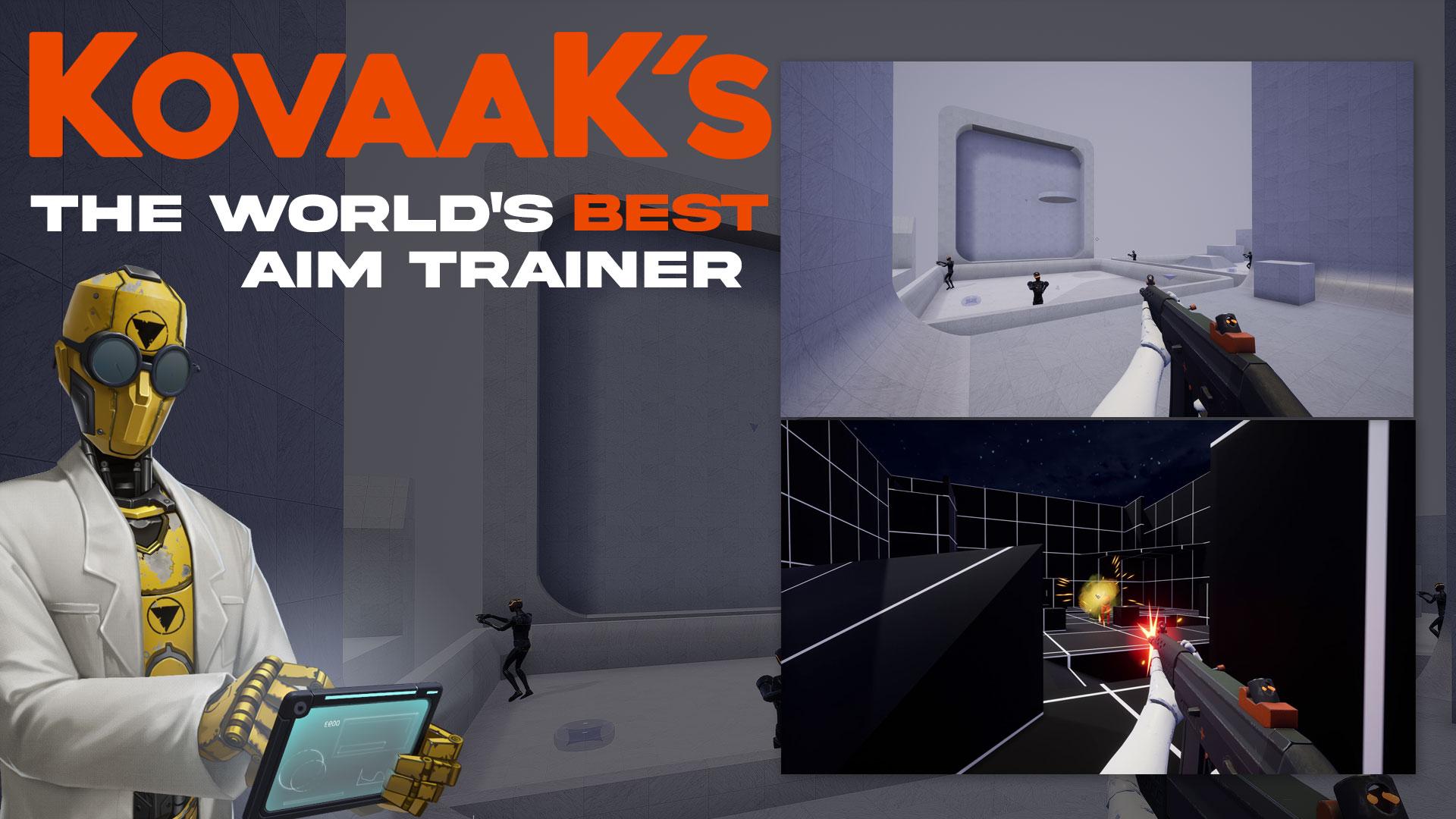
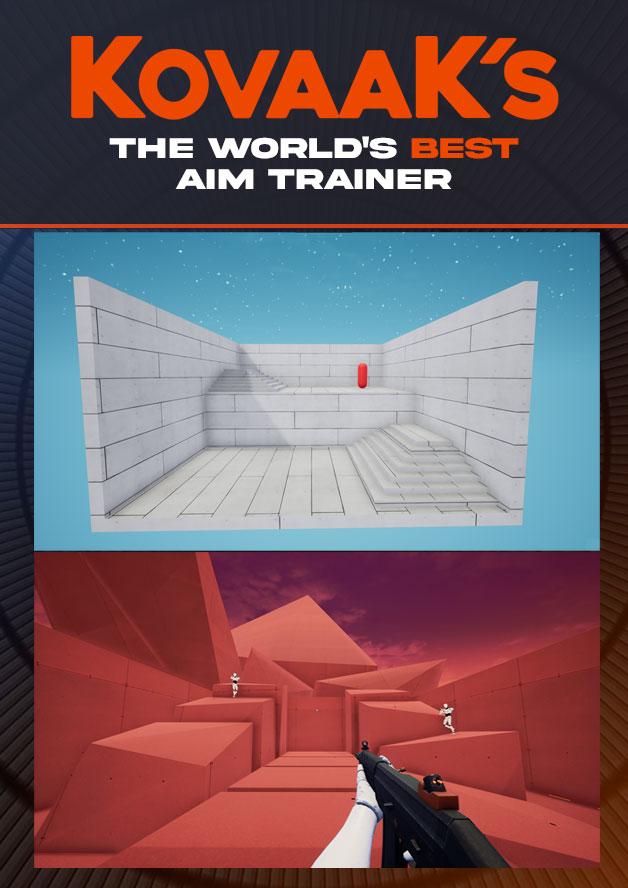
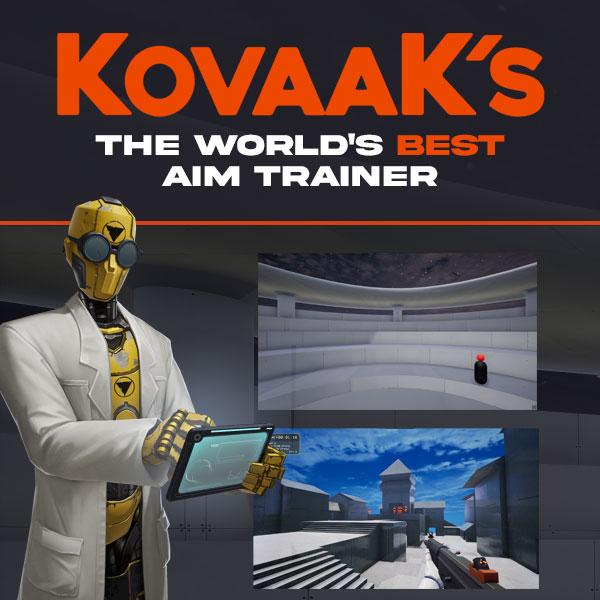
THE WORLD'S BEST AIM TRAINER
-
The highest-performance aim trainer, with the lowest input delay
-
Thousands of pros and streamers buy and use KovaaK’s to stay on top
-
Made by FPS pros and deeply partnered with NVIDIA
-
Over 26,000 training scenarios, with infinite customization supporting every FPS/TPS title and skill-level
-
Supportive community of aim experts and players just like you
-
We don’t turn you into data for sale to third-parties
THE KOVAAK ADVANTAGE
Over 1MM gamers have happily bought KovaaK's.
Here is why so many gamers trust KovaaK’s: ...
System Requirements
Minimum
- Windows
- Requires a 64-bit processor and operating system
- OS
- Windows 10 64-bit (latest Service Pack)
- Processor
- Intel Core i3 or AMD Phenom X3 865
- Memory
- 4 GB RAM
- Graphics
- Nvidia GeForce GTX 460, ATI Radeon HD 4850, or Intel HD Graphics 4400
- DirectX
- Version 11
- Network
- Broadband Internet connection
- Storage
- 8 GB available space
Recommended
- Windows
- Requires a 64-bit processor and operating system
- OS
- Windows 10 64-bit (latest Service Pack)
- Processor
- Intel® Core™ i5 or AMD Phenom™ II X3 or better
- Memory
- 16 GB RAM
- Graphics
- NVIDIA® GeForce® GTX 660 or AMD Radeon™ HD 7950 or better
- DirectX
- Version 11
- Network
- Broadband Internet connection
- Storage
- 8 GB available space