










How to activate
- Install Steam and sign in to your account (a free account is enough).
- In the top menu choose Games → Activate a Product on Steam…
- Enter your key exactly as shown in your order (with dashes) and confirm. The game appears in your library.
About
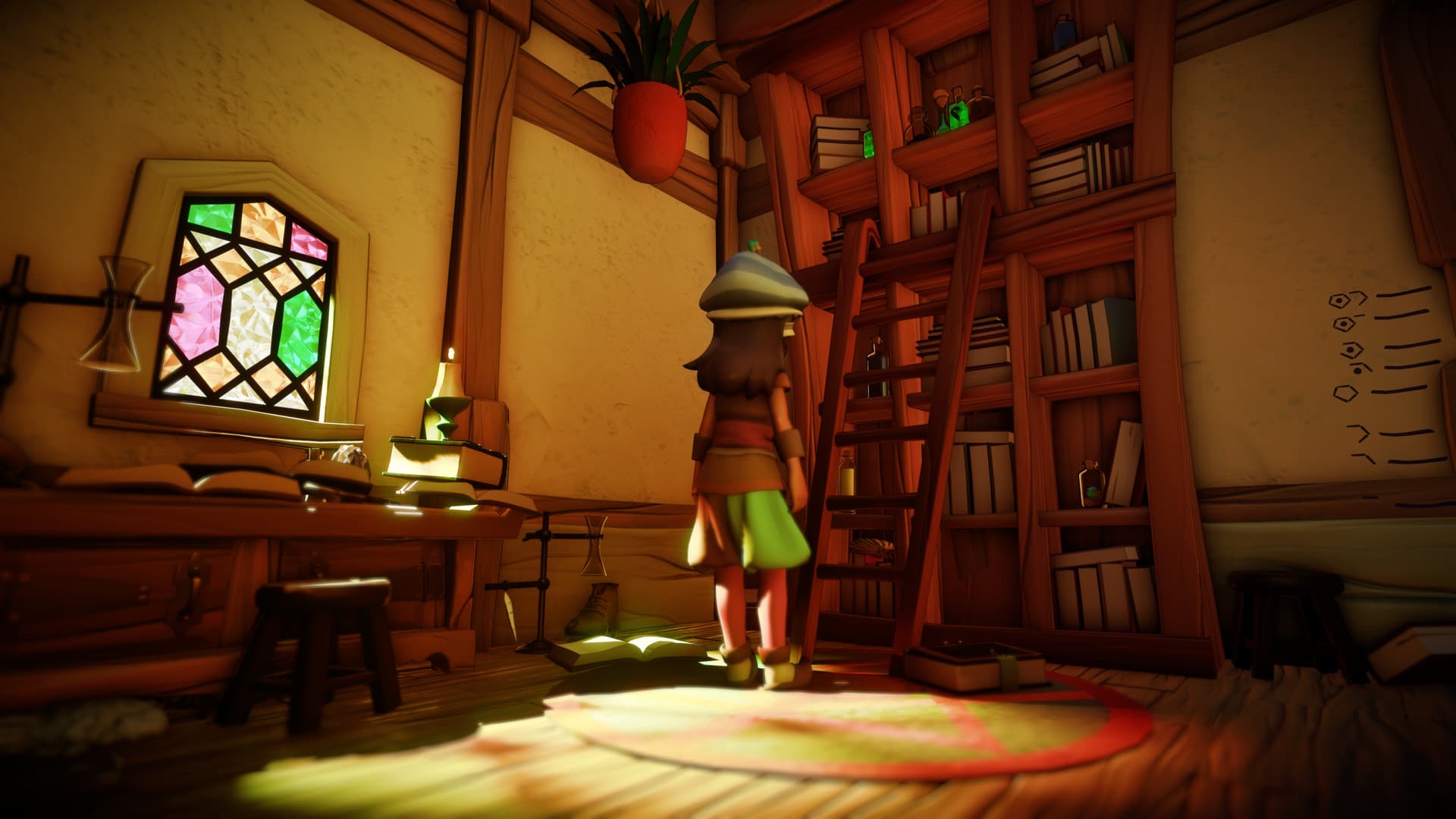
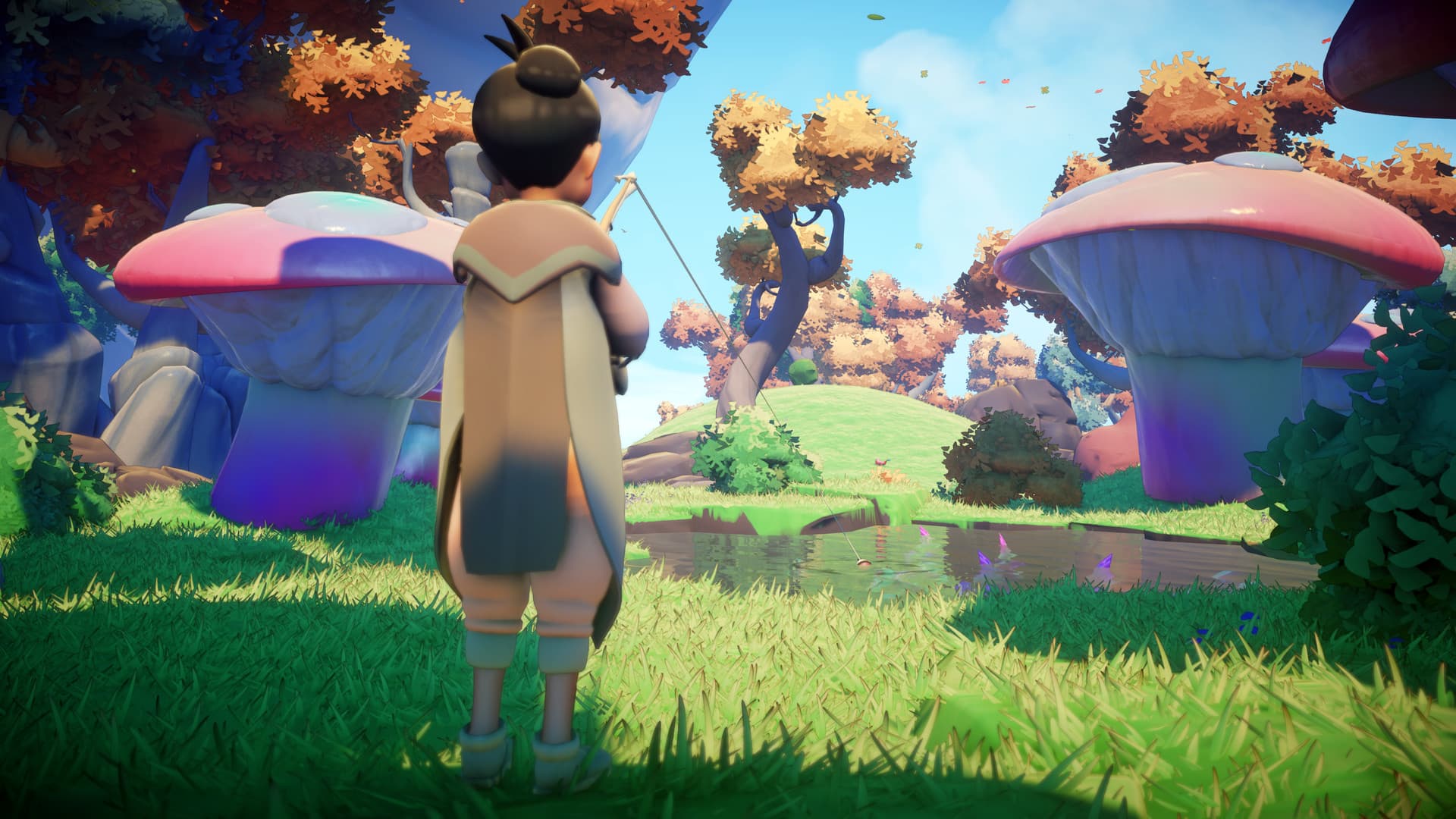
Over time, the Worlds of Alaria faded. The Evertree – where many worlds resided on its countless branches – is now nothing more than a sapling, its splendor long erased from memory. No one knows how to make it grow. But you are different. You hear the sun as it sings across the sky. You hear the language of rain against the earth. You are the last of the Everheart Alchemists and it is your ancestral task and privilege to care for the Evertree.
Discover a Vibrant Unique World… at Your Own Pace ...
System Requirements
Minimum
- Steam account is required for game activation and installation.
- Windows Requirements
- OS
- Windows 7
- Processor
- Intel Core i5-2300 or AMD FX-4350
- Memory
- 4 GB RAM
- Graphics
- NVIDIA GeForce GTS 450, 1 GB or AMD Radeon R7 240, 1 GB
- DirectX
- Version 11
- Storage
- 4 GB available space
- Sound Card
- DirectX cpmpatible
- Additional Notes
- Windows 10 requires 6 GB RAM
Recommended
- OS
- Windows 10
- Processor
- Intel Core i7-7700K or AMD Ryzen 5 3600X
- Memory
- 8 GB RAM
- Graphics
- NVIDIA GeForce GTX 760, 2 GB or AMD Radeon HD 7870, 2 GB
- DirectX
- Version 11
- Storage
- 4 GB available space
- Sound Card
- DirectX cpmpatible
Legal information
© 2021. Published by 505 Games. Grow: Song of the Evertree name and logo are trademarks of 505 Games Spa and may be registered trademarks in certain countries. All rights reserved. Developed by Prideful Sloth Pty Ltd.