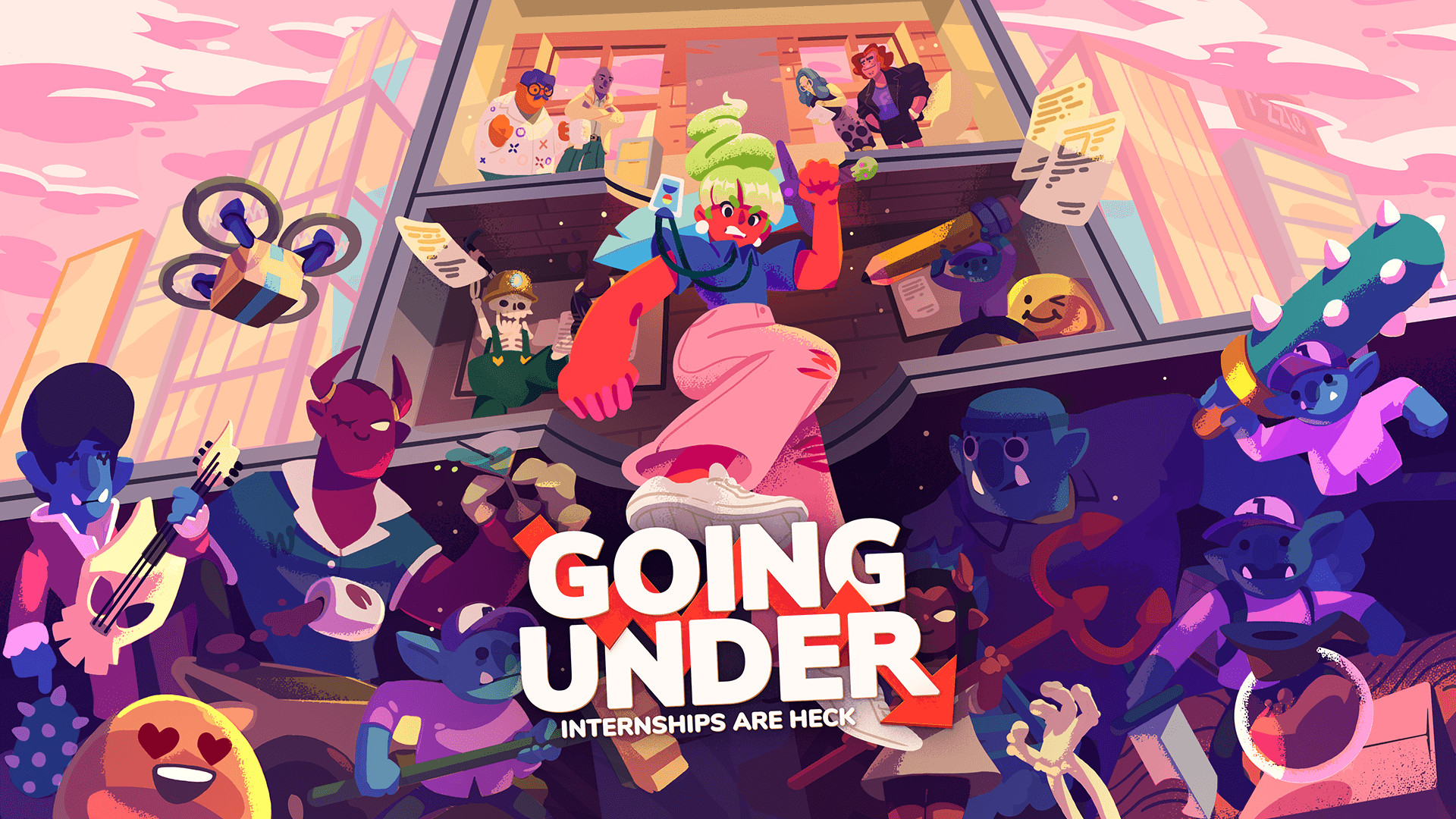
Going Under









How to activate
- Install Steam and sign in to your account (a free account is enough).
- In the top menu choose Games → Activate a Product on Steam…
- Enter your key exactly as shown in your order (with dashes) and confirm. The game appears in your library.
System Requirements
Minimum
- Requires a 64-bit processor and operating system
- OS
- Windows 7 64-bit
- Processor
- Intel Core i3-2100 | AMD Phenom II X4 965
- Memory
- 4 GB RAM
- Graphics
- Nvidia GeForce GTS 450, 1 GB | AMD Radeon R7 250, 1 GB
- DirectX
- Version 10
- Storage
- 2 GB available space
- Additional Notes
- 16:9 recommended
Recommended
- Requires a 64-bit processor and operating system
- OS
- Windows 10 64-bit
- Processor
- Intel Core i5-3470 | AMD FX-6300
- Memory
- 4 GB RAM
- Graphics
- Nvidia GeForce GTX 960, 4 GB | AMD Radeon R9 380, 4 GB
- DirectX
- Version 11
- Storage
- 4 GB available space
- Additional Notes
- 16:9 recommended
Legal information
Going Under © 2019 Aggro Crab Games, Published under licence by TEAM17 Digital Limited. Team17 is a trademark or registered trademark of Team17 Digital Limited. All other trademarks, copyrights and logos are property of their respective owners.