



How to activate
- Install Steam and sign in to your account (a free account is enough).
- In the top menu choose Games → Activate a Product on Steam…
- Enter your key exactly as shown in your order (with dashes) and confirm. The game appears in your library.
About
STAKE YOUR CLAIM
In the world of Going Medieval, dark age society is on its knees. At the end of the 14th century, 95% of the global population has perished due to rampant plague.
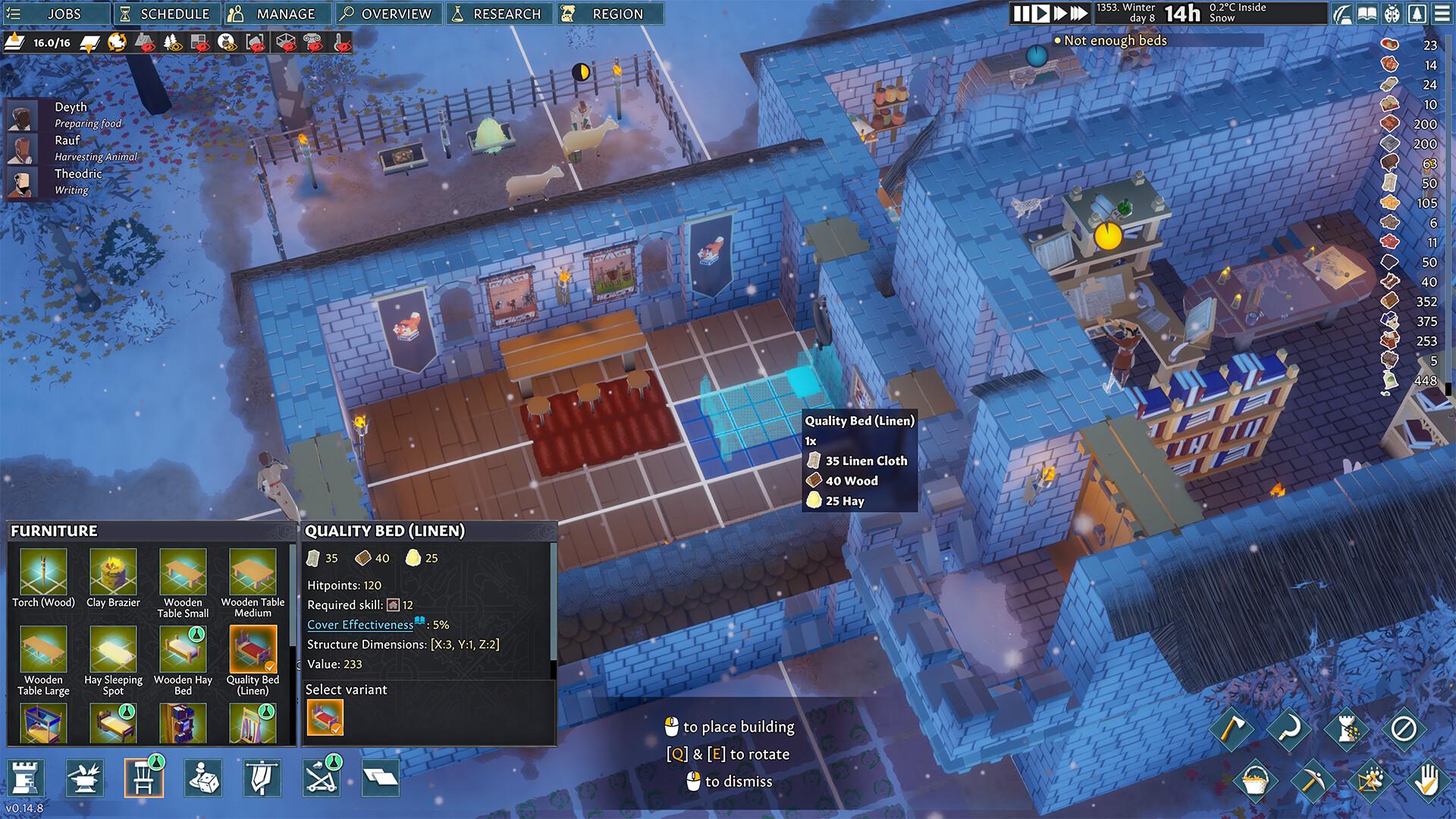
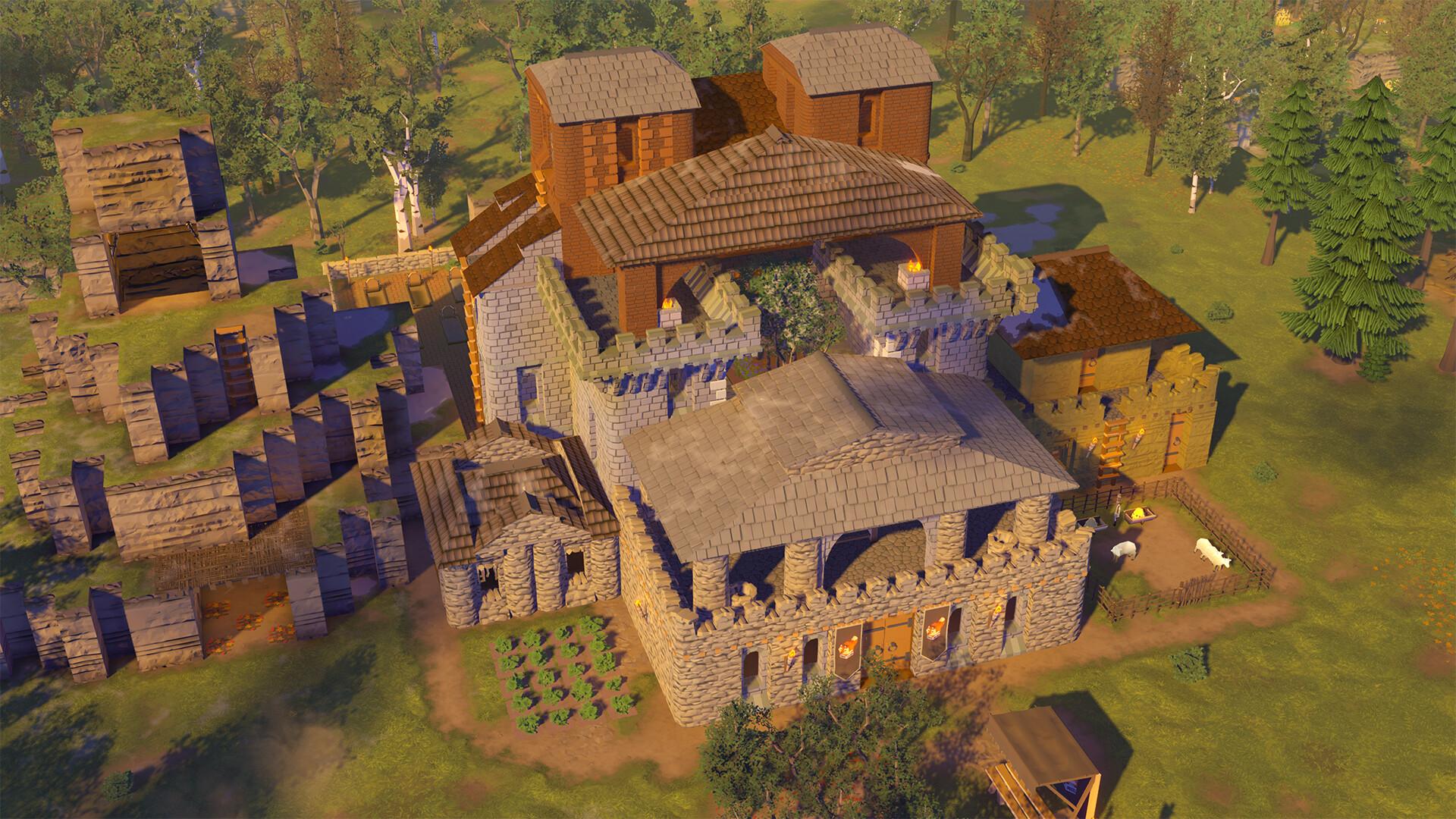
Eventually, survivors emerge from society’s ashes, and it’s now up to you to help them settle in a dangerous new land reclaimed by nature. Build your people a home, help shape their lives, and protect them from animals, bandits, and other dangers in a lawless post-calamity age.
BUILD YOUR FORTRESS ...
System Requirements
Minimum
- Windows
- Requires a 64-bit processor and operating system
- OS
- Windows 7 64-bit
- Processor
- AMD or Intel, 3.3 GHz (AMD FX 8300, Intel i5 3000)
- Memory
- 8 GB RAM
- Graphics
- AMD/NVIDIA dedicated GPU, 2GB dedicated VRAM (Radeon RX 560, Geforce GTX 1050)
- DirectX
- Version 11
- Storage
- 1 GB available space
Recommended
- Windows
- Requires a 64-bit processor and operating system
- OS
- Windows 10 64-bit
- Processor
- AMD or Intel, 4 GHz (AMD Ryzen 5 3600, Intel i5 8600)
- Memory
- 16 GB RAM
- Graphics
- AMD/NVIDIA dedicated GPU, 4GB dedicated VRAM (Radeon RX 580, Geforce GTX 1080)
- DirectX
- Version 11
- Storage
- 2 GB available space