





How to activate
- Install Steam and sign in to your account (a free account is enough).
- In the top menu choose Games → Activate a Product on Steam…
- Enter your key exactly as shown in your order (with dashes) and confirm. The game appears in your library.
About
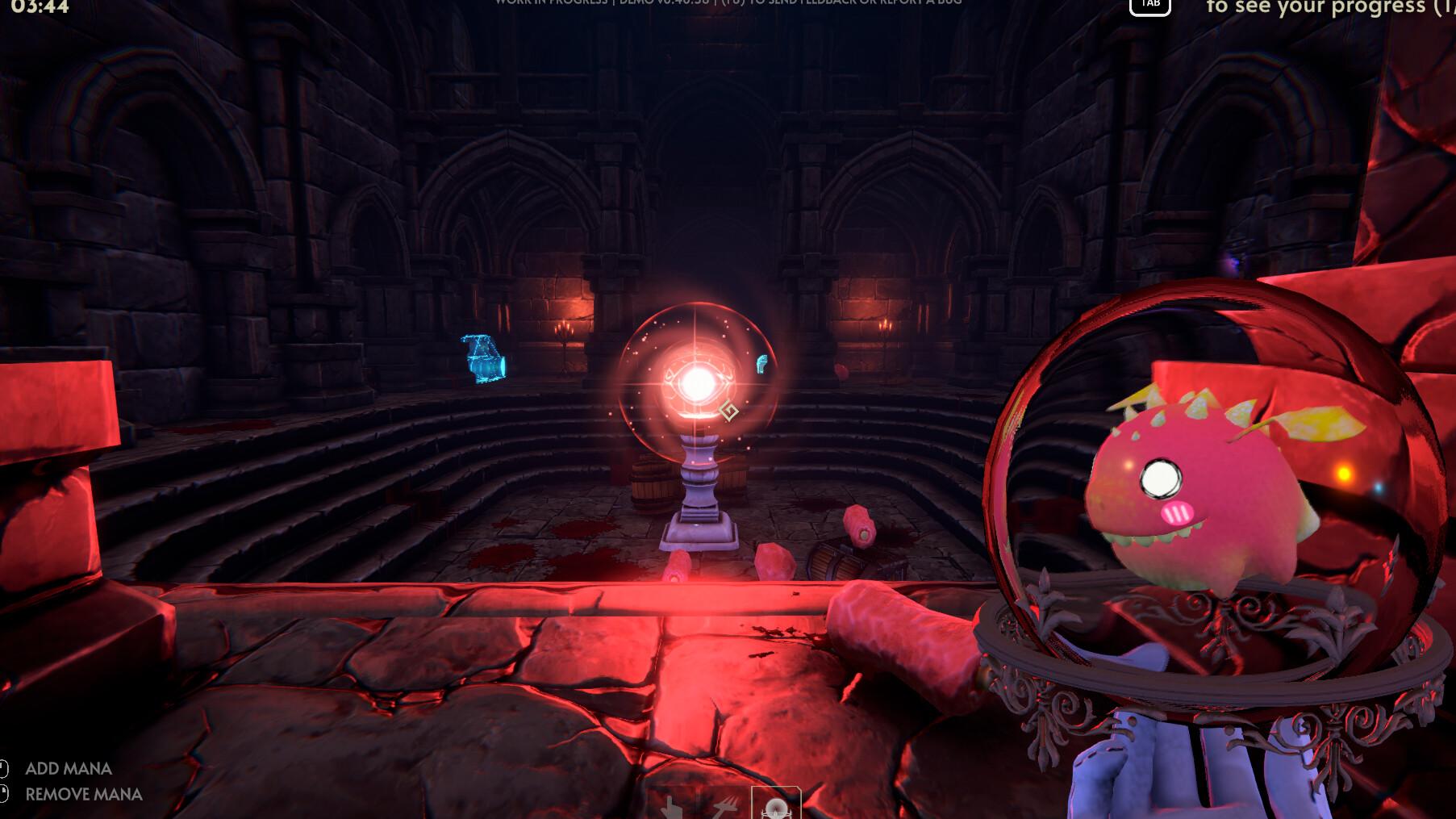
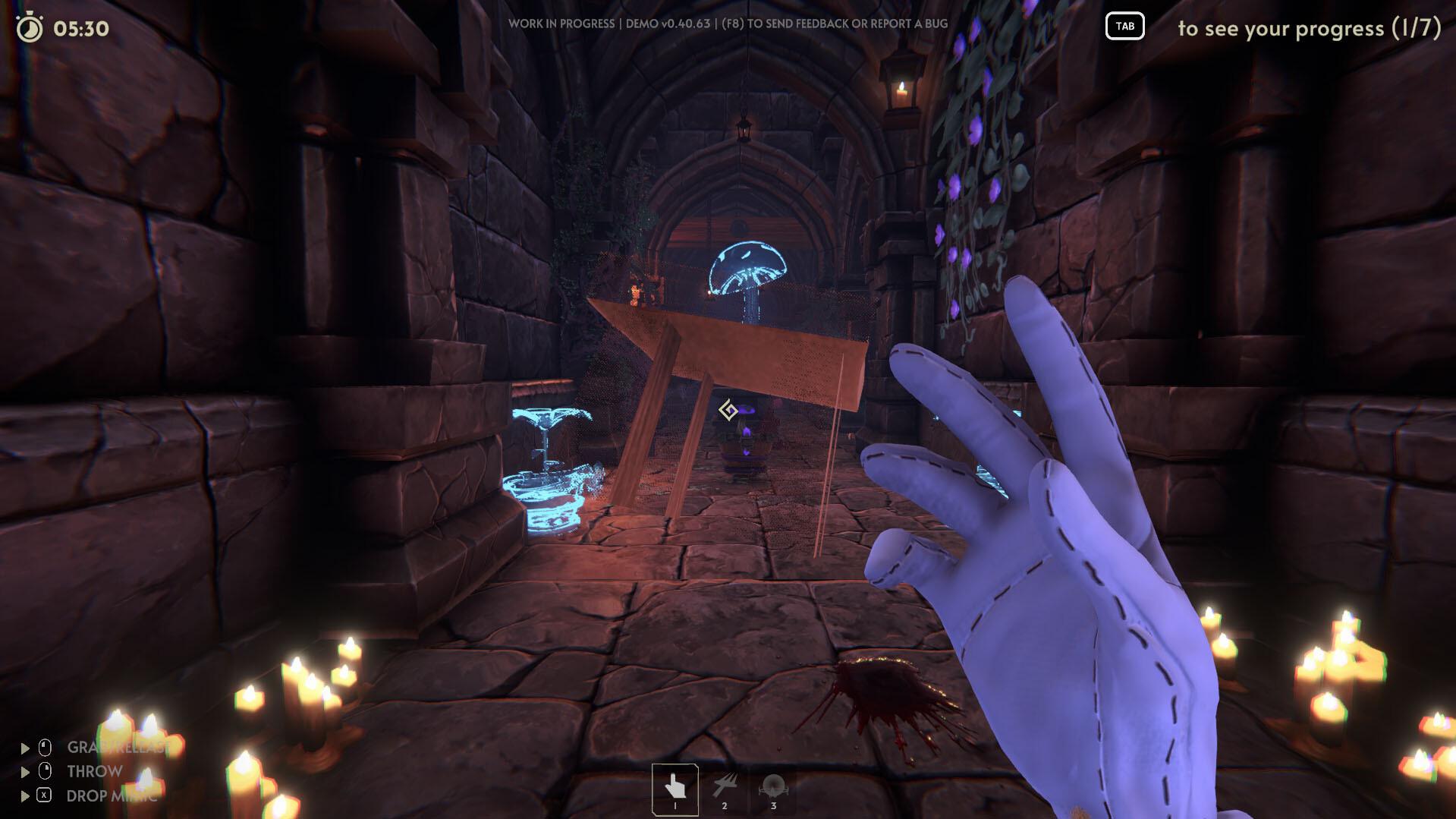
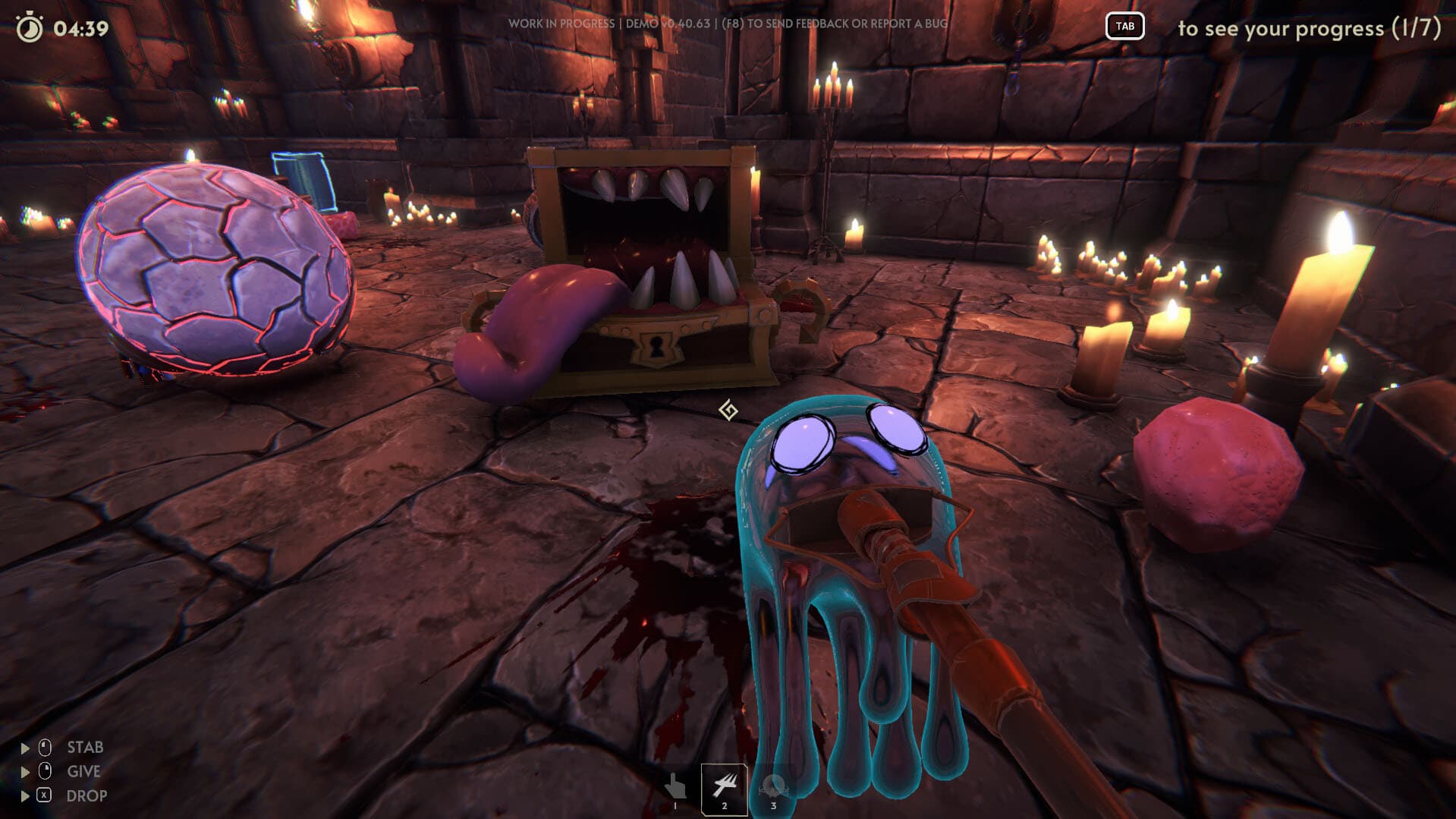
Have you ever wondered what happens after completing a dungeon, how it is restarted or, better yet, who is in charge of doing it? In Goblin Cleanup, you assume the role of a professional cleaner hired by the dungeon manager to clean and prepare the dungeon for the next adventure. You can perform this task alone or with up to three companions, cooperatively or maybe not so cooperatively! ...
System Requirements
Minimum
- Windows
- OS
- Windows 10
- Processor
- Intel Core i5-2300 | AMD FX-4350
- Memory
- 6 GB RAM
- Graphics
- Nvidia GeForce GTX 660, 2 GB | AMD Radeon HD 7870, 2 GB
- DirectX
- Version 11
- Network
- Broadband Internet connection
- Storage
- 8 GB available space
Recommended
- Windows
- OS
- Windows 10
- Processor
- Intel Core i5-8400 | AMD Ryzen 5
- Memory
- 8 GB RAM
- Graphics
- Nvidia GeForce GTX 1060 | AMD Radeon RX 580
- DirectX
- Version 11
- Network
- Broadband Internet connection
- Storage
- 8 GB available space
Legal information
Goblin Cleanup ©2025 Crisalu Games. Published by Team17. Team17 is a trademark or registered trademark of Team17 Digital Limited.