


How to activate
- Install Steam and sign in to your account (a free account is enough).
- In the top menu choose Games → Activate a Product on Steam…
- Enter your key exactly as shown in your order (with dashes) and confirm. The game appears in your library.
About
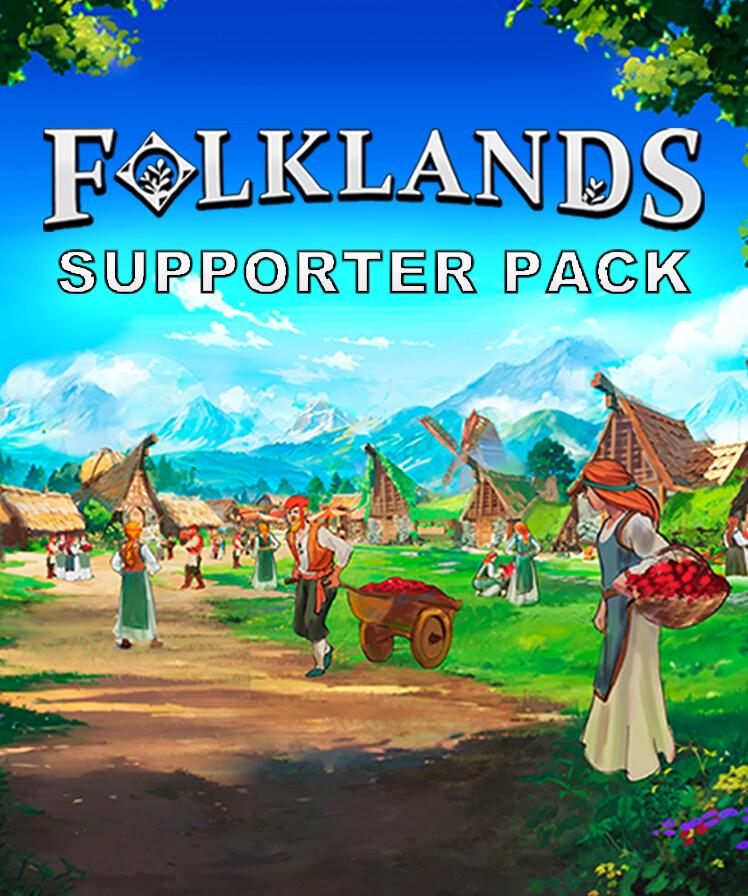
Explore Folklands, support the development team, and unlock exclusive content!
This DLC is designed for players who love the world of
Folklands, bringing you more digital collectibles:
Official Soundtrack (3 tracks)
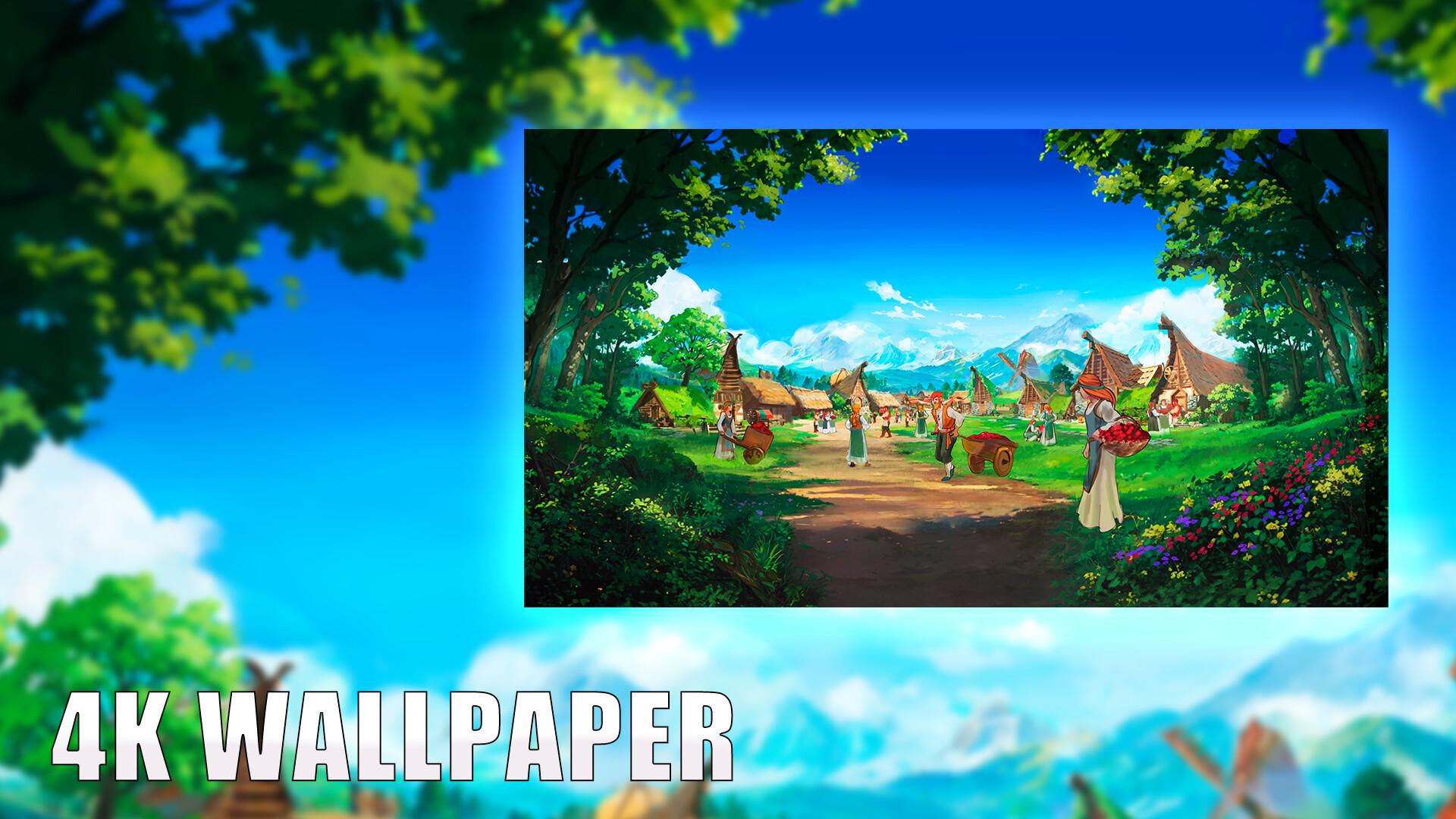
4K HD Wallpaper (1 image)
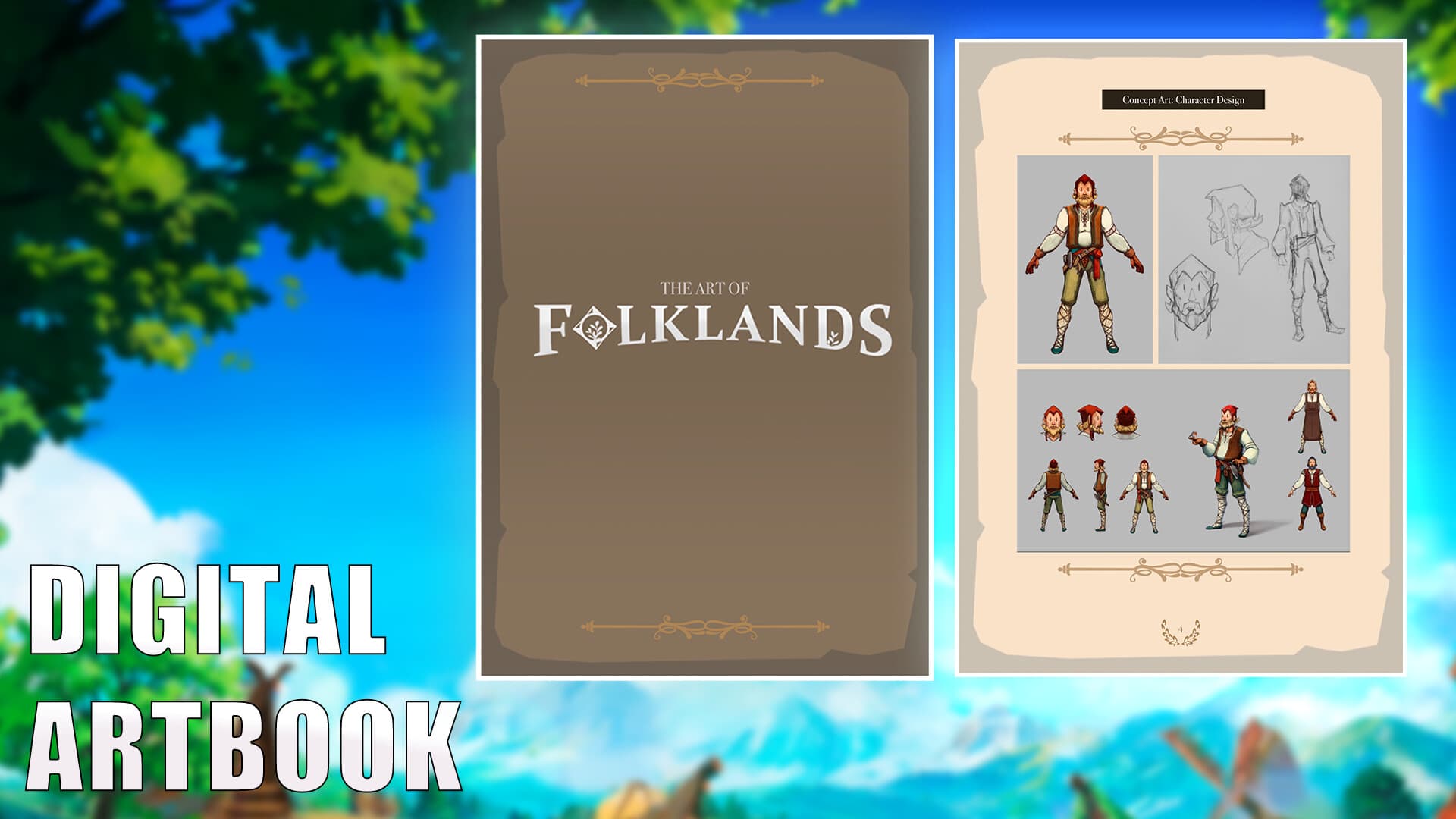
Digital Artbook (13 pages)
DLC Content Path:
After installing the DLC, you can find all the content in the following path:
Path: Game Installation Directory/Supporter Pack
How to find it: In your Steam library, right-click on
Folklands
Select “Manage” > “Browse Local Files”.
Open the “Supporter Pack” folder to find: ...
System Requirements
Minimum
- Windows
- Requires a 64-bit processor and operating system
- OS
- 64-bit Windows 10 or above
- Processor
- Intel® iCore™ i3-530 or AMD® FX-6350
- Memory
- 8 GB RAM
- Graphics
- Nvidia® GeForce™ GTX 960 or AMD® ATI Radeon™ HD 5870 (1GB VRAM), or AMD® Radeon™ RX Vega 11 or Intel® HD Graphics 4600
- DirectX
- Version 11
- Network
- Broadband Internet connection
- Storage
- 1 GB available space
- Linux
- OS
- 64-bit Ubuntu 22.04+ or equivalent
- Processor
- Intel® iCore™ i3-530 or AMD® FX-6350
- Memory
- 8 GB RAM
- Graphics
- NVIDIA GeForce GTX 980 | AMD RX 590, with 4GB VRAM or better
- Network
- Broadband Internet connection
- Storage
- 1 GB available space
Recommended