
How to activate
- Install Steam and sign in to your account (a free account is enough).
- In the top menu choose Games → Activate a Product on Steam…
- Enter your key exactly as shown in your order (with dashes) and confirm. The game appears in your library.
About
Items included in this package:
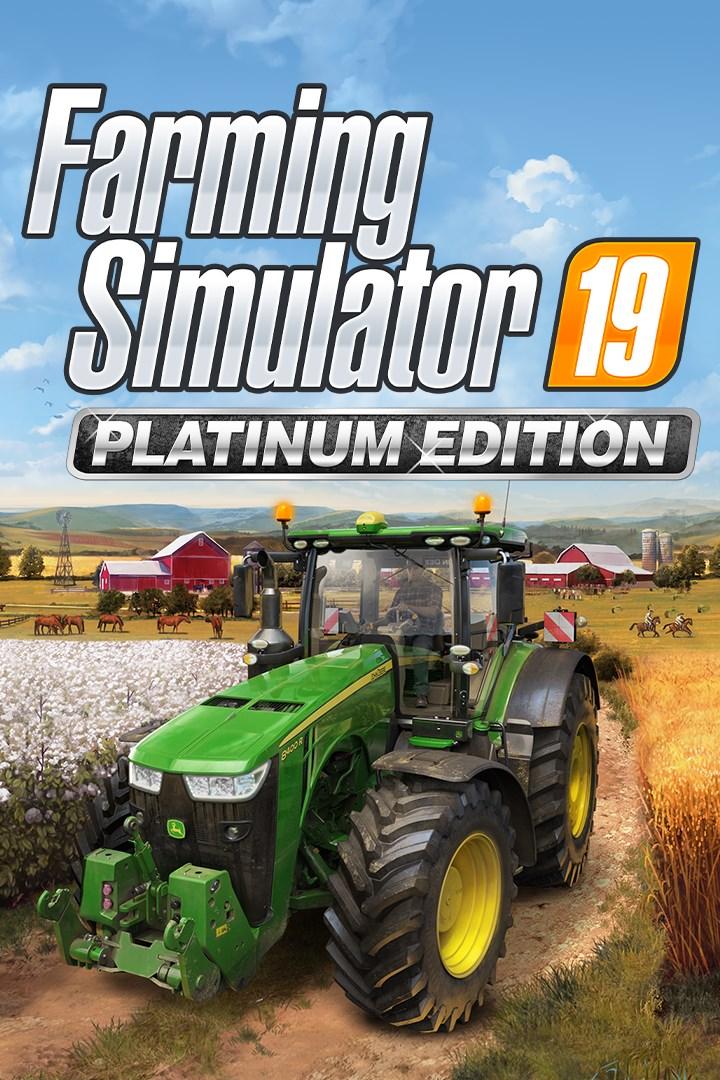
Farming Simulator 19
Farming Simulator 19 - Platinum Expansion
System Requirements
- Requires a 64-bit processor and operating system
- OS
- 64-bit Windows 7, Windows 8, Windows 10
- Processor
- Intel Core i3-2100T @ 2.5GHz or AMD FX-4100 @3.6 GHz
- Memory
- 4 GB RAM
- Graphics
- Nvidia Geforce GTX 650, AMD Radeon HD 7770 graphics card or better (min. 2 GB VRAM, DX11 support)
- Network
- Broadband Internet connection
- Storage
- 20 GB available space
- Additional Notes
- INTERNET CONNECTION REQUIRED FOR THE ONLINE GAME
- Requires a 64-bit processor and operating system
Legal information
© 2018 GIANTS Software GmbH. Published and distributed by Focus Home Interactive under license of GIANTS Software. Farming Simulator, GIANTS Software and its logos are trademarks or registered trademarks of GIANTS Software. Focus, Focus Home Interactive its logos are trademarks or registered trademarks of Focus Home Interactive. All manufacturers, agricultural machinery, agricultural equipment, names, brands and associated imagery featured in this game in some cases include trademarks and/or copyrighted materials of their respective owners. The agricultural machines and equipment in this game may be different from the actual machines in shapes, colours and performance. All rights reserved. All other names, trademarks and logos are property of their respective owners.
You may also like
- Farming Simulator 25

- Farming Simulator 25 - Year 1 Bundle

- Farming Simulator 19 (Steam)

- Farming Simulator 22 (Steam)

- FARMING SIMULATOR 22 - HORSCH AGROVATION PACK(STEAM)
- Farming Simulator 22 Platinum Expansion (Steam)

- Farming Simulator 22 Platinum Edition (Steam)

- Farming Simulator 22 - CLAAS XERION SADDLE TRAC Pack (Steam)