



How to activate
- Install Steam and sign in to your account (a free account is enough).
- In the top menu choose Games → Activate a Product on Steam…
- Enter your key exactly as shown in your order (with dashes) and confirm. The game appears in your library.
About
From a Small Shop to a Tech Retail Giant
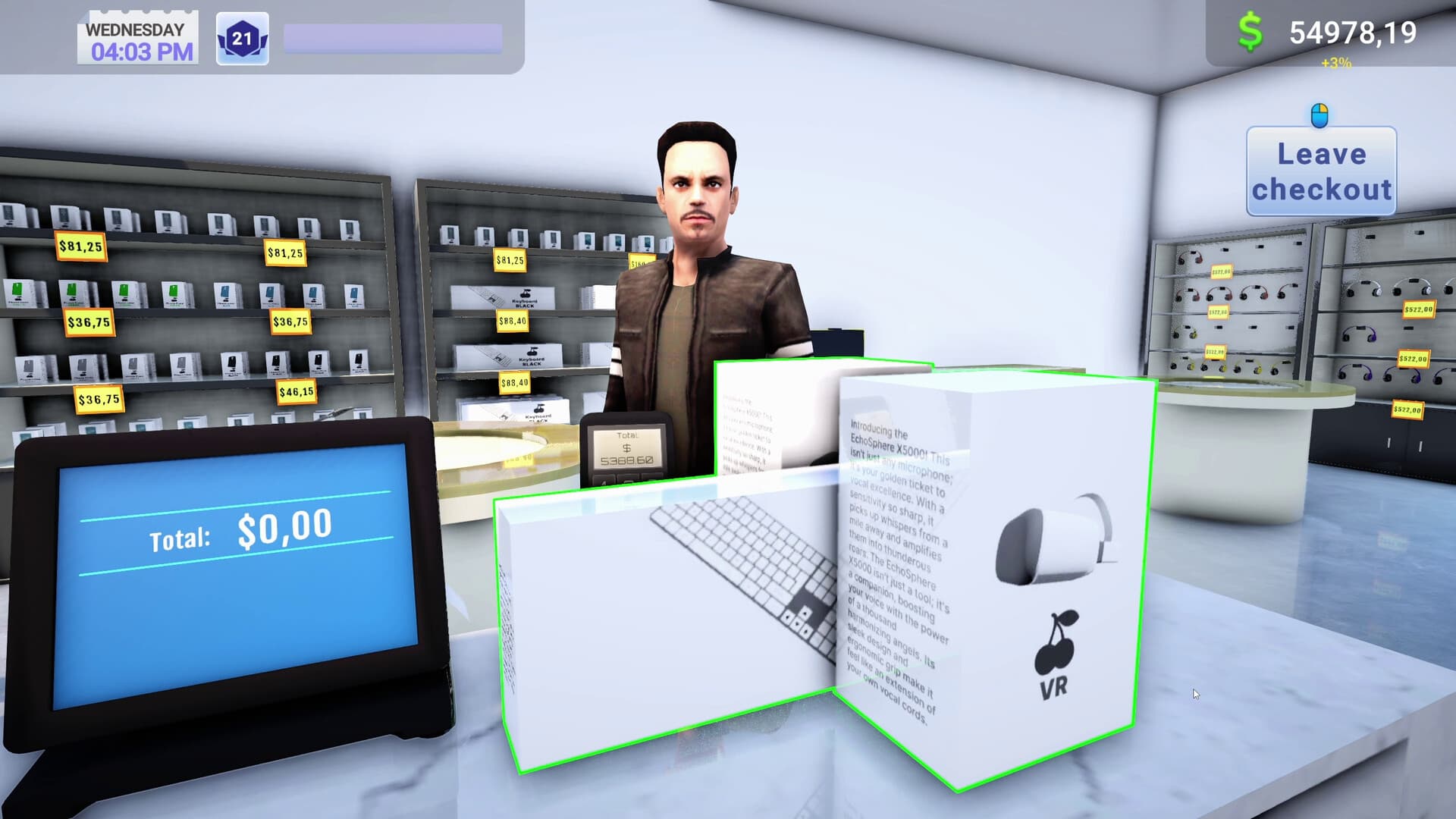
Start with a modest store and transform it into a true temple of electronics. Expand your assortment, unlock new gadgets, and make sure customers always find what they’re looking for – from smartphones and laptops to the best hardware available on the market.
Full Shelves, Happy Customers
Keep track of stock, order goods, set prices, and follow the latest trends. Create tempting offers by adjusting pricing strategies and make sure customers leave your store with a smile… and with their bags full!
Grow Your Business Through Franchising ...
System Requirements
Minimum
- Windows
- OS
- Windows 10 64 Bit
- Processor
- Intel Core i3 3.0 GHz
- Memory
- 8 GB RAM
- Graphics
- Intel Arc 380, Nvidia GeForce GTX 960
- DirectX
- Version 11
- Storage
- 8 GB available space
- Additional Notes
- Recommend installation on an SSD drive
Recommended
- Windows
- OS
- Windows 10 64 Bit
- Processor
- Intel Core i5 3.4 GHz
- Memory
- 12 GB RAM
- Graphics
- Intel Arc 580, GTX 1660 Ti
- DirectX
- Version 11
- Storage
- 12 GB available space
- Additional Notes
- Recommend installation on an SSD drive