







How to activate
- Install Steam and sign in to your account (a free account is enough).
- In the top menu choose Games → Activate a Product on Steam…
- Enter your key exactly as shown in your order (with dashes) and confirm. The game appears in your library.
About
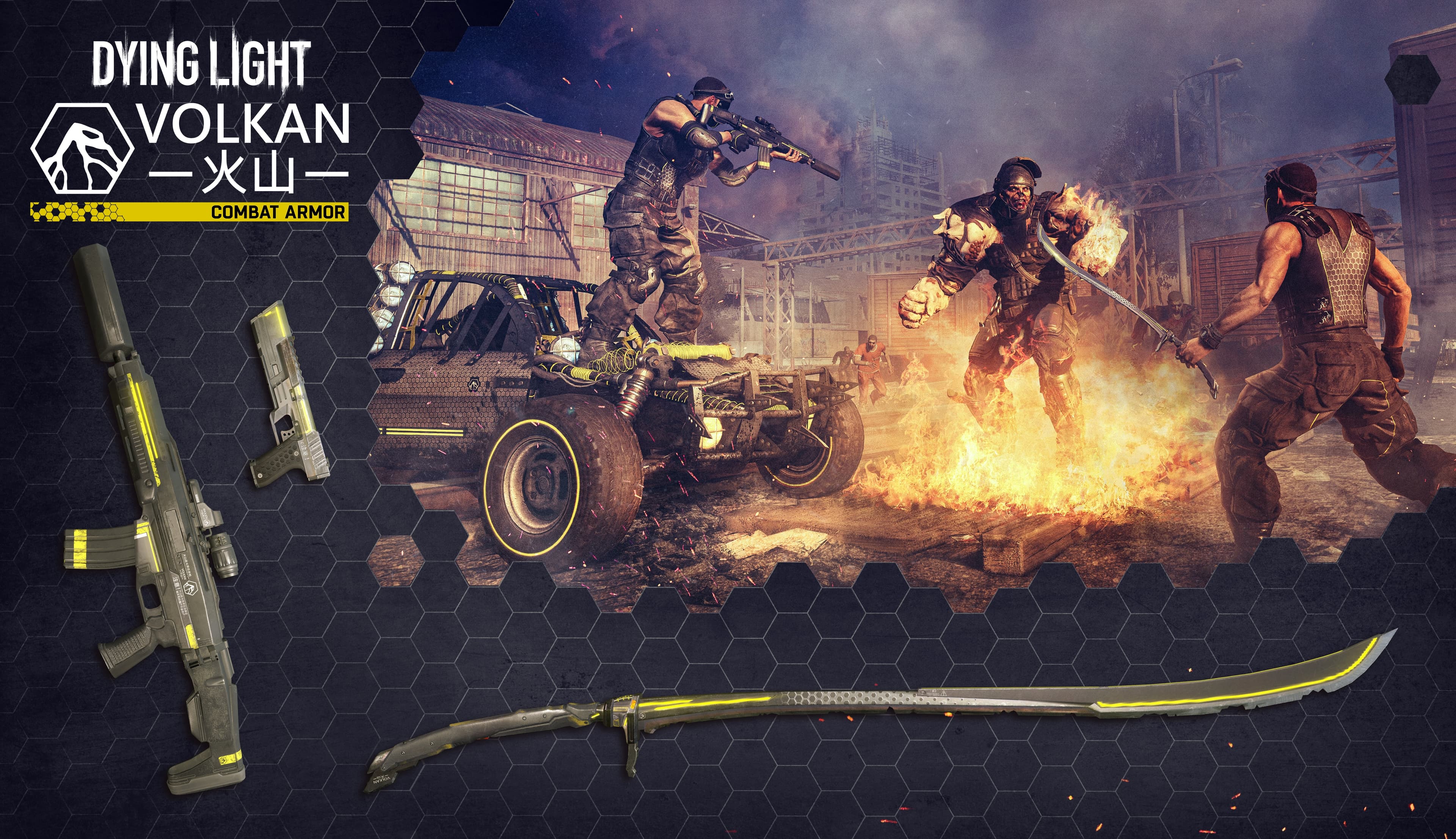
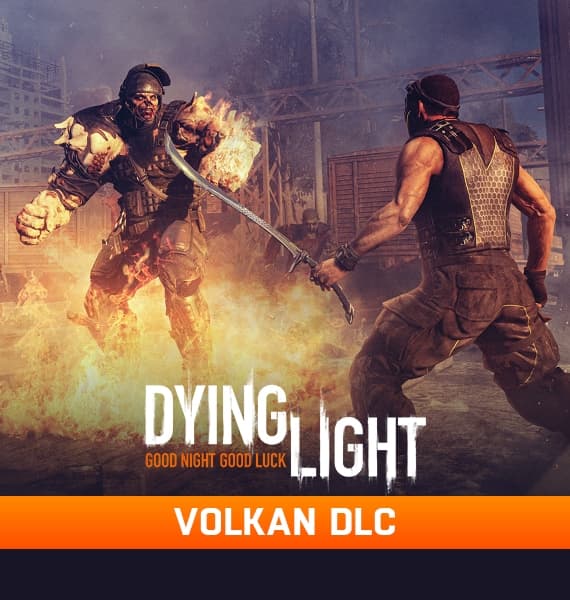
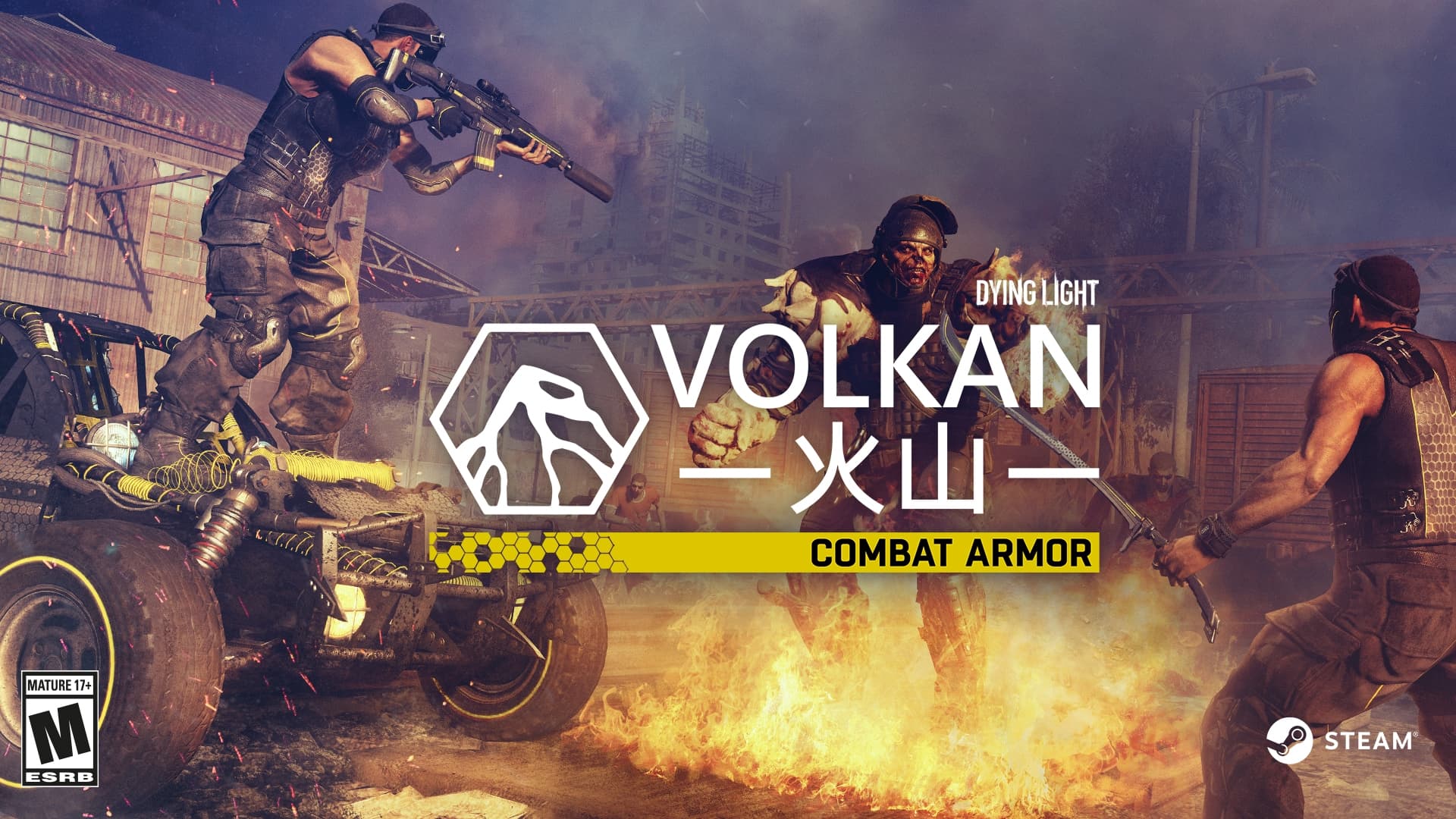
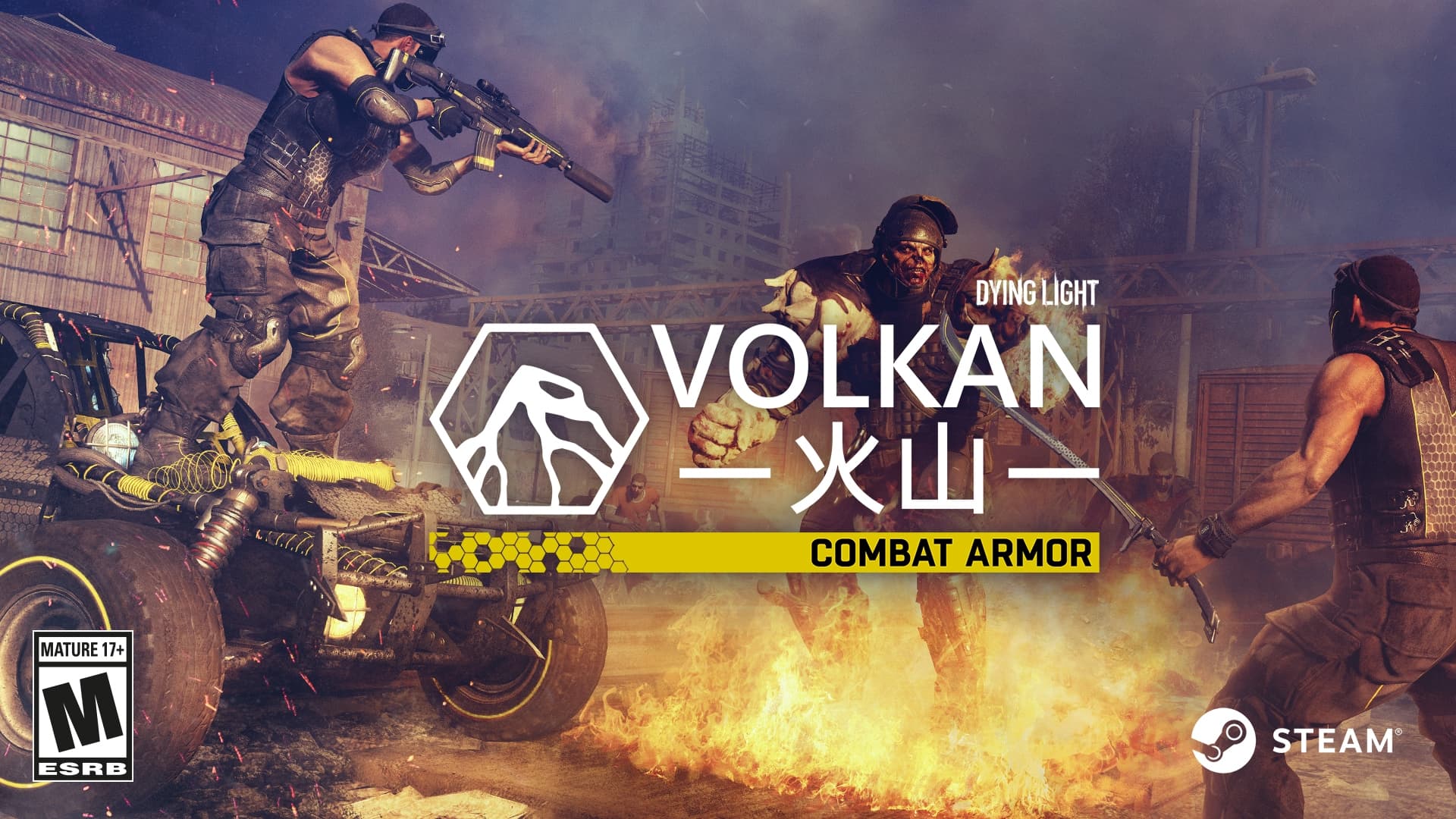
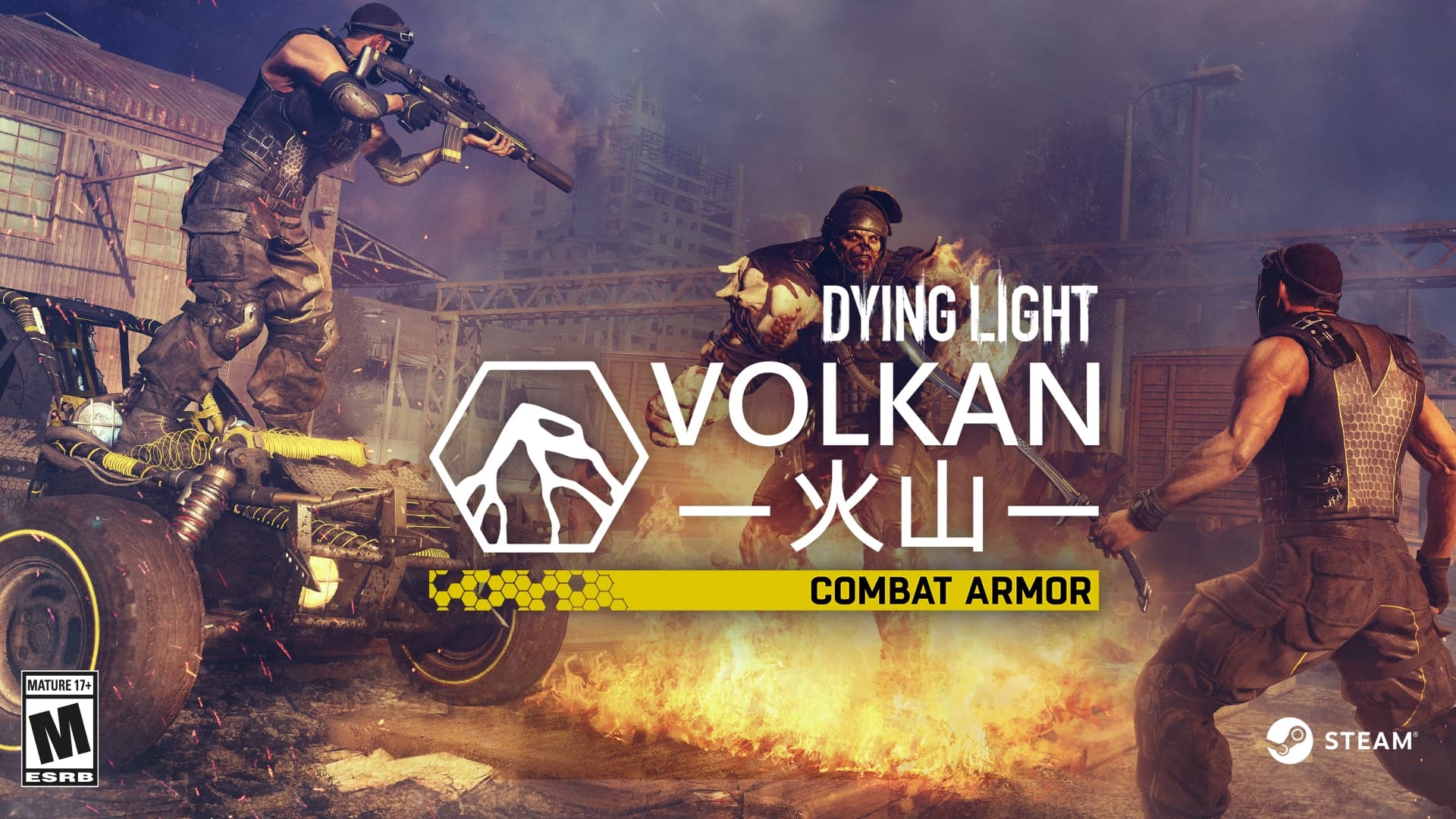
Fight for a safer future with Volkan Combat Armor Bundle
Arm yourself with advanced spec ops gear designed by Volkan Corporation for efficient zombie population control.
At Volkan Corporation, we’ve dedicated all of our resources to turning a dream of a safer future into reality. The latest creations of our Hi-Tech Weapons Division will turn you into an elite soldier of tomorrow, capable of neutralizing any threat with unprecedented efficiency. ...
System Requirements
Minimum
- OS
- Windows® 7 64-bit / Windows® 8 64-bit / Windows® 8.1 64-bit
- Processor
- Intel® Core™ i5-2500 @3.3 GHz / AMD FX-8320 @3.5 GHz
- Memory
- 4 GB RAM DDR3
- Storage
- 40 GB free space
- Graphics
- NVIDIA® GeForce® GTX 560 / AMD Radeon™ HD 6870 (1GB VRAM)
- DirectX
- Version 11
- Sound Card
- DirectX® compatible
- Additional Notes
- Laptop versions of graphics cards may work but are NOT officially supported.
- Windows-compatible keyboard, mouse, optional controller (Xbox 360 Controller for Windows recommended)
Recommended
- OS
- Windows® 7 64-bit / Windows® 8 64-bit / Windows® 8.1 64-bit
- Processor
- Intel® Core™ i5-4670K @3.4 GHz / AMD FX-8350 @4.0 GHz
- Memory
- 8 GB RAM DDR3
- Storage
- 40 GB free space
- Graphics
- NVIDIA® GeForce® GTX 780 / AMD Radeon™ R9 290 (2GB VRAM)
- DirectX
- Version 11
- Sound Card
- DirectX® compatible
- Additional Notes
- Laptop versions of graphics cards may work but are NOT officially supported.
- Windows-compatible keyboard, mouse, optional controller (Xbox 360 Controller for Windows recommended)
Legal information
DYING LIGHT & DYING LIGHT: THE FOLLOWING © Techland 2020. Published by Techland. All other trademarks and copyrights are the property of their respective owners.