

How to activate
- Install Steam and sign in to your account (a free account is enough).
- In the top menu choose Games → Activate a Product on Steam…
- Enter your key exactly as shown in your order (with dashes) and confirm. The game appears in your library.
About
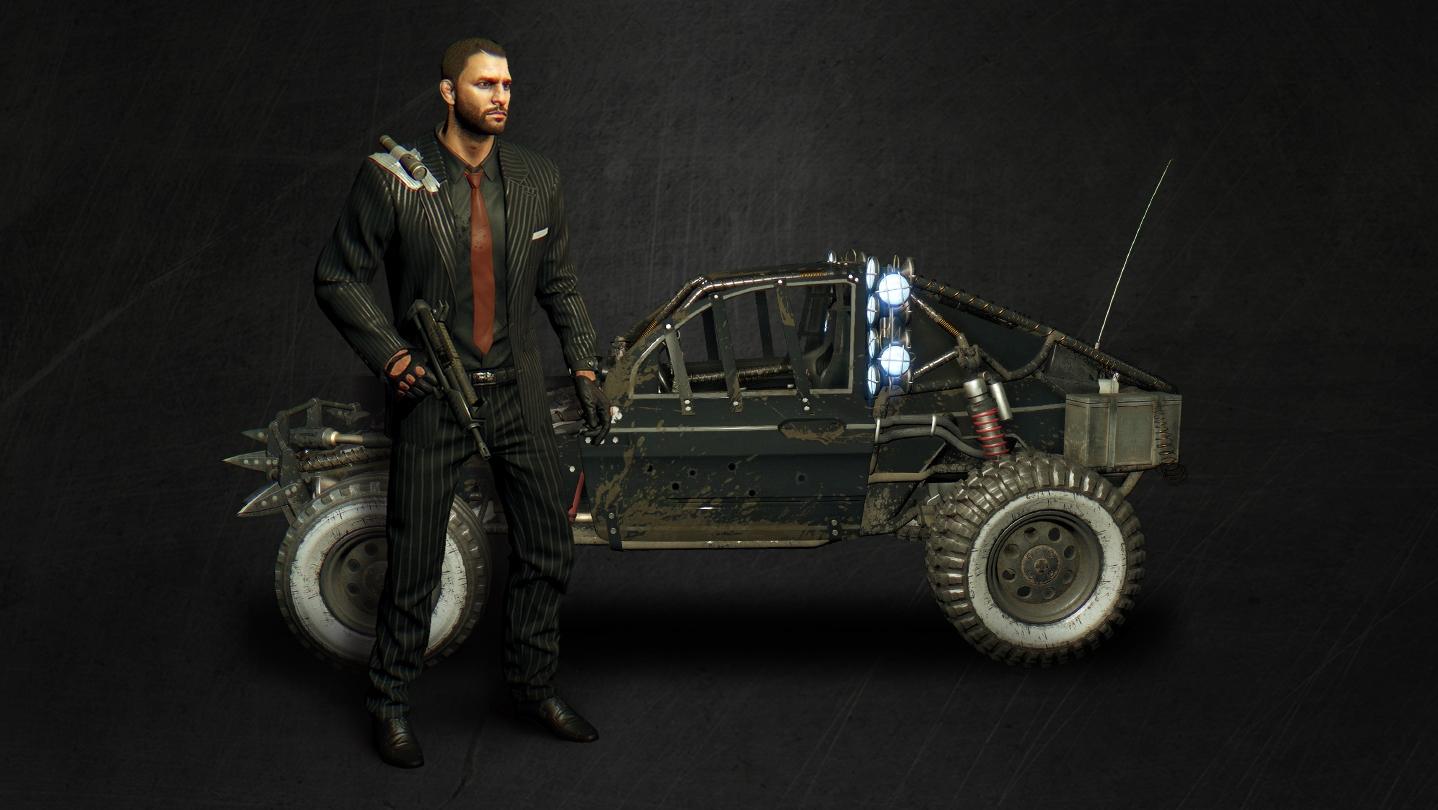
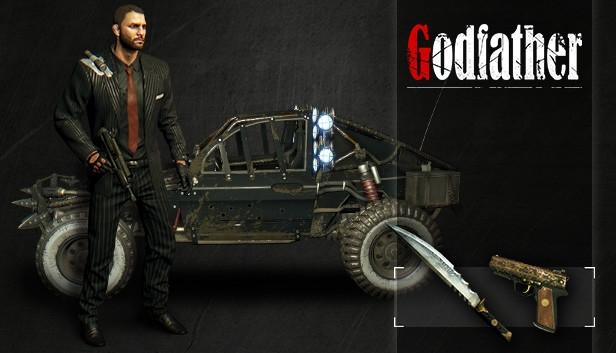
Travel back to the romantic golden age of the Mob, when gangsters had style and a code of honor. Put on the smart new outfit and become The Don, dressed to kill and ready to cruise around the family's turf in the new Capo buggy.
Make an example of a snitch with the mesmerizing Omertà (a knife that grants you bonus XP), unleash your wrath with Vendetta (a powerful SMG), and remember you always have your trusty Consigliere (a pistol with some extra damage). All weapons are masterfully engraved and inlaid with gold. ...
System Requirements
Minimum
- OS
- Windows® 7 64-bit / Windows® 8 64-bit / Windows® 8.1 64-bit
- Processor
- Intel® Core™ i5-2500 @3.3 GHz / AMD FX-8320 @3.5 GHz
- Memory
- 4 GB RAM DDR3
- Storage
- 40 GB free space
- Graphics
- NVIDIA® GeForce® GTX 560 / AMD Radeon™ HD 6870 (1GB VRAM)
- DirectX
- Version 11
- Sound Card
- DirectX® compatible
- Additional Notes
- Laptop versions of graphics cards may work but are NOT officially supported.
- Windows-compatible keyboard, mouse, optional controller (Xbox 360 Controller for Windows recommended)
Recommended
- OS
- Windows® 7 64-bit / Windows® 8 64-bit / Windows® 8.1 64-bit
- Processor
- Intel® Core™ i5-4670K @3.4 GHz / AMD FX-8350 @4.0 GHz
- Memory
- 8 GB RAM DDR3
- Storage
- 40 GB free space
- Graphics
- NVIDIA® GeForce® GTX 780 / AMD Radeon™ R9 290 (2GB VRAM)
- DirectX
- Version 11
- Sound Card
- DirectX® compatible
- Additional Notes
- Laptop versions of graphics cards may work but are NOT officially supported.
- Windows-compatible keyboard, mouse, optional controller (Xbox 360 Controller for Windows recommended)
Legal information
DYING LIGHT © Techland 2015. Published and Distributed by Warner Bros. Home Entertainment Inc. WB SHIELD: ™ & © Warner Bros. Entertainment Inc.