How to activate
- Install Steam and sign in to your account (a free account is enough).
- In the top menu choose Games → Activate a Product on Steam…
- Enter your key exactly as shown in your order (with dashes) and confirm. The game appears in your library.
About
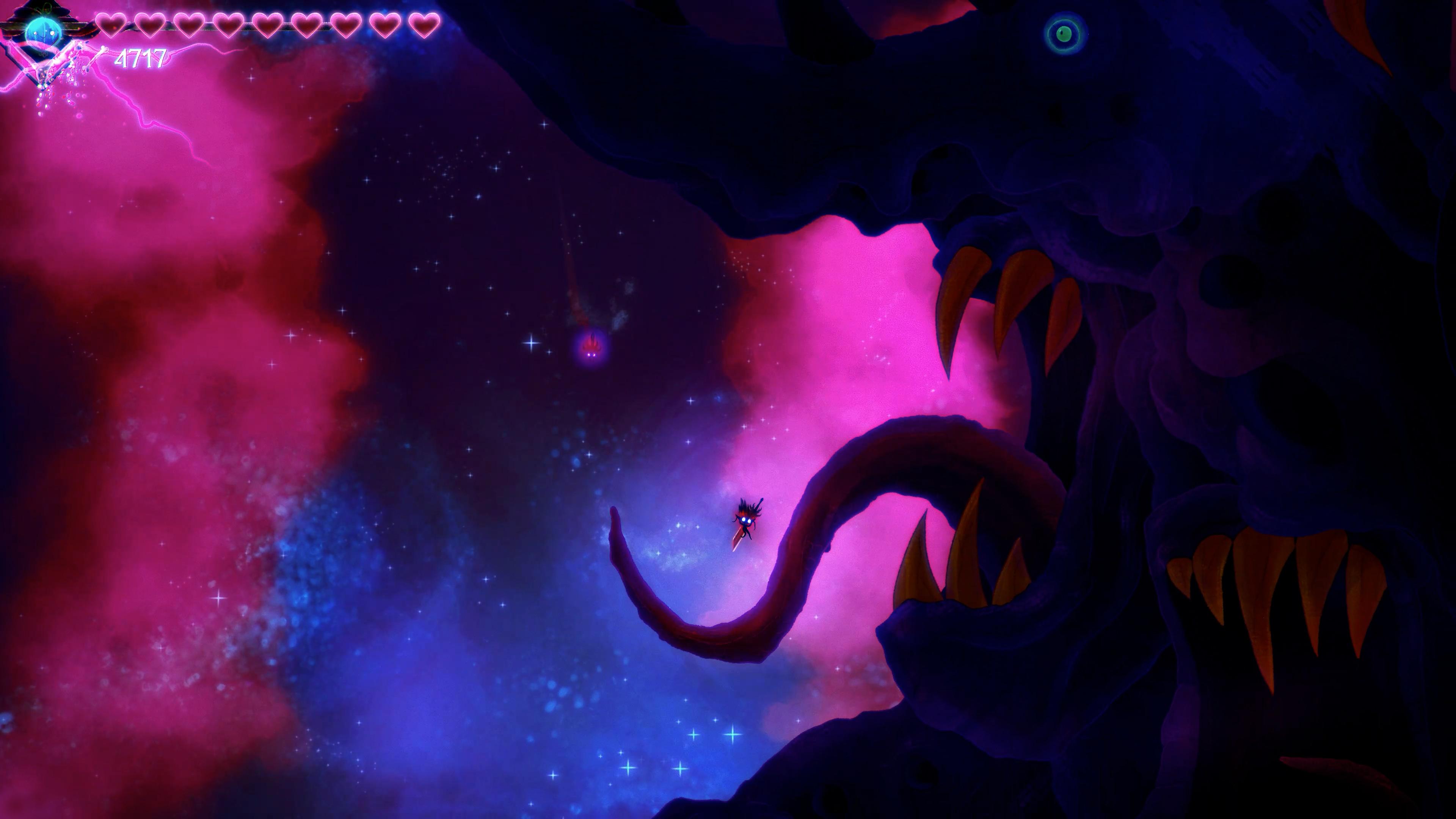
Deep underground, Gloom Girl discovers DOOMBLADE, a sentient weapon hellbent on escape after eons in chains.
Together, “Doom and Gloom” embark on a vengeful quest to unlock the powerful abilities and destroy the Dread Lords once and for all in this 2D Action Metroidvania.
Wielding DOOMBLADE, Gloom Girl can ride through the air to attack enemies. Target monsters to attack them directly, and slay them with DOOMBLADE’s wrath! ...
System Requirements
- OS
- Windows 10
- Processor
- Intel Core i5 @ 2.0 GHz
- Memory
- 8 GB RAM
- Graphics
- GeForce GTX 1050 or AMD Radeon RX Vega 56 4 GB
- Storage
- 12 GB available space
- Additional Notes
- 16:9 resolution
- Additional Notes
- SSD hard drive
Legal information
DOOMBLADE © 2017-2023 Muro Studios. Developed by Muro Studios. Licensed exclusively to and published by Iceberg Interactive B.V. Iceberg Interactive design and mark are registered trademarks of Iceberg Interactive B.V. Microsoft®, Windows® and DirectX® are registered trademarks of Microsoft Corporation. All other brands, product names, and logos are trademarks or registered trademarks of their respective owners. All rights reserved. Made in Finland.