

How to activate
- Install Steam and sign in to your account (a free account is enough).
- In the top menu choose Games → Activate a Product on Steam…
- Enter your key exactly as shown in your order (with dashes) and confirm. The game appears in your library.
About
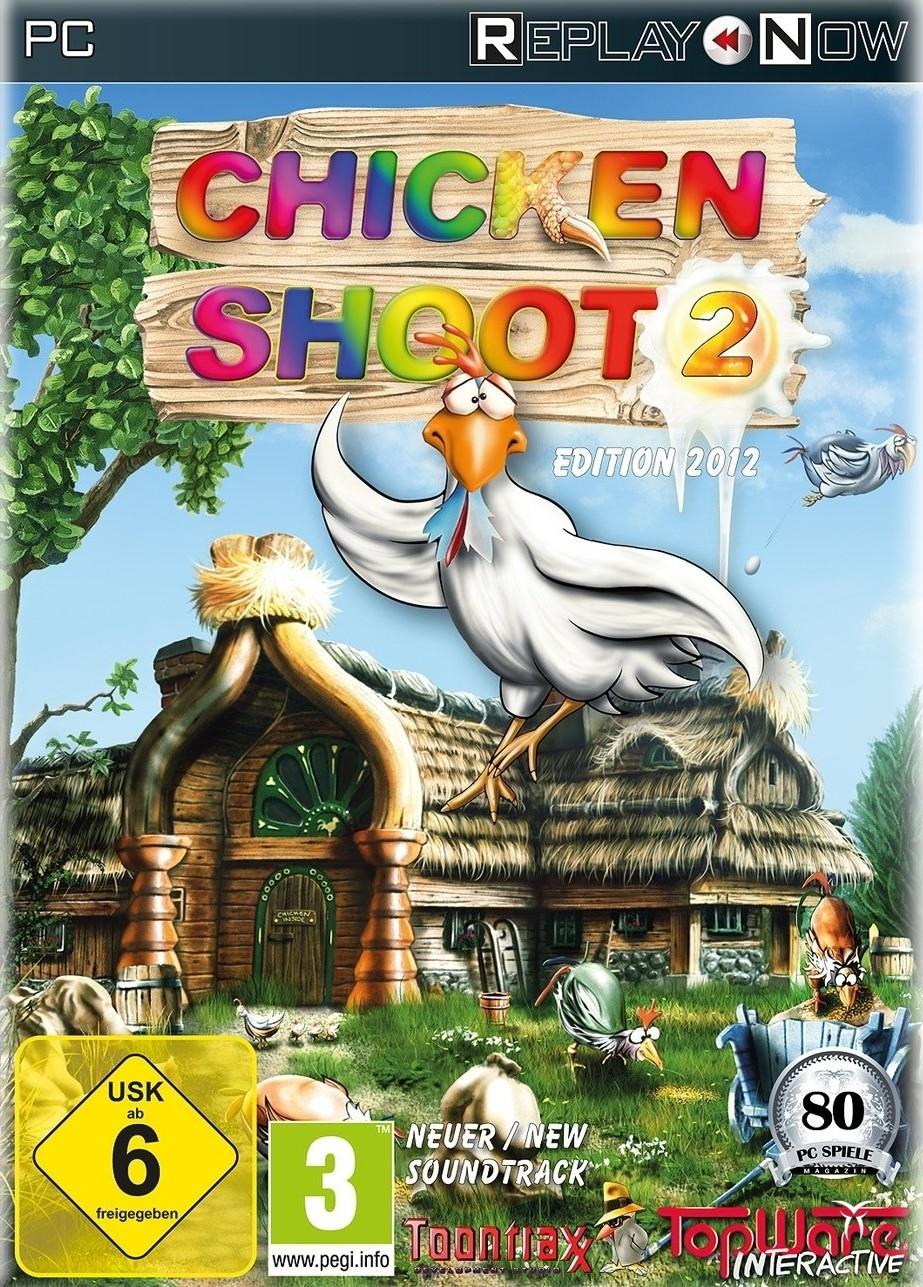
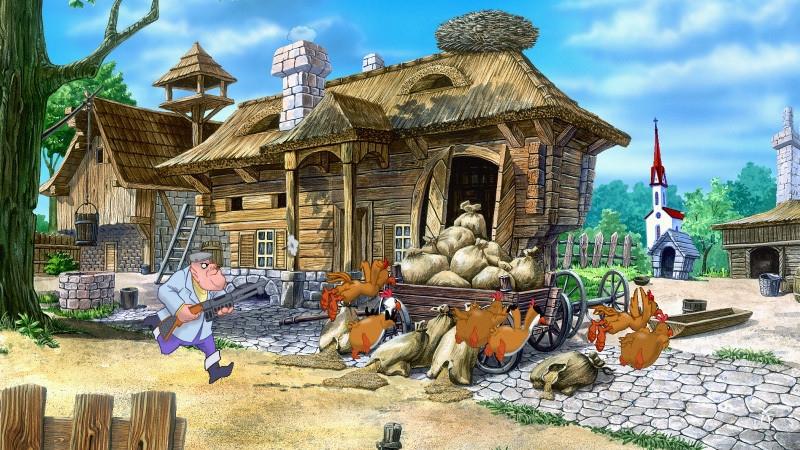
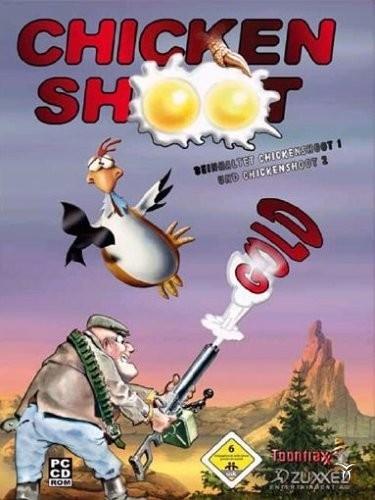
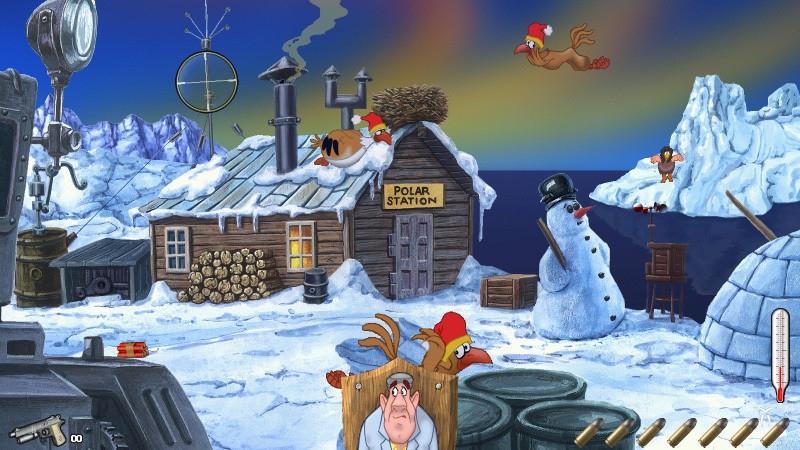
This tiresome bunch of feathered troublemakers is not giving any peace. Stop this hostile destruction from these rampaging roosters in Arcade mode, or fight against the clock in Classic mode in three difficulty levels. Six fabulous landscapes (in Chicken Shoot 1) and another seven landscapes (in Chicken Shoot 2) enchant the player again and again revealing new secrets and gimmicks every time. Punctuated with loads of original sound effects and underscored with idyllic music both parts will amuse not only the lone player, but the whole family with its variety of comic chicken animations, unique ...
System Requirements
Minimum
- Graphic
- 16MB
- Other
- 3-buttons mouse
- Other
- Internet connection required
- Other
- Keyboard requirement
- OS
- Windows XP
- OS
- Windows 7
- OS
- Windows Vista
- OS
- Windows 8
- Processor
- AMD Singlecore CPU
- Processor
- Intel Singlecore CPU
- Memory
- 0.512GB
- Storage
- 0.25GB
- Sound Card
- DirectX compatible
Recommended
- Other
- Keyboard requirement
- Other
- Internet connection required
- Other
- 3-buttons mouse
- Graphic
- 32MB
- OS
- Windows 7
- OS
- Windows Vista
- OS
- Windows XP
- OS
- Windows 8
- Storage
- 0.35GB
- Processor
- AMD Singlecore CPU 1.5GHz
- Processor
- Intel Singlecore CPU 1.5GHz
- Sound Card
- DirectX compatible
- Memory
- 1GB