
Bloodgrounds Supporter Bundle


How to activate
- Install Steam and sign in to your account (a free account is enough).
- In the top menu choose Games → Activate a Product on Steam…
- Enter your key exactly as shown in your order (with dashes) and confirm. The game appears in your library.
About
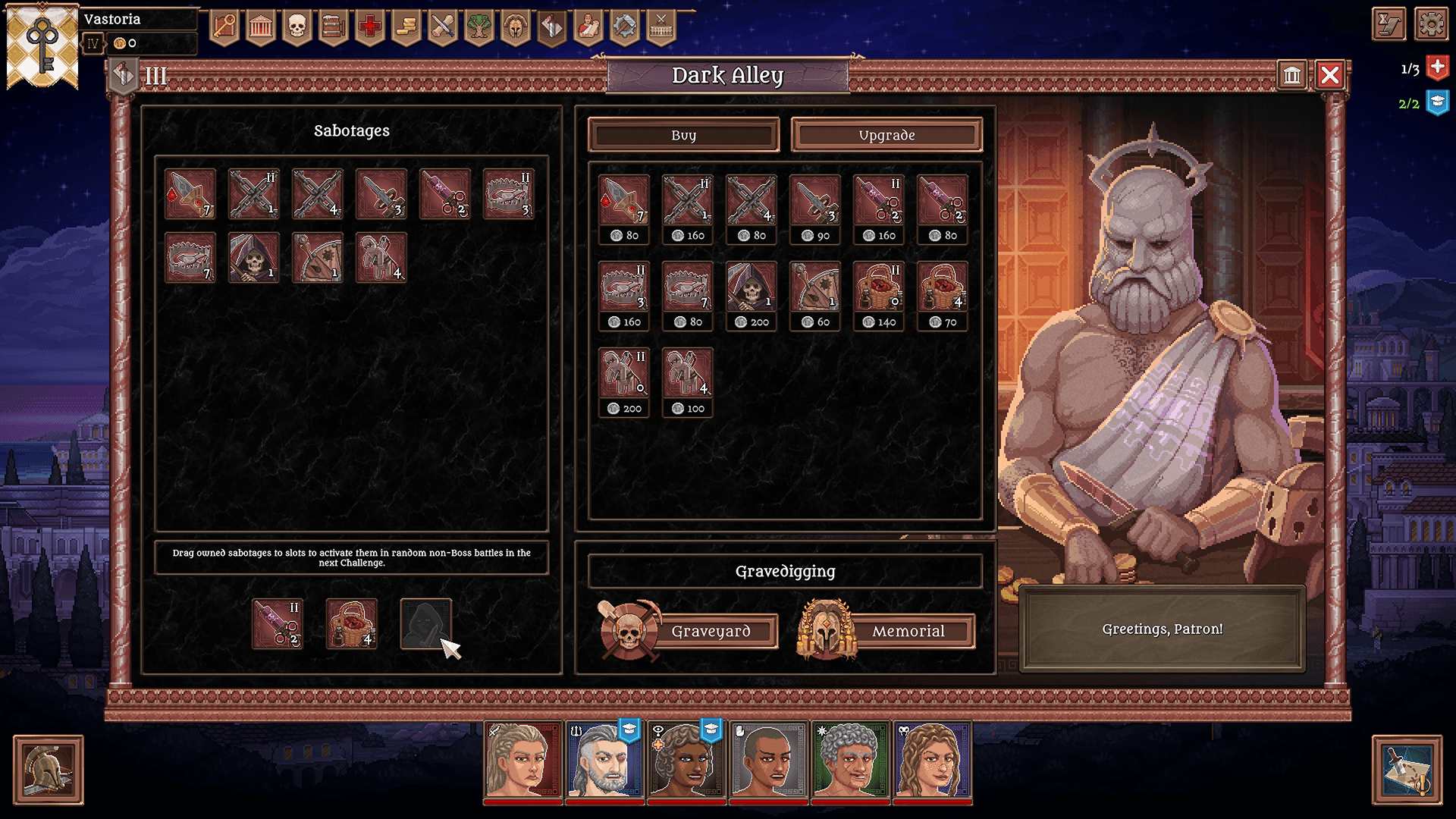
Contains the game Bloodgrounds and the Supporter Pack
System Requirements
Minimum
- Requires a 64-bit processor and operating system
- OS
- Windows 10
- Processor
- Intel Core i5-6400 or AMD FX-8320
- Memory
- 8 GB RAM
- Graphics
- NVIDIA GeForce GTX 960 or AMD Radeon R9 280
- DirectX
- Version 11
- Storage
- 500 MB available space
Recommended
- Requires a 64-bit processor and operating system
- OS
- Windows 10
- Processor
- Intel Core i5-6400 or AMD FX-8320
- Memory
- 8 GB RAM
- Graphics
- NVIDIA GeForce GTX 960 or AMD Radeon R9 280
- DirectX
- Version 11
- Storage
- 500 MB available space
Legal information
© 2025 Daedalic Entertainment GmbH and Exordium Games. The Daedalic logo is a trademark of Daedalic Entertainment GmbH, Germany. All rights reserved.