






How to activate
- Install Steam and sign in to your account (a free account is enough).
- In the top menu choose Games → Activate a Product on Steam…
- Enter your key exactly as shown in your order (with dashes) and confirm. The game appears in your library.
About
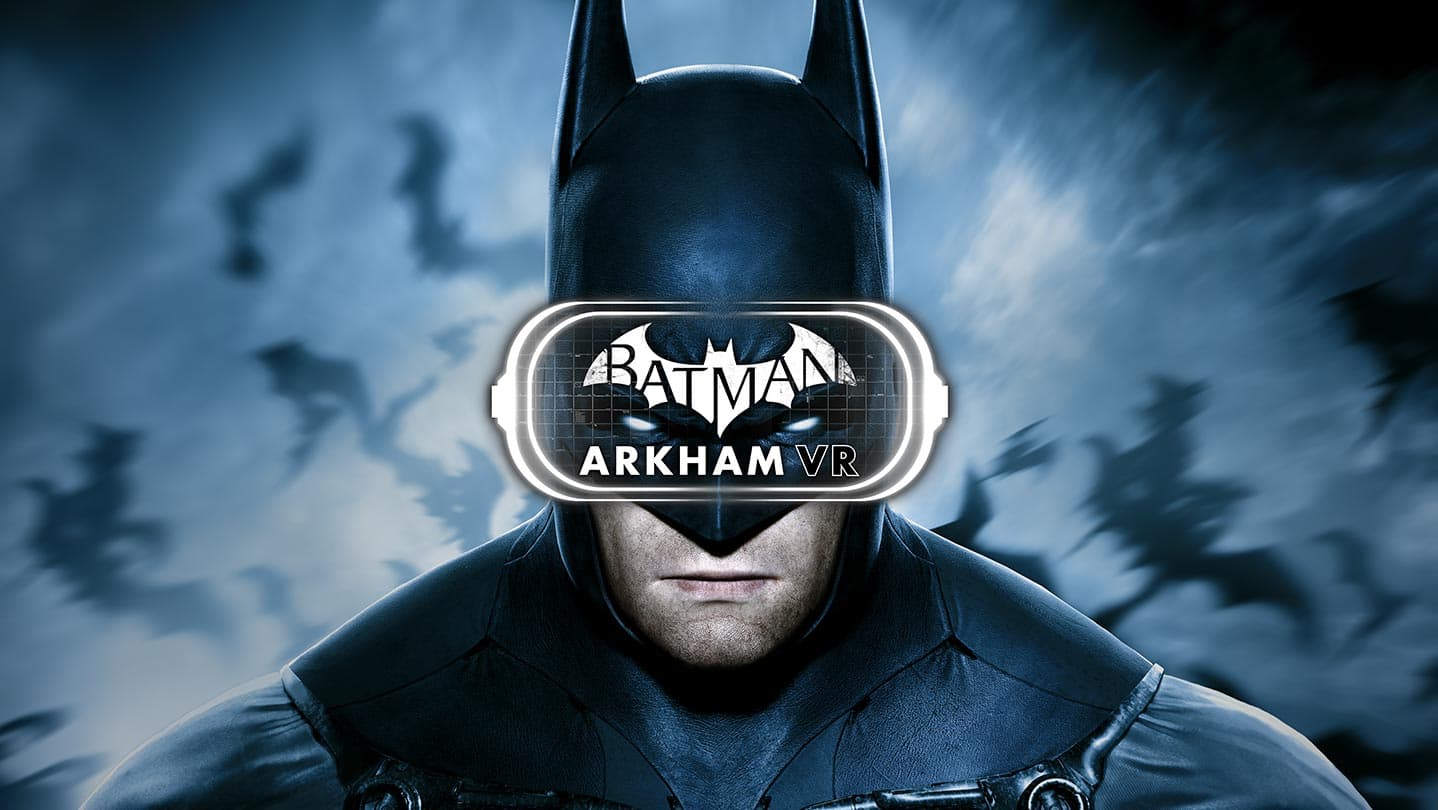
Batman™: Arkham VR immerses you in the Dark Knight's Universe and redefines what it means to be the Batman.
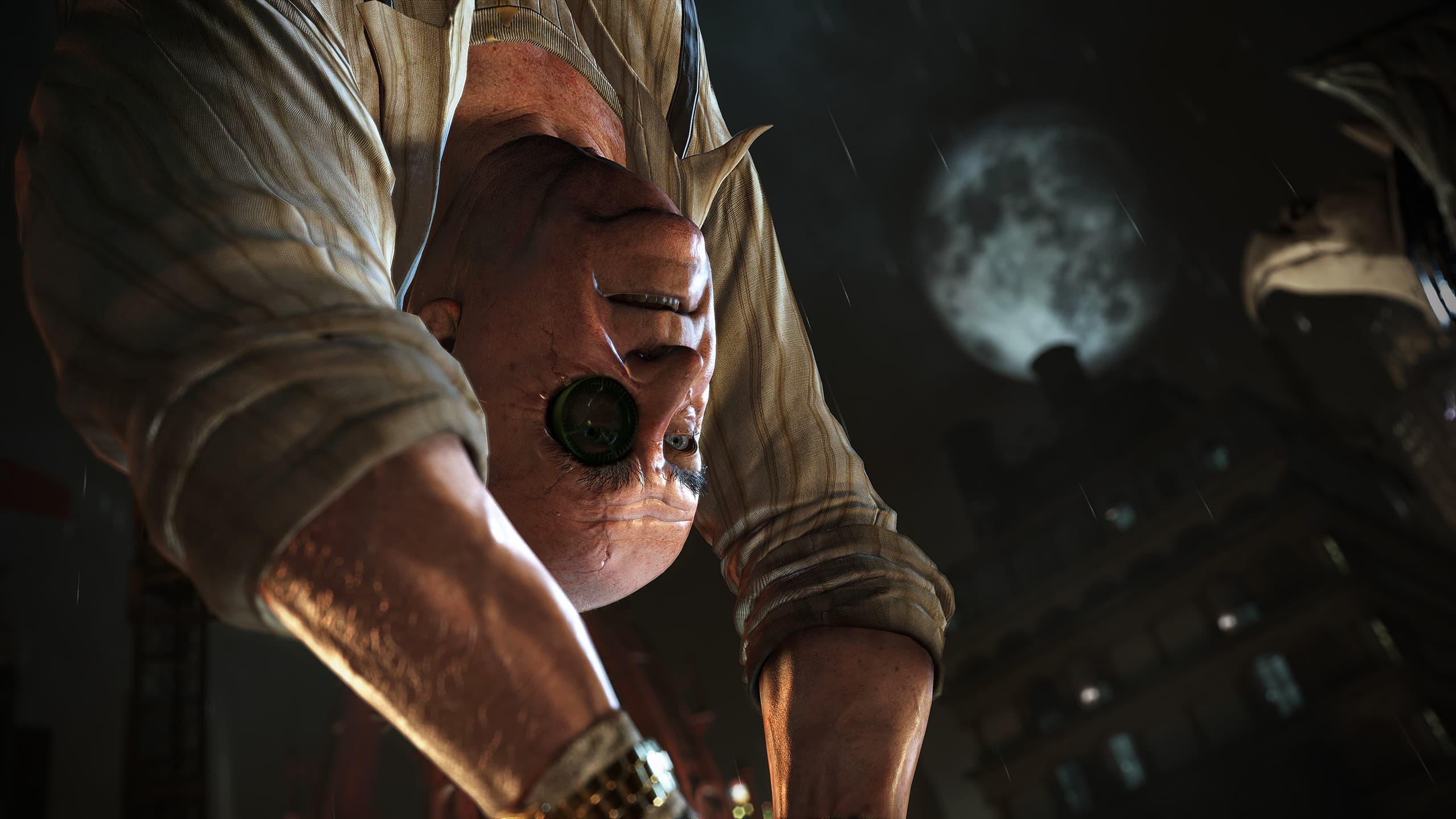
Experience Gotham City through the eyes of the World's Greatest Detective in an all new Arkham mystery.
Think like Batman. Utilize his legendary gadgets in Virtual Reality to unravel a plot that threatens the lives of Batman's closest allies.
System Requirements
Minimum
- Requires a 64-bit processor and operating system
- OS
- 64-bit Windows™ 7 SP1, Windows™ 8.1 or later, or Windows™ 10
- Processor
- Intel™ Core™ i5-4590 equivalent or greater
- Memory
- 8 GB RAM
- Graphics
- NVIDIA GeForce™ GTX 1060 / GTX 970 or AMD Radeon™ RX 480
- DirectX
- Version 11
- Storage
- 10 GB available space
Recommended
- Requires a 64-bit processor and operating system
Legal information
BATMAN: ARKHAM VR software © 2017 Warner Bros. Entertainment Inc. Developed by Rocksteady Studios.
BATMAN and all characters, their distinctive likenesses, and related elements are trademarks of DC Comics © 2017. All Rights Reserved. WB GAMES LOGO, WB SHIELD: ™ & © Warner Bros. Entertainment Inc. (s22)