






How to activate
- Install Steam and sign in to your account (a free account is enough).
- In the top menu choose Games → Activate a Product on Steam…
- Enter your key exactly as shown in your order (with dashes) and confirm. The game appears in your library.
About
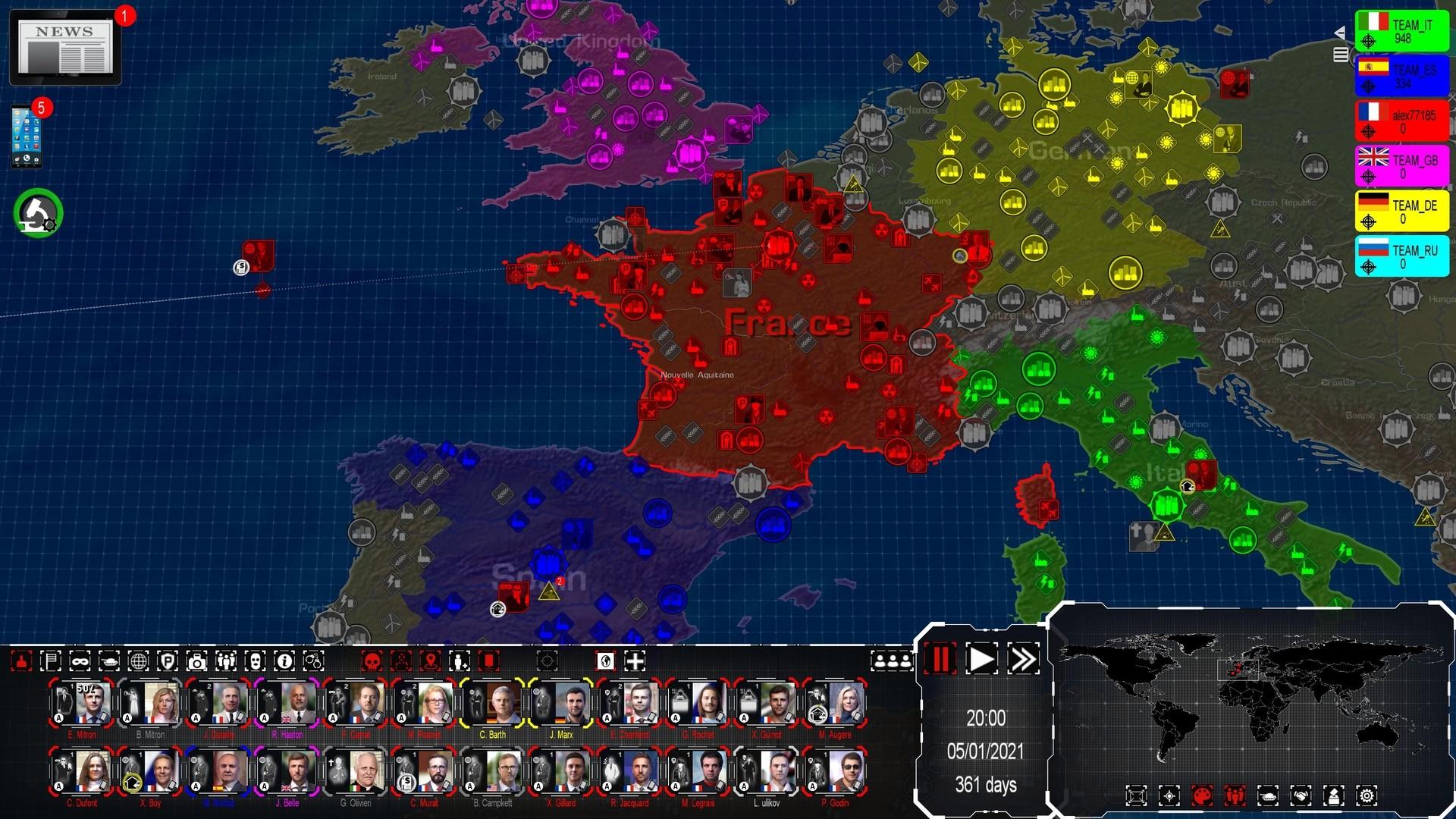
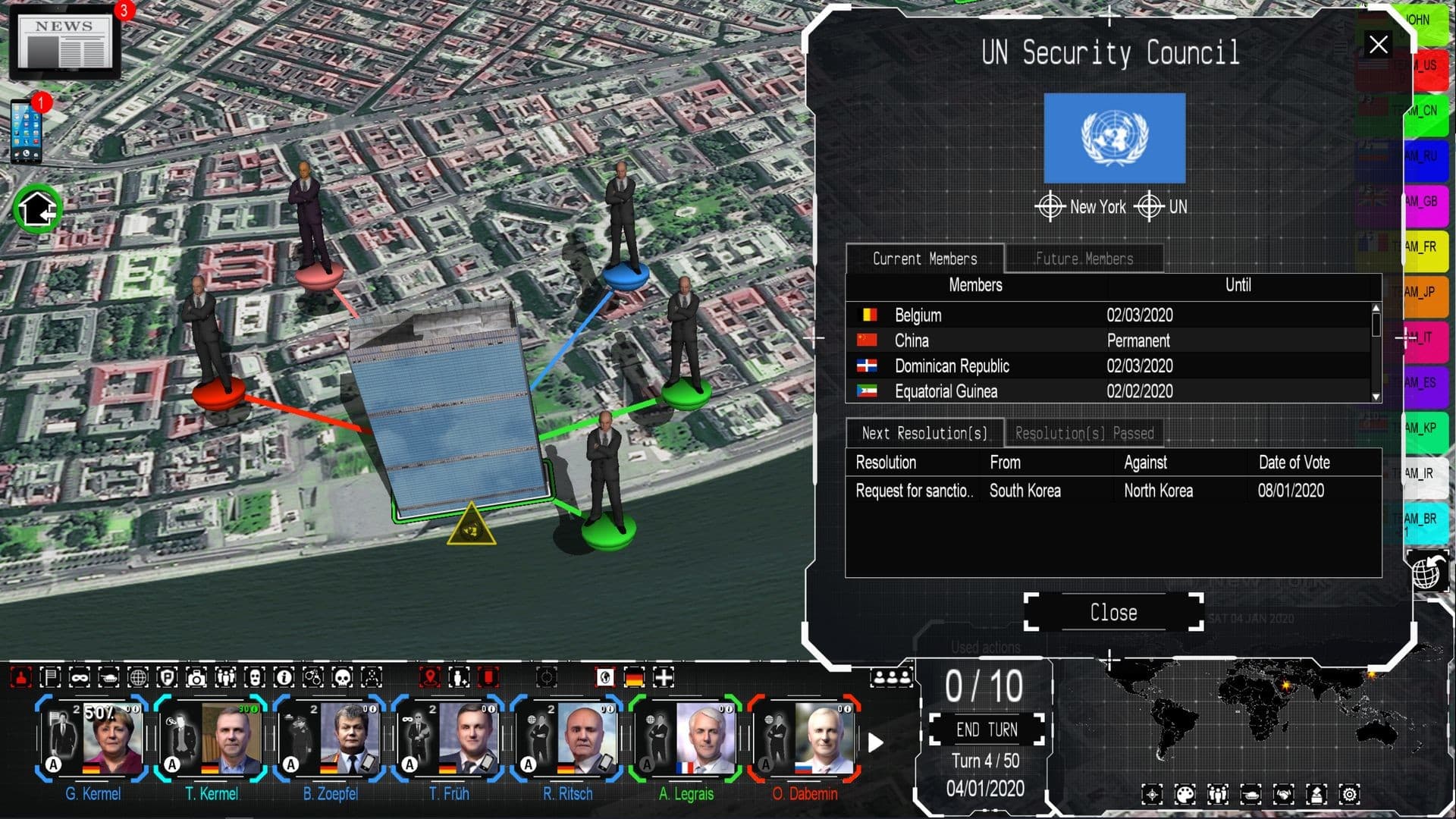
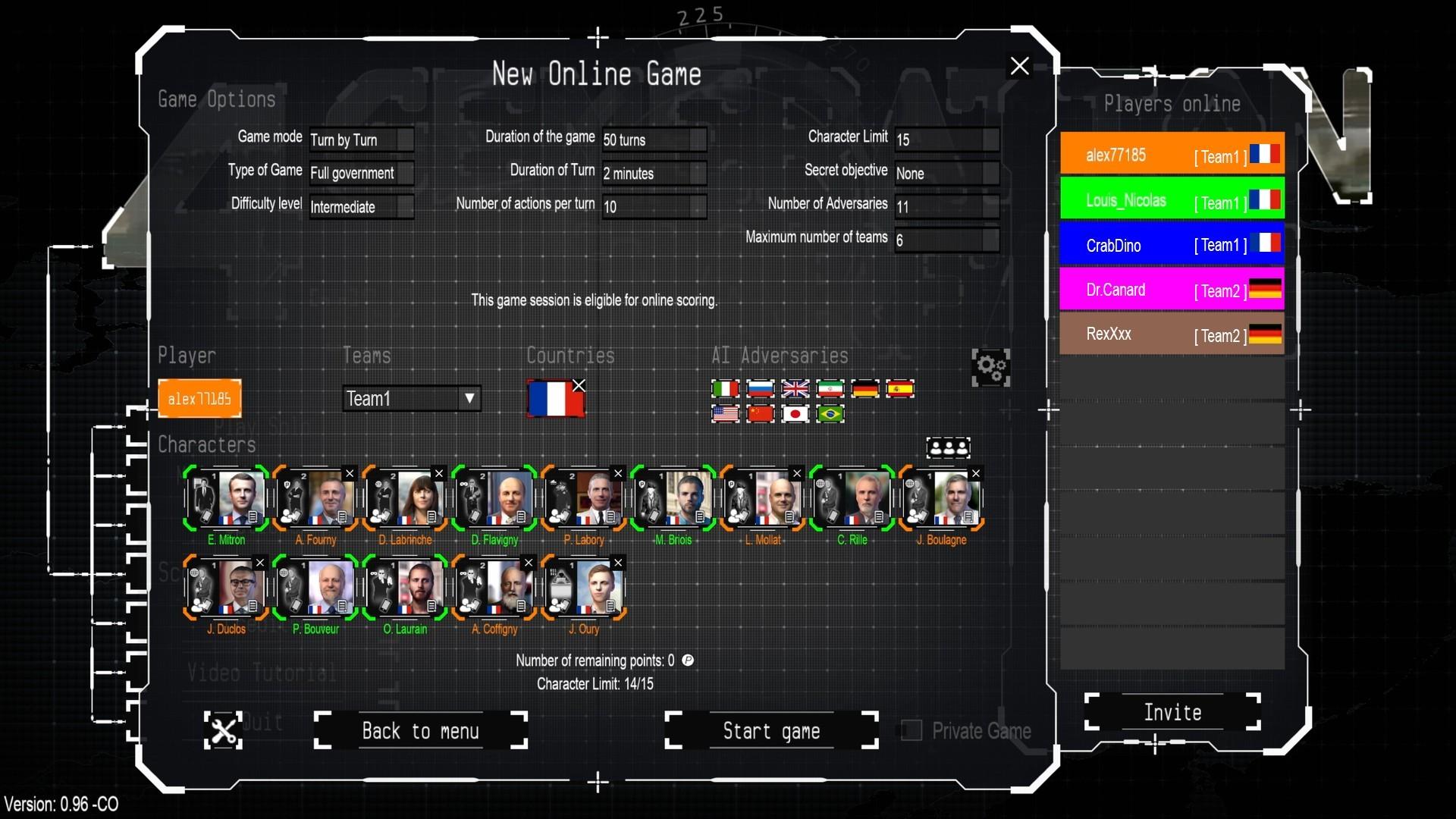
Being a Head of State in the 21st century implies many responsibilities, and making strategic choices in complex geopolitical situations. However, the most impactful decisions are neither the most visible nor the most ethical.
4th Generation Warfare offers a unique combination of strategy and RPG games, set in the depths of 21st century asymmetric warfare where sneak moves are a must. ...
System Requirements
Minimum
- Requires a 64-bit processor and operating system
- OS
- Windows 11, 10, 8
- Processor
- 1.6 GHZ
- Memory
- 4 GB RAM
- Storage
- 4 GB available space
Recommended
- Requires a 64-bit processor and operating system
- OS
- Windows 11, 10, 8
- Processor
- 2 Ghz , multi-core processor
- Memory
- 8 GB RAM
- Graphics
- 3D Video card with 1 Gb or more of dedicated VRAM
- Storage
- 8 GB available space
You may also like
- Power and Revolution 2023 Edition

- Modding Tool Add-on - Power & Revolution 2022 Edition

- Geo-Political Simulator 5

- Modding Tool Add-on - Power & Revolution 2023 Edition

- God'n Spy Add-on - Power & Revolution 2023 Edition

- Deep Network Analyser - 4th Generation Warfare

- “Modding Tool” add-on for Geo-political Simulator 2026 Edition

- Geo-Political Simulator 2026 Edition
